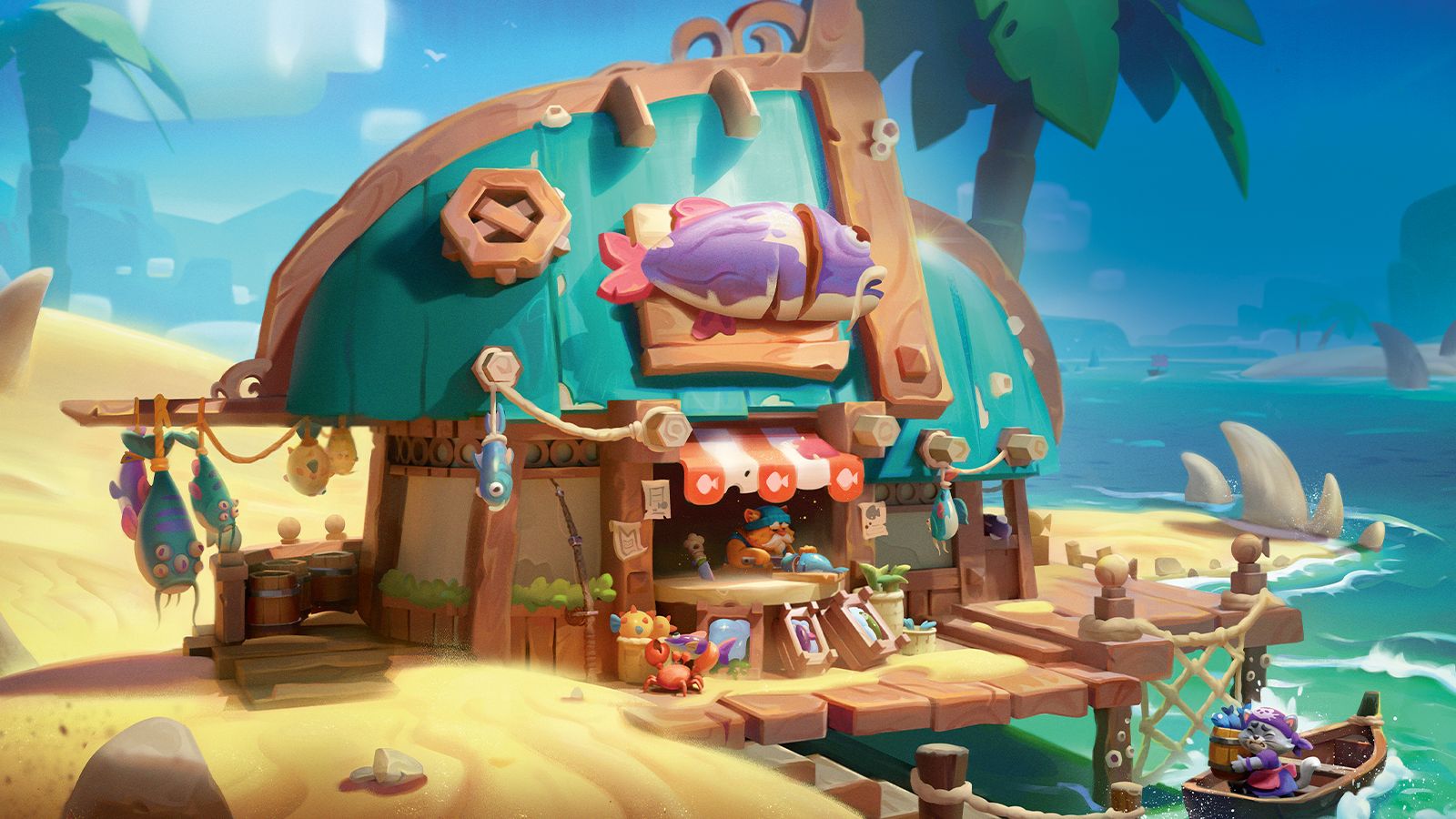
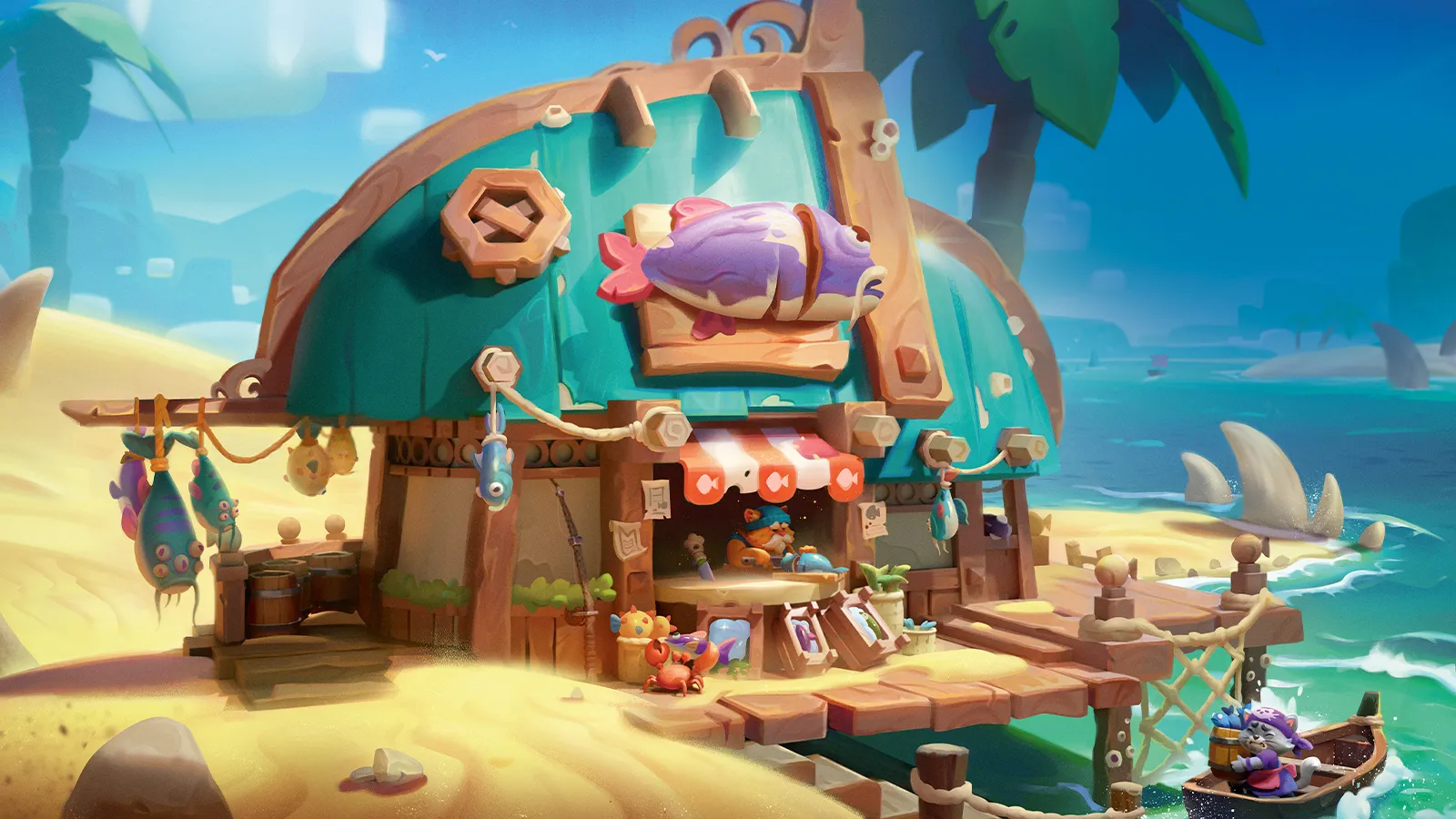
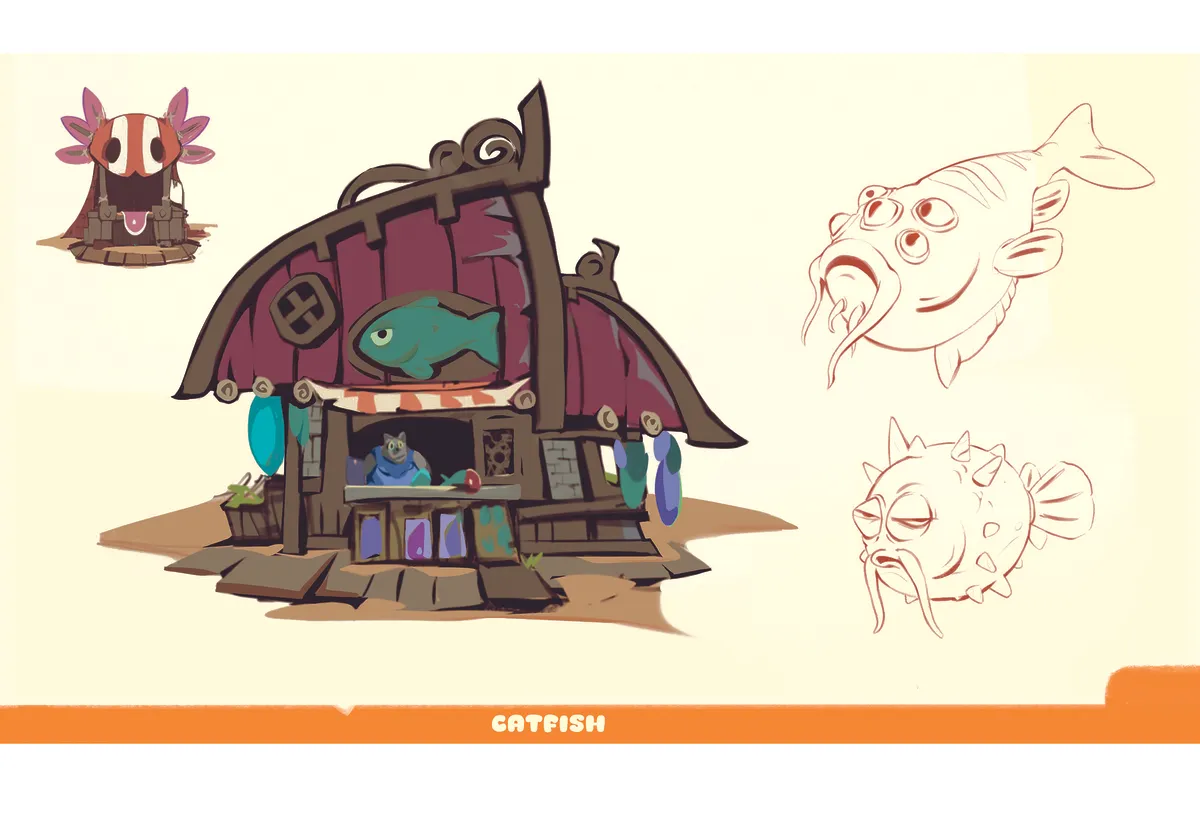
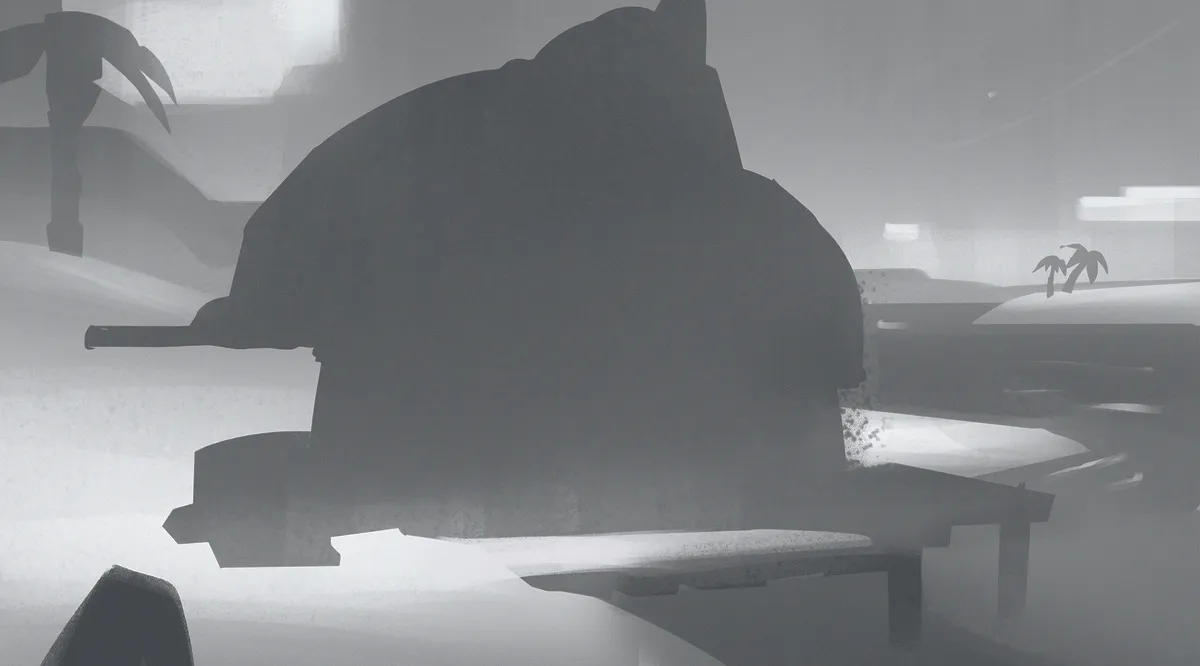
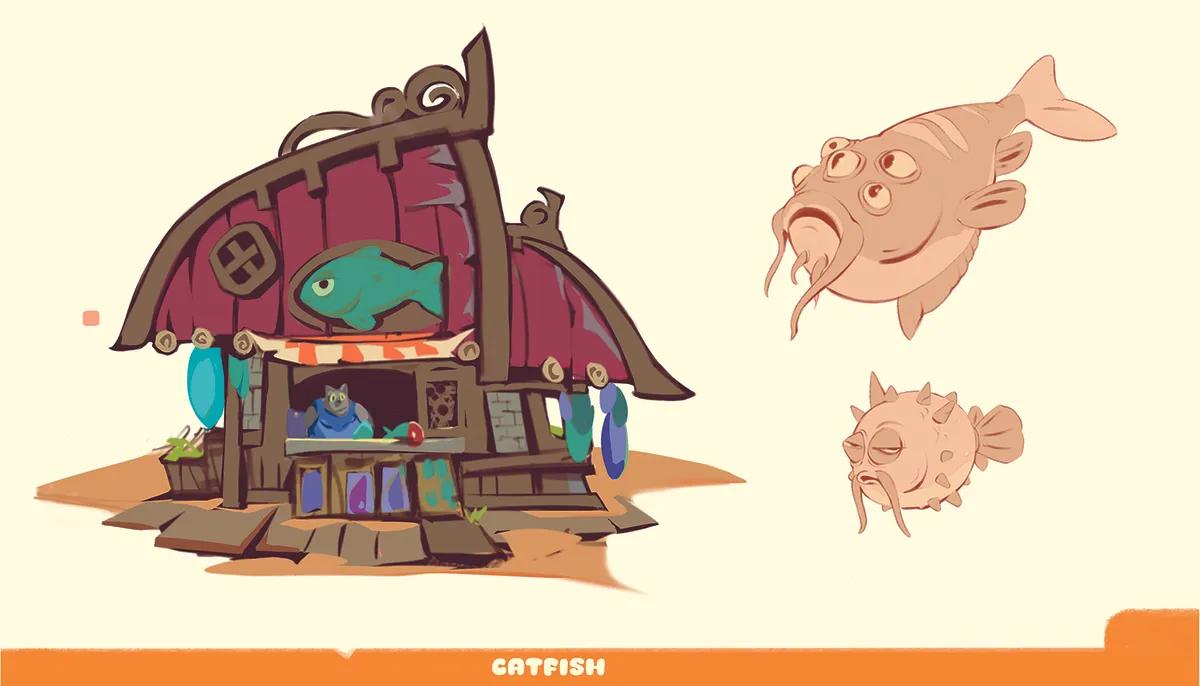
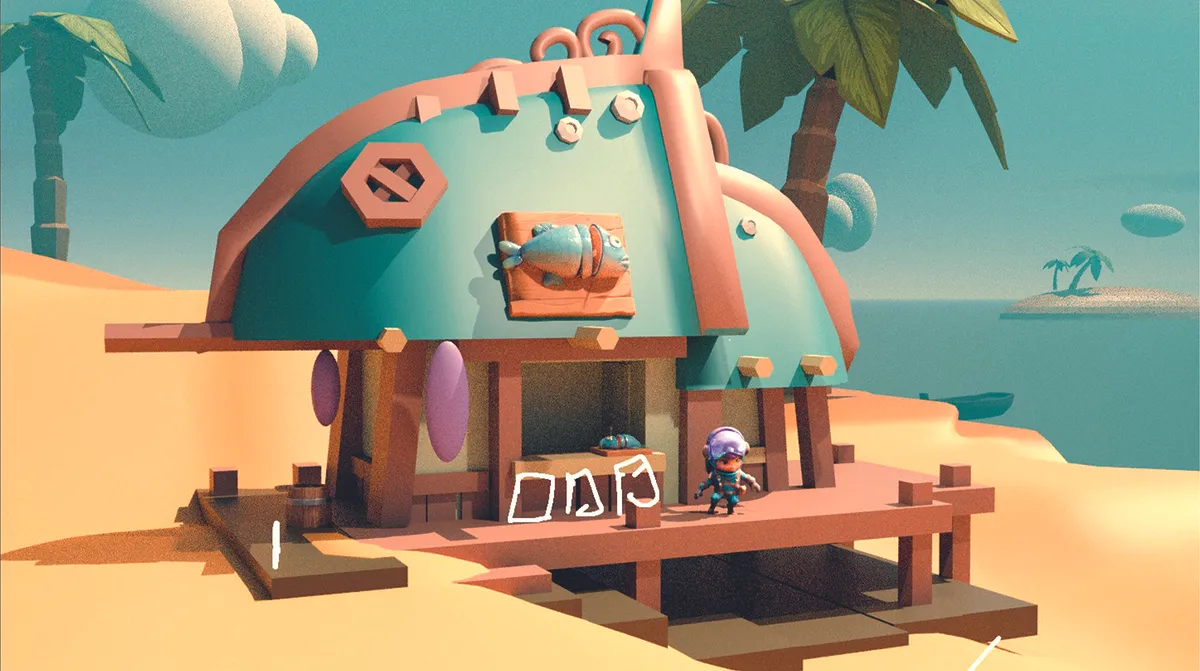
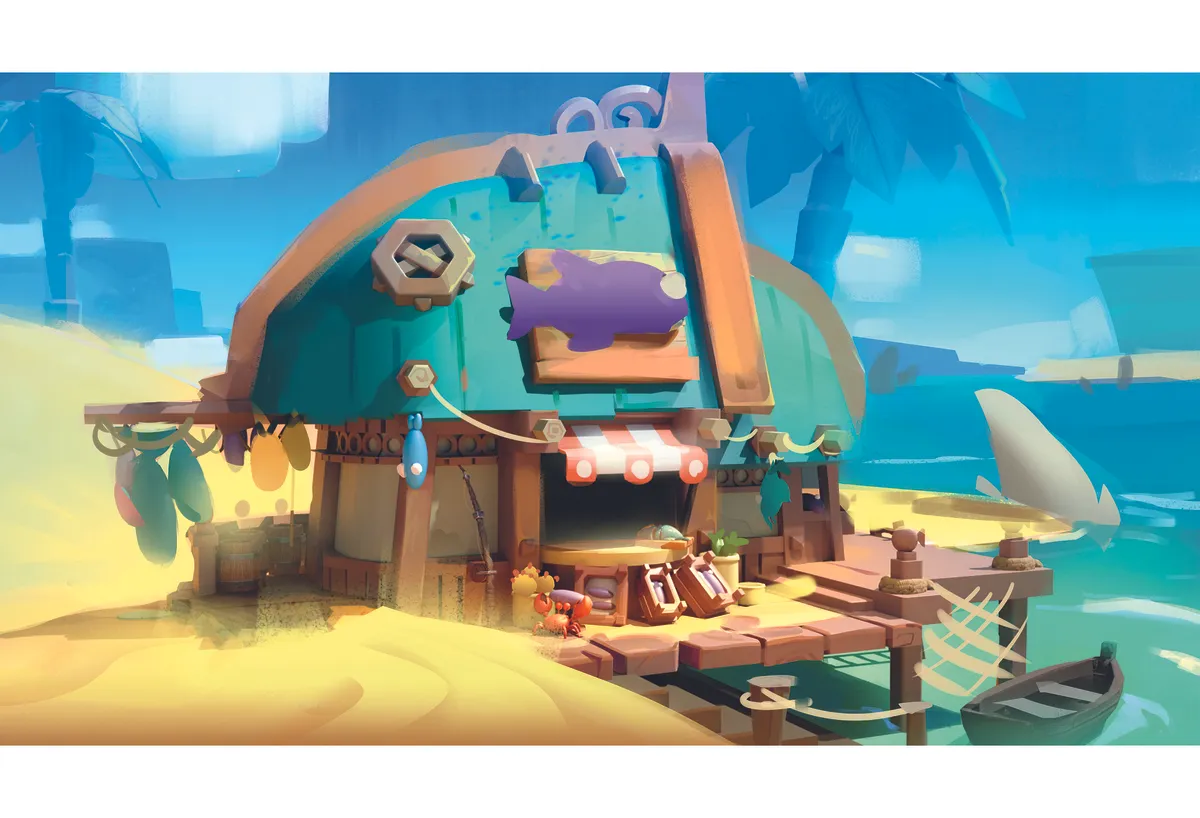
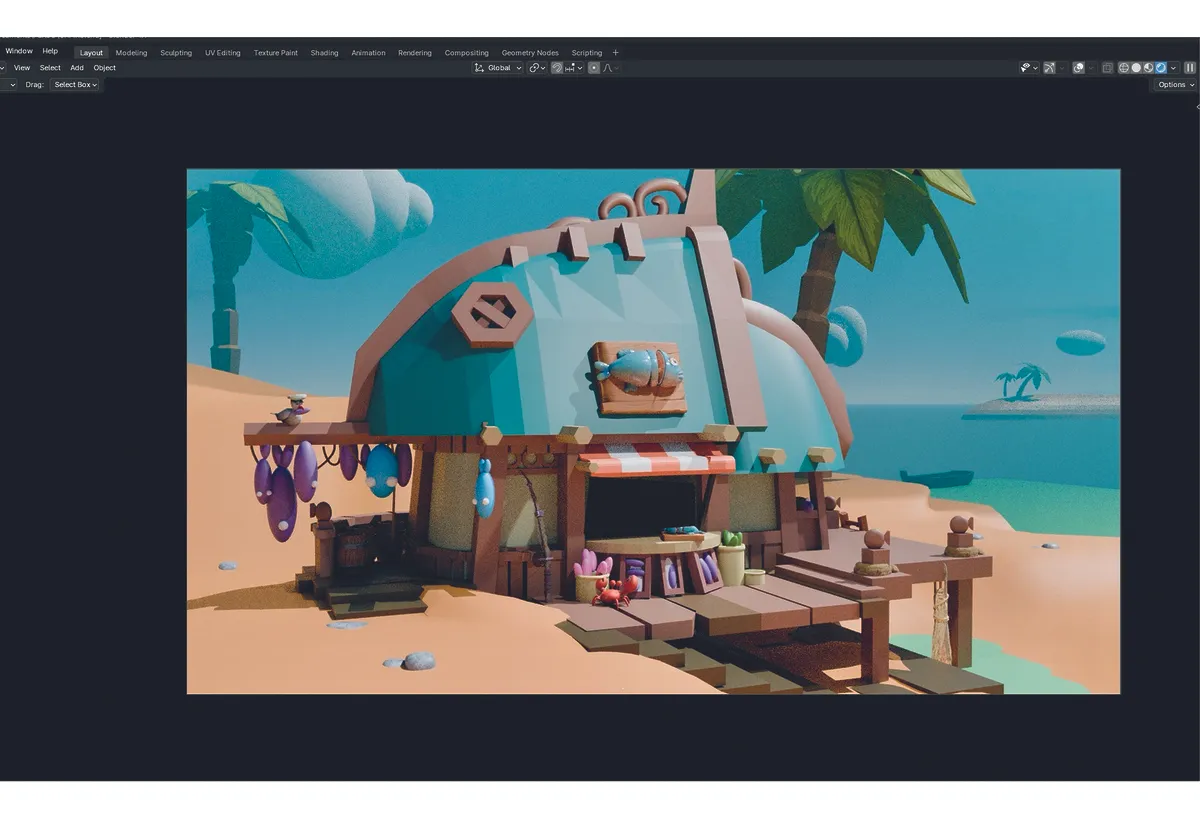
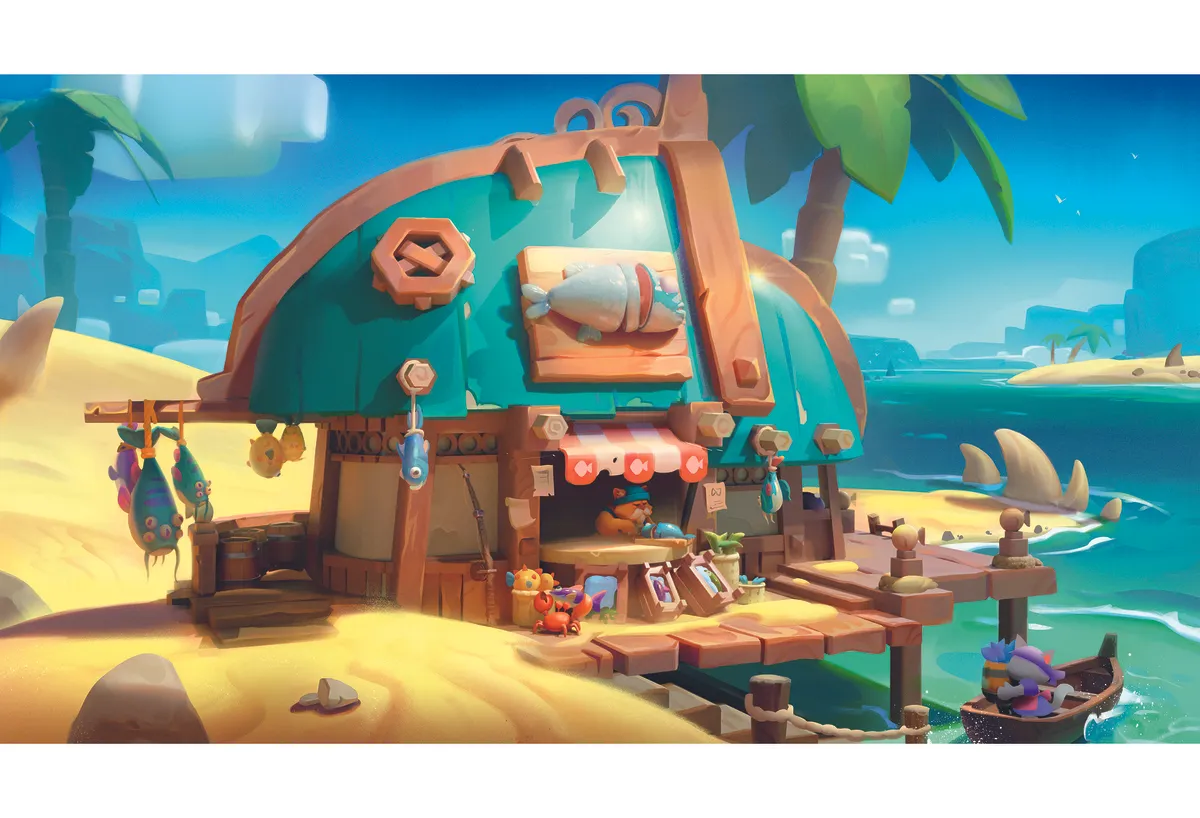
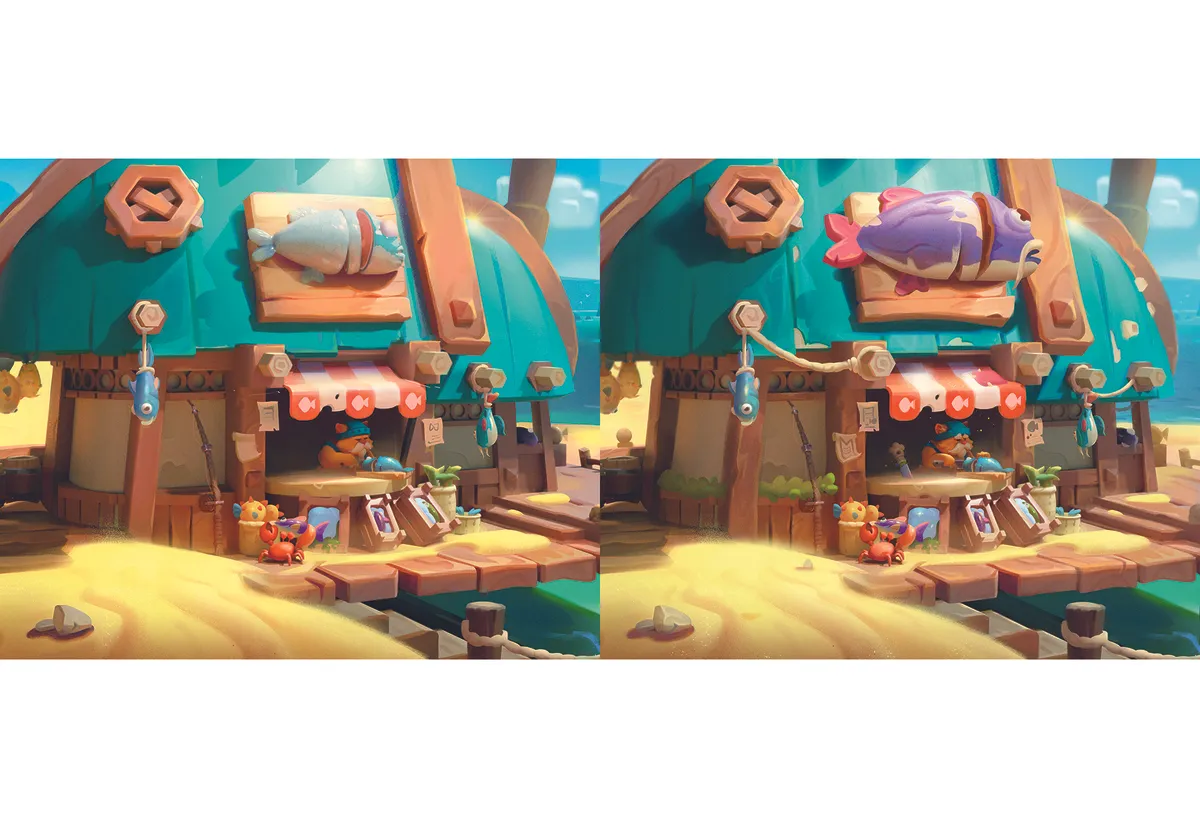
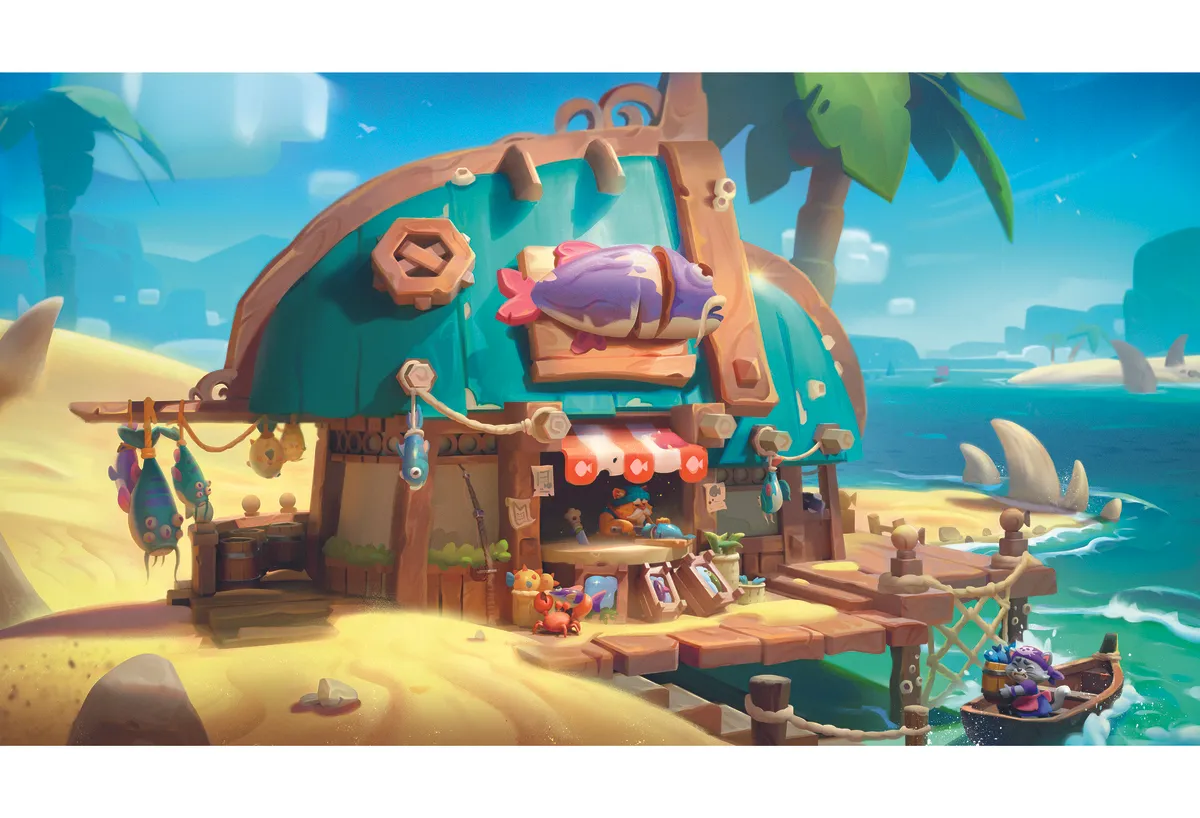
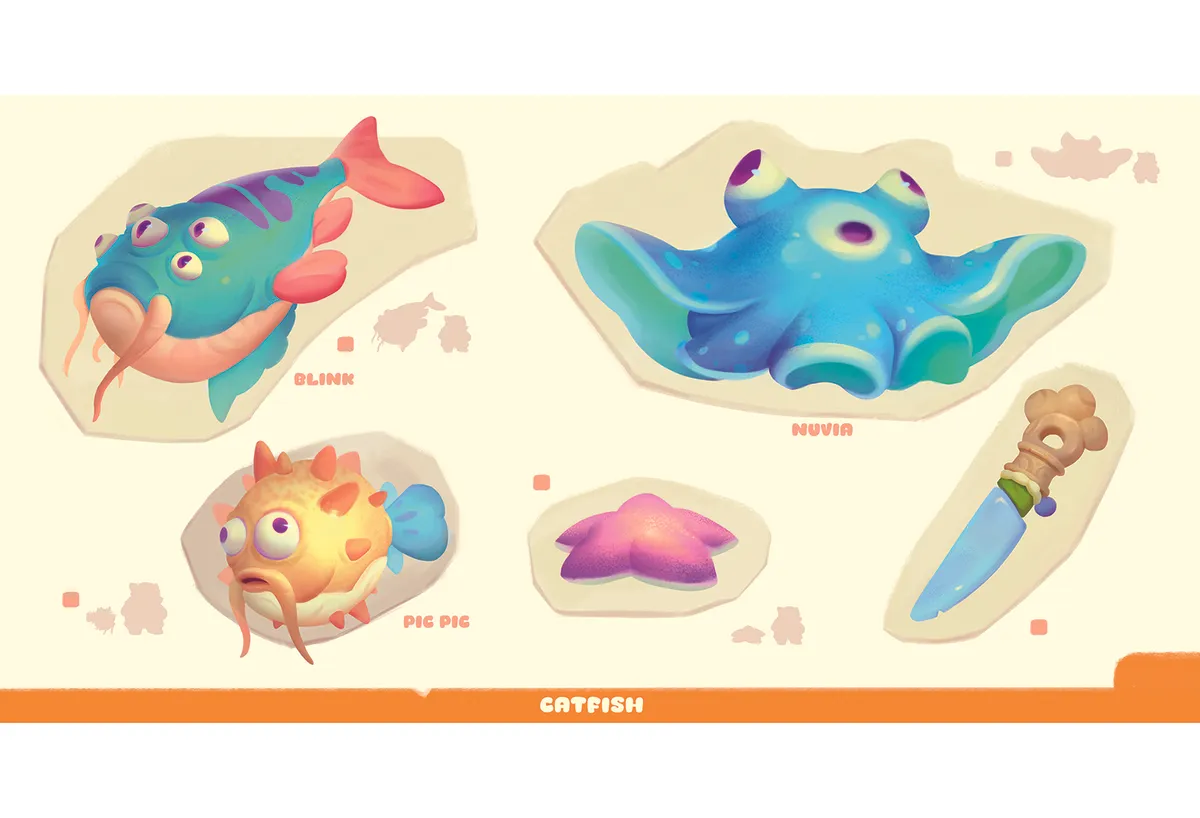
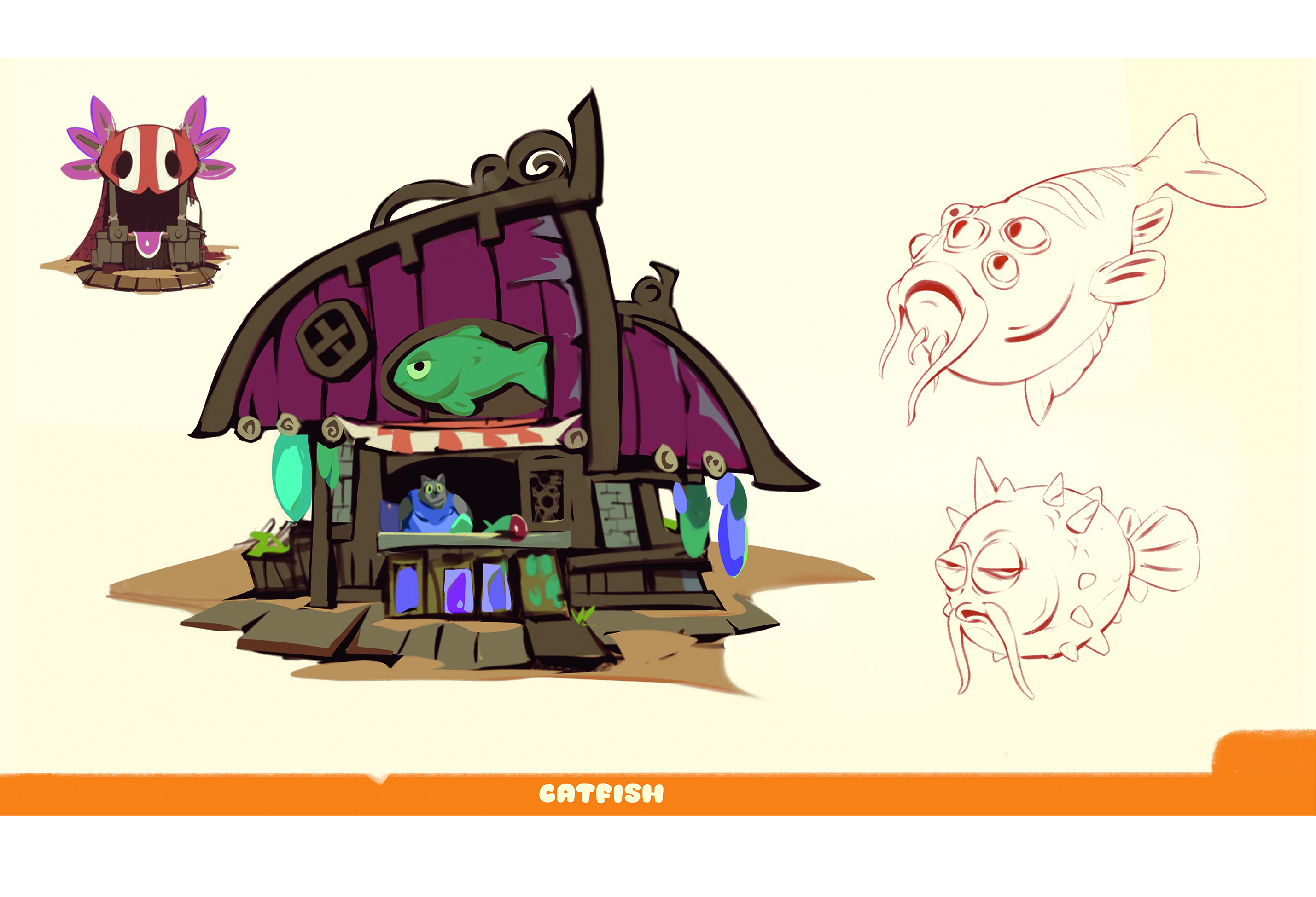
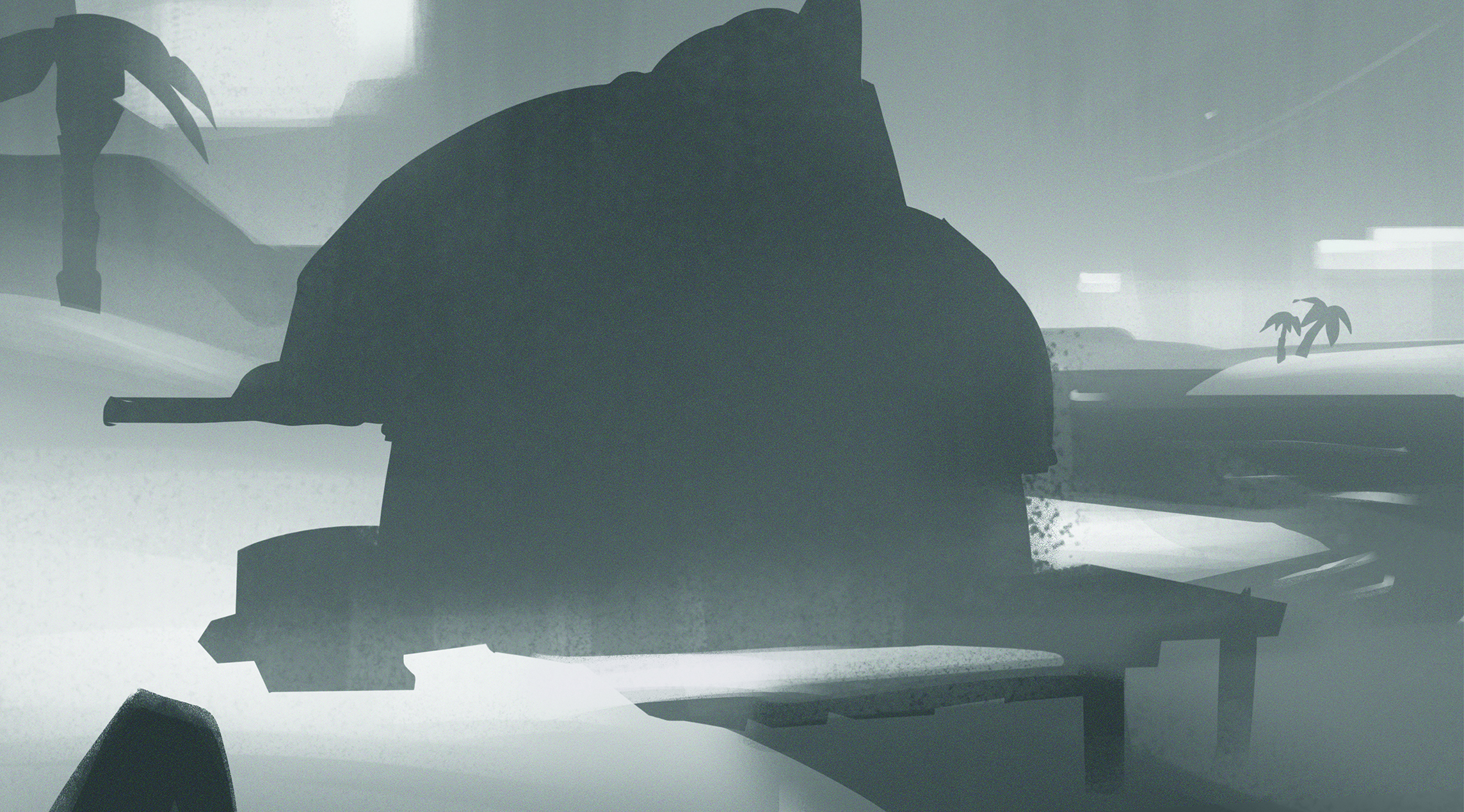
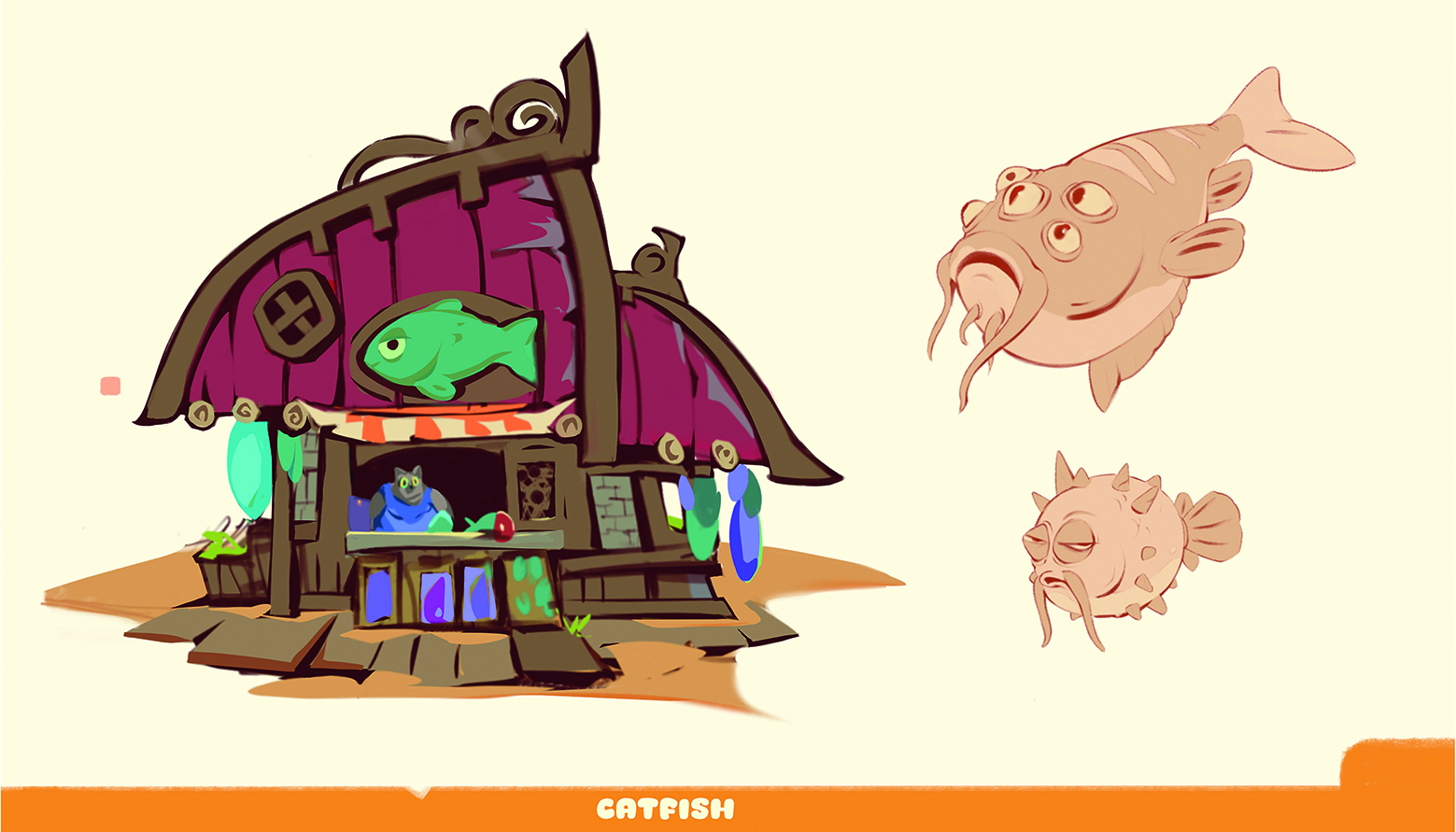
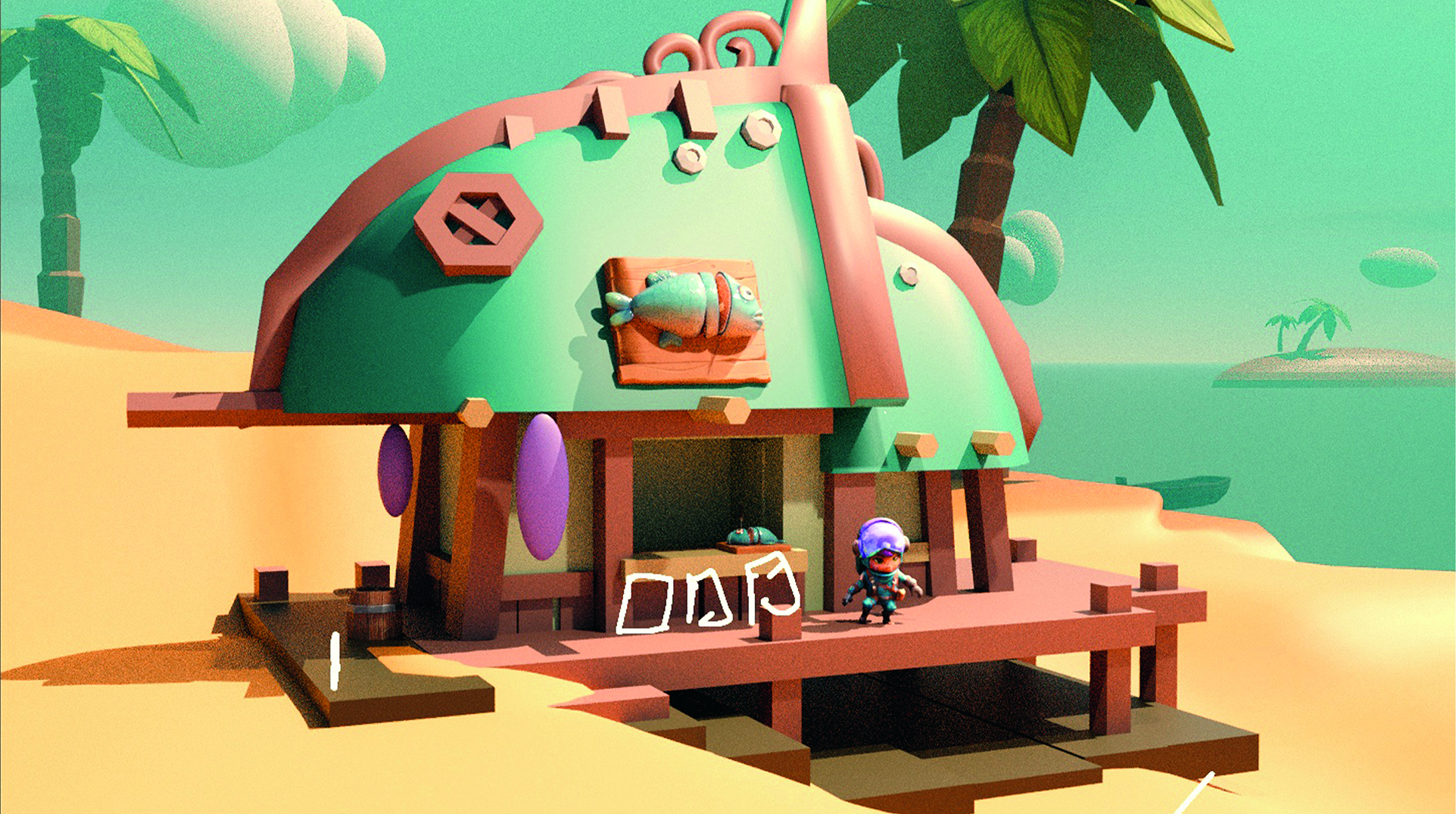
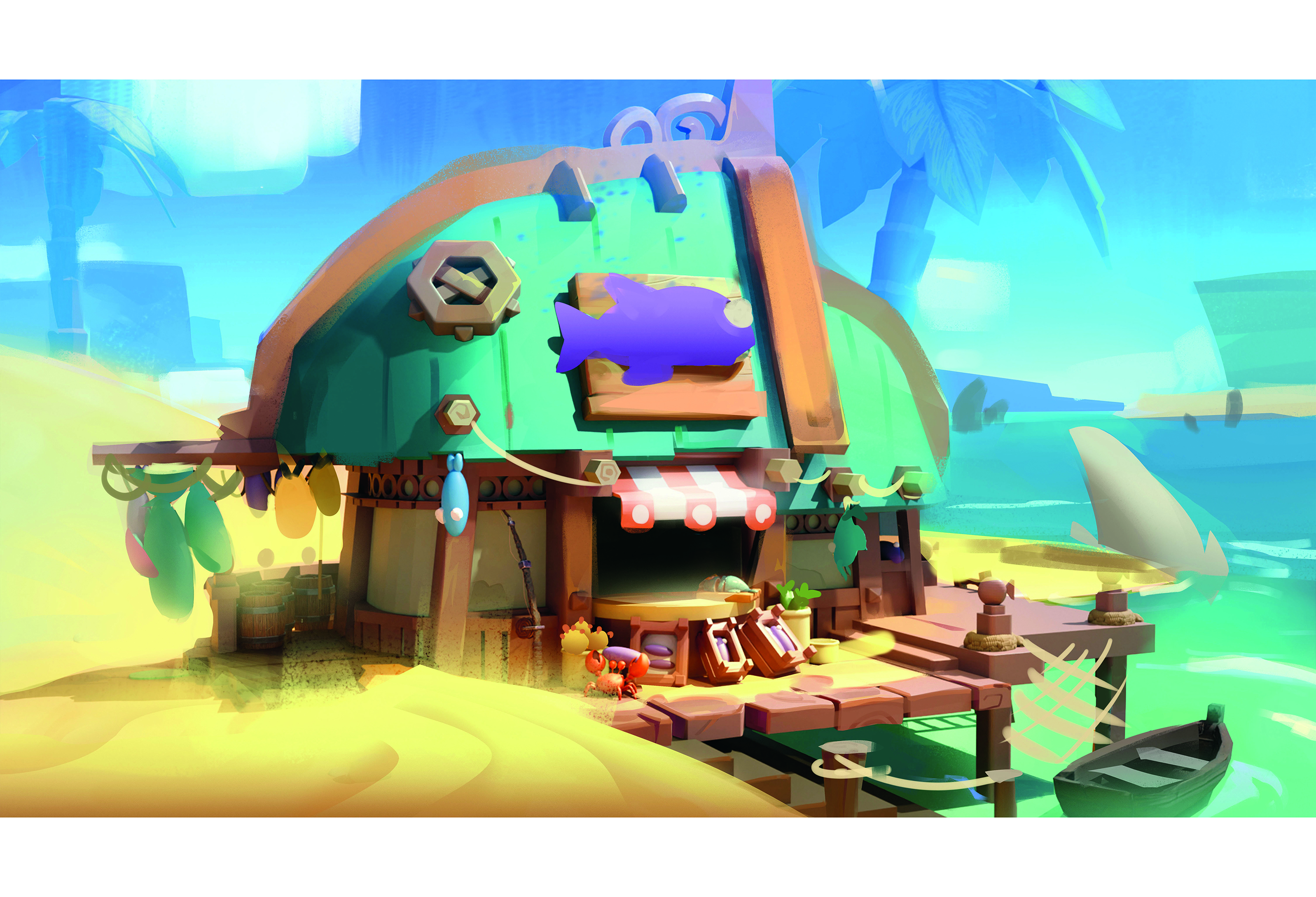
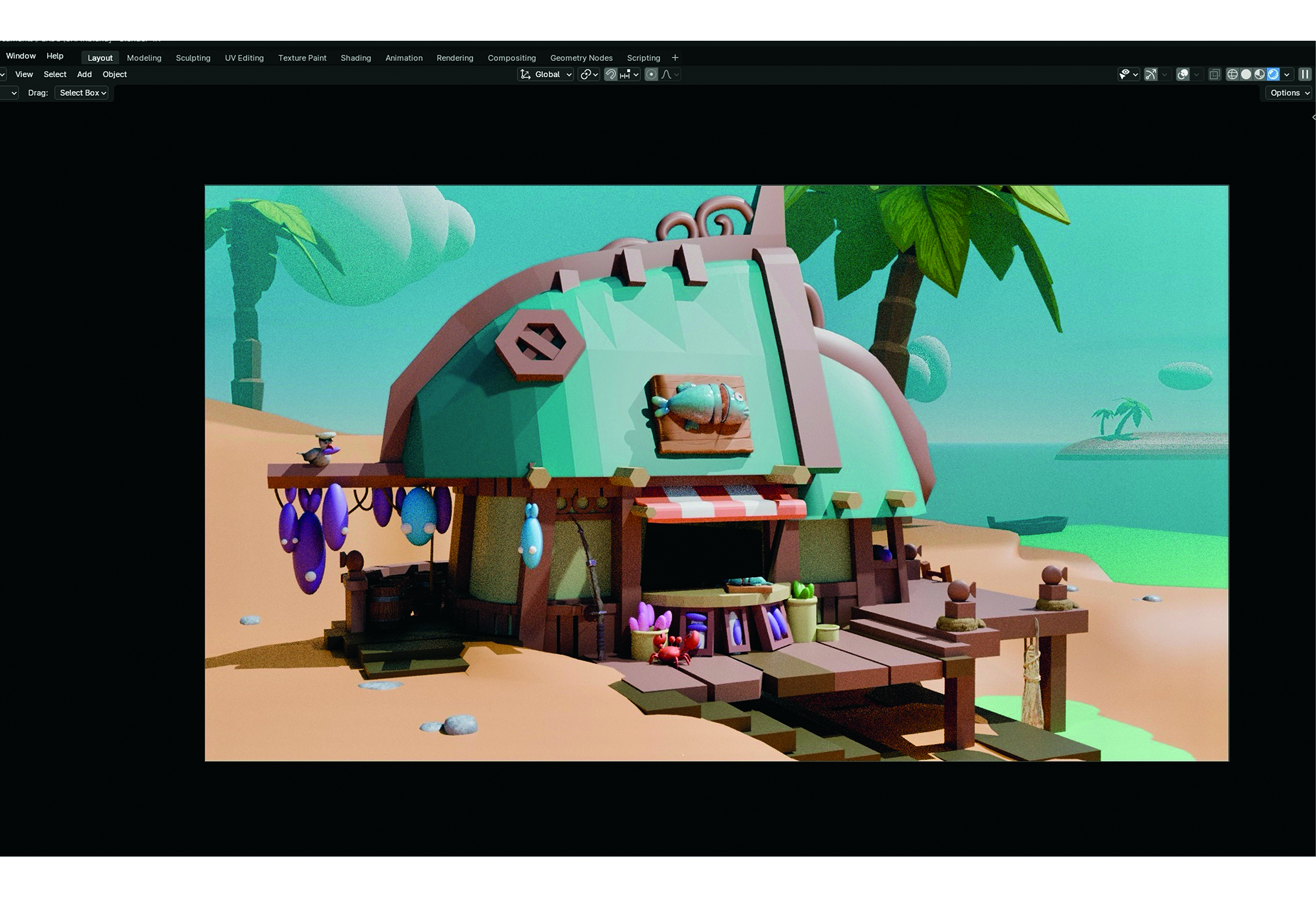
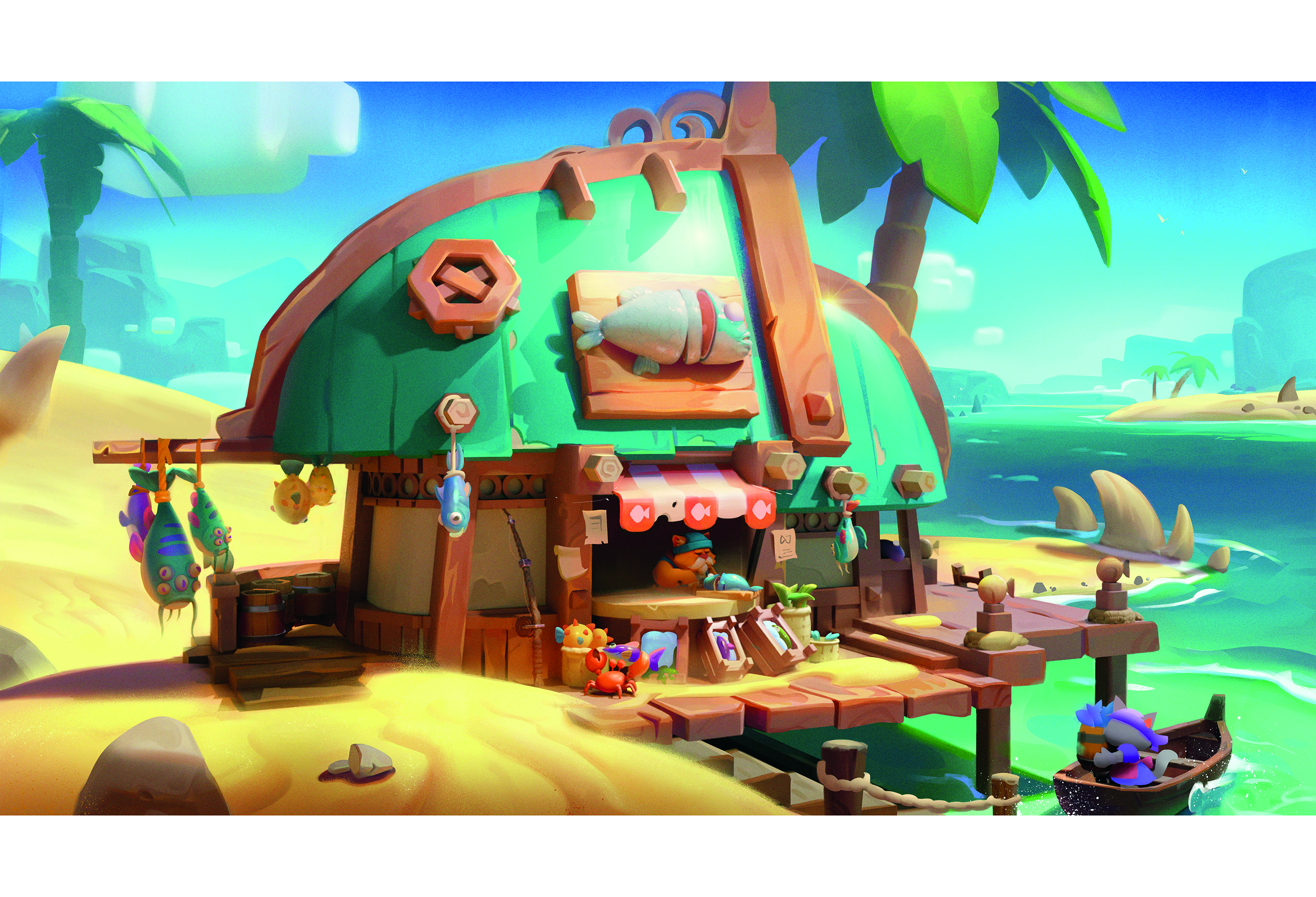
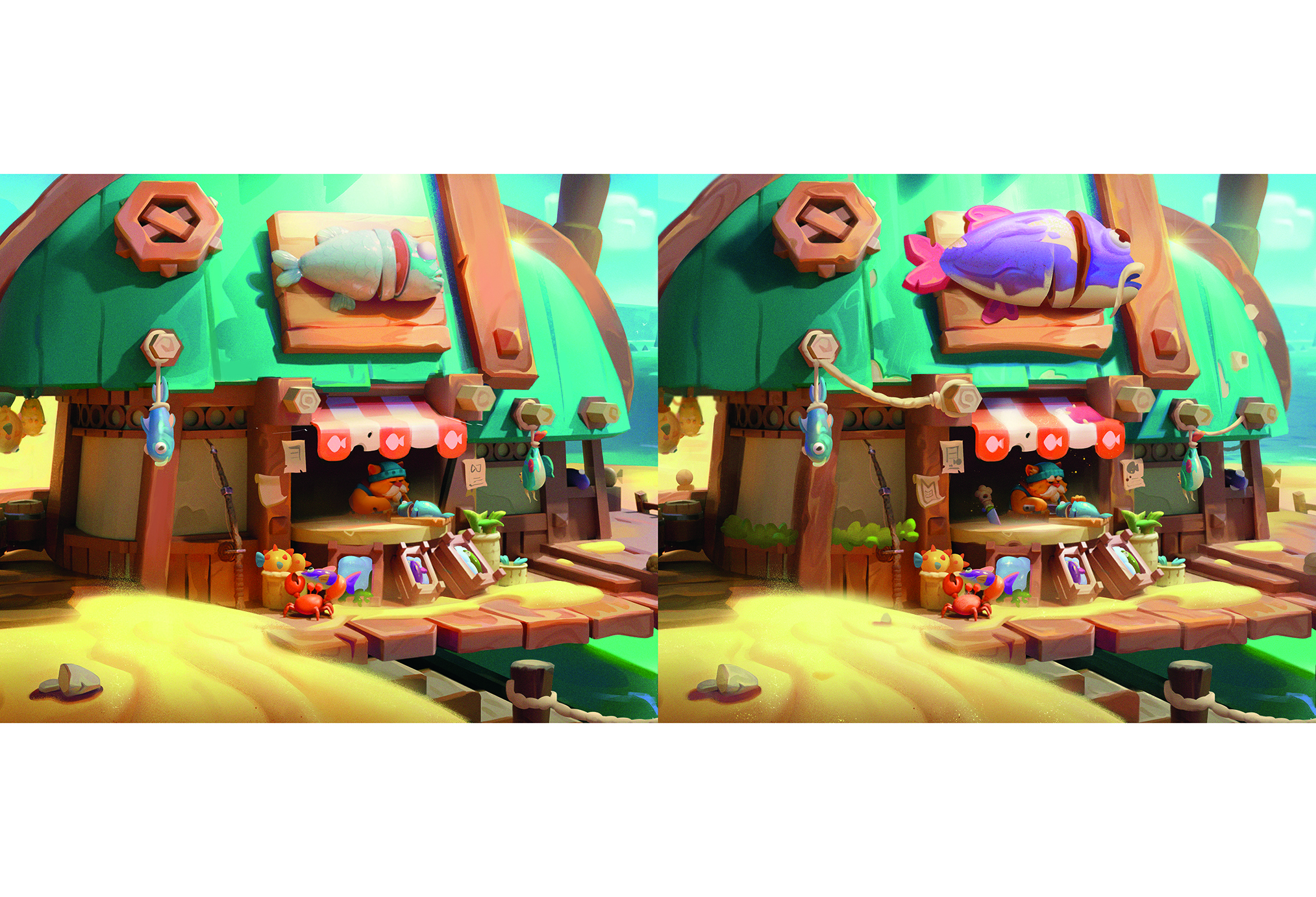
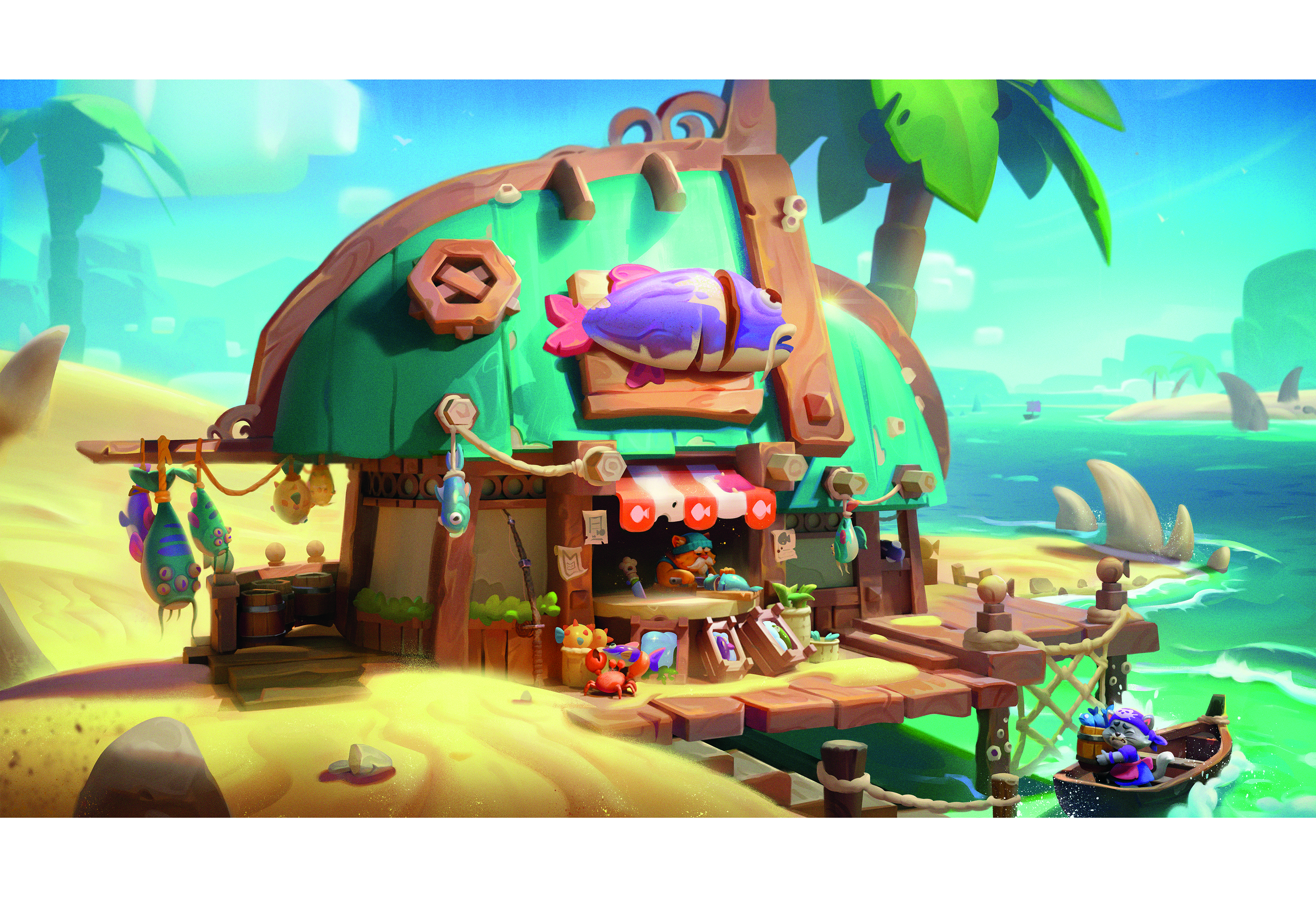
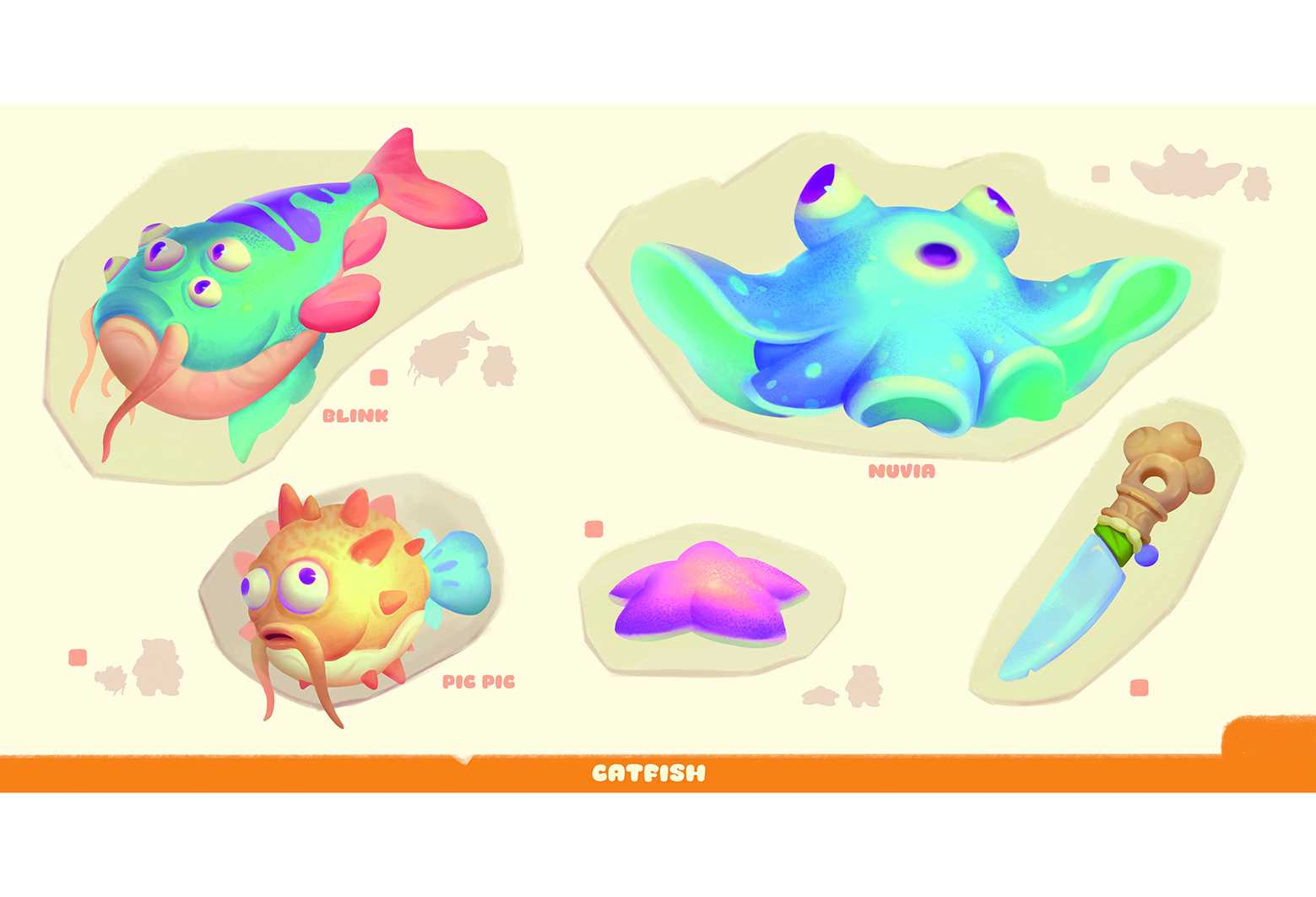
(Image credit: Tristan JOLU) This tutorial is all about creating a cute little fantasy house and turning it into a finished illustrated piece. The goal isn’t just to end up with something that looks nice, but also to enjoy the whole creative process along the way, whether you’re completely new to Blender or already exploring the best 3D modelling software out there. Think of it like building your own tiny magical place. A small, cosy house where you can try ideas, experiment and learn new techniques without stressing about mistakes. It’s meant to be a fun and relaxed project where you can just explore and be creative. If you’re working on the best laptop for 3D modelling or an older setup that’s just about hanging in there, this kind of stylised project is a great way to practise without getting bogged down in heavy technical demands. In the finishing stages, we’ll bring everything together to create the final illustration. With a lot of painting on top, we’ll give the scene a warm and cosy vibe.…