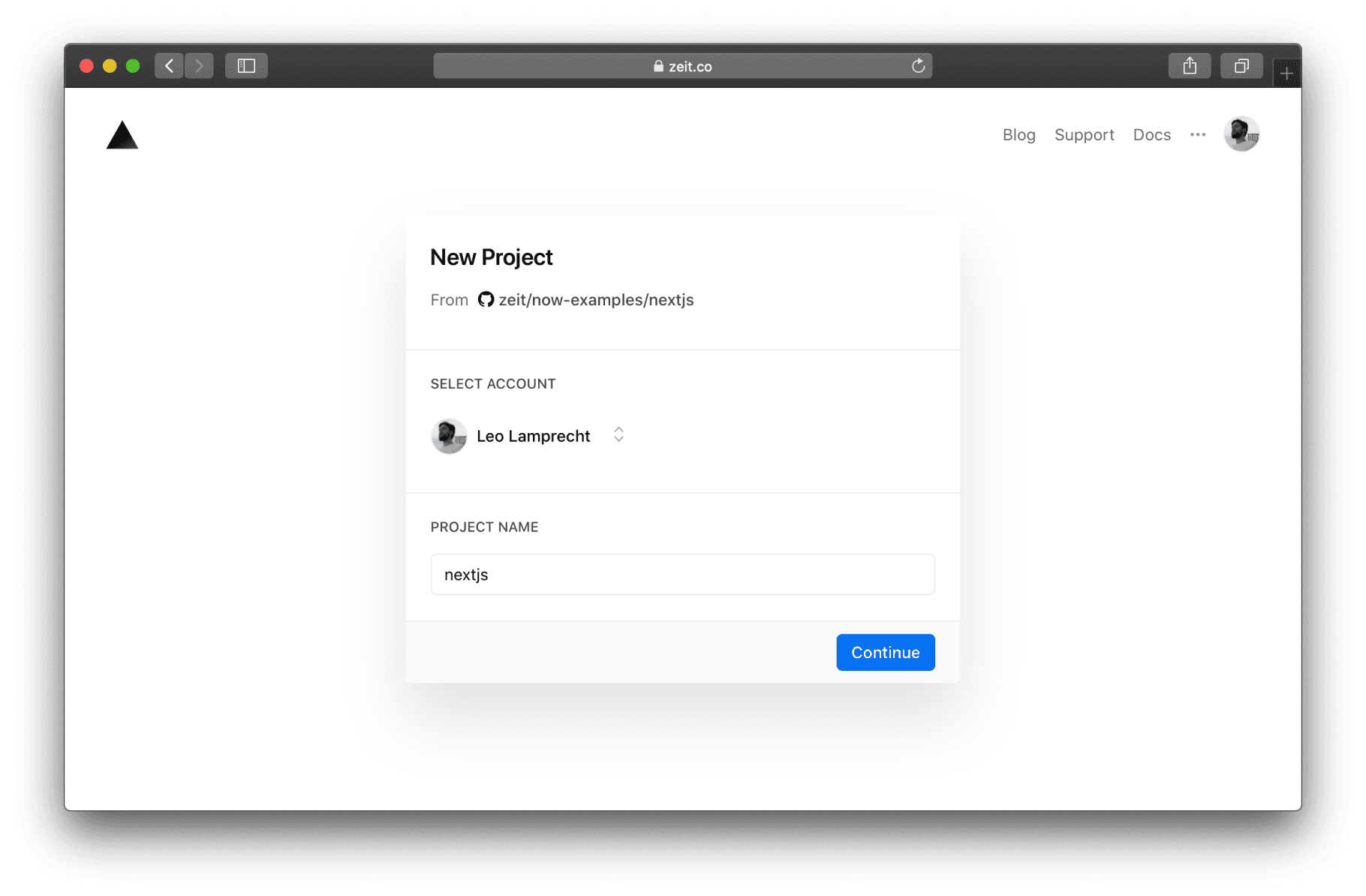
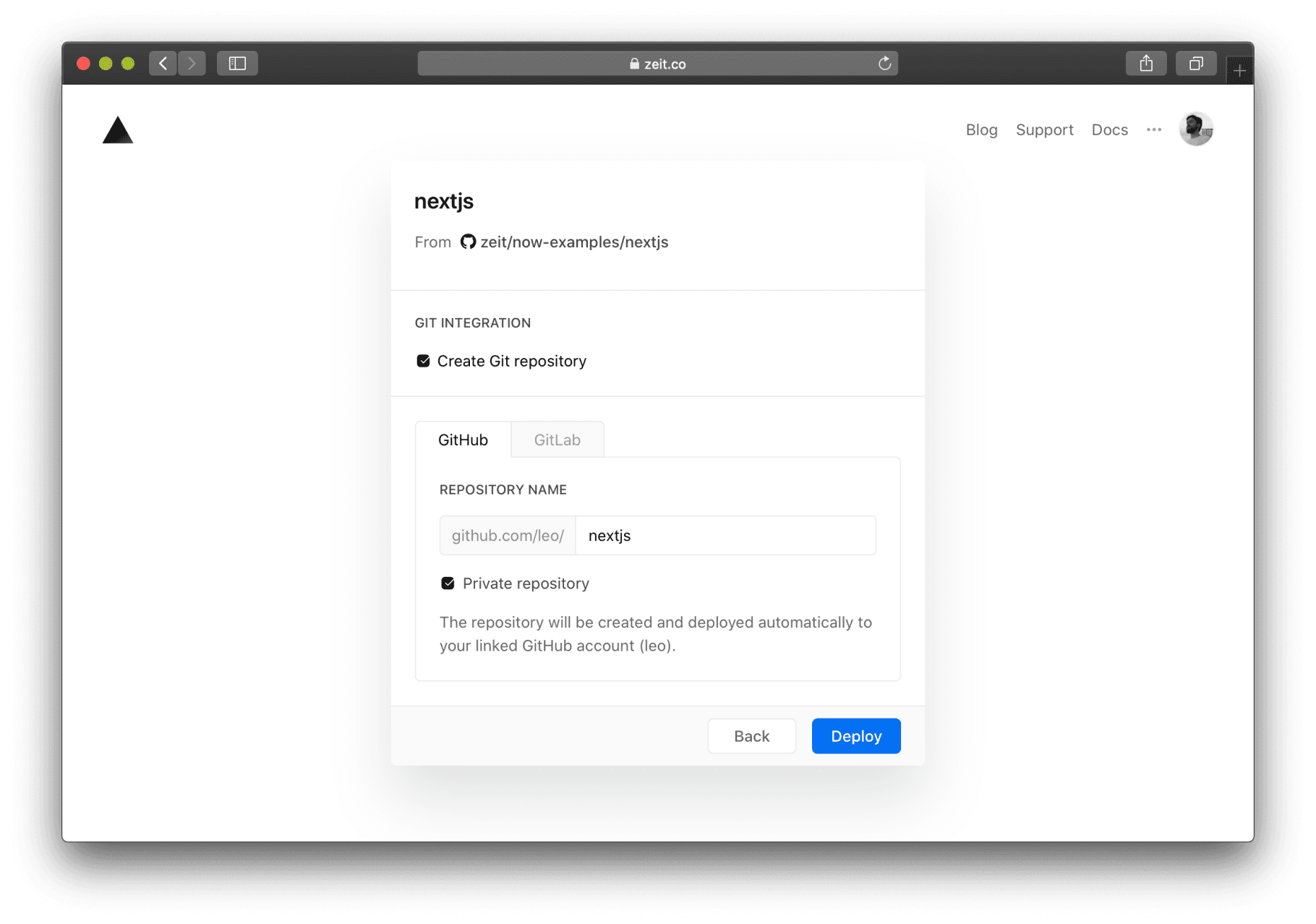
Share your custom templates as one-click deployments. As the author of an open source project or framework, one of your key focuses is making it as easy as possible for users to get started with your creation. With the help of today's feature release, you can now reduce this entire process down to the click of a single button: The Vercel Deploy Button. Link to heading What's new To offer your users an easy way to deploy your code to production (and keep updating it afterward), you can now create your own Deploy Button . After clicking "Deploy", you will be asked to confirm the destination and project name, under which a Next.js template from the Next.js examples list will be forked and deployed. The interface for selecting the destination of your deployment. Link to heading Creating Git repositories You might also want to create a GitHub or GitLab repository. To accomplish this, you only need to select the "Create Git repository" option on the Deploy button flow.…