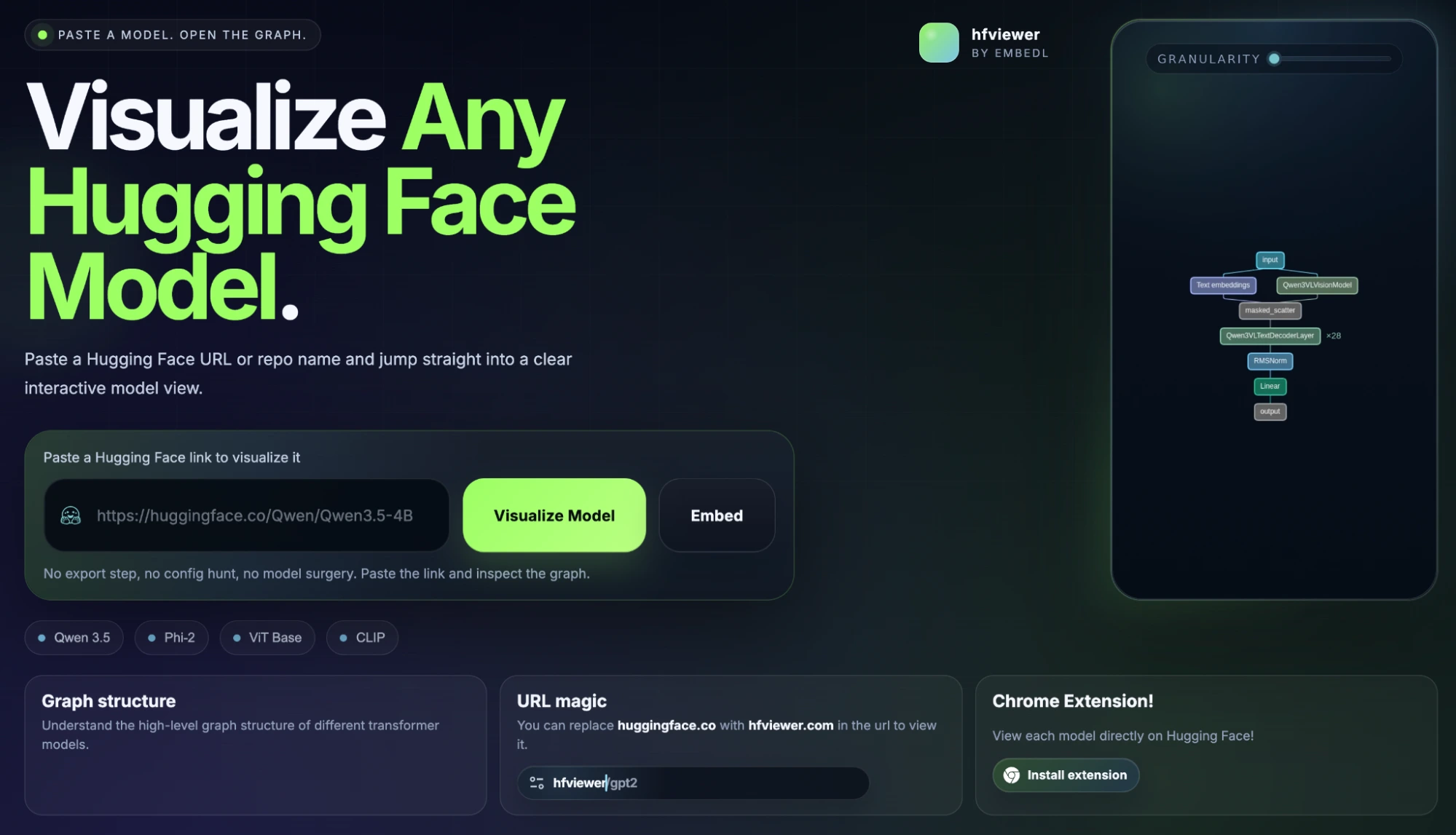
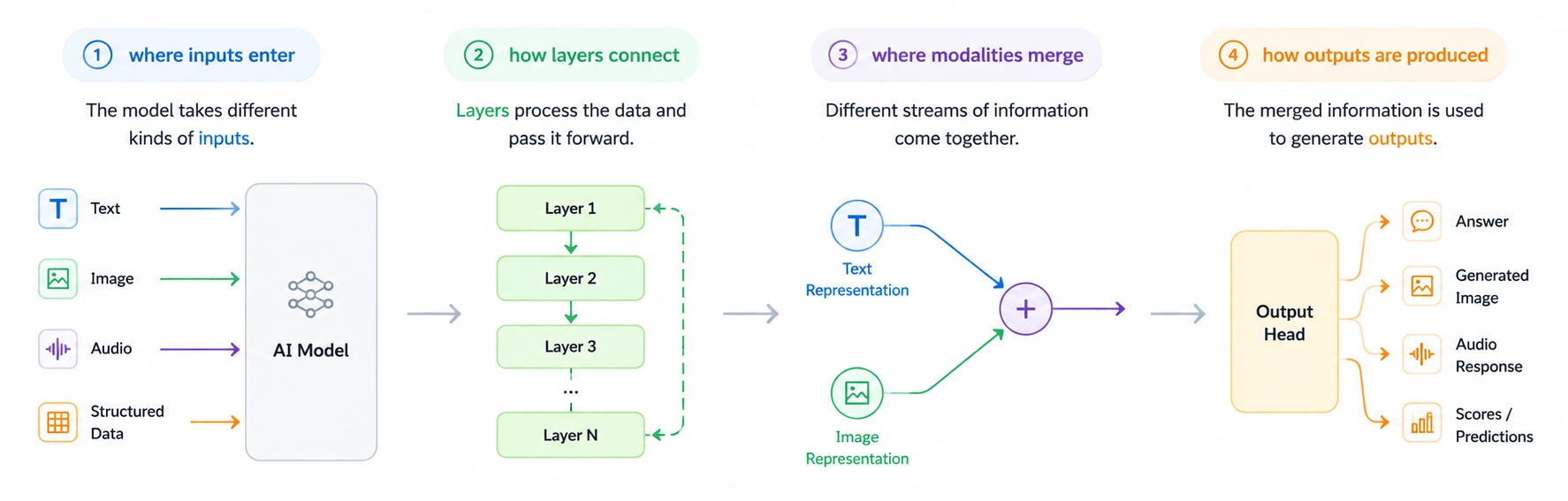
Understanding modern AI architectures is harder than ever . Open any Hugging Face repository and you’ll usually find massive config files, layer definitions, parameter counts, and model cards that explain what the model does but rarely help you understand how it is structured internally. That becomes a problem as most developers end up mentally reconstructing architectures which is error prone and tedious. But there’s a much easier way to explore AI models visually as you’ll soon find out. Table of contents The Simple URL Trick What is hfviewer? Accessing HfView Faster: Terminal and Browser Extension Why Visualizing AI Models Matters Frequently Asked Questions The Simple URL Trick Take any Hugging Face model URL. I’d be using the URL for DeepSeek-V4-Pro model which is: https://huggingface.co/deepseek-ai/DeepSeek-V4-Pro Replace: huggingface.co with: hfviewer.com The final URL becomes: https://hfviewer.com/deepseek-ai/DeepSeek-V4-Pro Press enter and you’d be redirected to the following page: That’s it.…