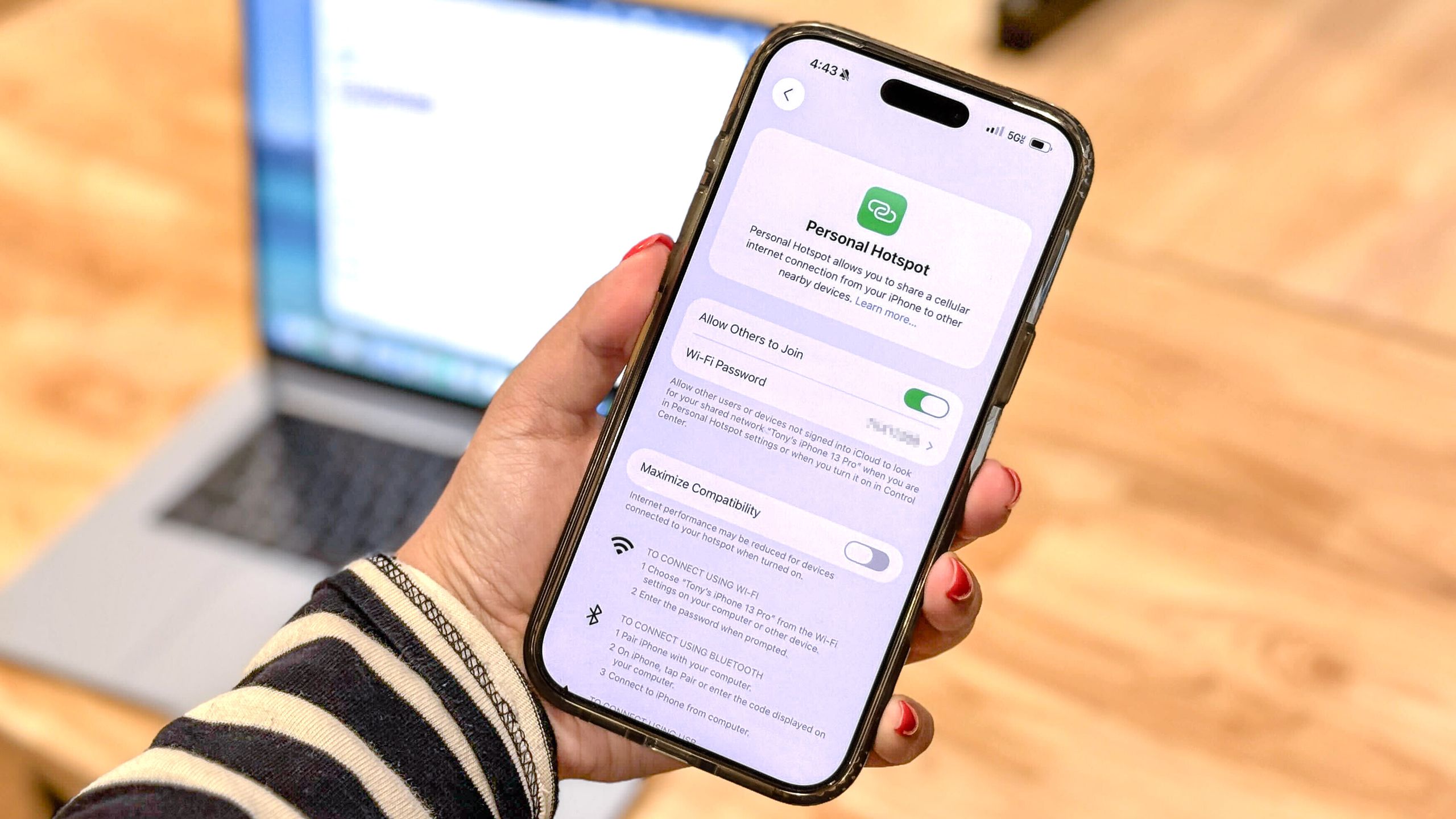
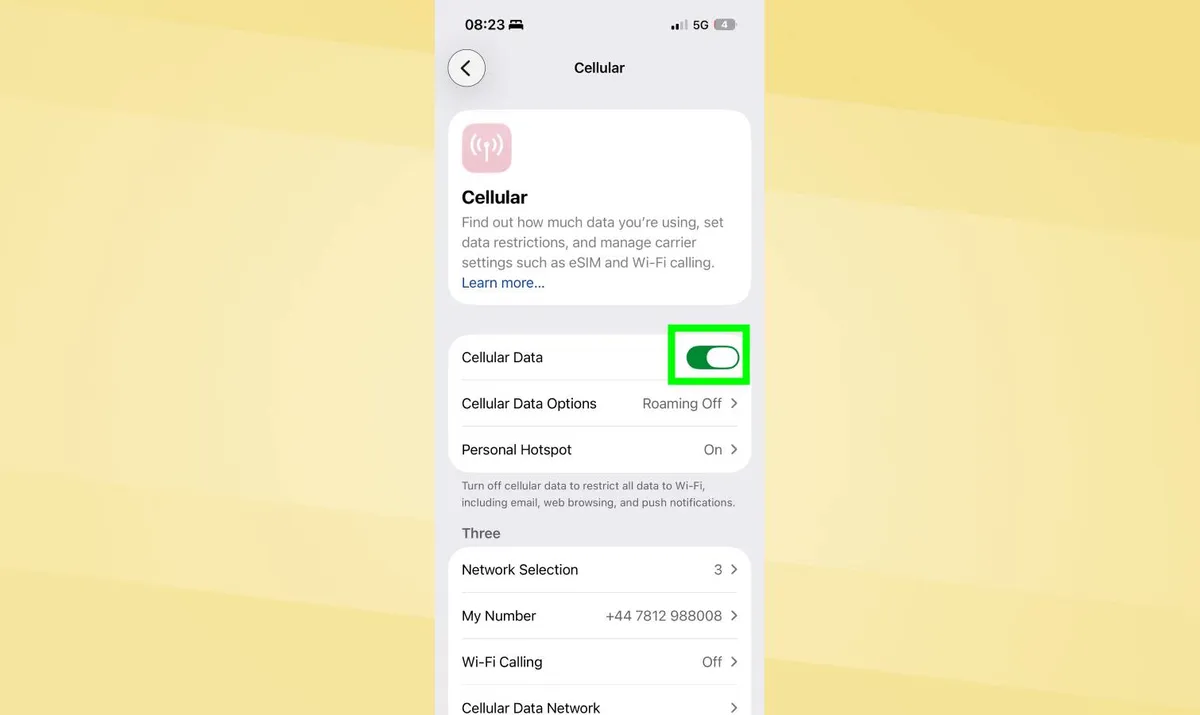
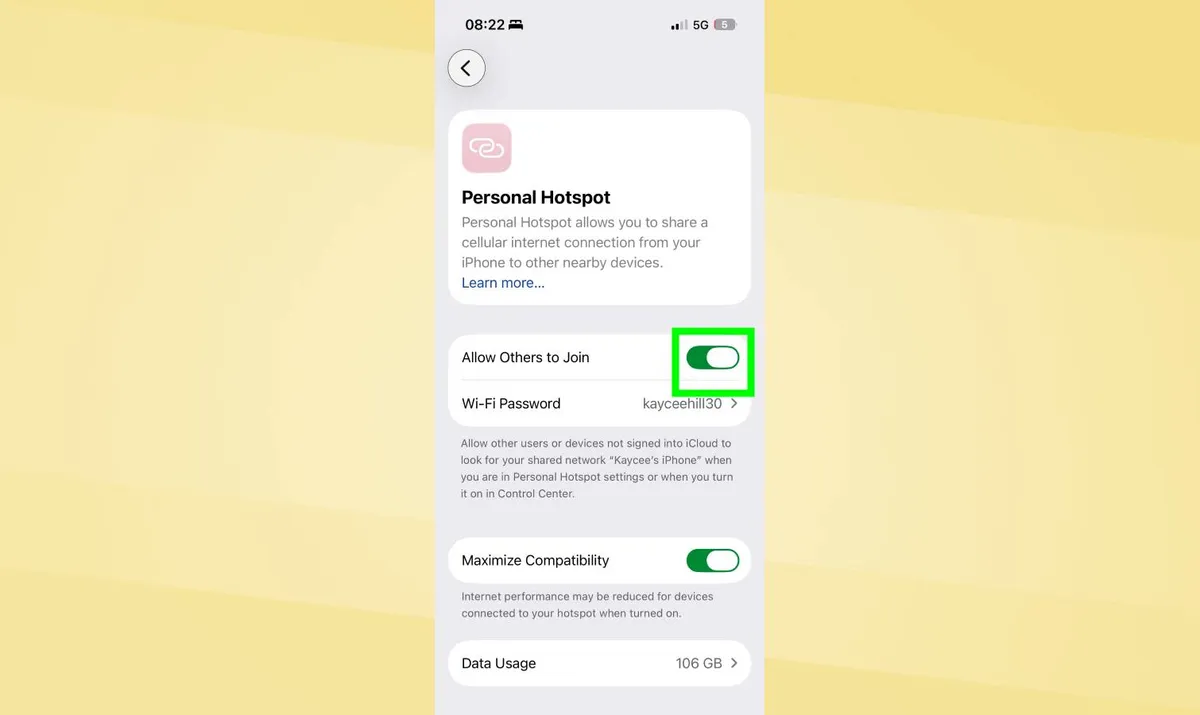
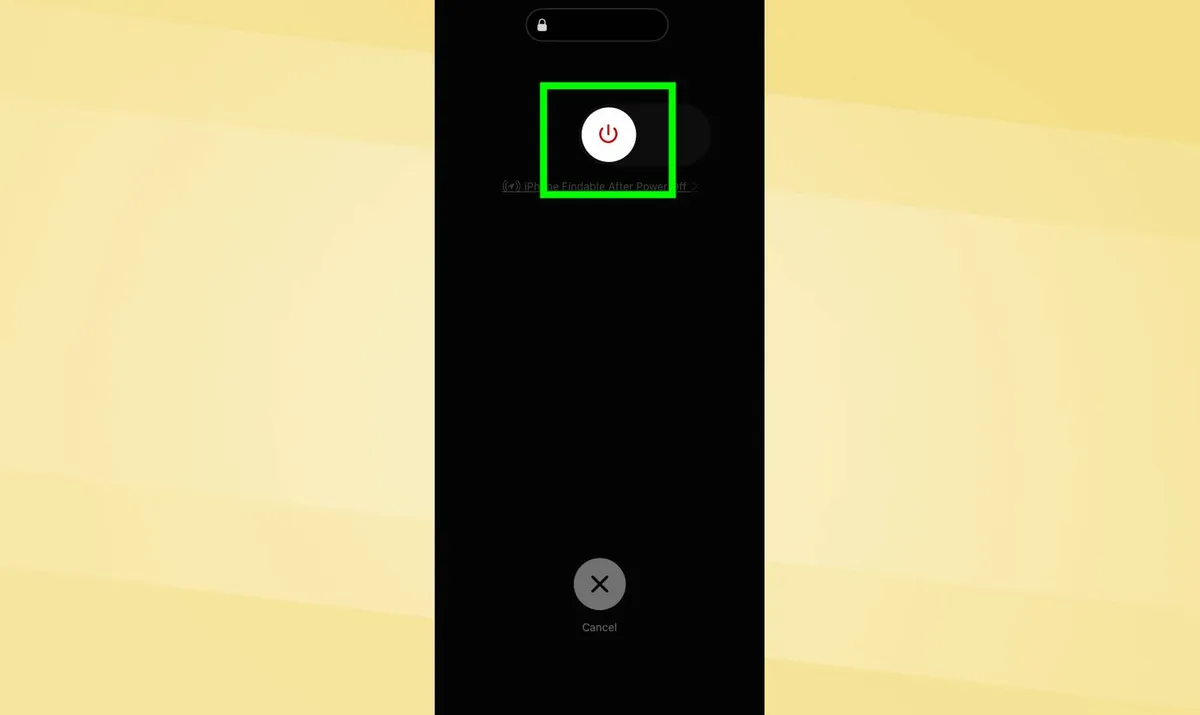
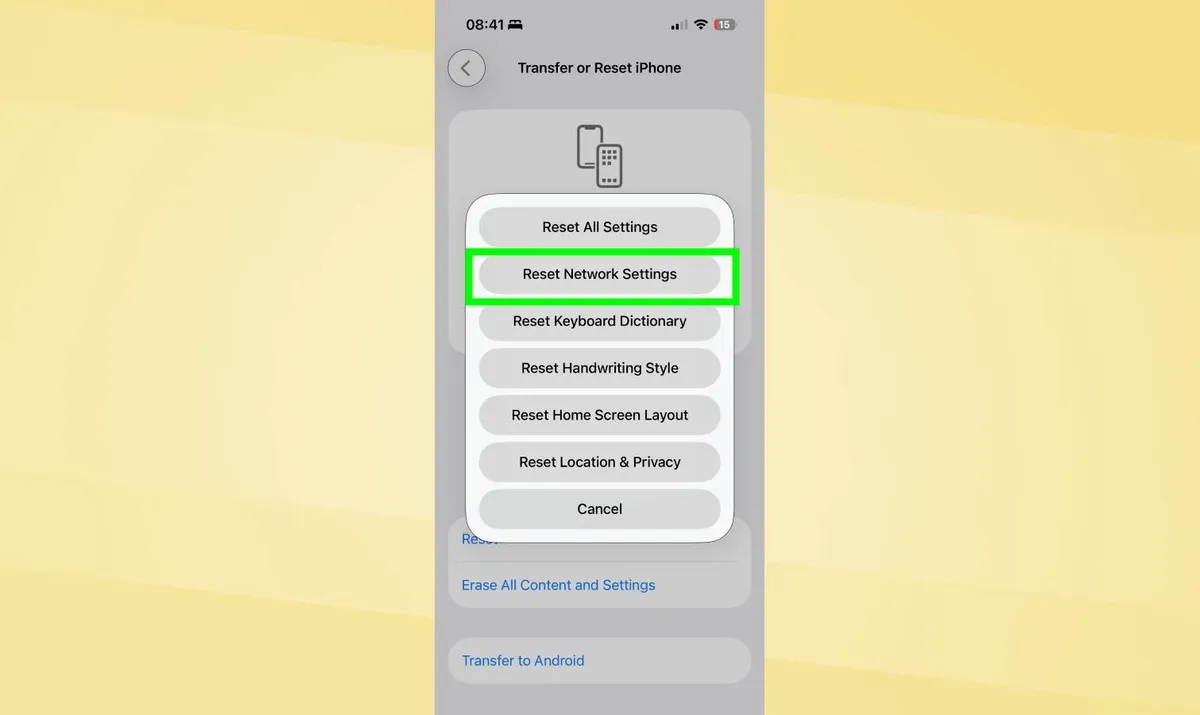
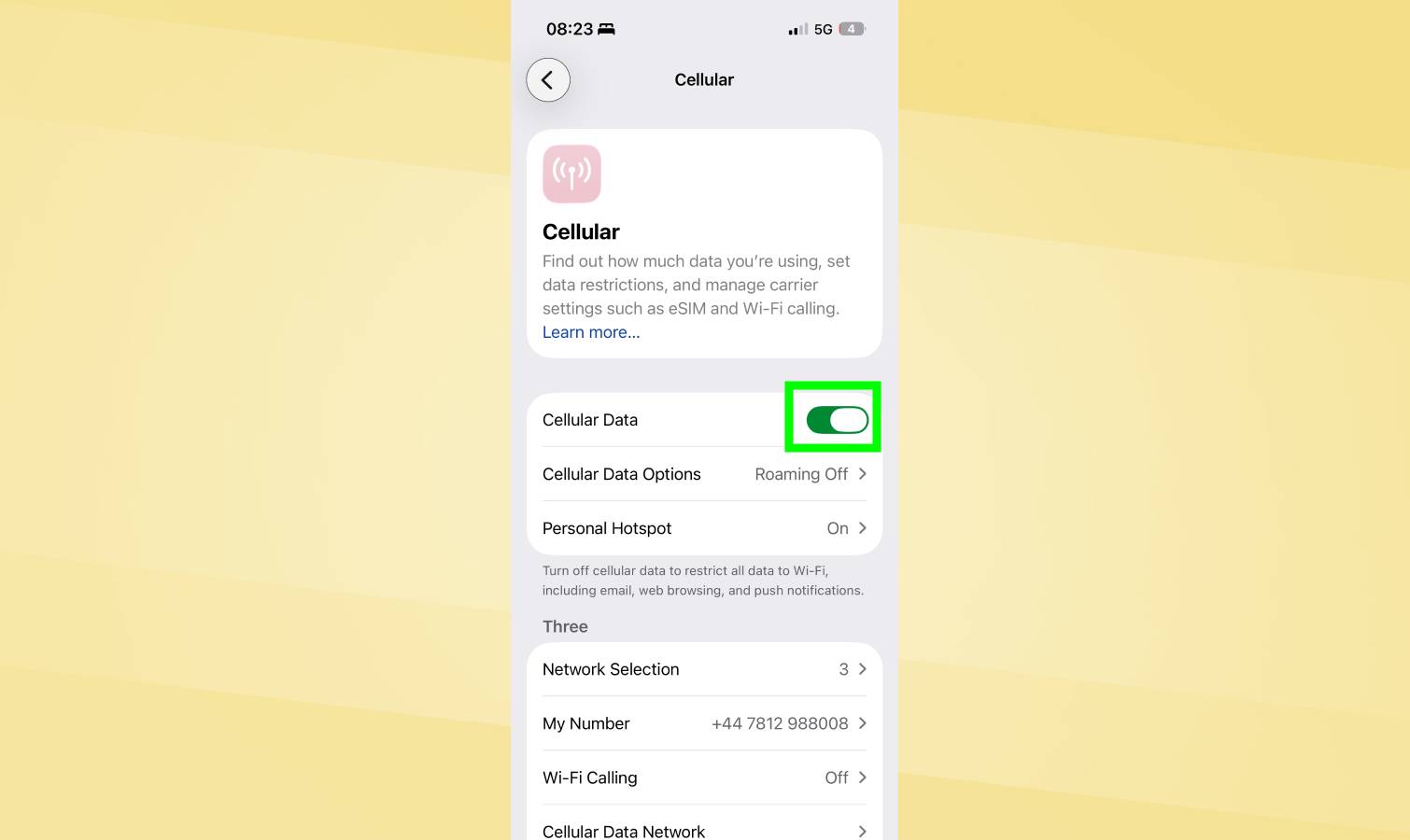
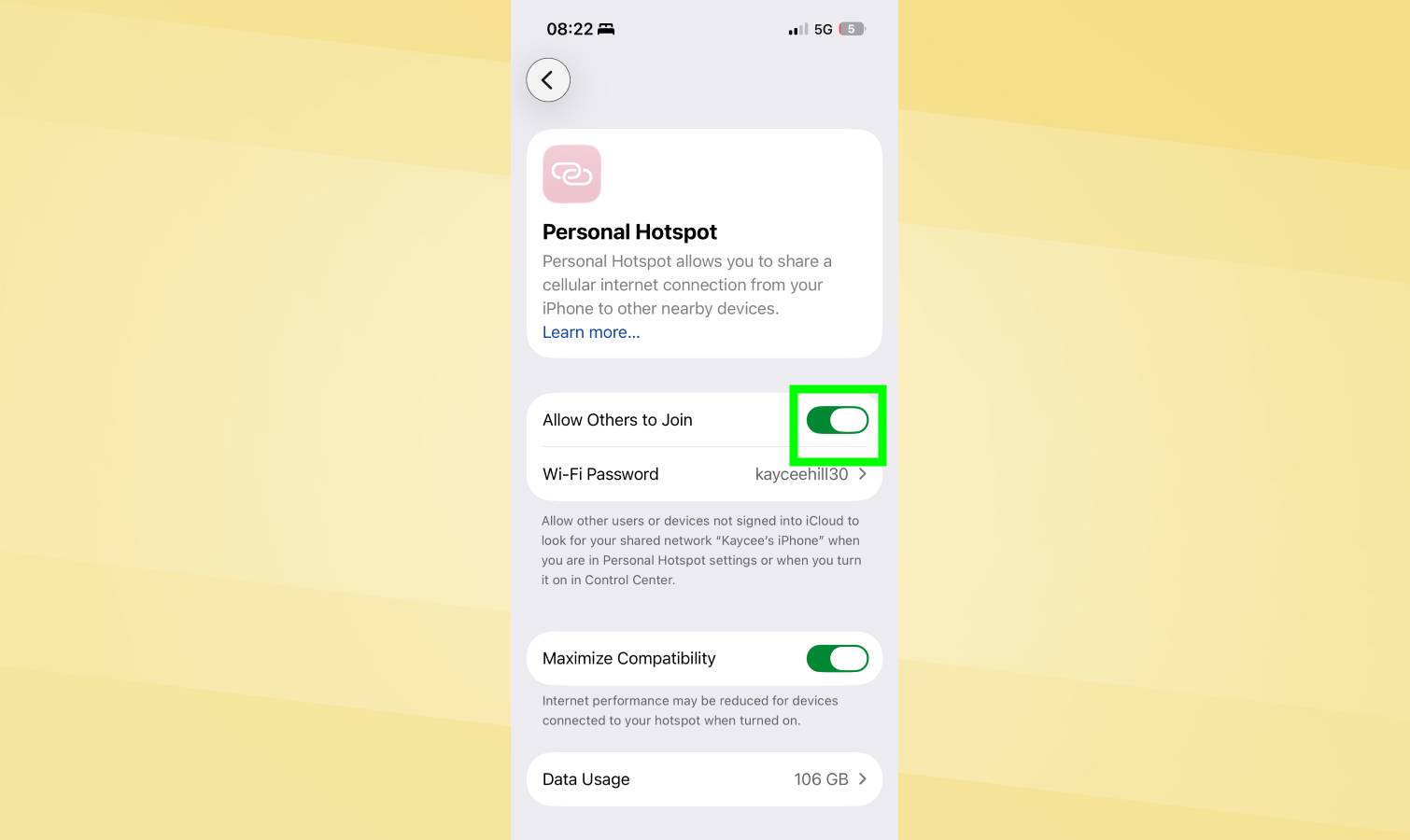
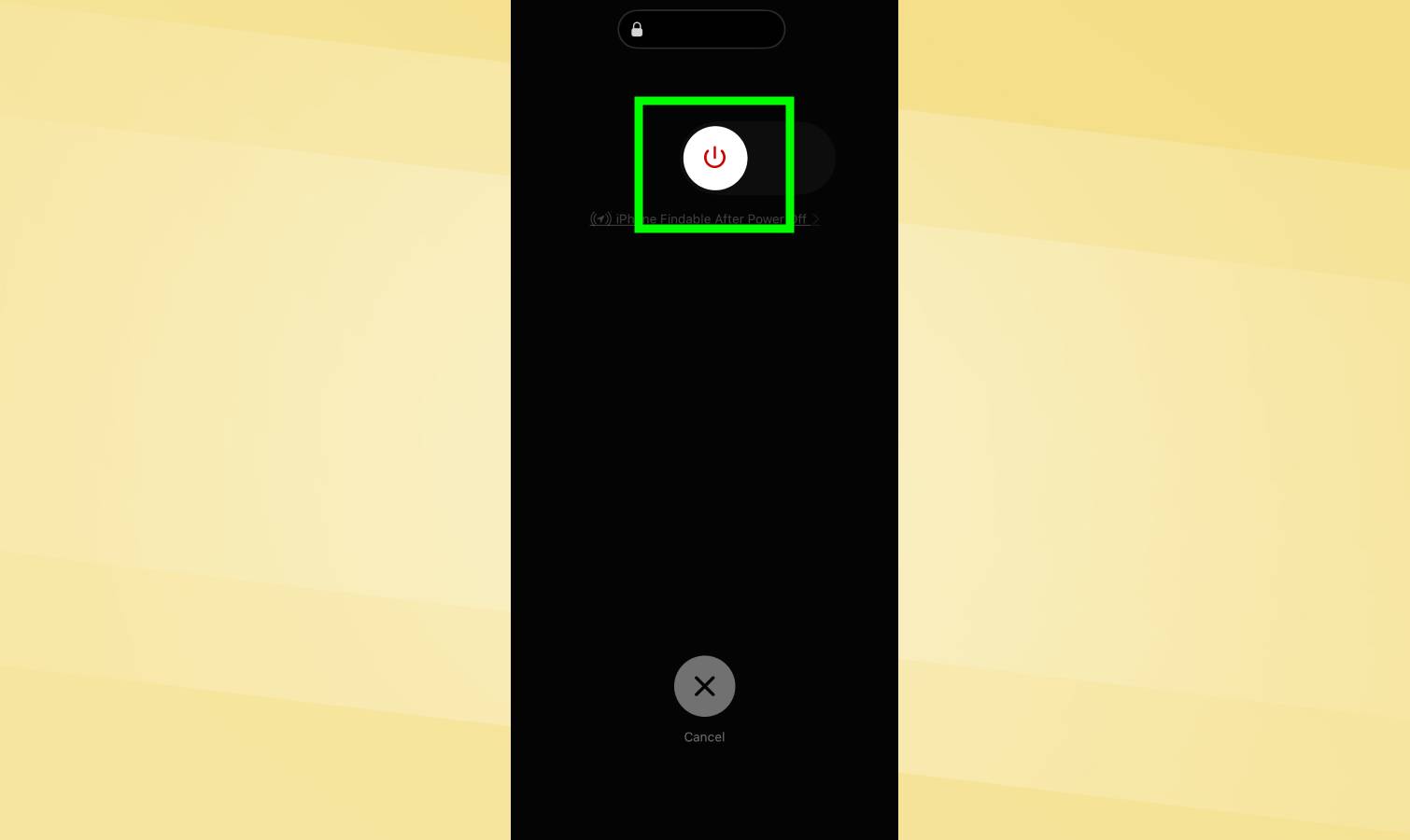
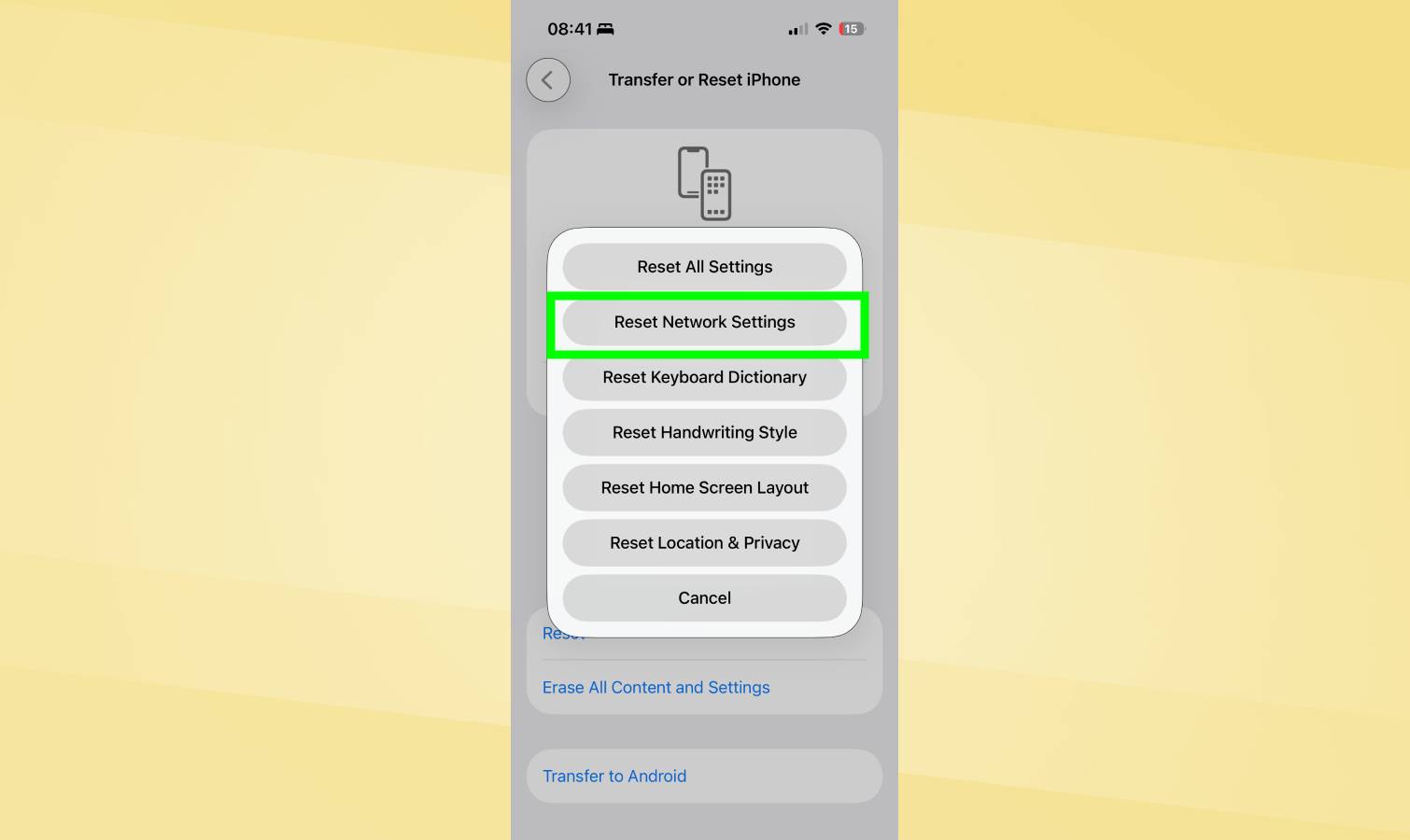
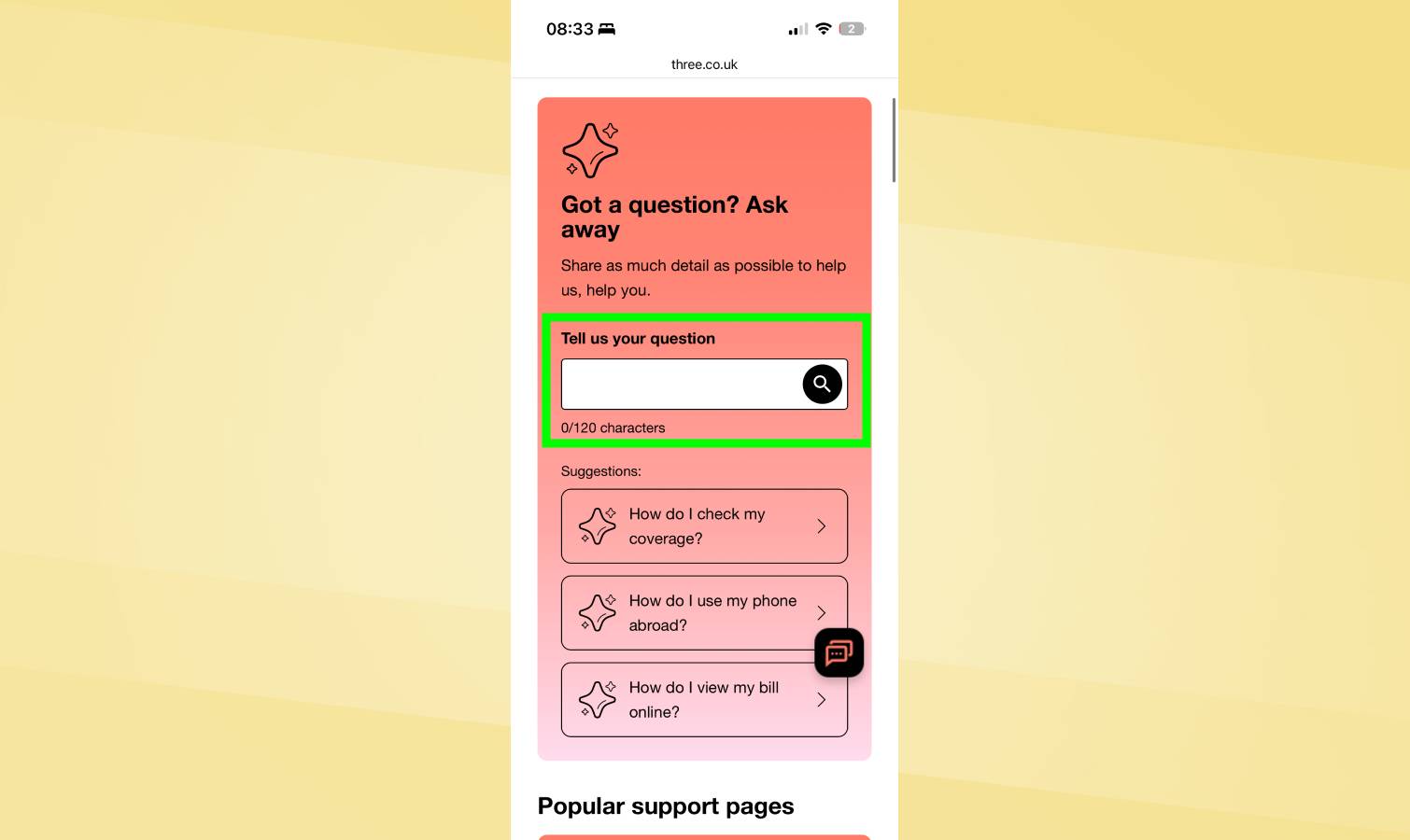
(Image credit: Tom's Guide) There's a special kind of panic that hits when your iPhone's Personal Hotspot refuses to work on a deadline. No Wi-Fi in sight, your laptop is useless, and the one feature standing between you and connectivity has gone dark. The vast majority of hotspot failures come down to a handful of simple settings: cellular data switched off, Personal Hotspot toggled out of place, or a network configuration that's quietly gone wrong. Occasionally a carrier issue or software bug is to blame, but those are easier to fix than they sound. Article continues below 1. Verify cellular data is enabled Personal Hotspot requires active cellular data to function. If cellular data is disabled, hotspot won't work even when toggled on in settings. Open Settings and tap Cellular, then check that "Cellular Data" is toggled on . If it's off, toggle it on. If you can't toggle it on or it immediately switches back off, your cellular account may be suspended or inactive.…