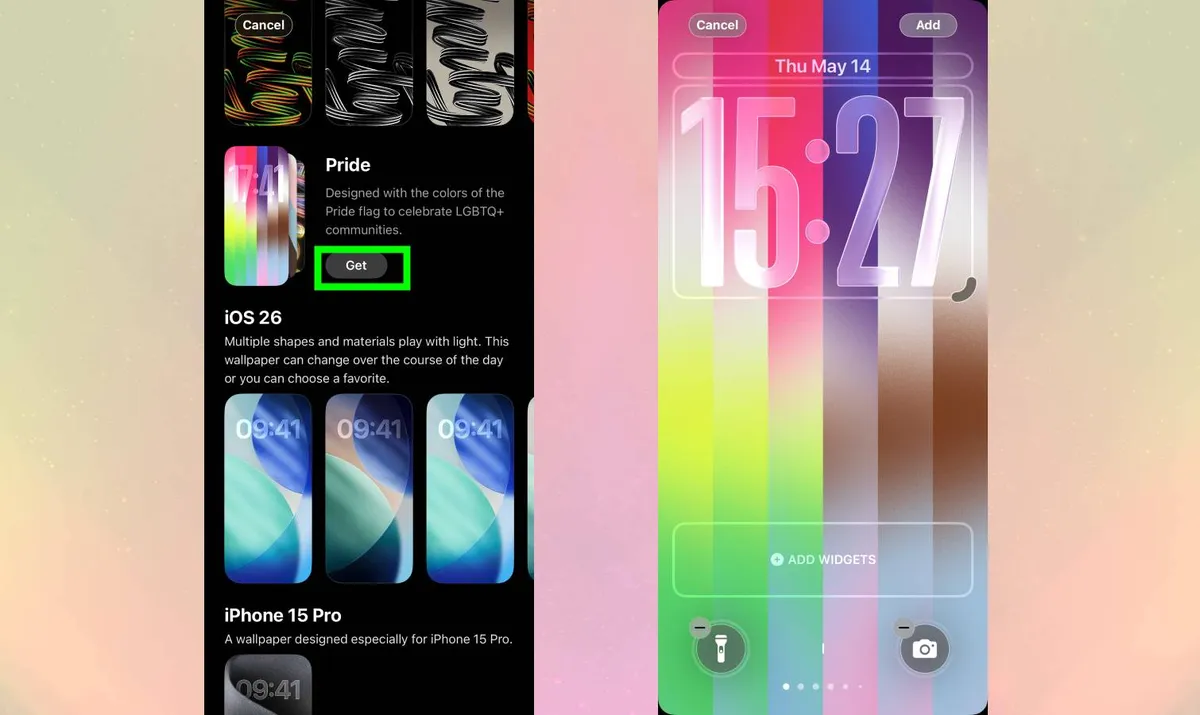
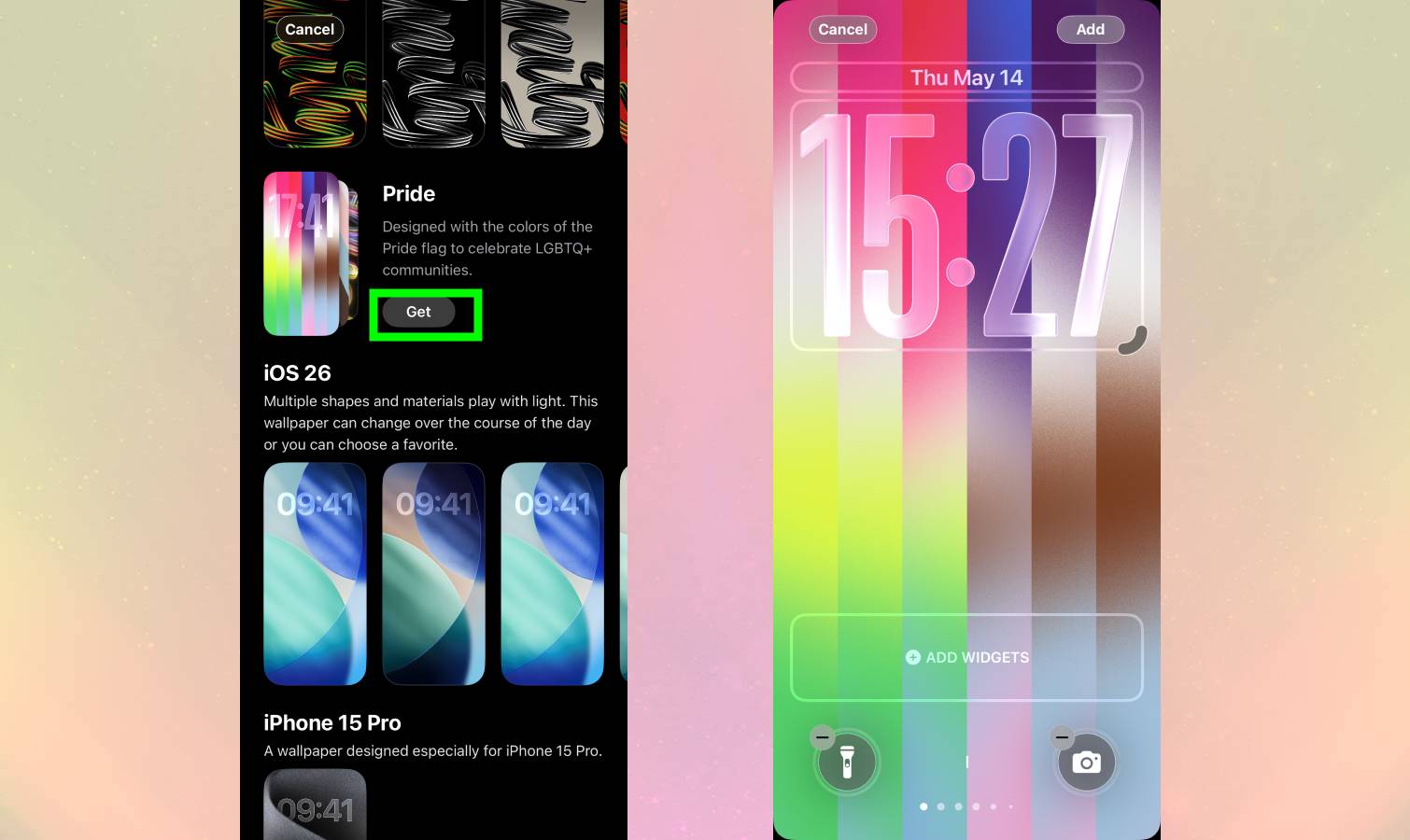
iOS 26.5 includes a new Luminance wallpaper with animated vertical gradient stripes that shimmer when you unlock your iPhone. It comes with 11 preset color schemes based on various Pride flags, or you can create custom combinations using up to 12 colors. The animation effect works with any color combination — light and dark shades of the same color create subtle gradients, while contrasting colors produce bold, eye-catching patterns. Here's how to set it up. You'll need iOS 26.5 The Luminance wallpaper requires iOS 26.5. Go to Settings > General > Software Update and install the update if you haven't already. It works on iPhone 11 or later and iPhone SE (2nd generation) or later — essentially any device that runs iOS 26. After updating, you can access the wallpaper immediately. Add the Luminance wallpaper Tap and hold on your iPhone's Lock Screen and tap the plus icon to browse your wallpaper collection. Scroll down to the collections section.…