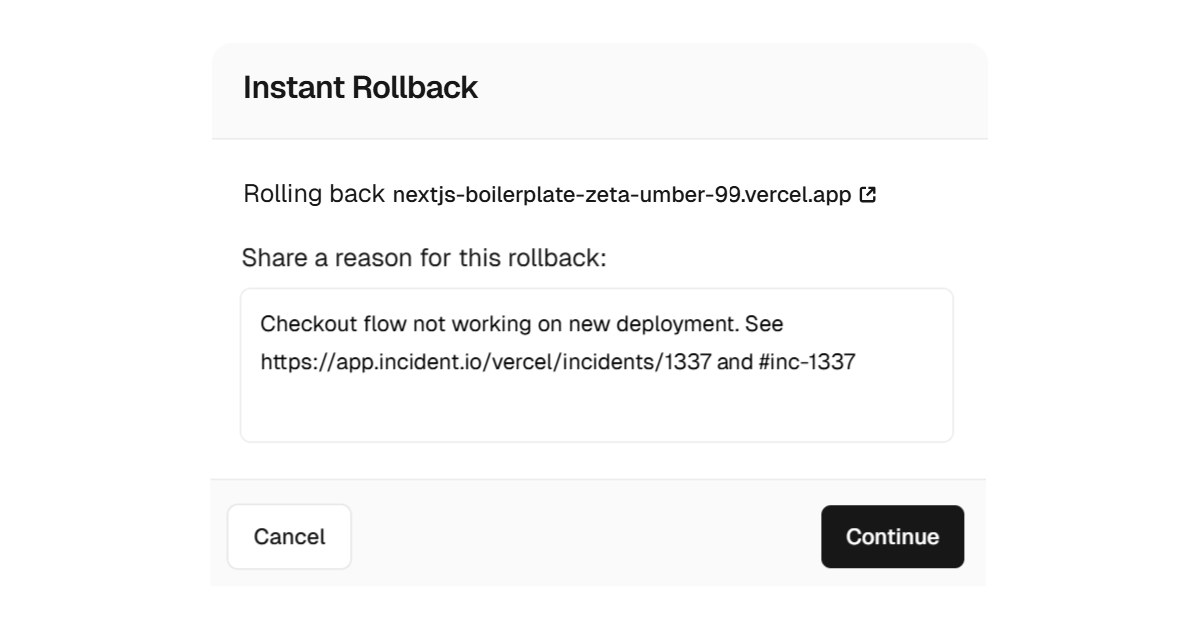
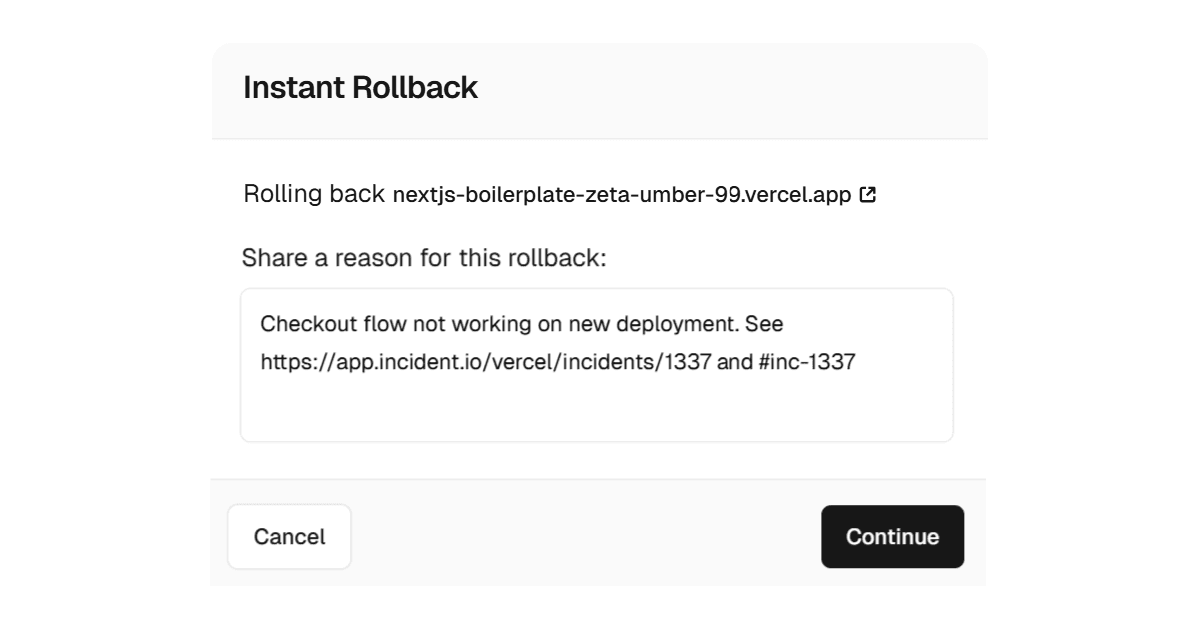
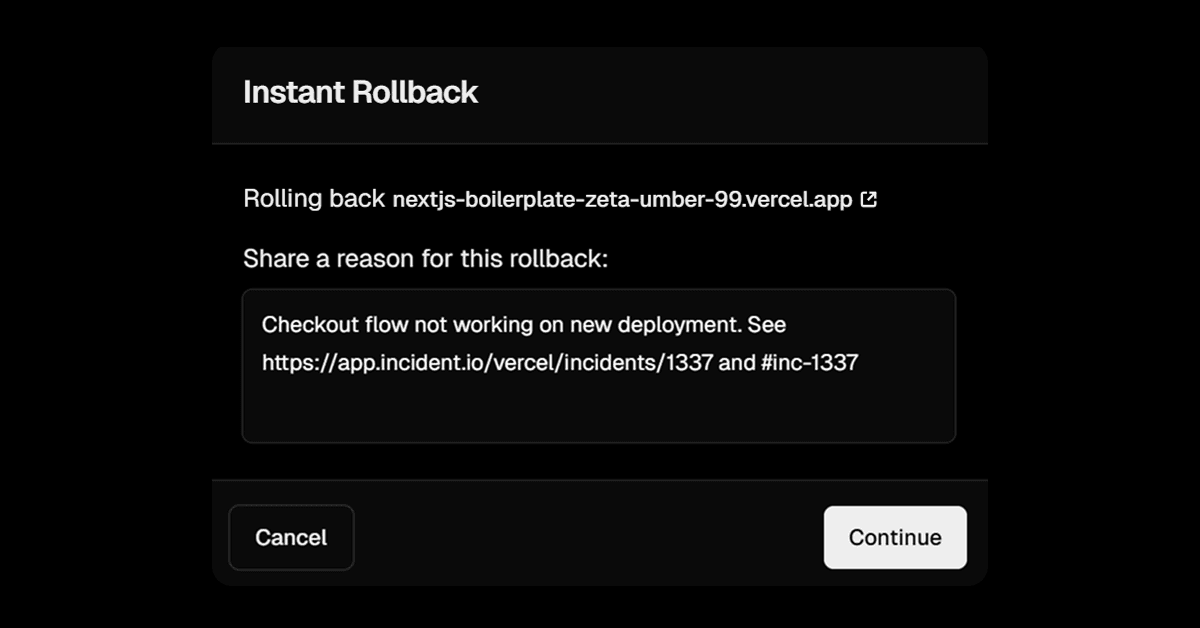
You can now include a reason when performing an Instant Rollback. This message is visible to your team in the project overview and can include links or notes explaining the rollback. You can also update it at any time. Learn more about Instant Rollback .
Anonymous readers can preview up to 1024 characters here. Log in to unlock the full article once ingest succeeds.