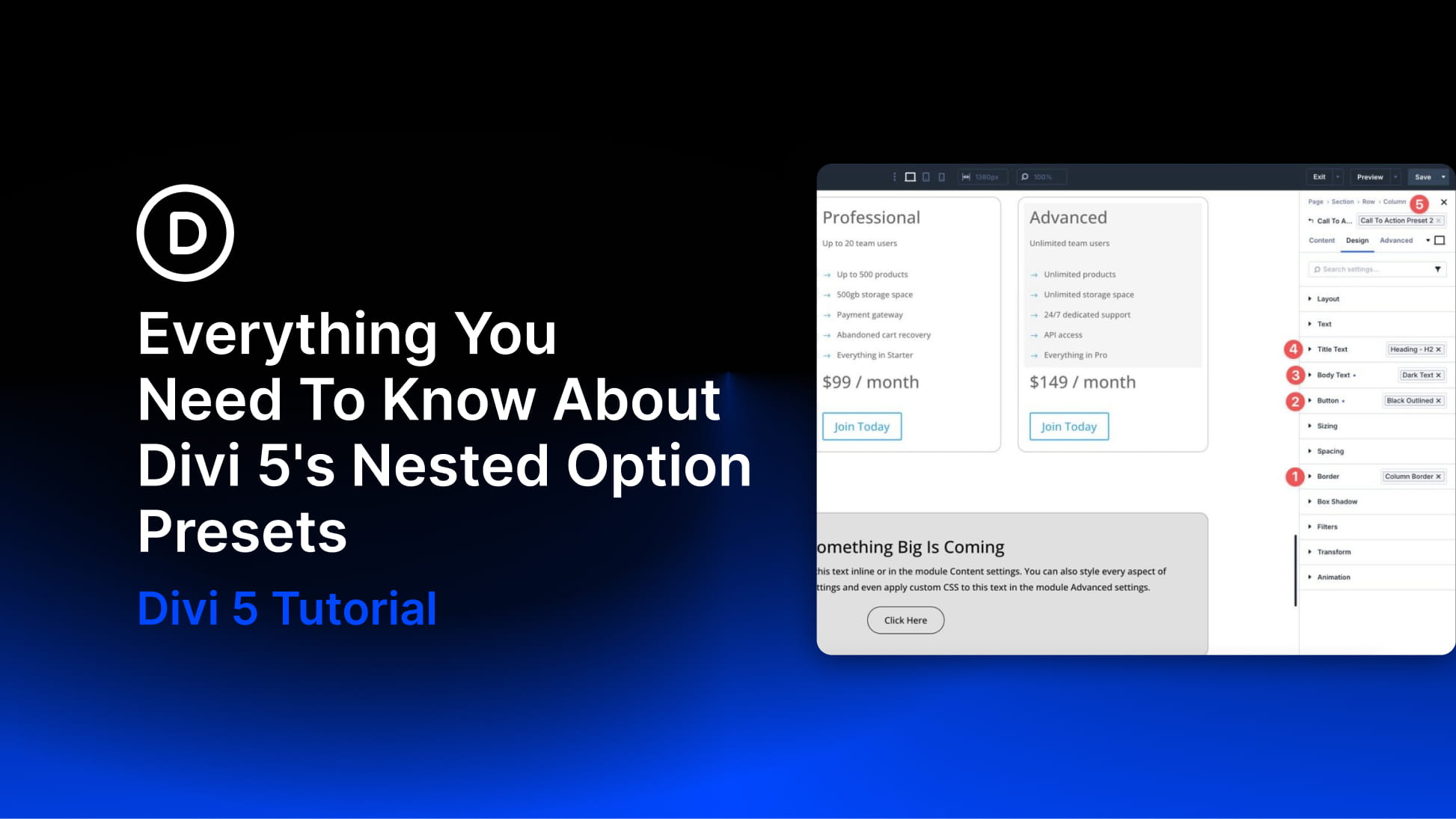
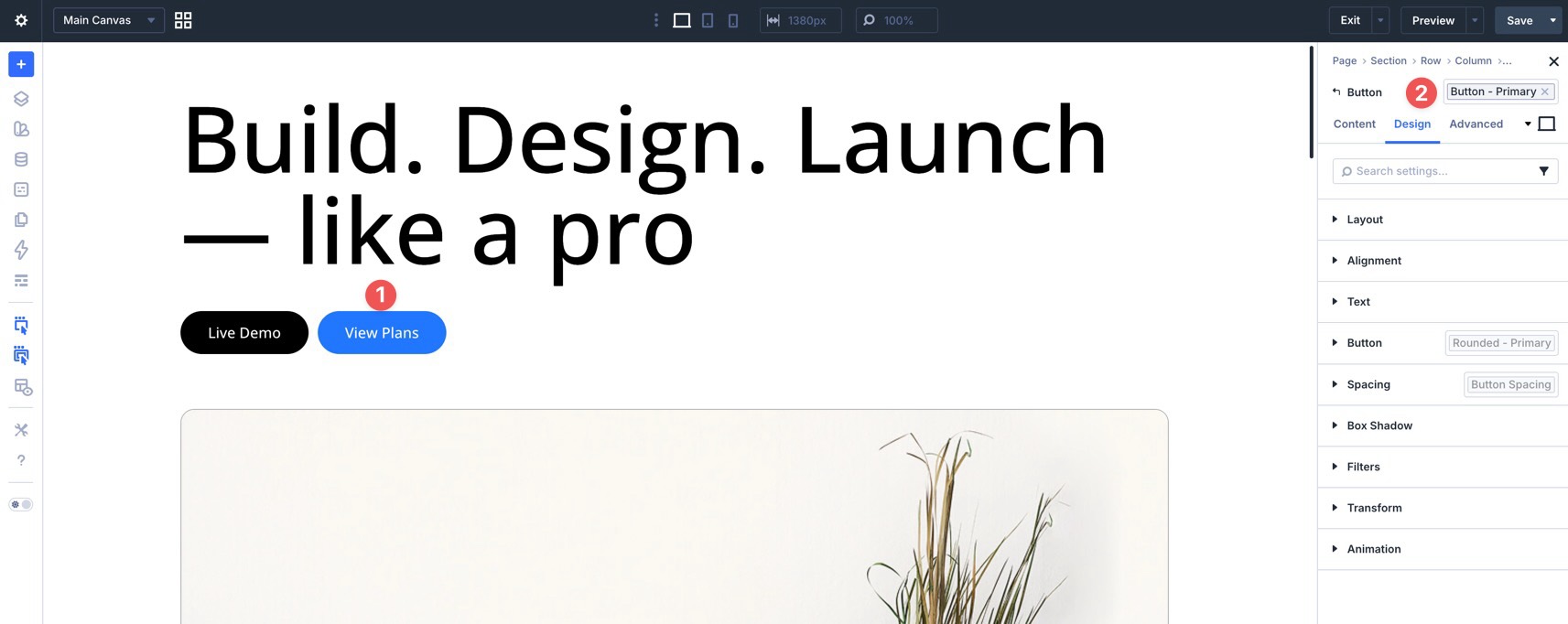
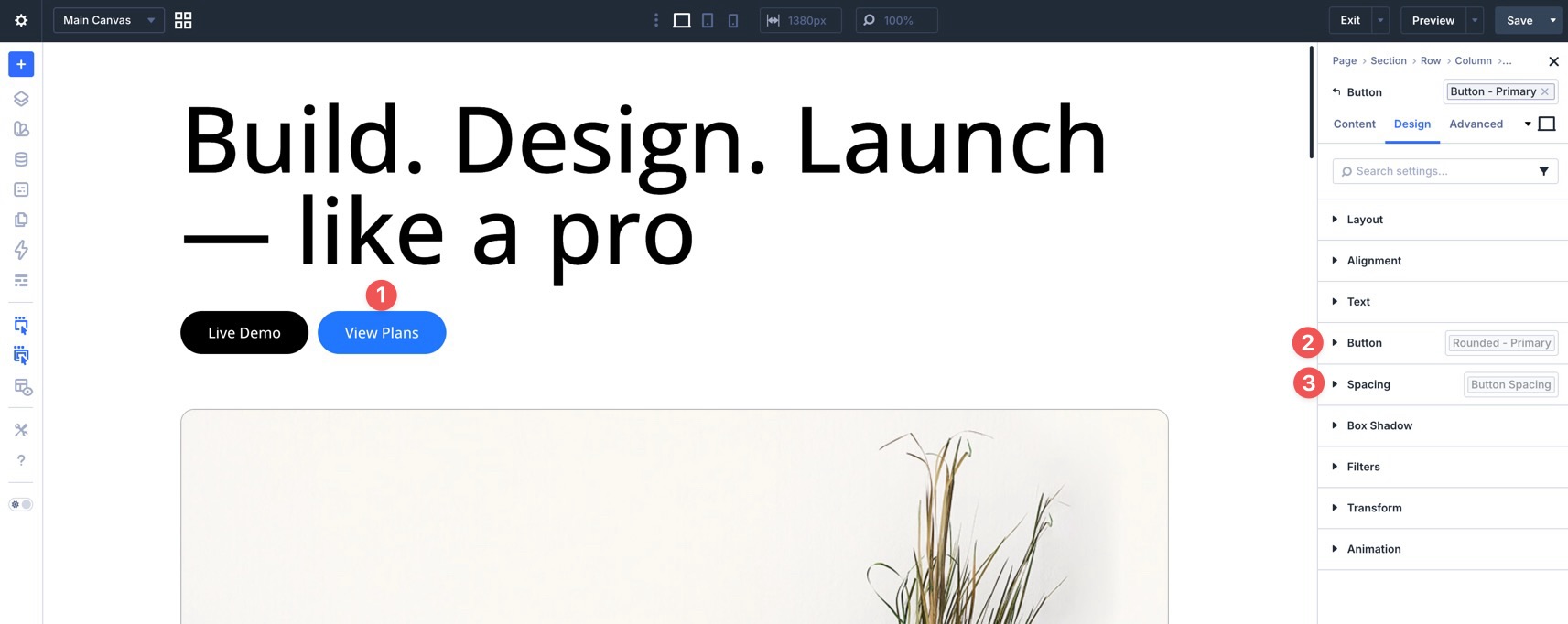
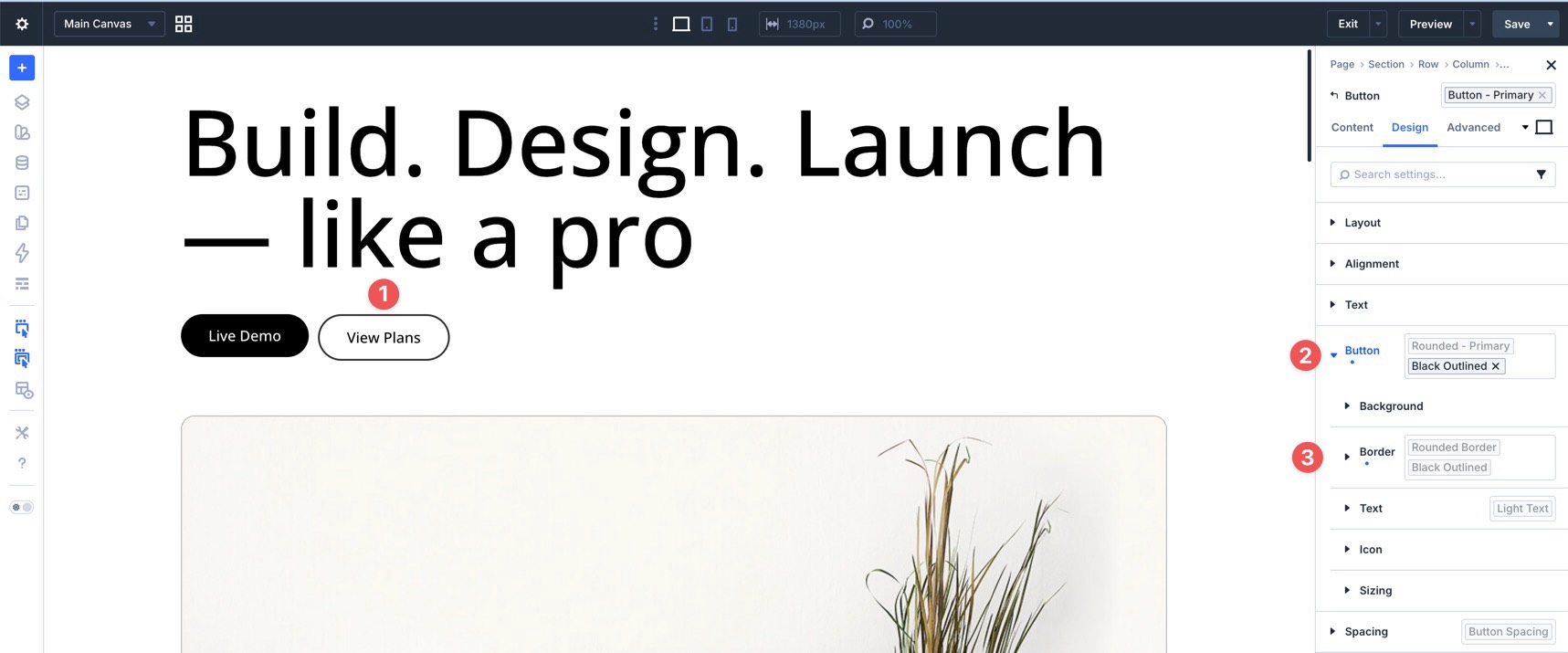
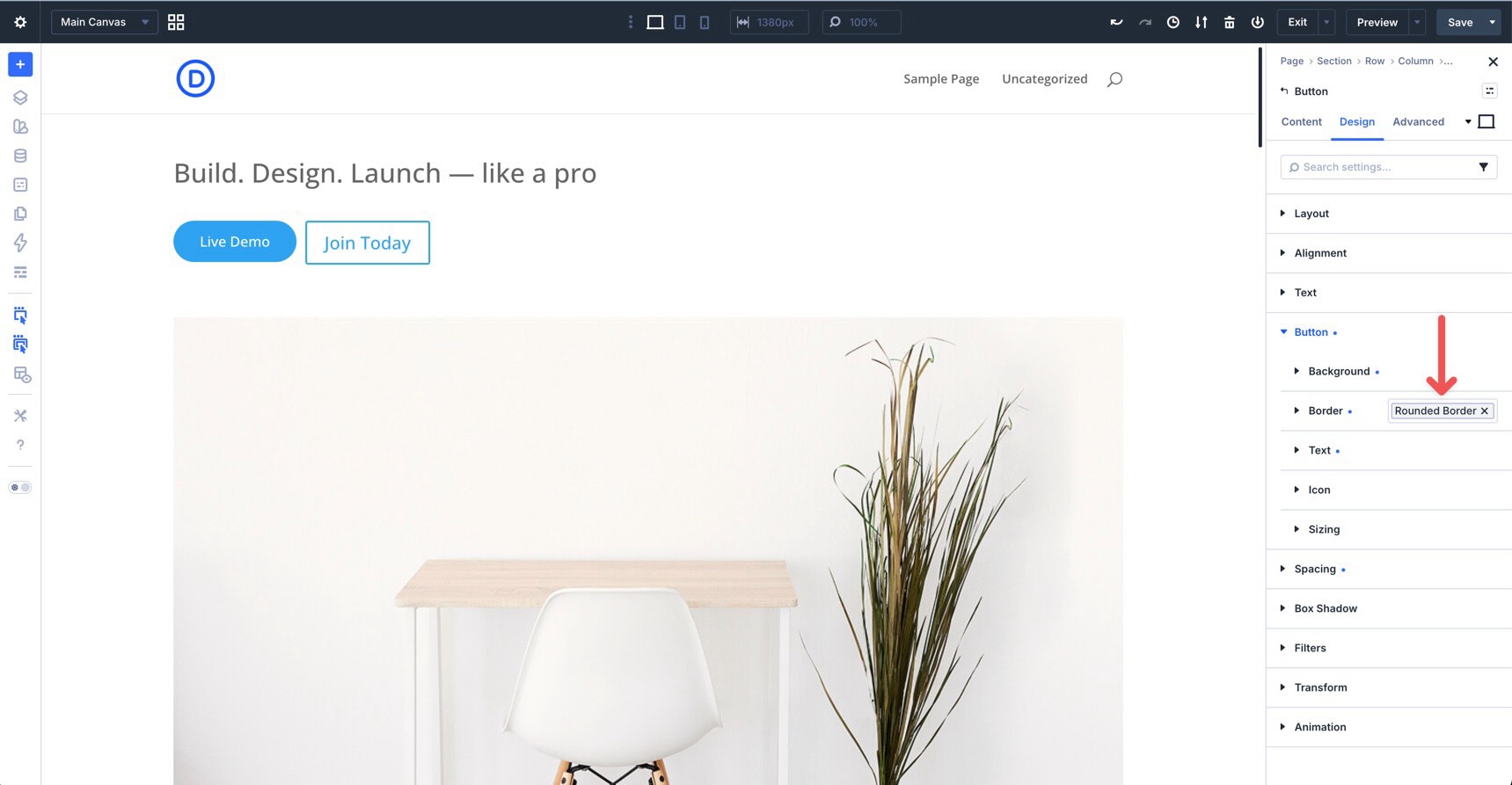
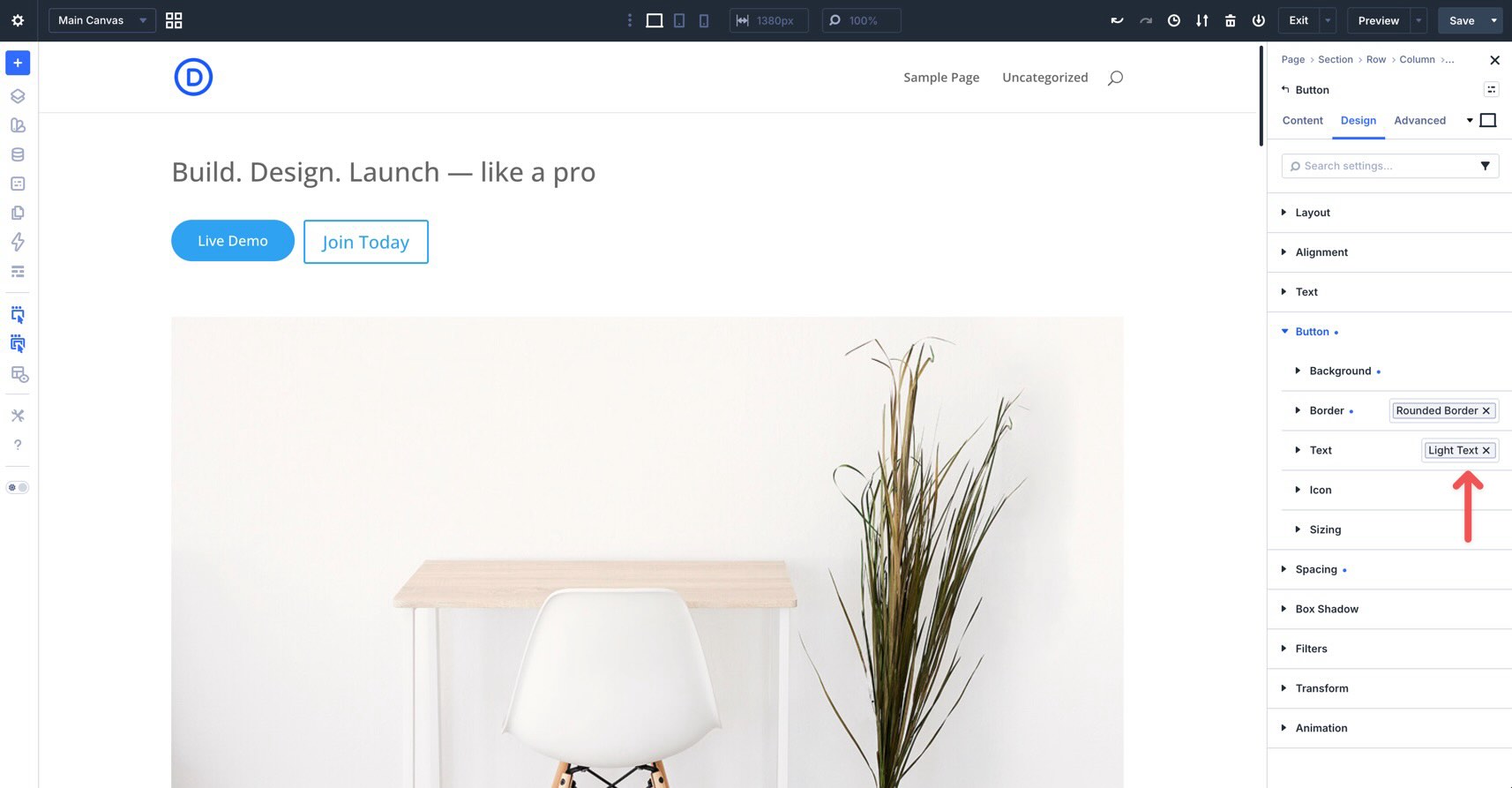
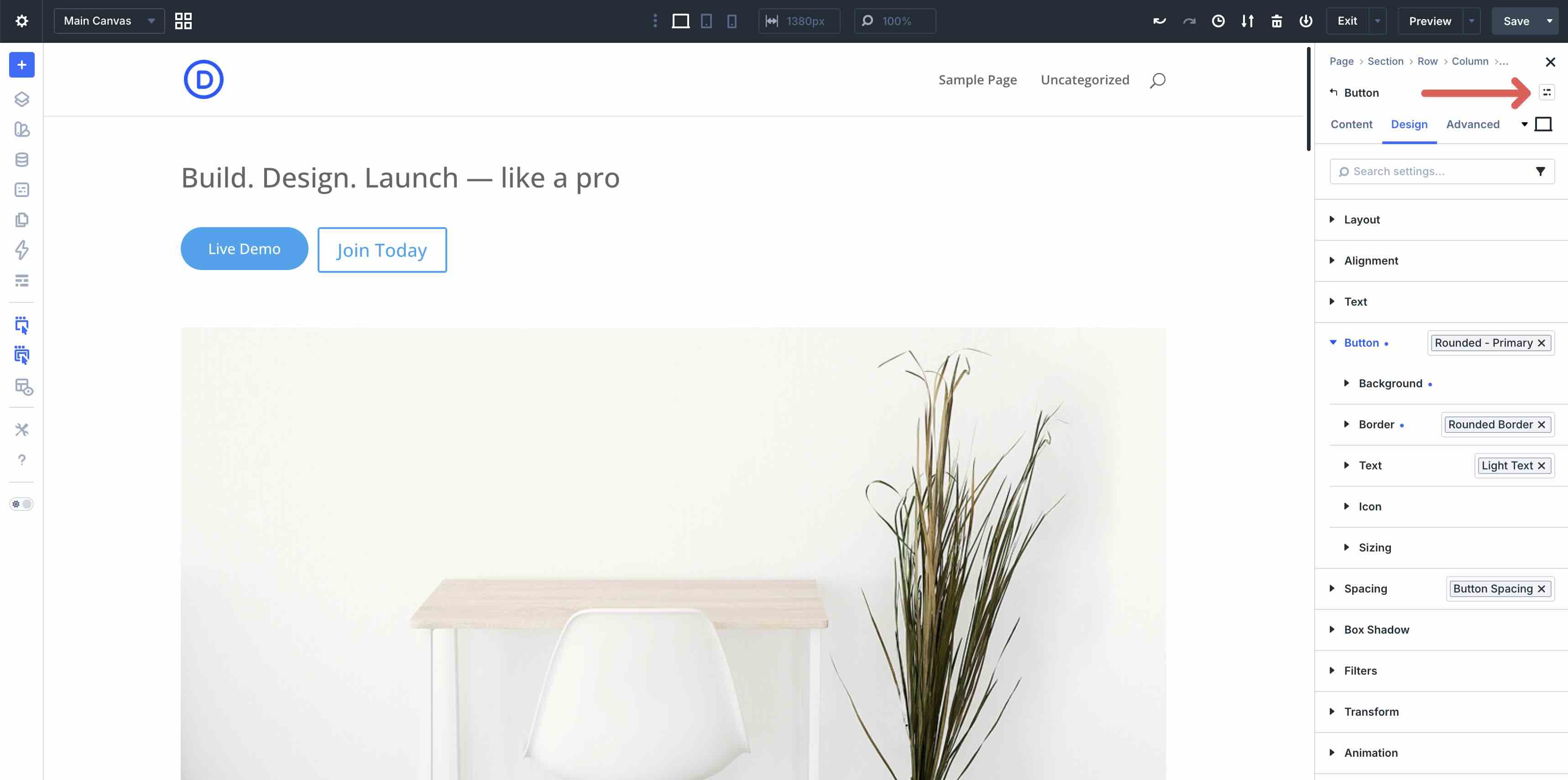
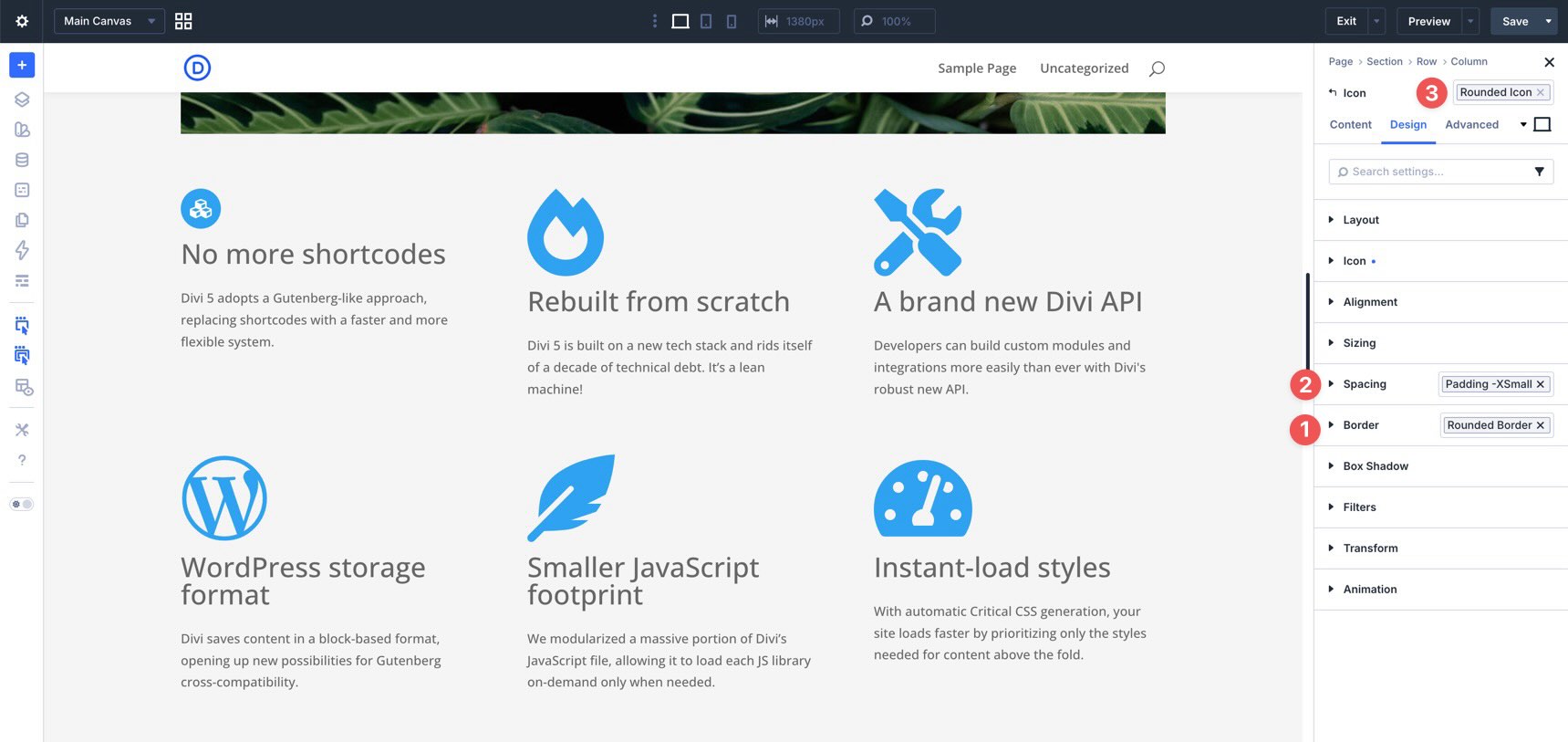
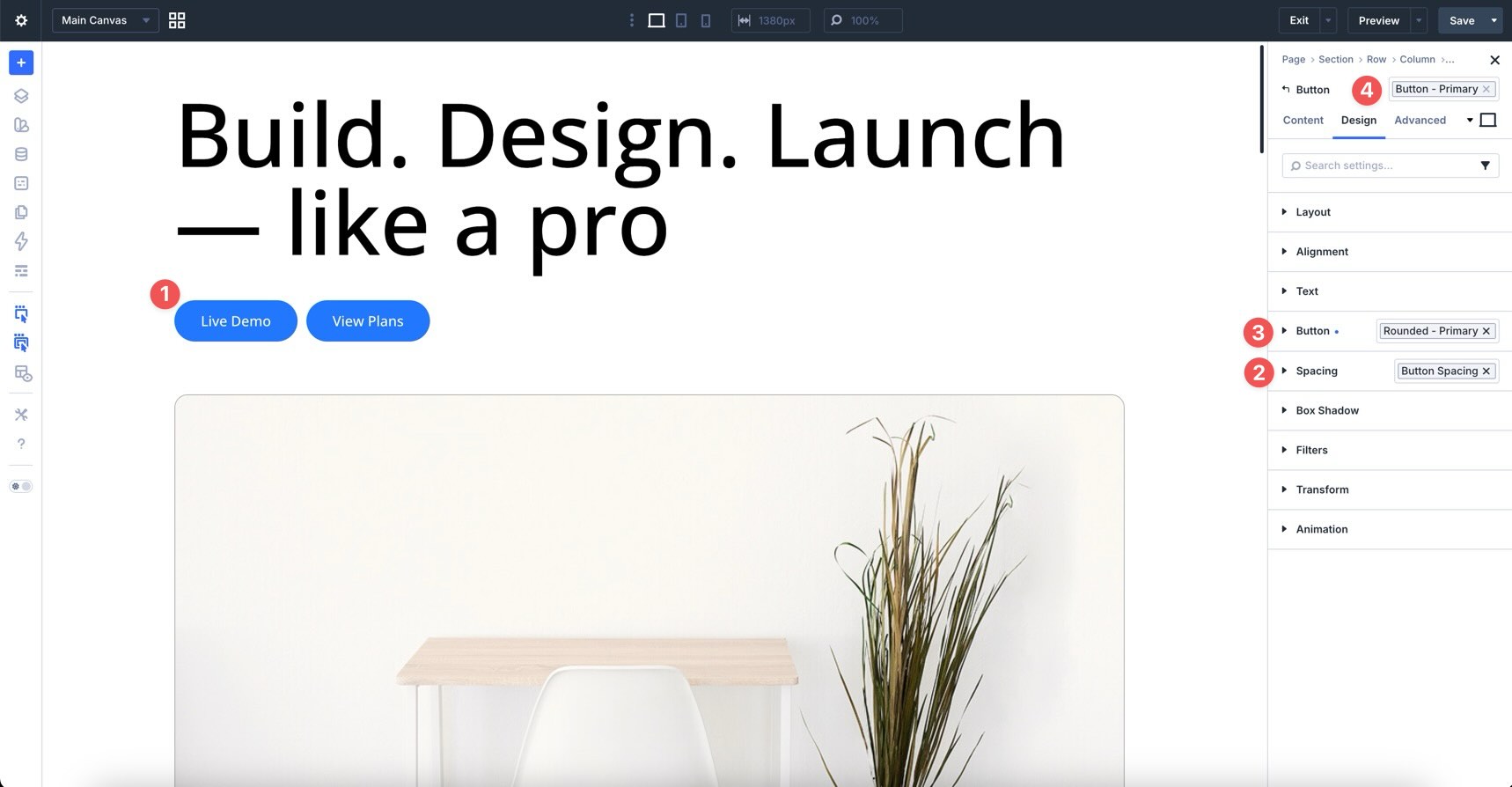
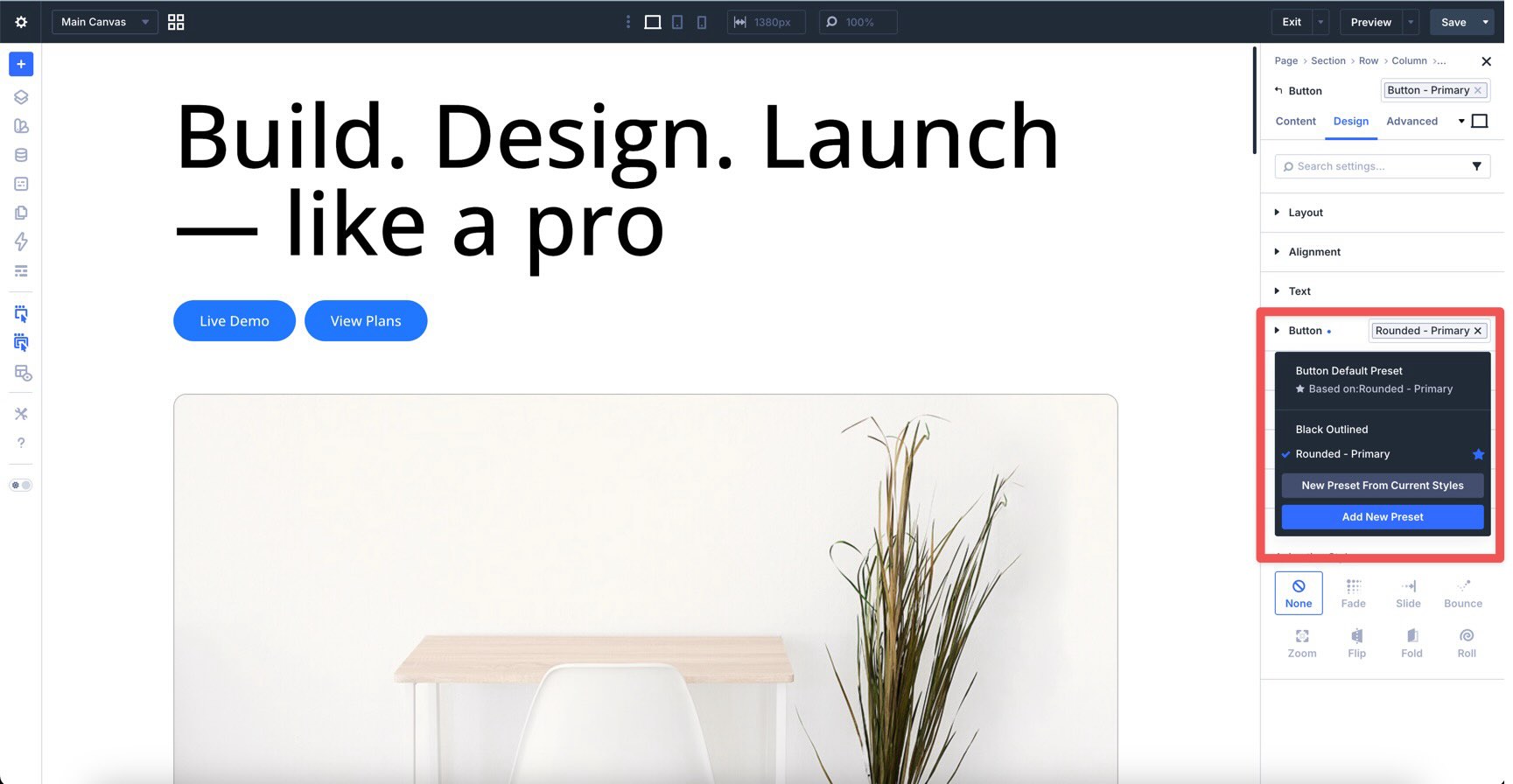
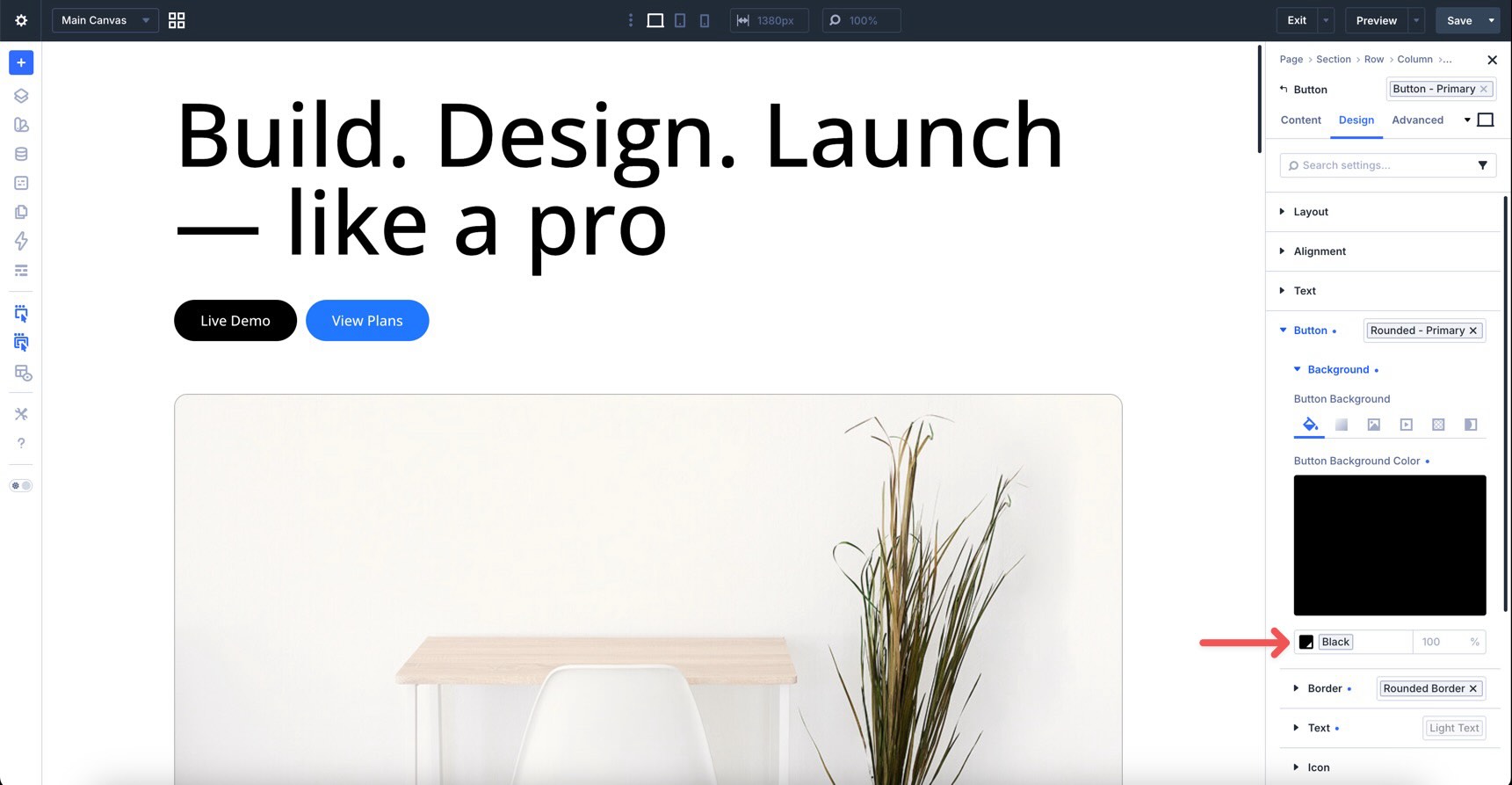
Divi 5 ‘s preset system makes it easier to create, reuse, and maintain consistent styles across an entire website. Instead of rebuilding the same button, border, form field, or card style again and again, you can save those styles as presets and apply them wherever they fit. With the release of Nested Option Presets , the preset system goes deeper. You can apply presets to nested option groups inside modules, and you can nest option presets inside other option presets. That means a small preset, such as a border style, can be reused inside a button preset, which can then be included inside a larger element preset. In this post, we’ll explain what Nested Option Presets are, how they work, how they connect to Element Presets and Option Group Presets, and how to use them to build a cleaner design system in Divi 5. Let’s get started. 1 What Are Presets In Divi 5? 1.1 Why Presets Matter 2 Nested Option Presets Explained 2.1 How Multi-Level Nesting Works 3 How To Use Nested Option Presets 3.1 1.…