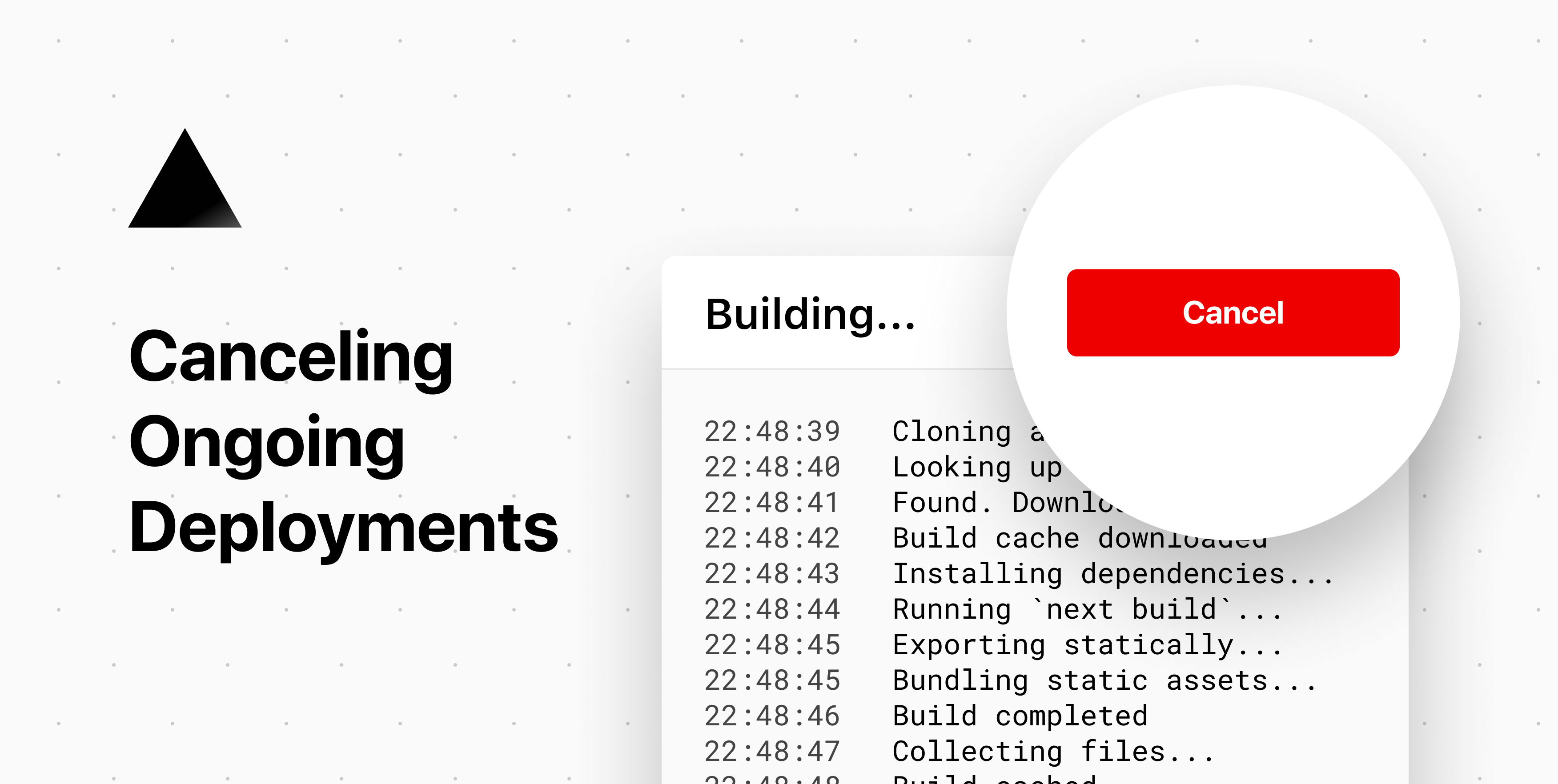
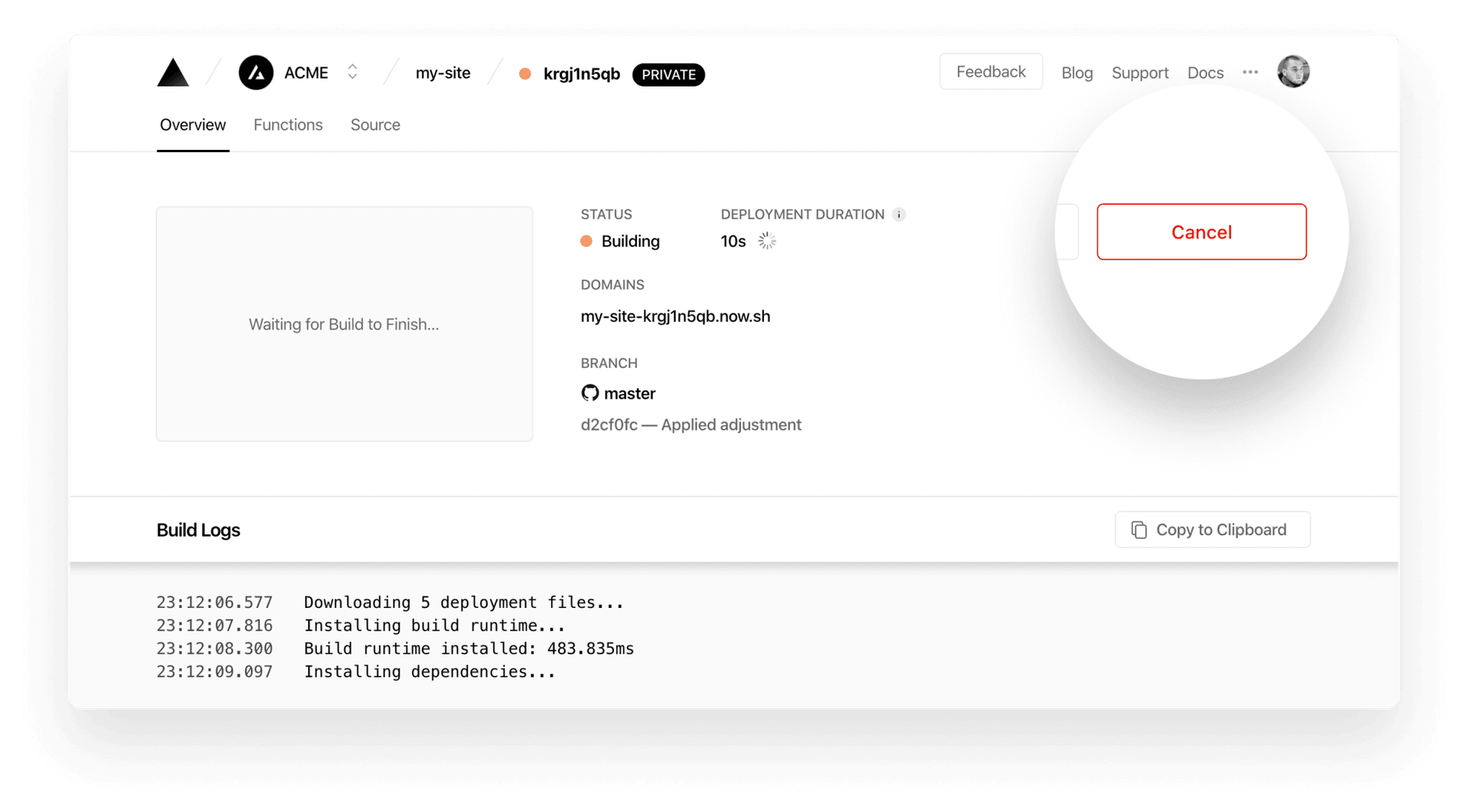
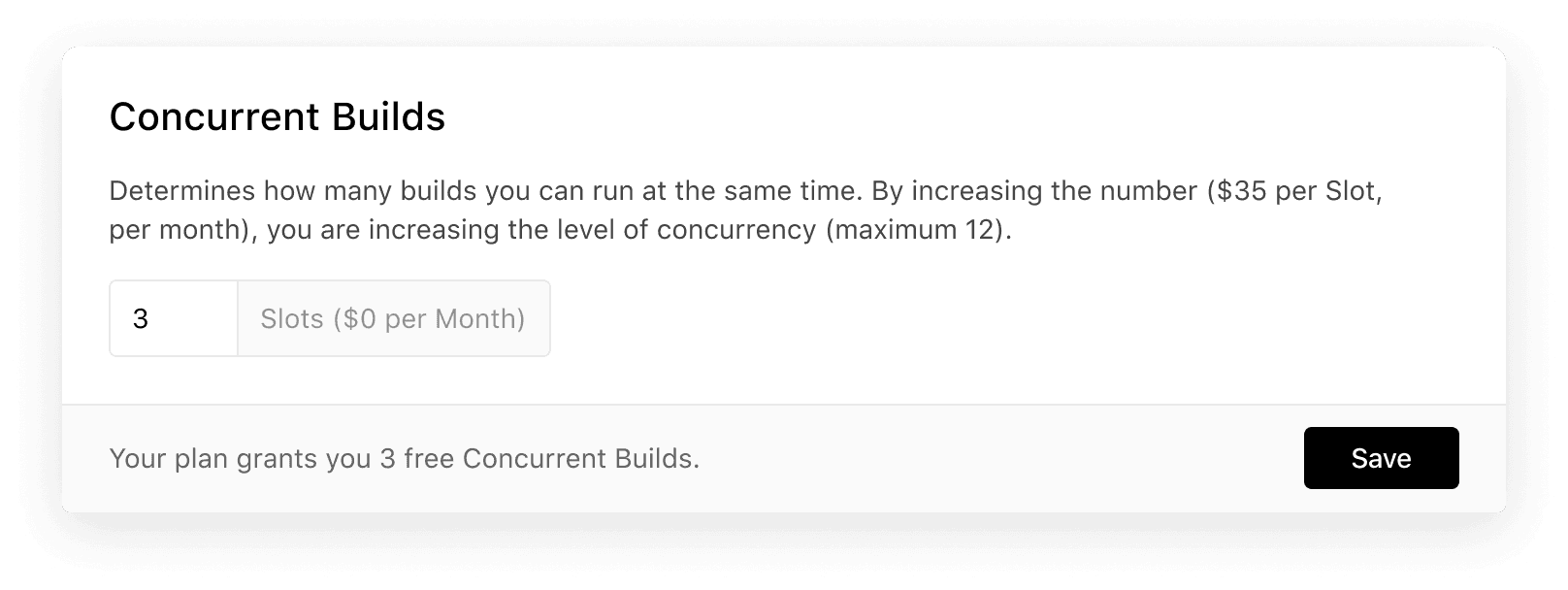
Sometimes you might find yourself having created a deployment that you don't need anymore, or that is causing other deployments to get queued behind it. Previously, it was necessary to wait for such deployments to complete, and then delete them. As of today, however, you can immediately cancel deployments if they are no longer required. Link to heading A New Cancel Button In order to prevent a deployment from continuing to build, you can now click on the newly added "Cancel" button that shows up on the dashboard while your deployment is building: Canceling an ongoing deployment from the dashboard. Once you've canceled the deployment, any deployments queued behind it will start building. Link to heading Preventing Deployments from Getting Queued If you're creating new deployments very quickly, the most recently created ones may get queued until the oldest ones have completed building. Canceling some of them will allow the others to start building.…