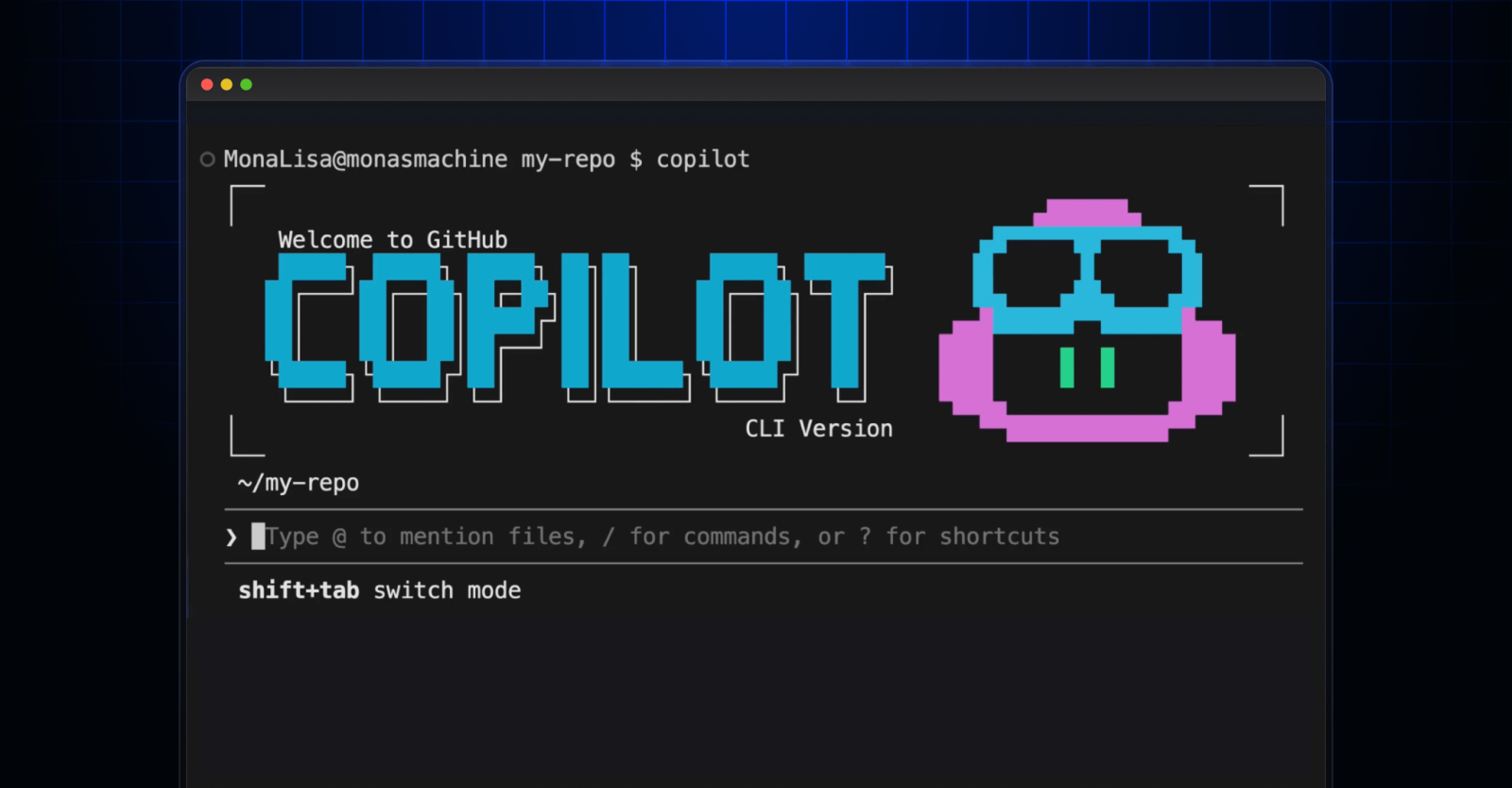
Welcome to GitHub Copilot CLI for Beginners! In this series (available in video and blog format), we’ll give you everything you need to get started using GitHub Copilot CLI , from your first prompt to tips for navigating the command line like a pro! In this blog, we’ll cover the two main modes of the CLI: interactive and non-interactive. You’ll learn the differences between the two modes, how to enter them, and what they’re most useful for. Let’s dive in! What is GitHub Copilot CLI interactive mode? Interactive mode is a back-and-forth, chat-like experience. When you launch Copilot CLI with Copilot, you’re already in interactive mode—that’s the default. Non-interactive mode is a separate option for when you want a quick, one-off answer without entering a session. (More on non-interactive mode later!) In interactive mode, you can ask GitHub Copilot a question, review its response, and then either follow up with questions or another prompt—all within the same session.…