Menu

Post image 1
Post image 2
Post image 3
Post image 4
Post image 5
Post image 6
Post image 7
Post image 8
Post image 9
Post image 10
Post image 11
Post image 12
Post image 13
Post image 14
Post image 15
Post image 16
Post image 17
Post image 18
Post image 19
Post image 20
Post image 21
Post image 22
Post image 23
Post image 24
Post image 25
Post image 26
Post image 27
Post image 28
Post image 29
Post image 30
Post image 31
Post image 32
Post image 33
Post image 34
Post image 35
Post image 36
Post image 37
Post image 38
Post image 39
Post image 40
Post image 41
Post image 42
Post image 43
1 / 43
0

How to Send Back-in-Stock Notifications in WooCommerce (& Recover Lost Sales)

WPBeginner·Allison·22 days ago
#KMKVai6L
#aioseo#regular#brands#light#wpb#stock
Reading 0:00
15s threshold

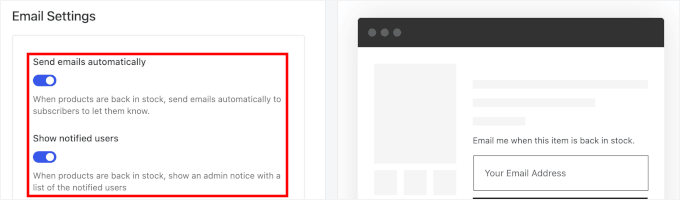
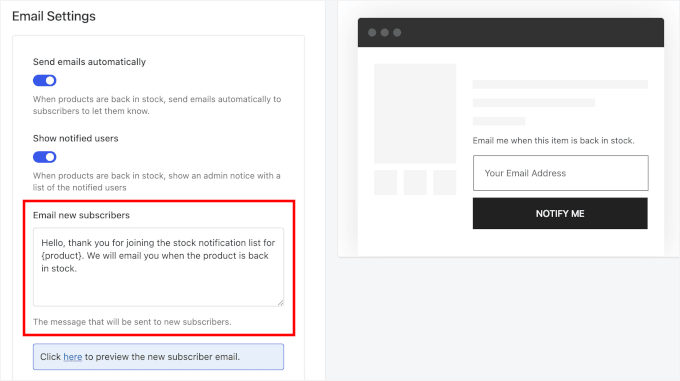
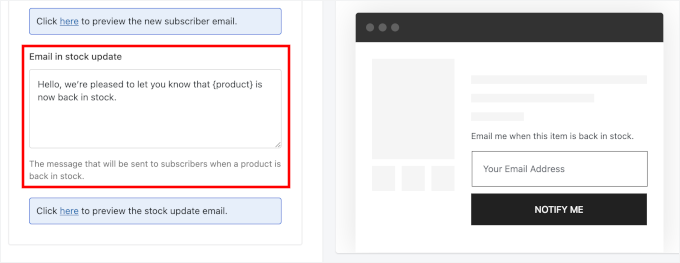
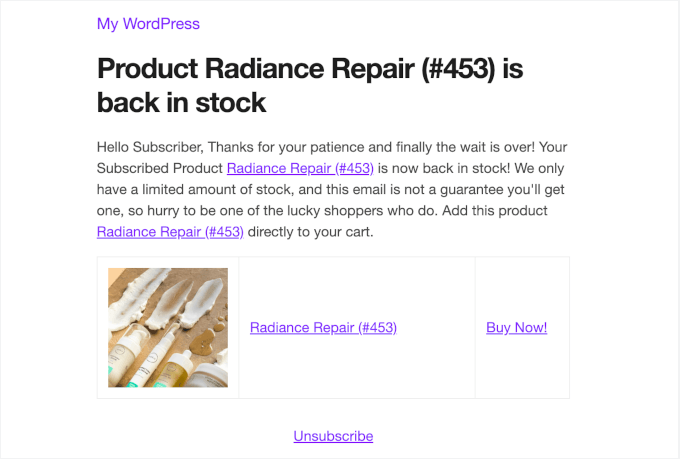
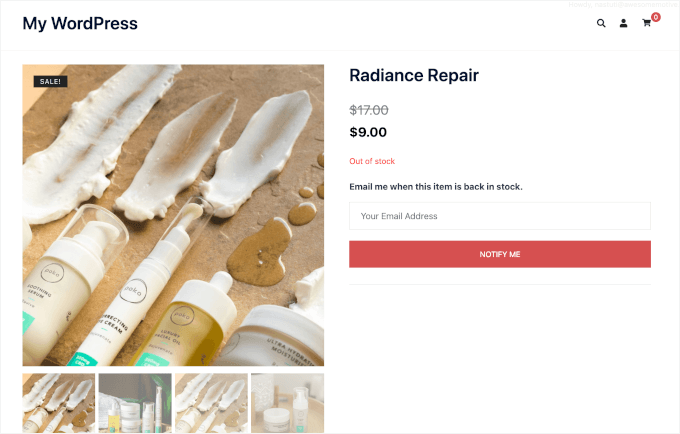
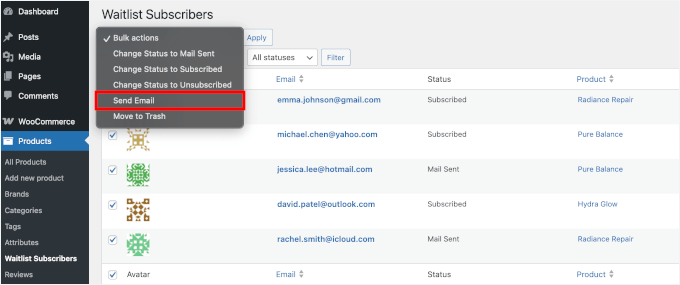
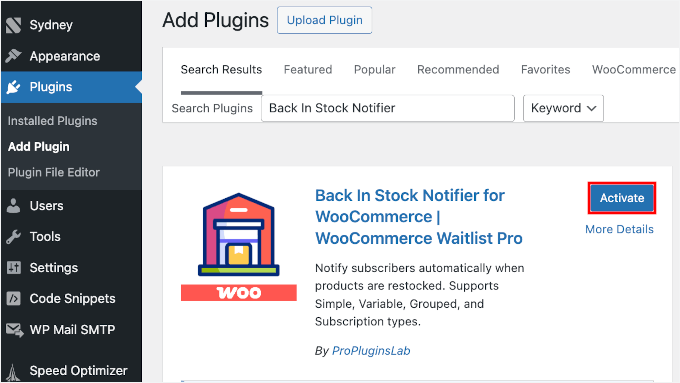
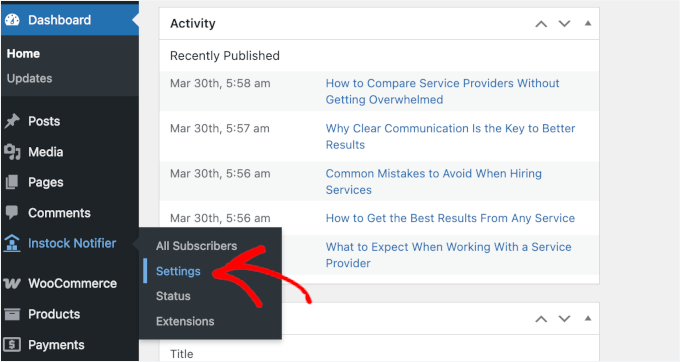
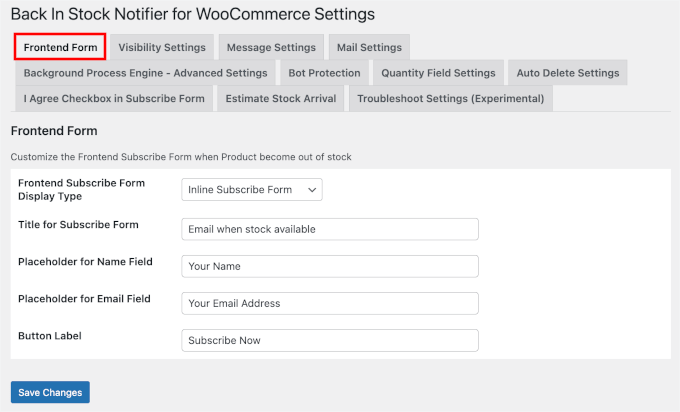
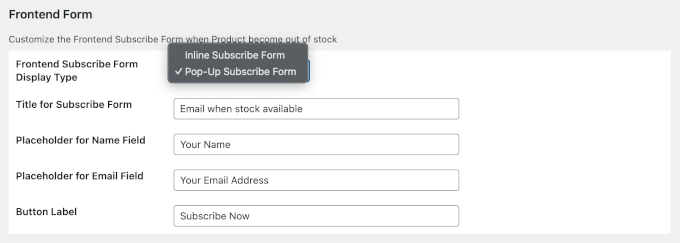
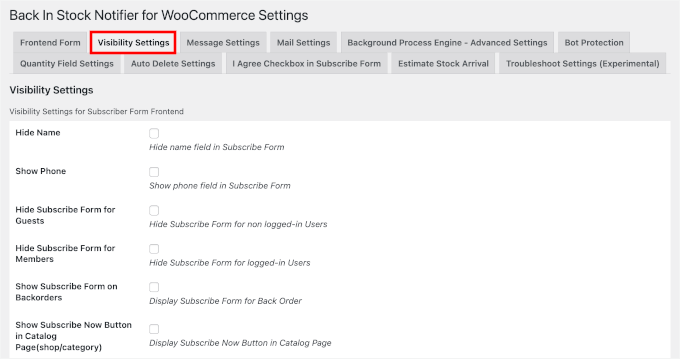
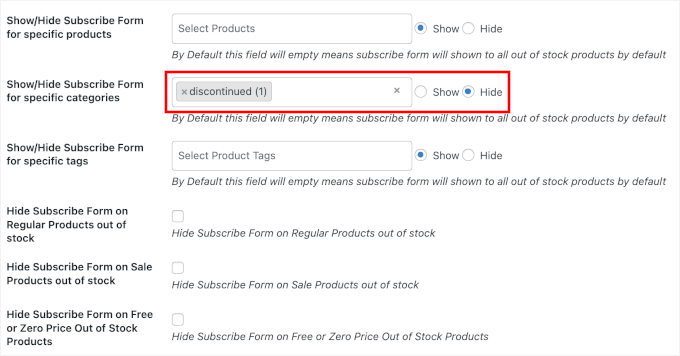
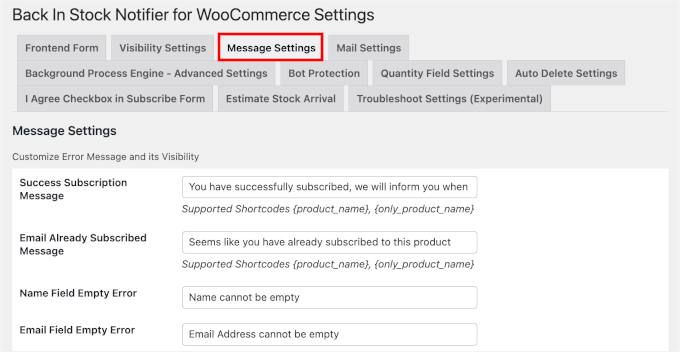
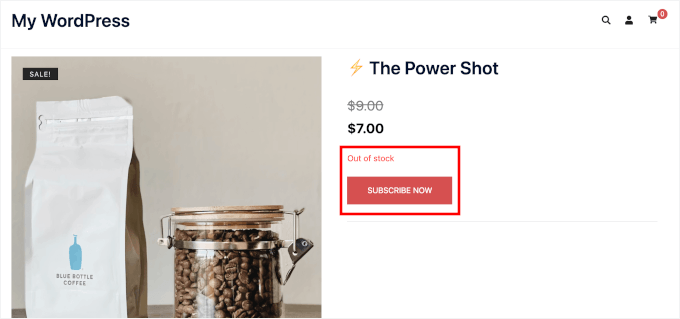
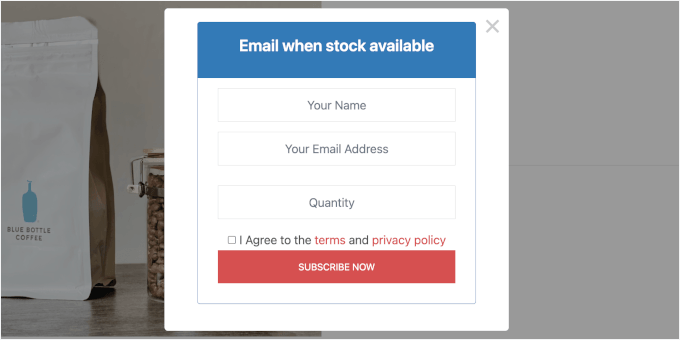
Out-of-stock products don’t just mean missed sales. They also mean missed opportunities to keep customers coming back to your WooCommerce store. The good news is that there’s an easy way to recover those lost sales. Adding a “Notify When Back in Stock” feature to your WooCommerce store lets customers sign up to be alerted the moment a product is available again, which brings them straight back to your store and ready to buy. Beyond recovering lost sales, back-in-stock notifications help build customer loyalty by showing shoppers you value their interest even when you can’t fulfill their order right away. Since WooCommerce doesn’t include this feature natively, you’ll need a third-party plugin to make it work. In this guide, I’ll show you two easy ways for how to send back-in-stock notifications in WooCommerce – no coding needed.…

Continue reading — create a free account

Join HashtagPLUS to read full articles, follow hashtags, vote, and join the conversation.

Read More