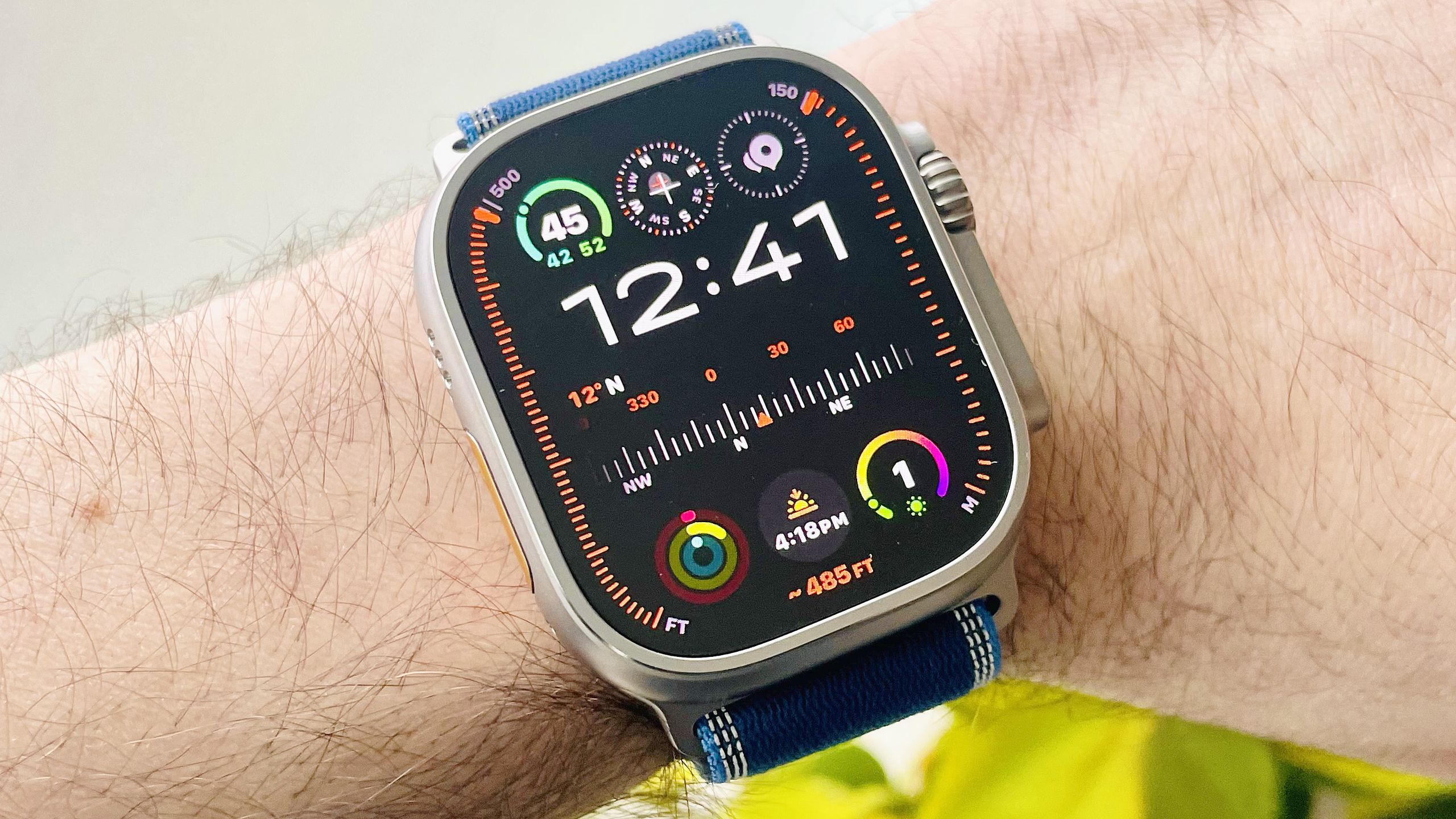
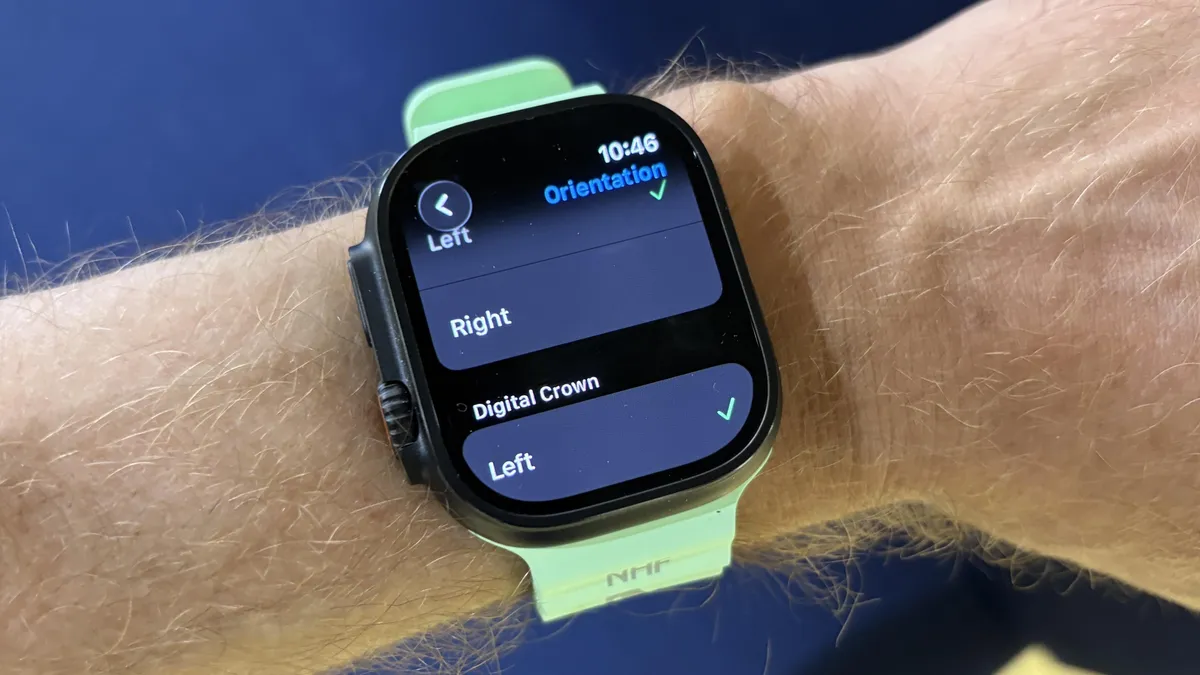
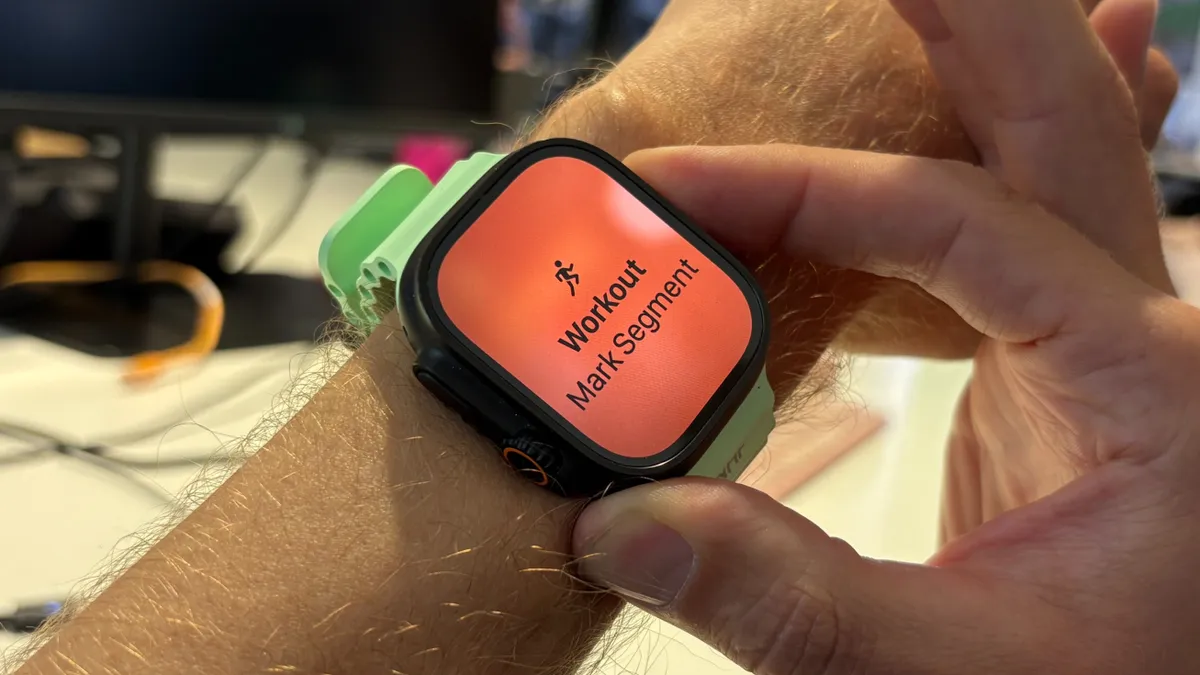
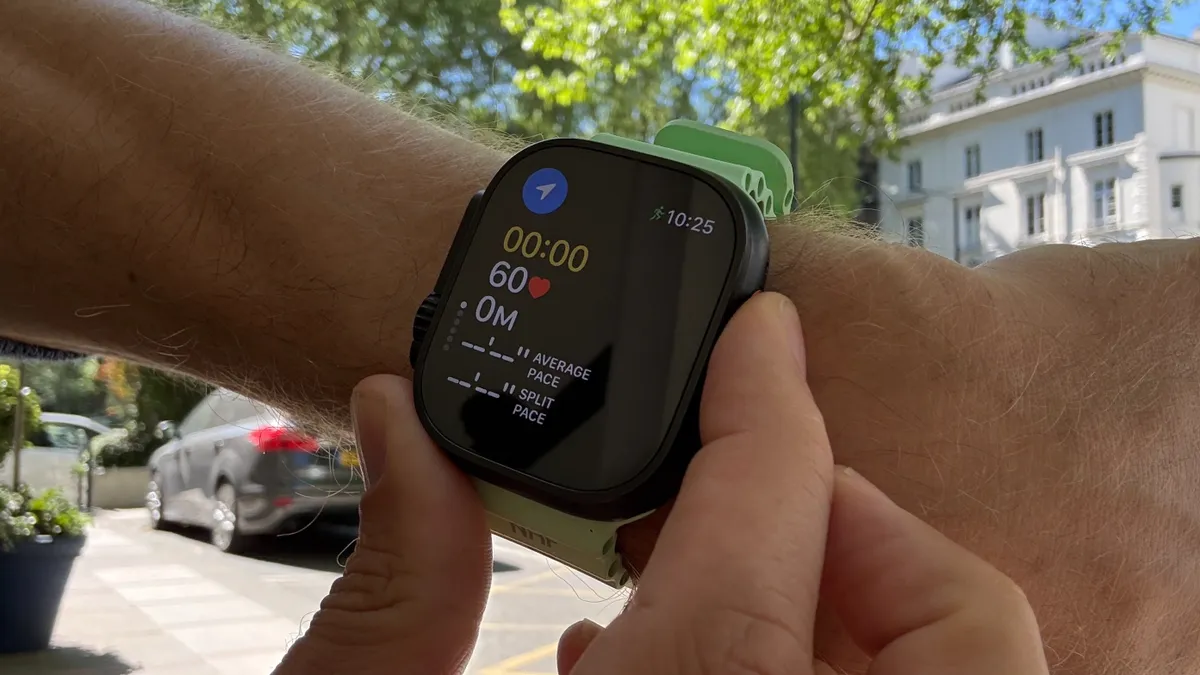
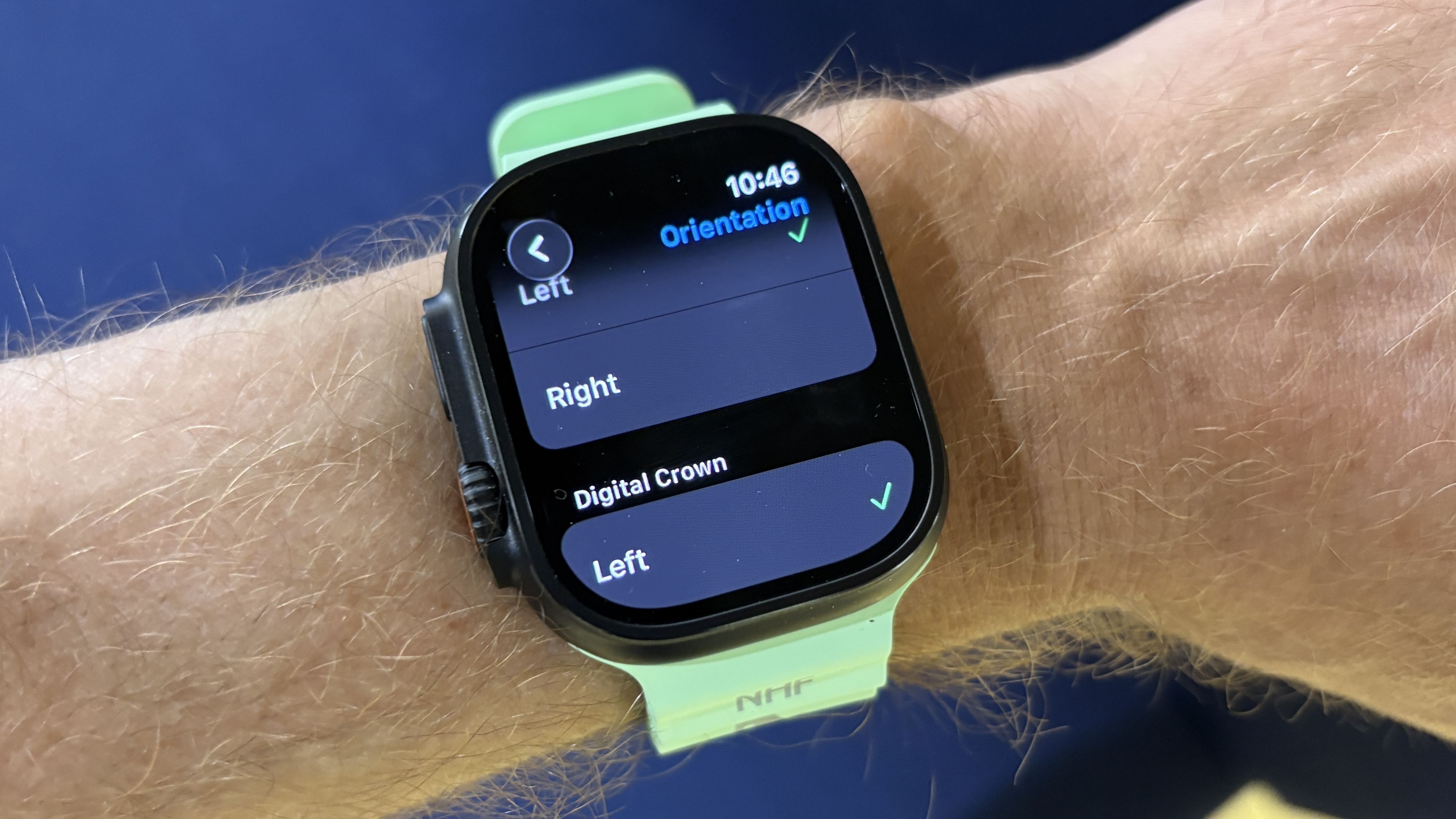
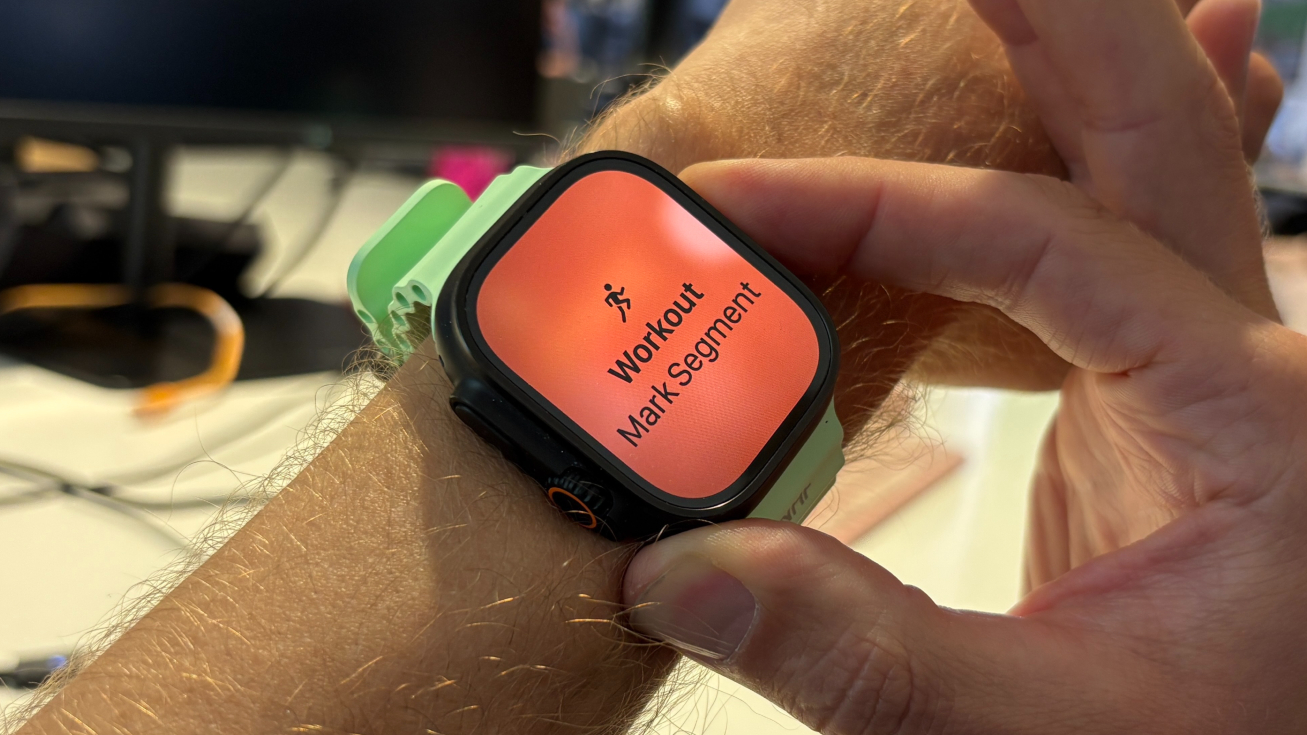
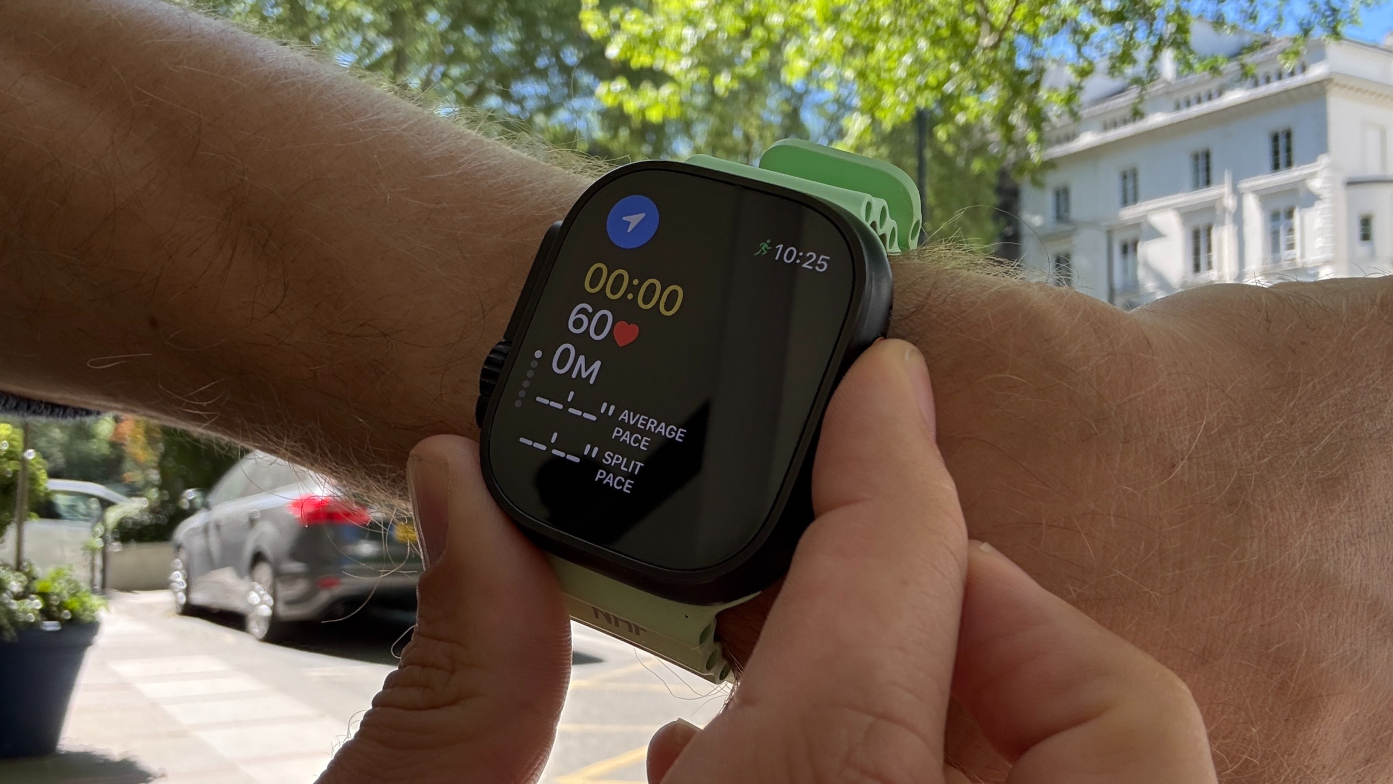
(Image credit: Dan Bracaglia/Tom's Guide) As an avid runner who’s used every model of the Apple Watch over the years, the day the Apple Watch Ultra launched was a very happy one, and there’s one big, orange reason for that. The Action button meant it was finally easy to take laps, or 'mark segments', using the watch during runs, without having to use a tricky combination of two buttons or tapping the screen. I use the lap button regularly in my structured training, almost every day in fact, so the Apple Watch Ultra removed a minor but persistent frustration I had with the Series models. However, I still had one problem with the Action button, which is that in the standard orientation of the Apple Watch Ultra, with the Action button on the left, it felt somehow… wrong. Article continues below All of the best running watches I’ve tested have the lap button on the right side, and so I’d automatically go to that side to take a lap.…