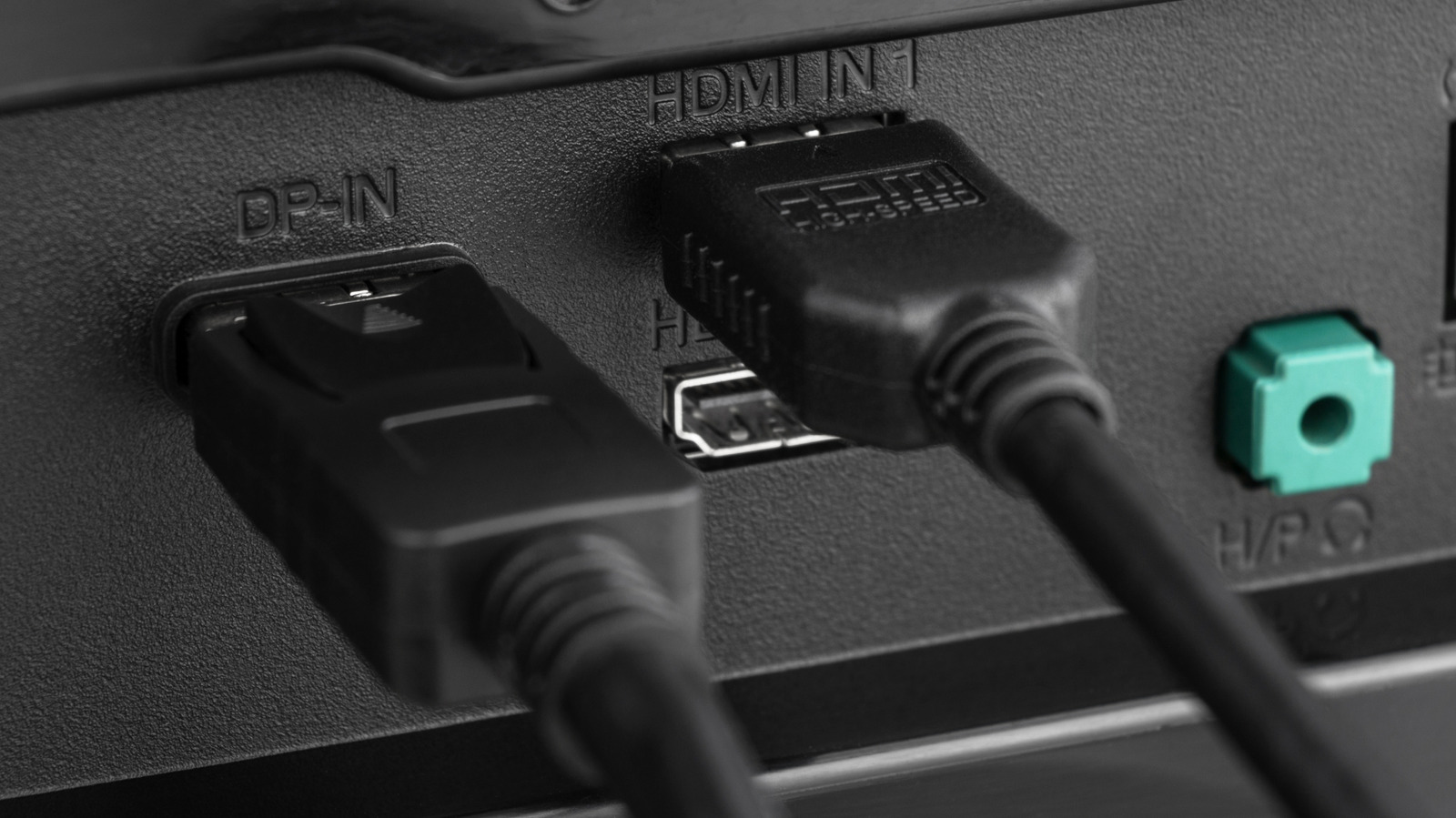
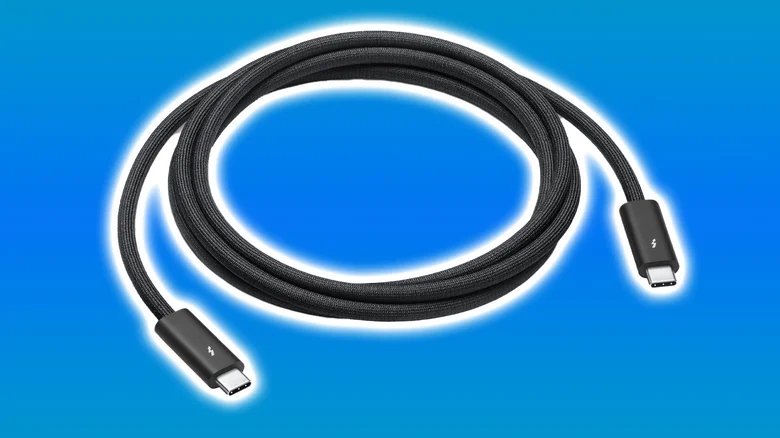
AlexanDior/Shutterstock Daisy-chaining monitors together is pretty easy once you have the right equipment, and a great solution if you don't have enough ports or a long enough cable. Unfortunately, if you want to do this with your standard HDMI cable, you're a little out of luck. Without the necessary onboard protocols, HDMI lacks the additional features of its counterpart, DisplayPort. There's no real route to daisy-chaining monitors via HDMI, so you'll have to opt for alternatives. Daisy-chaining monitors via DisplayPort isn't widely available on most modern monitors, with few brands still equipping them with the necessary ports. USB-C and Thunderbolt have taken this role instead, with brands like ViewSonic opting for the multifaceted cable over DisplayPort. HDMI might be the easiest cable to connect a PC to a monitor, but it lacks key features that other cables offer .…