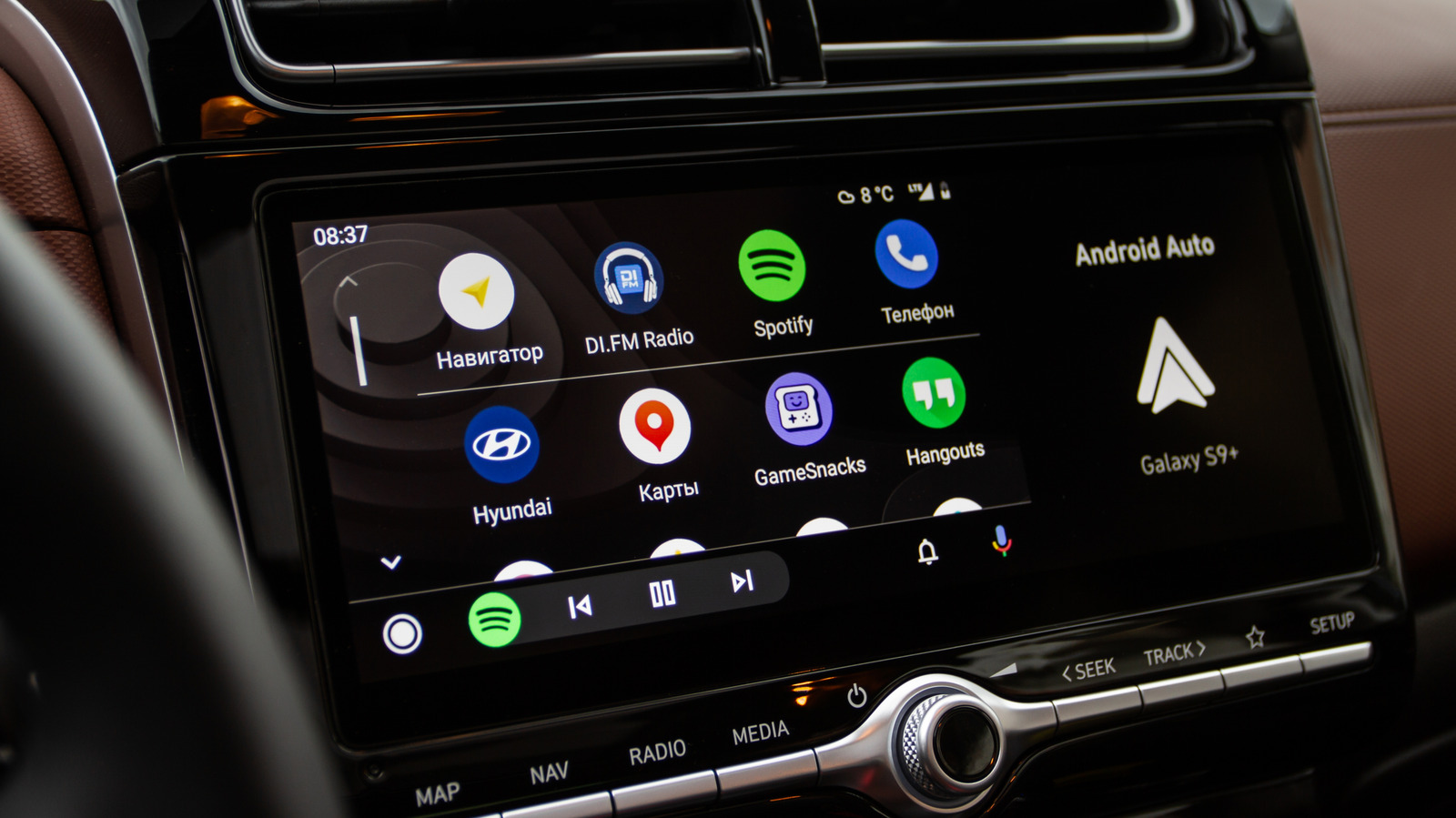
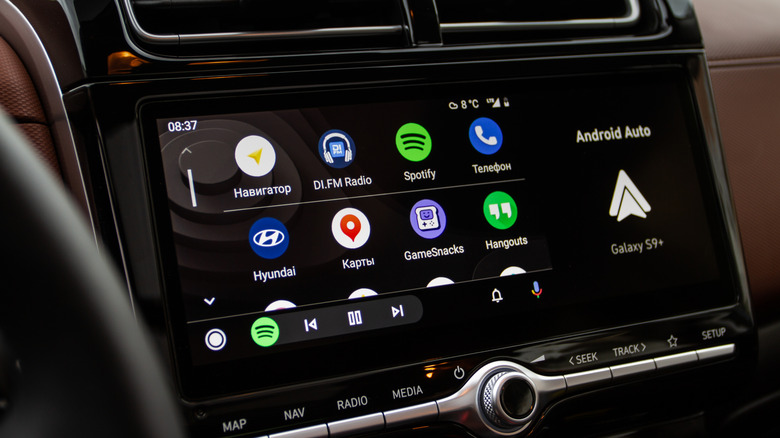
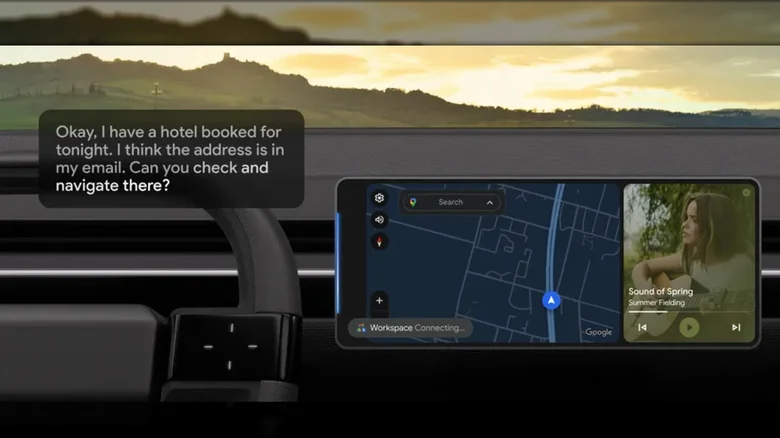
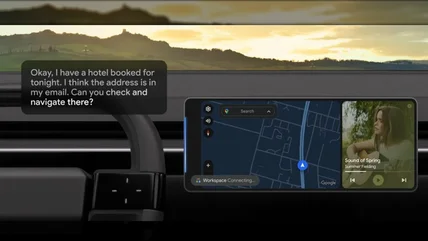
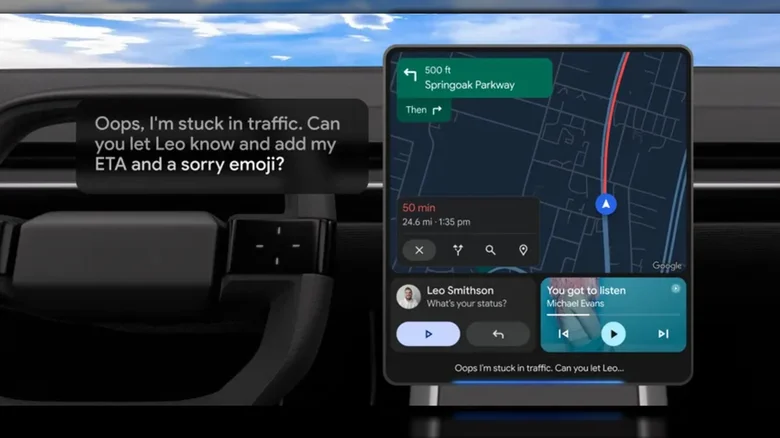
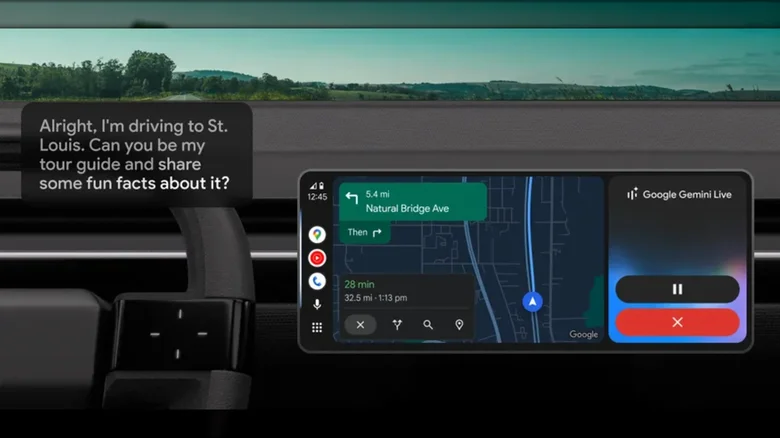
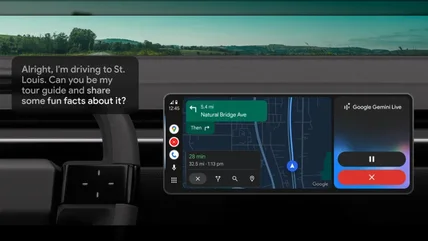
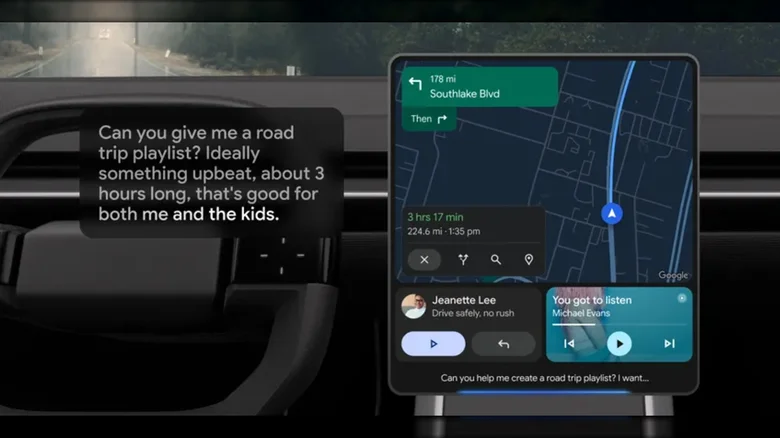
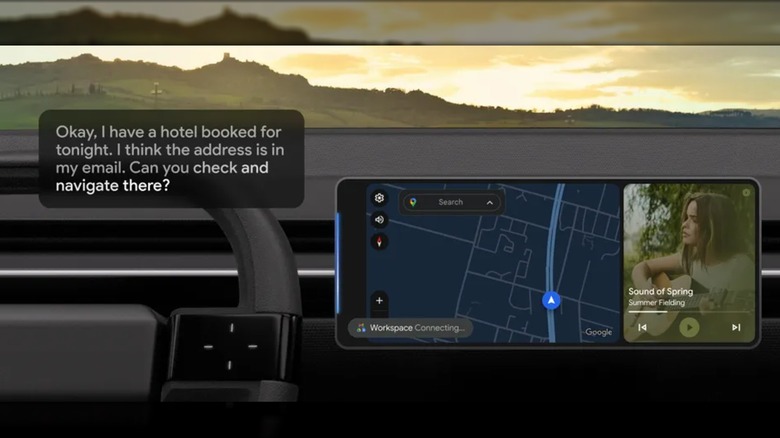
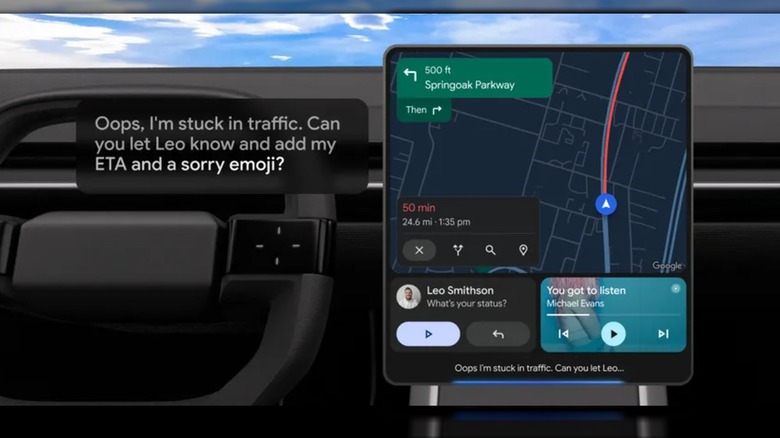
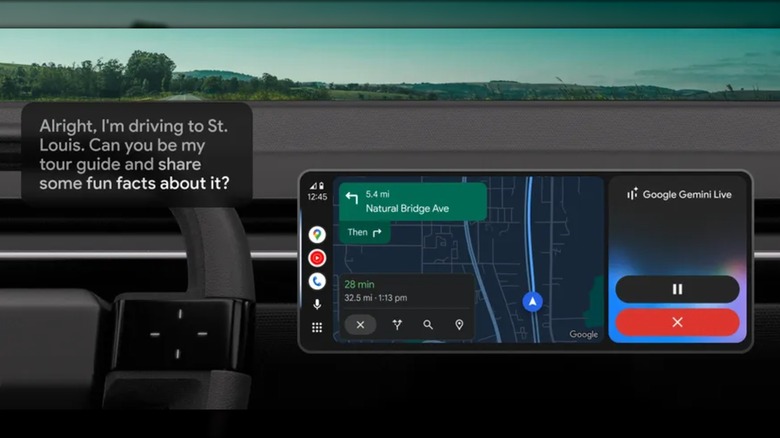
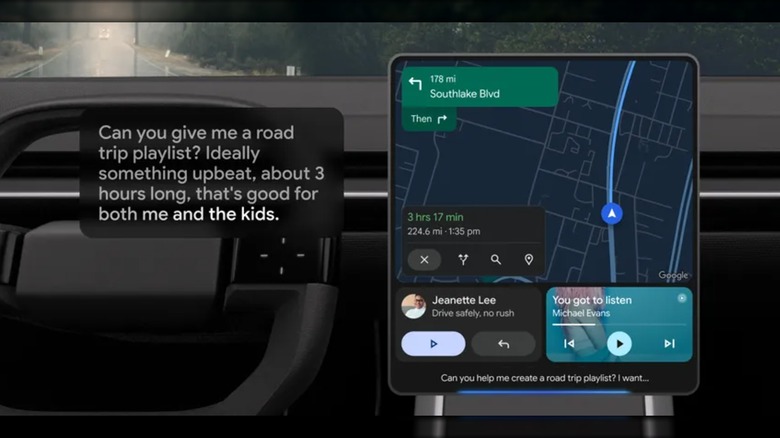
Roman Vyshnikov/Shutterstock So long, Google Assistant — Android Auto has Google Gemini now. For those that use Google's in-vehicle infotainment system app, the voice-controlled Google Assistant has been replaced with Gemini, the company's artificial intelligence model. Users will still be able to access this assistant using their voice, but how it is interacted with may be far different. We've already begun taking a look at some of Google Gemini's best features for Android Auto , but now we want to pursue some ways users can get the most out of the tech. With the new Gemini assistant, Android Auto users are able to control their navigation fairly easily. Adding stops or getting certain information can now be easier, as you no longer need to memorize specific commands to have it address your queries. It's handy for not taking your eyes off the road, and it can perform a variety of tasks such as answering messages or providing you with information about local eateries.…