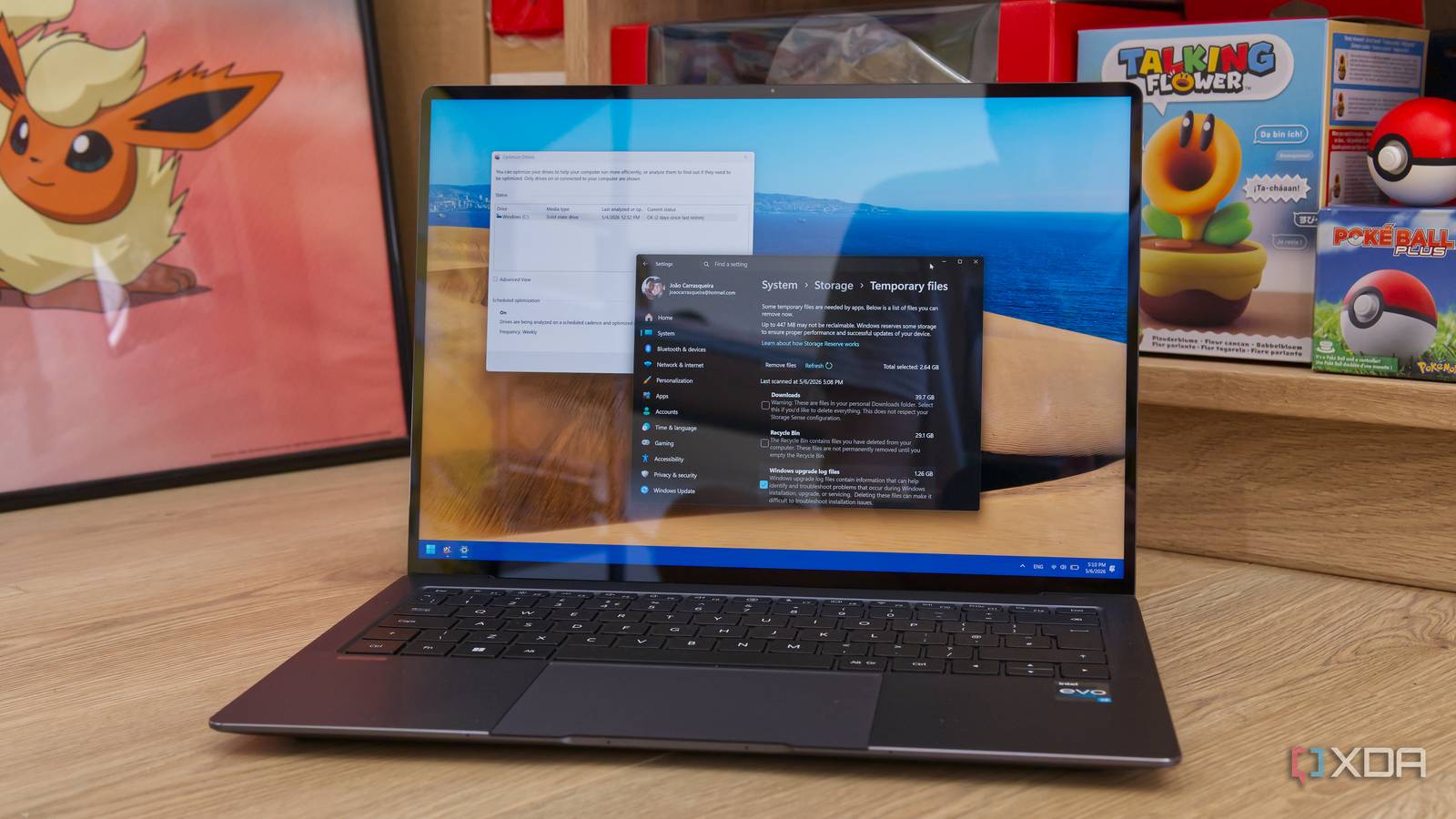
Published May 8, 2026, 2:30 PM EDT João has been covering the tech world for over 7 years, with a heavy focus on laptops and the Windows ecosystem. I also love all things tech and videogames, especially Nintendo, which he's always happy to talk about. Prior to joining XDA in 2021, he worked at Neowin: https://www.neowin.net/news/poster/jo%C3%A3o-carrasqueira/ Anyone who's used a Windows computer has probably fallen "victim" to the appeal of optimization apps. Between deleting temporary files, cleaning the registry, and so on, these apps can often sound like they'll make your PC ten times faster, but the real effects are usually much more limited. And if you're looking to free up space or improve your system's performance, all the tools you need are actually built into Windows already. I've long stopped installing optimization apps on my computer after finding out about some of these tools, so let's take a look at them.…