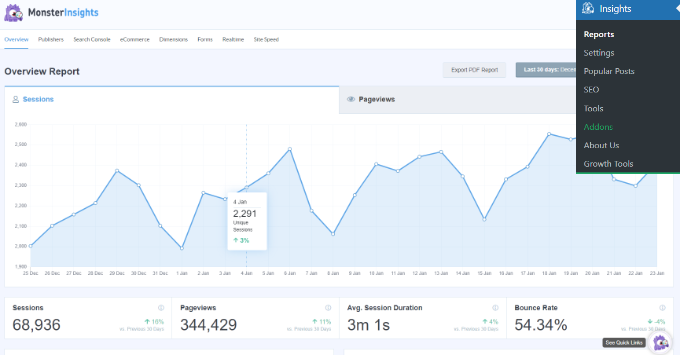
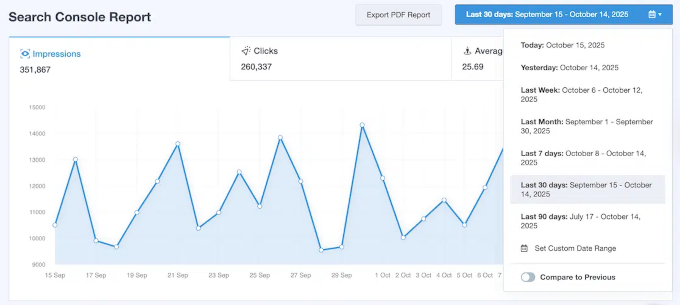
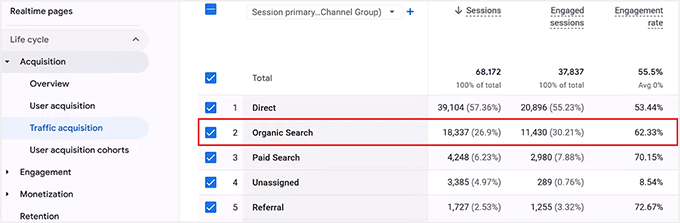
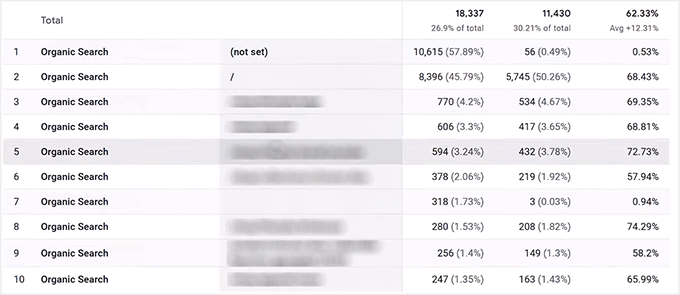
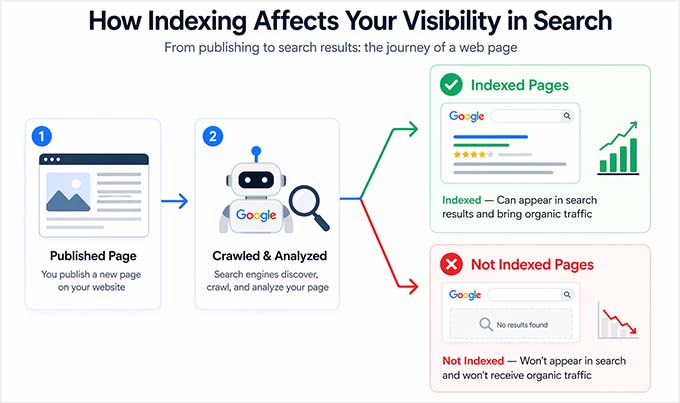
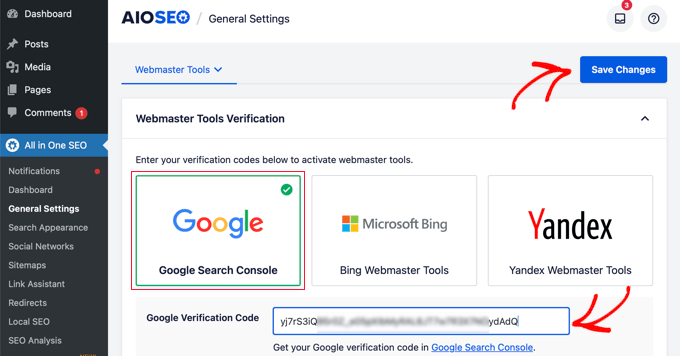
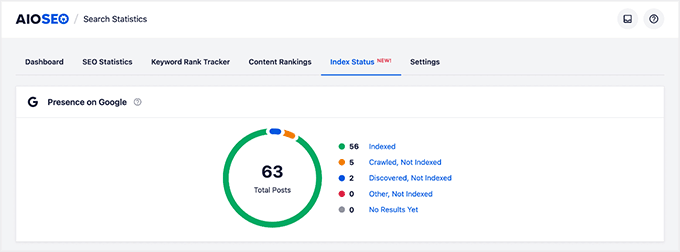
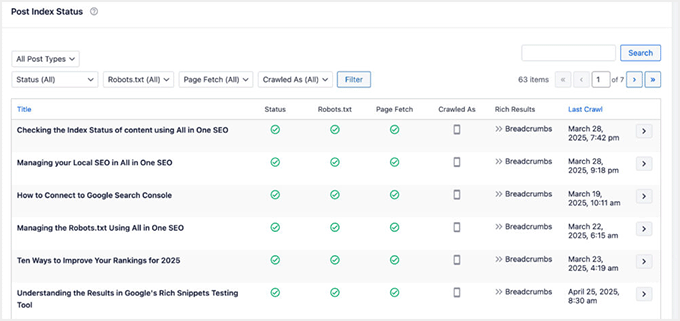
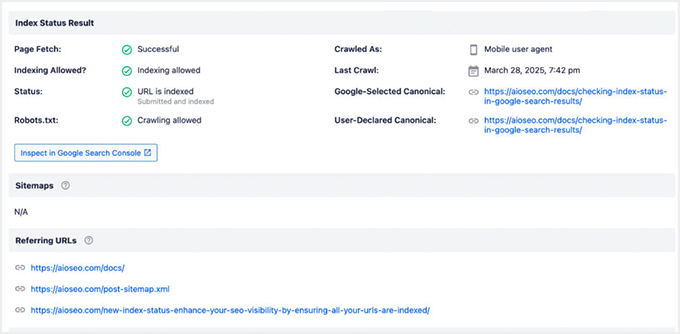
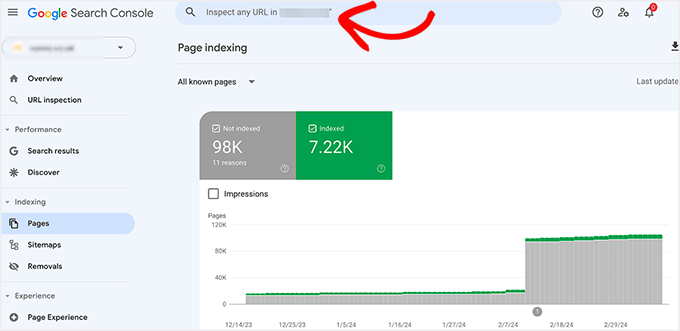
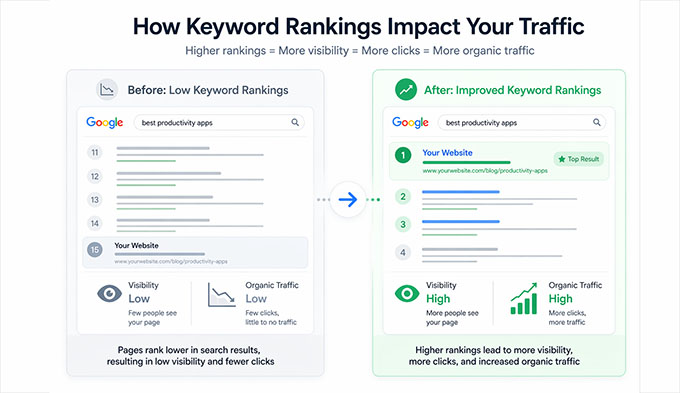
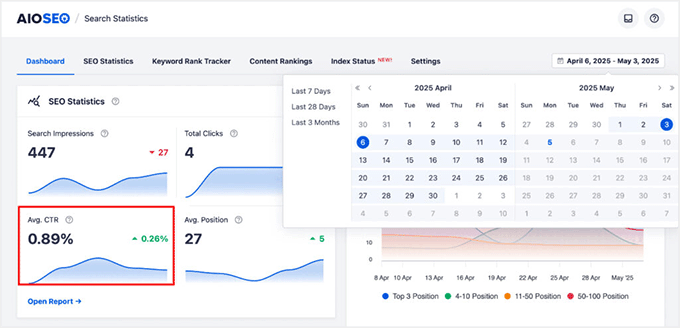
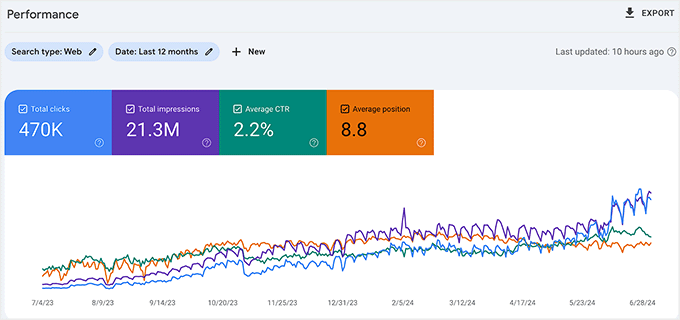
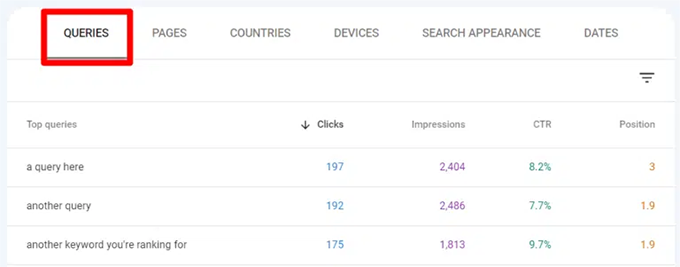
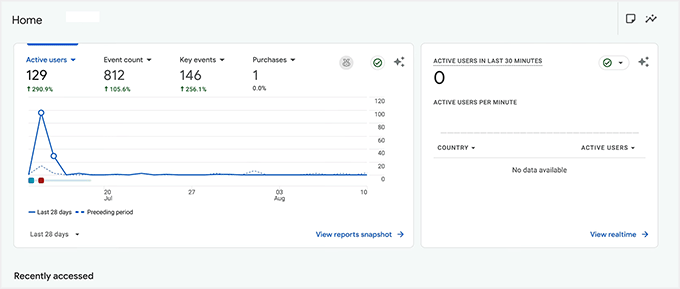
Many WordPress site owners keep publishing content for months but still aren’t sure if their SEO is actually working. The tricky part is that the results are usually already there but they’re just not always easy to notice at first glance. Instead of appearing in one obvious place, SEO performance shows up across different areas of your site. You can spot it through clear signals like organic traffic, keyword rankings, indexed pages, click-through rates, and conversions. In this guide, I’ll show you how to check if your SEO is working and measure your SEO progress on your site using tools like MonsterInsights, AIOSEO, and Google Search Console. 💡 Quick 2-Minute Check to See If Your WordPress SEO Is Working If you just want a quick check-up of your SEO performance, you don’t need tools or deep reports yet. Start by answering these simple questions: Are you getting any organic traffic from search engines like Google Search? Are your pages indexed and appearing in search results?…