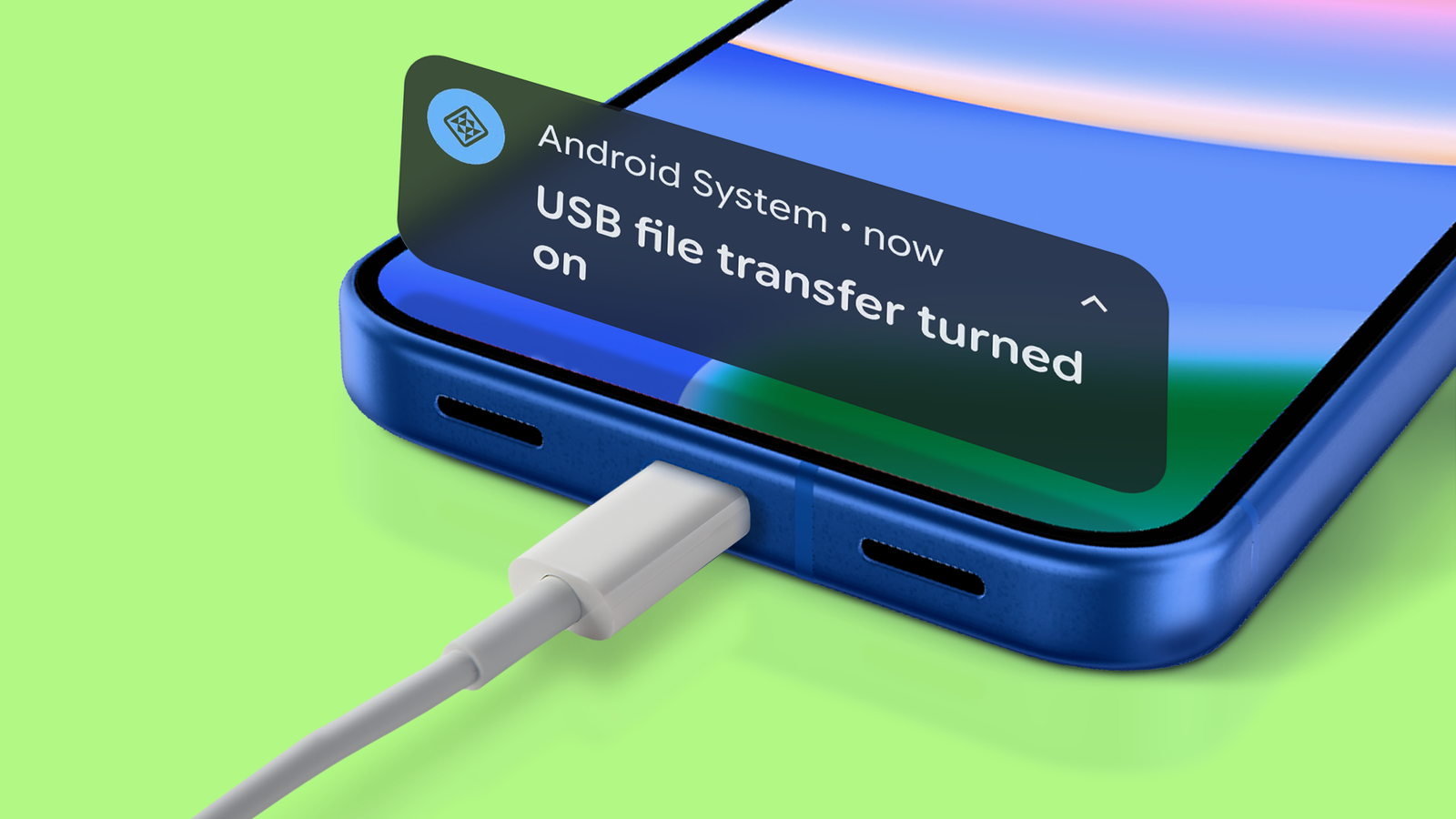
Published May 1, 2026, 6:00 AM EDT Oluwaniyi Raji is a tech content specialist who covers consumer technology, software, and digital tools. He has published over 300 articles for outlets including BGR (Boy Genius Report), MakeUseOf, TestGorilla, and Vervoe, focusing on helping readers make informed decisions about the technology they use. His work combines technical accuracy with practical buying advice. When he’s not writing, Oluwaniyi enjoys exploring new productivity tools and watching football. Every time I plug my Google Pixel phone into my PC, the same thing happens. I open File Explorer, stare at nothing for a few seconds, and then remember I need to pull down the notification shade and switch from charging to file transfer. I've done this hundreds of times, and it's always annoying. Android defaults to "No data transfer" when you connect a USB cable. It's a security measure that prevents unauthorized access to your phone's storage, and it applies to every Android phone running Android 10 or later.…