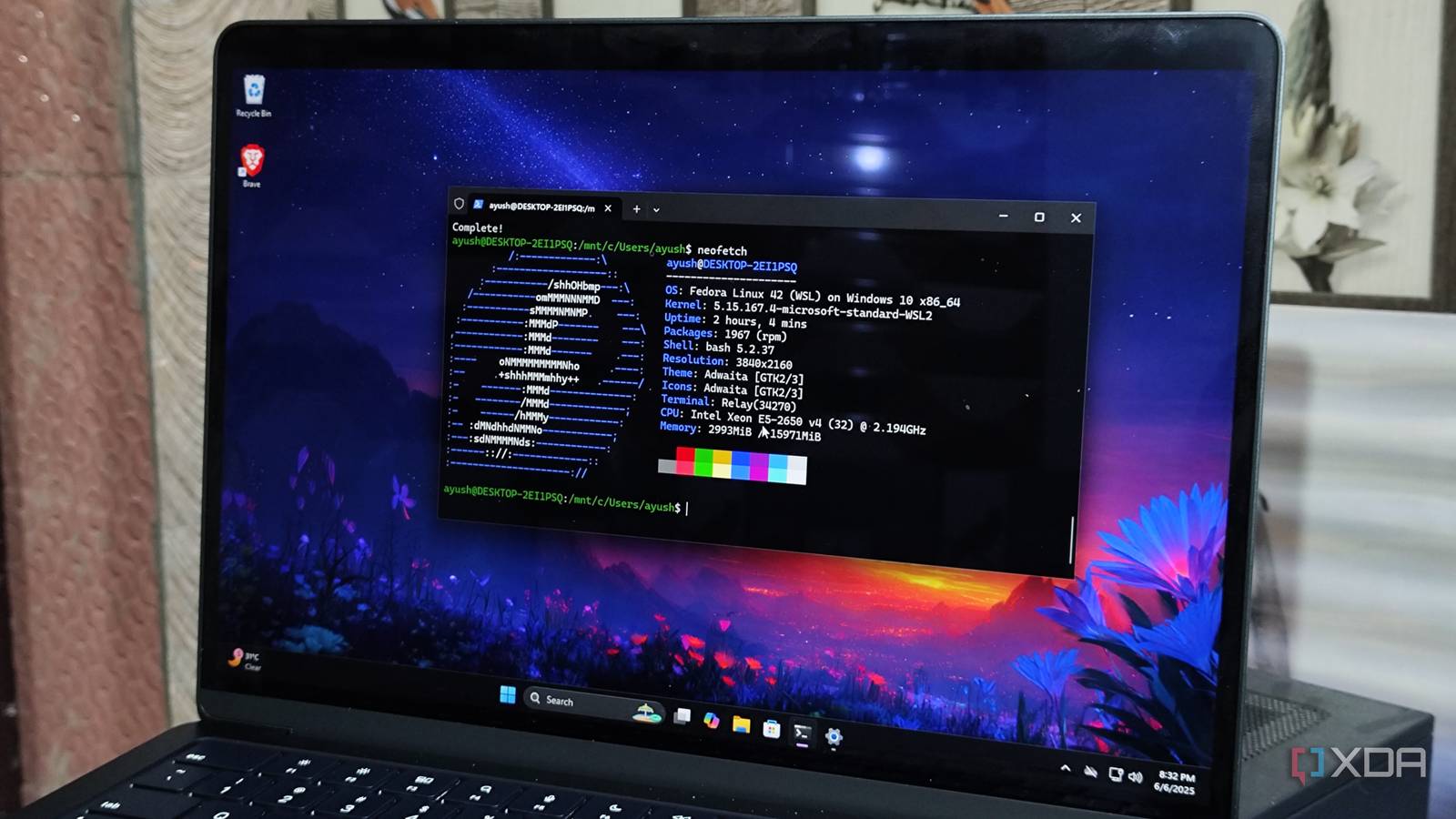
Published May 2, 2026, 12:30 PM EDT Ayush Pande is a PC hardware and gaming writer. When he's not working on a new article, you can find him with his head stuck inside a PC or tinkering with a server operating system. Besides computing, his interests include spending hours in long RPGs, yelling at his friends in co-op games, and practicing guitar. Being able to tinker with Linux distributions and apps is yet another aspect why I adore my home server. However, you don’t really need a separate machine just to access Linux packages. Between WSL2, virtual machines, and dual-boot, you’ve got several ways to access this FOSS ecosystem even when you have a single system in your burgeoning tech arsenal. Having tested all three over the course of my home lab journey, I have to admit that each method has its pros and cons. But even if some services are far easier to access on VMs and dual-boot systems, WSL2 is hands-down the best tool for tinkering with anything Linux-related on a Windows 11 PC.…