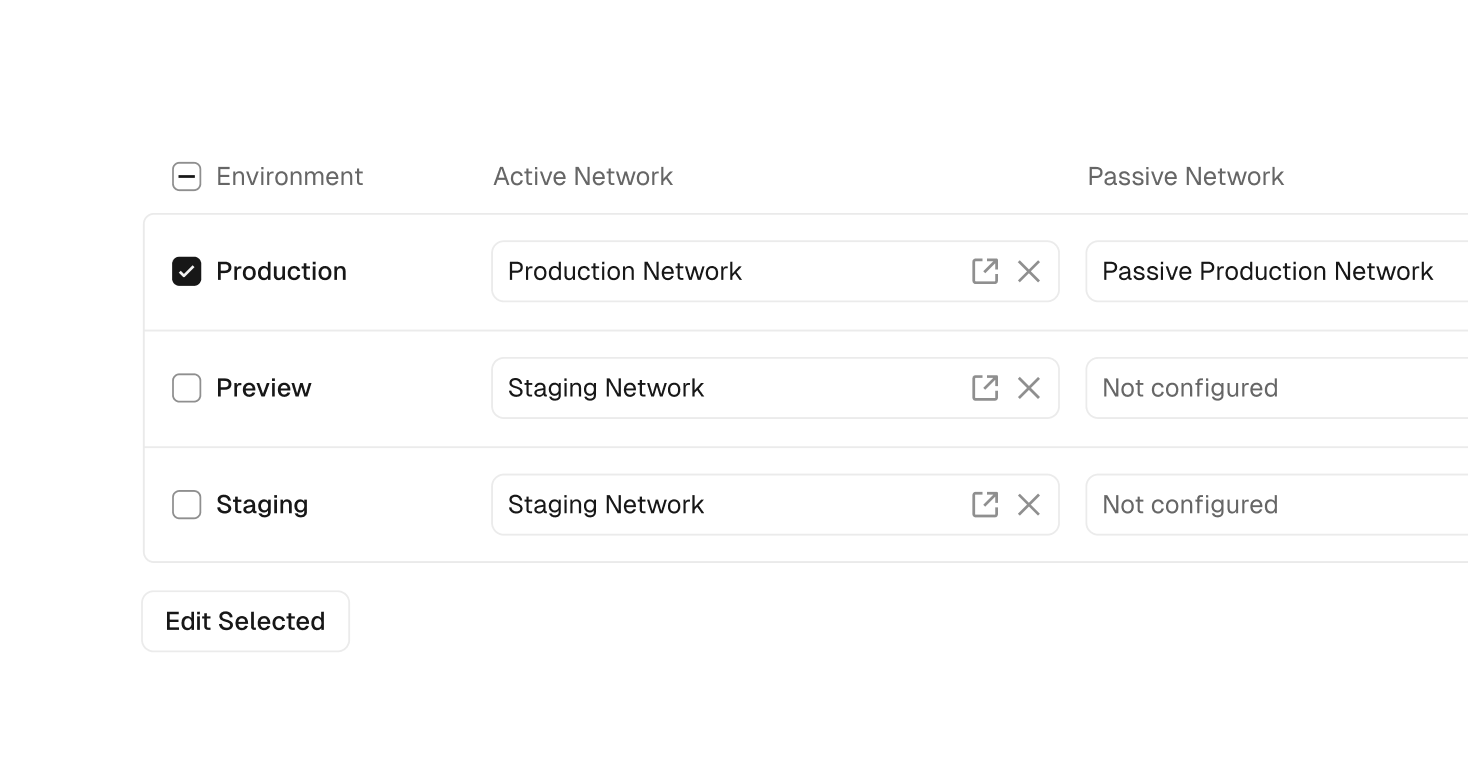
Teams using Vercel Secure Compute can now associate each project environment—Production, Preview, and custom—with a distinct Secure Compute network, directly from the project settings. This simplifies environment-specific network isolation within a single project.
To connect your project's environments to Secure Compute:
Navigate to your project's Secure Compute settings
For every environment you want to connect to Secure Compute:
Select an active network
Optionally, select a passive network to enable failover
Optionally, enable builds to include the project's build container in the network
Click Save to persist your changes
Learn more about Secure Compute.