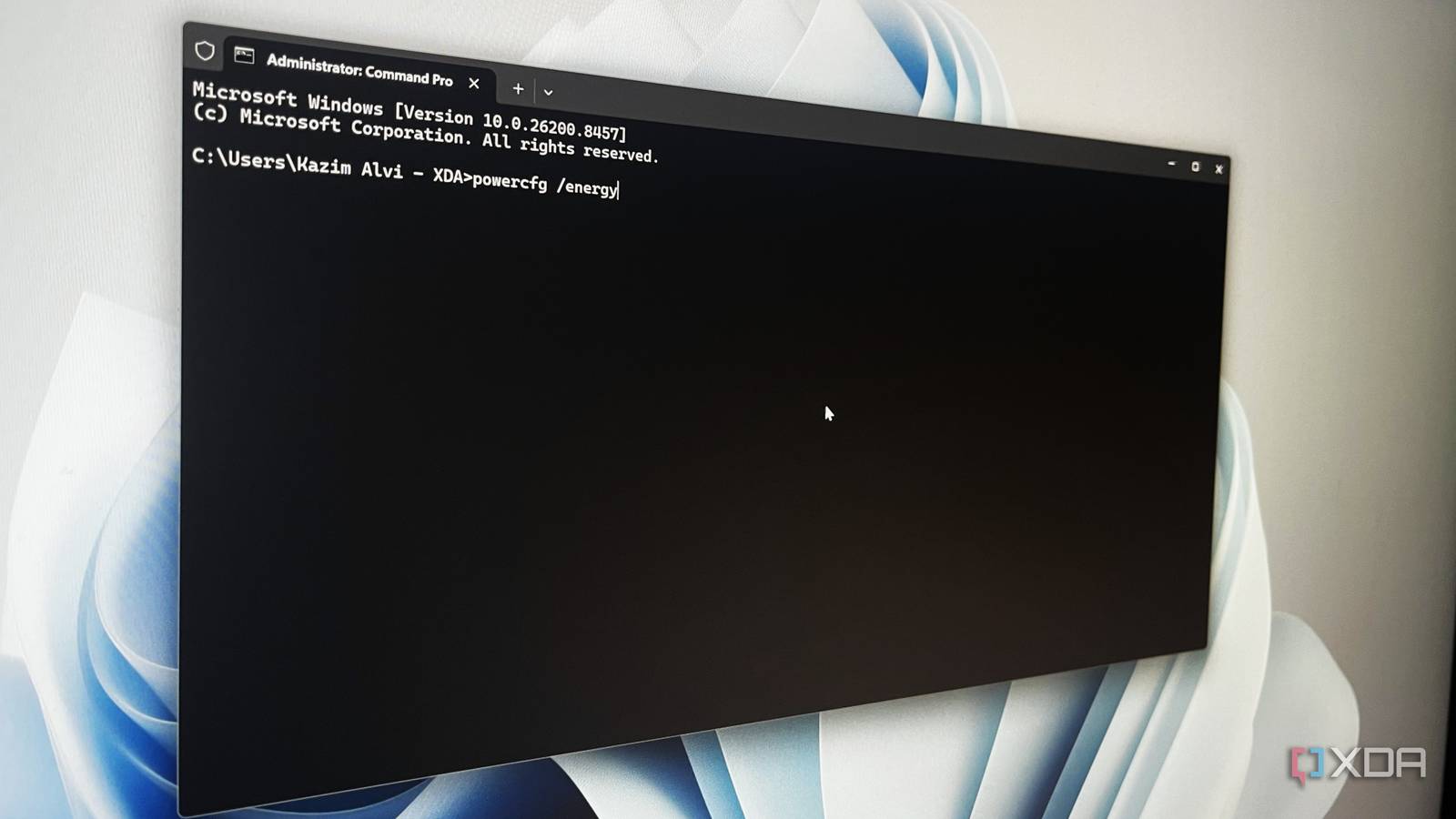
Published May 15, 2026, 5:30 PM EDT With over five years of experience in the tech industry, Kazim excels at simplifying complex topics, making them accessible to tech enthusiasts and general readers alike. He has extensively covered the Windows ecosystem, from Windows 7 to Windows 11. When he’s not writing, you’ll find Kazim planning weekend getaways or diving into tech verticals beyond his expertise. I have been using Windows as my primary operating system for around two decades, and for the most part, I rarely relied on Terminal-based commands . Frankly, it felt confusing. When Windows already had troubleshooters and dedicated settings for everything, using commands seemed unnecessary. But once I moved to terminal commands, there was no going back. In most cases, these commands are more powerful and reliable than fixes buried deep within the Settings app or the Control Panel . Some even solve problems that Windows troubleshooters completely miss.…