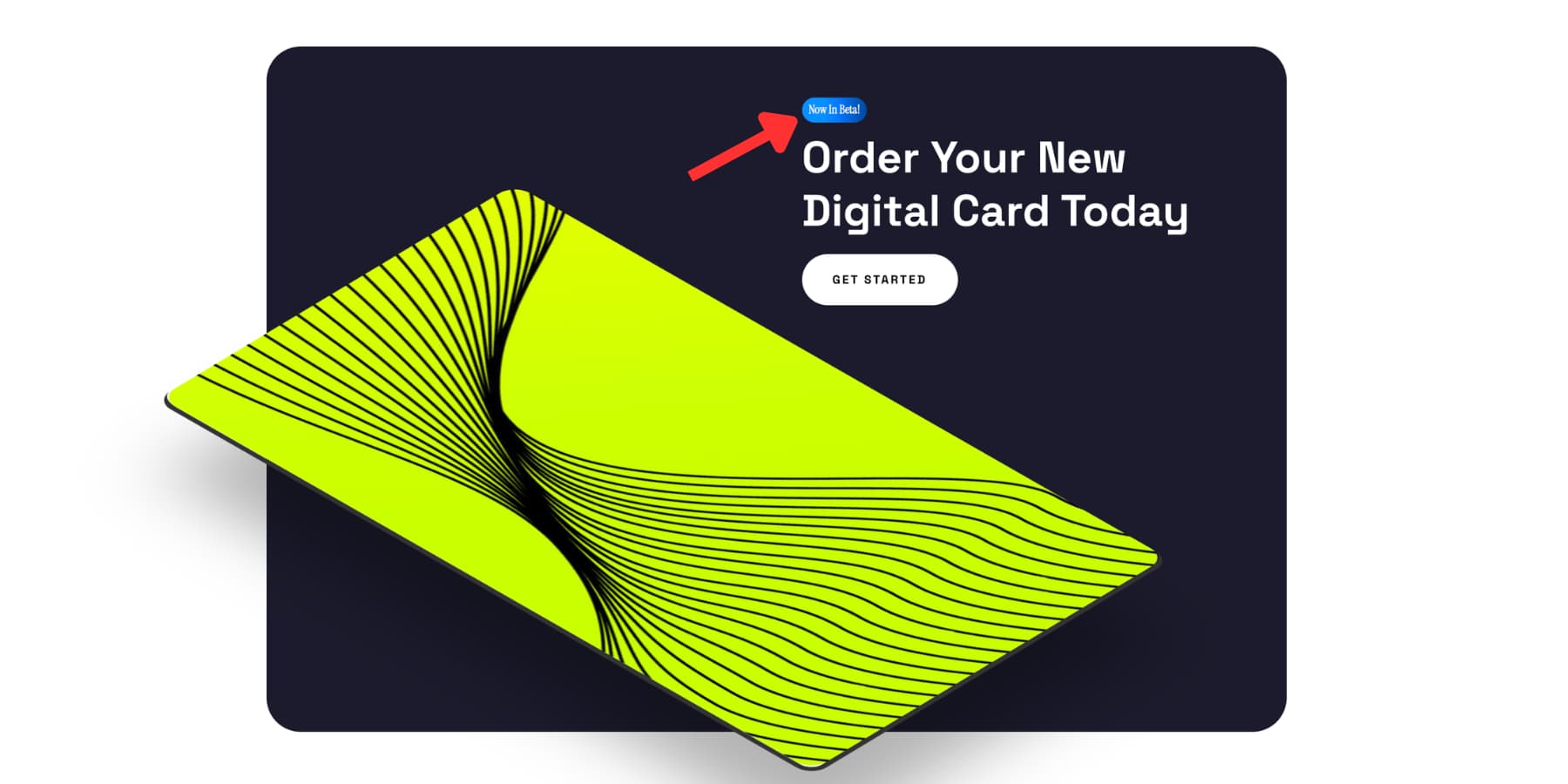
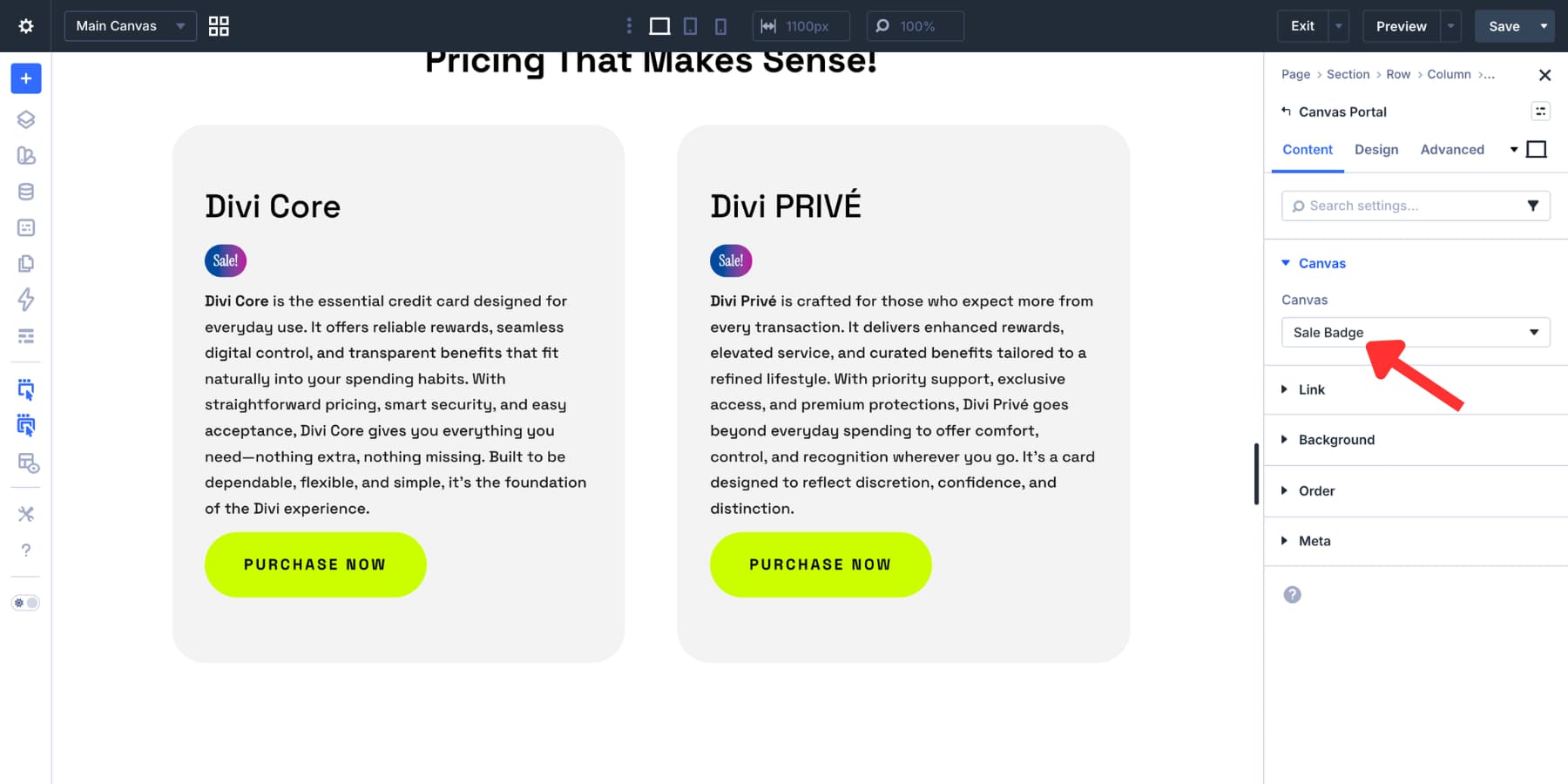
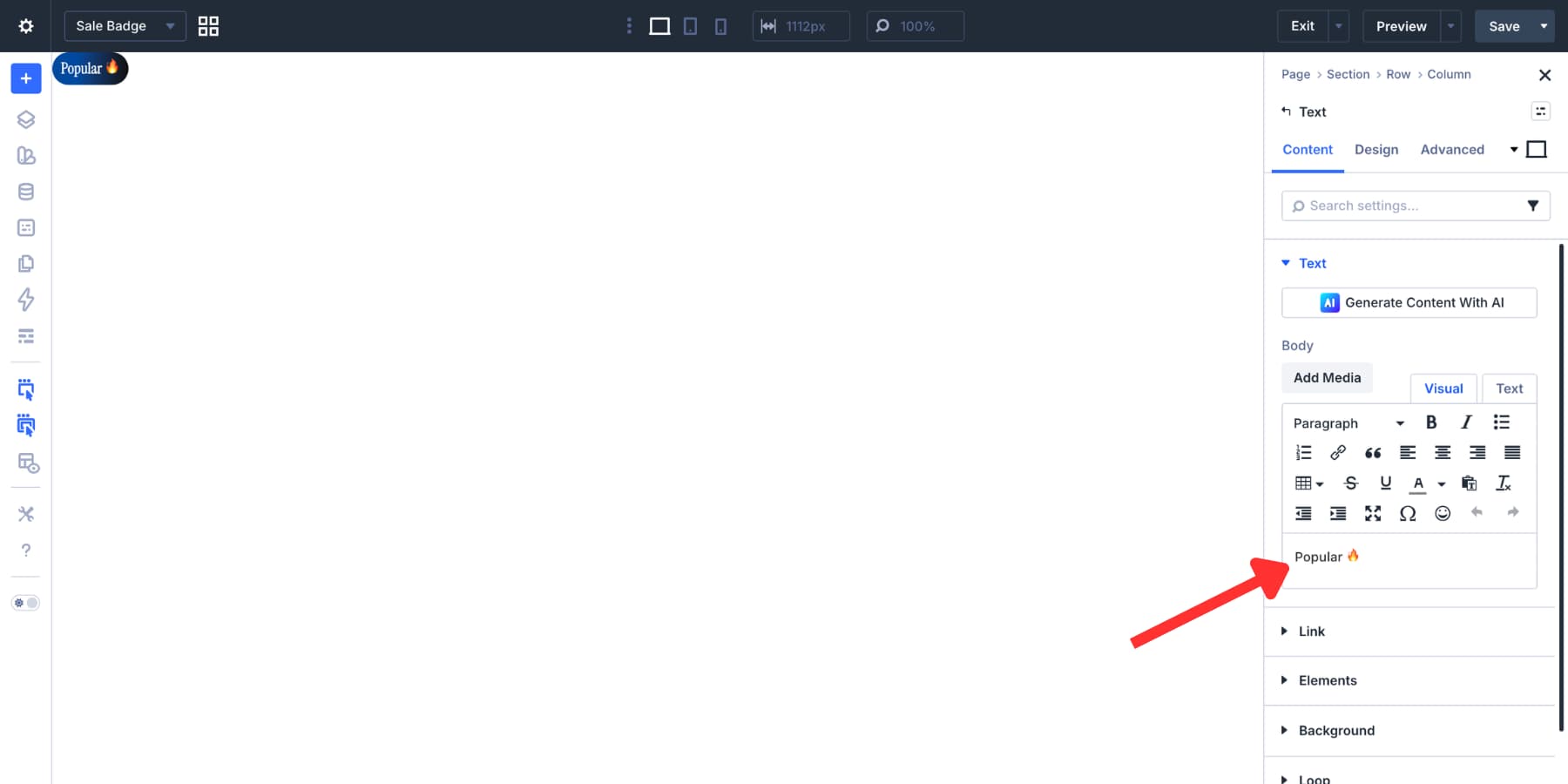
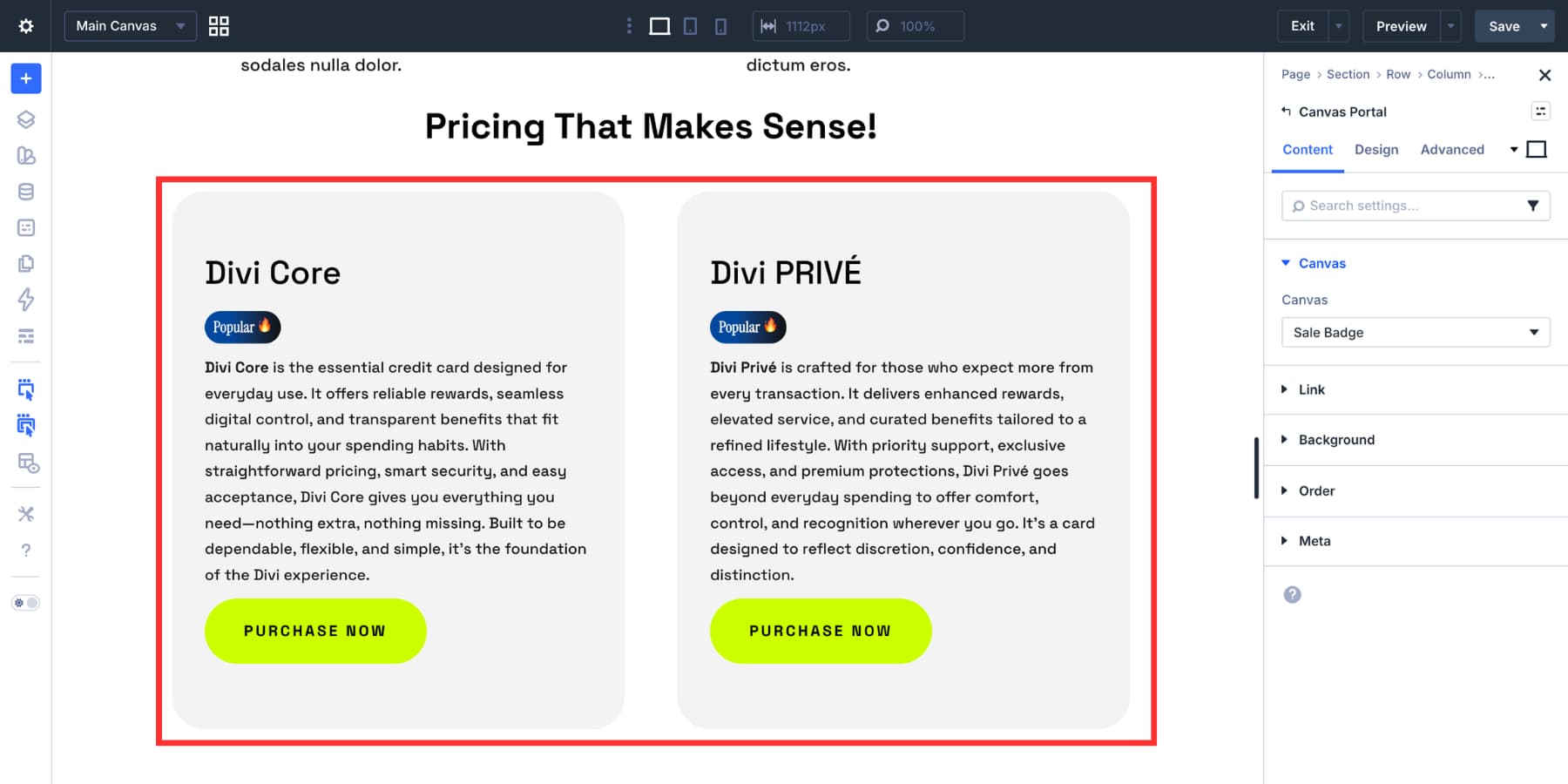
Badges are a small part of web design, but they solve a very specific problem well. They add quick context without interrupting the rest of the layout. You see them on product cards, pricing tables, documentation pages, and feature lists because they can communicate something useful in very little space. Labels like New , Sale , Beta , or Popular are simple, but they help guide attention and clarify meaning at a glance. That is the real value of a badge. It does not carry the whole design. It adds a clear visual signal exactly where it is needed. The good news is that this kind of detail is easy to build in Divi 5 . You do not need a plugin or a workaround to create a clean text badge. With the right mix of text styling, spacing, background, and sizing, you can build one quickly and make it fit naturally into the rest of your site. 1 What Are Text Badges?…