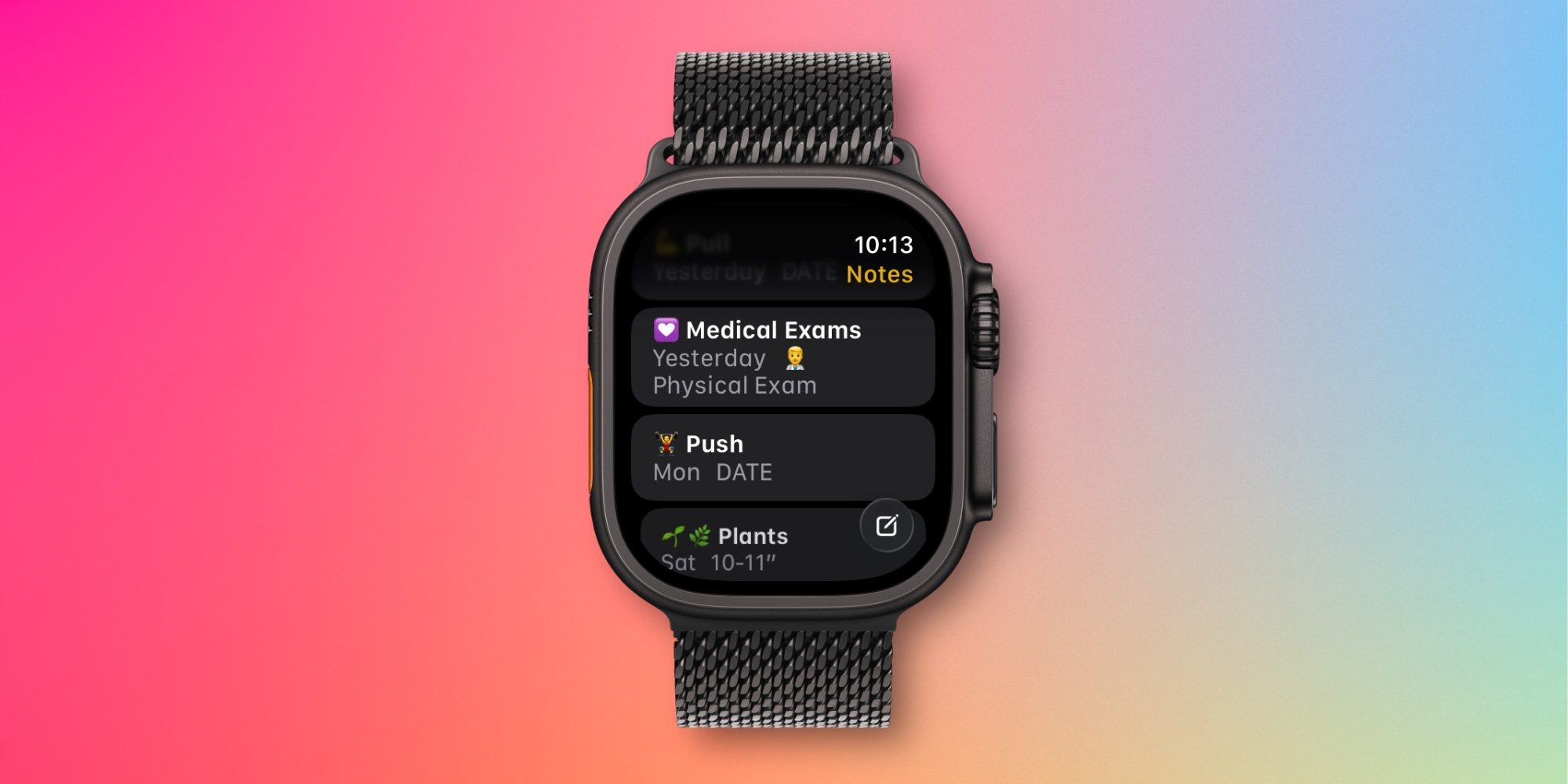
Apple Watch users got a brand new app in watchOS 26, with Apple Notes now available on your wrist. Here’s how I’ve been using the app. Apple Notes in watchOS 26: What it can do and how I’m using it Apple Notes is one of my most-used apps across iPhone, iPad, and Mac, so I was excited when it came to the Apple Watch in watchOS 26. At its core, the app does two basic things: let you view existing notes, and create new ones. Understandably, you can’t edit existing notes aside from completing checklist items. But that hasn’t proven a big limitation for me. When creating notes, you can use dictation, the onscreen keyboard, or—perhaps most conveniently—you can invoke Siri. I suspect the ability to use Siri on Apple Watch for note creation is a big part of why this new app exists. My main use of the Notes app has revolved around two things: Creating new notes via Siri Referencing information when my iPhone isn’t nearby For those times when I want to create a new note on the go, Siri is a great option to have.…