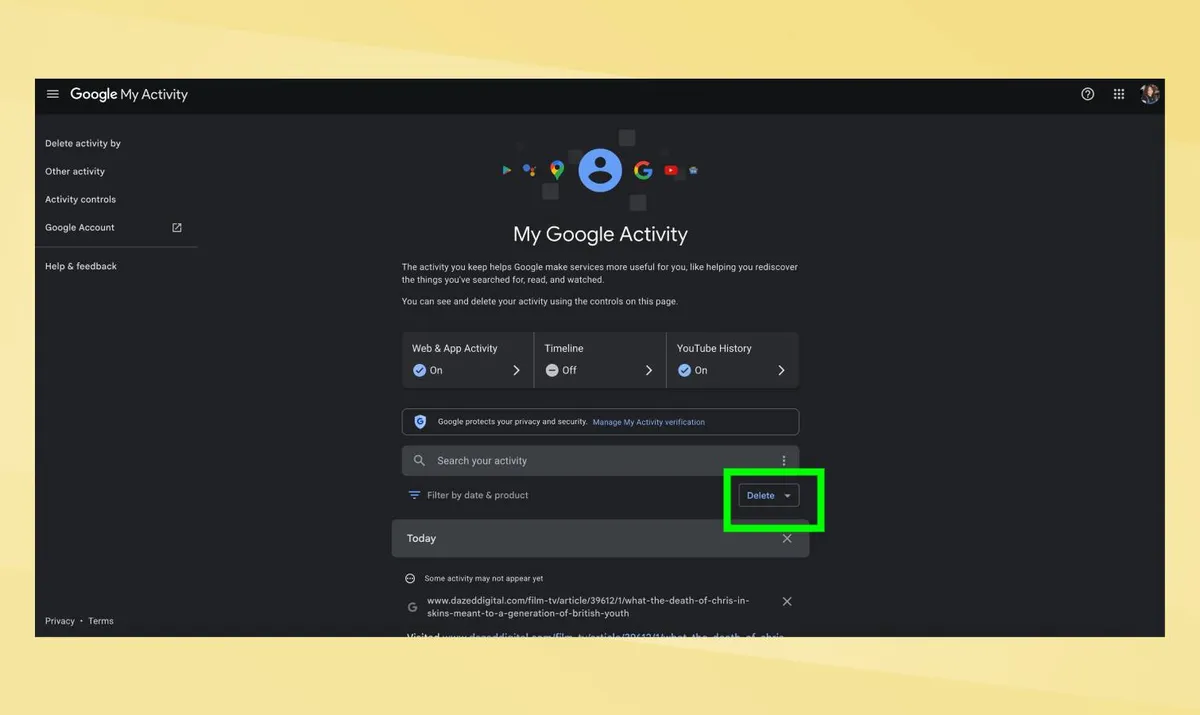
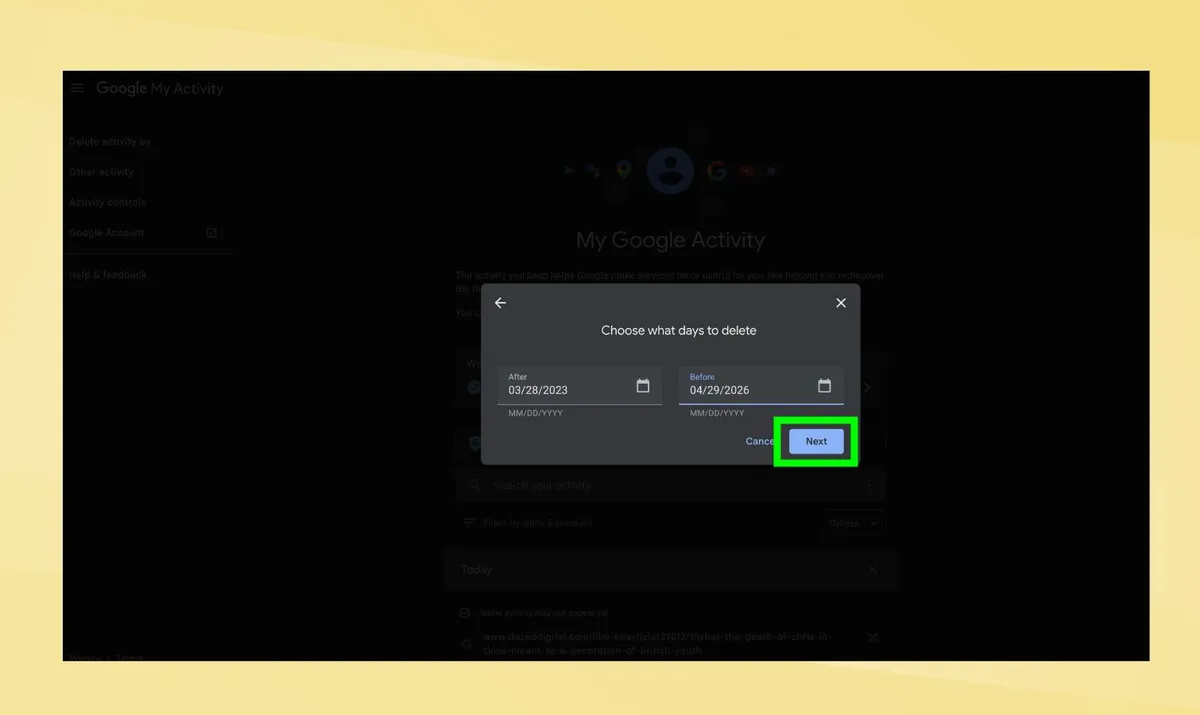
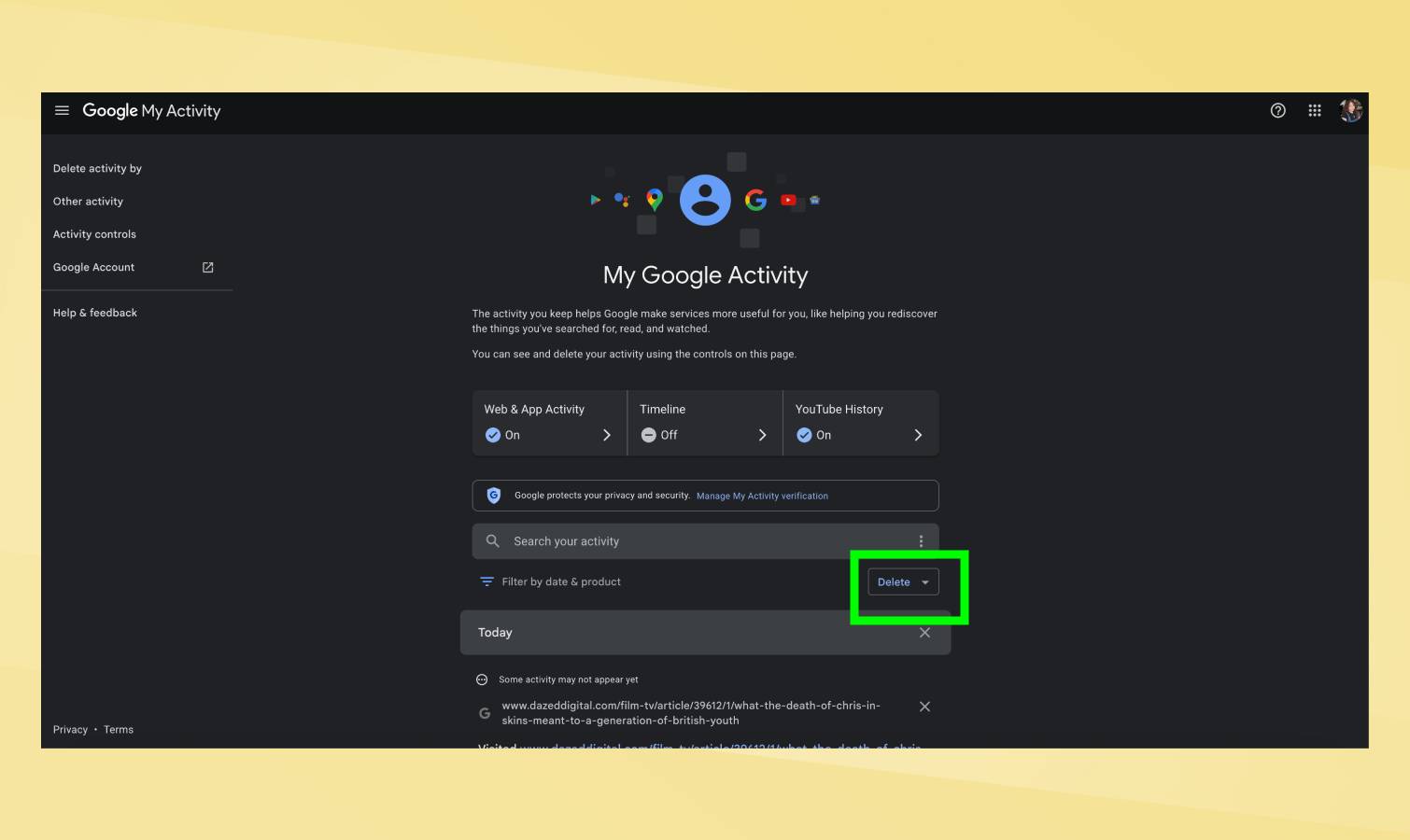
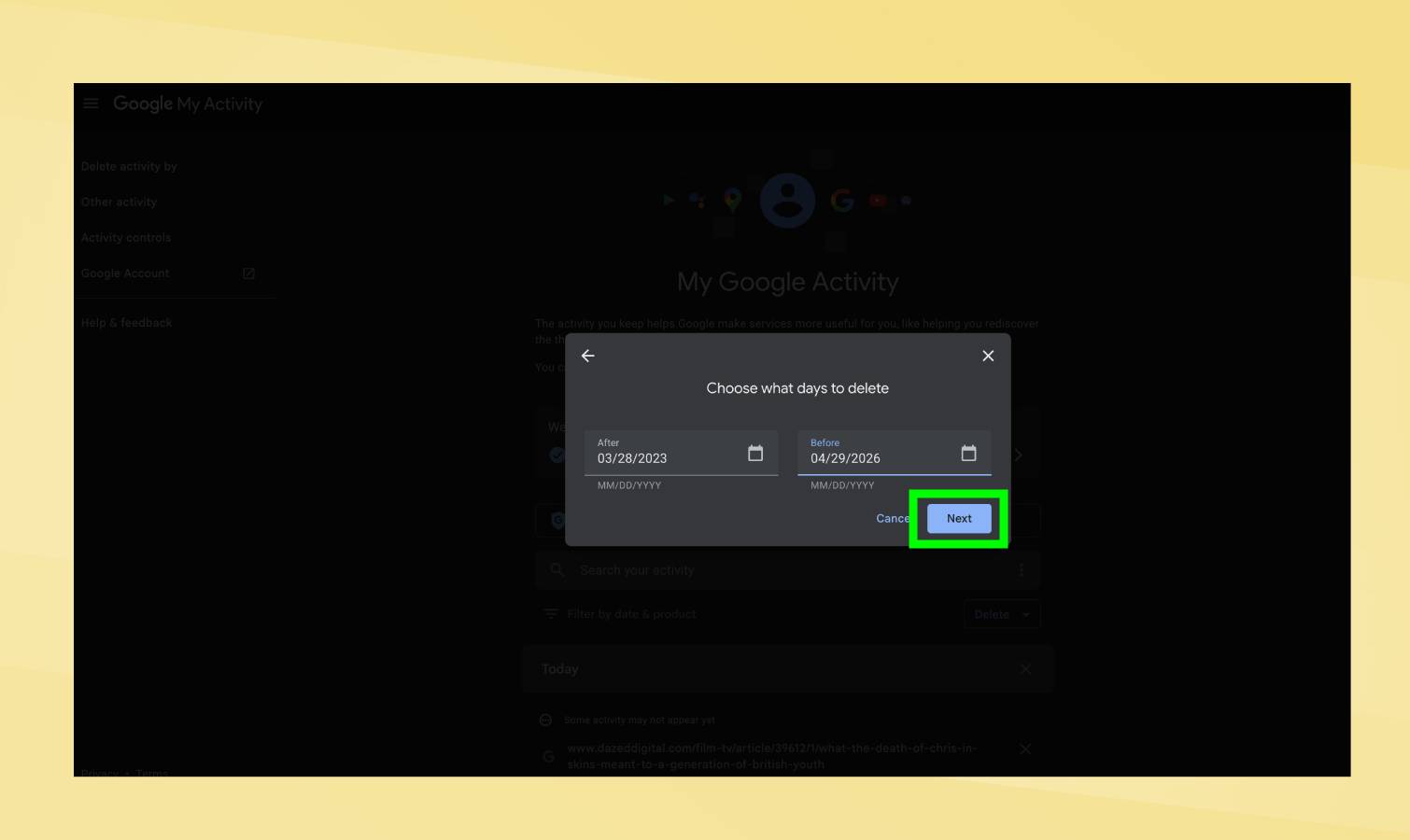
(Image credit: Getty Images) Google saves every search you make. Every query you type, every website you click from results, every topic you research — all of it gets stored in your Google account indefinitely unless you delete it. This search history doesn't just sit unused. Google uses it to personalize ads, refine search results, and build a profile of your interests and behavior. The company can see everything you've searched for years back, creating a detailed record of your curiosity, concerns, shopping habits, and personal questions. Article continues below 1. Delete all search history at once Google's "My Activity" dashboard shows everything you've searched and lets you delete it all in one action. This works across all devices signed into your Google account — you don't need to clear history separately on each phone, tablet, or computer. Go to myactivity.google.com and sign into your Google account if prompted. Click the "Delete" dropdown menu above your search history on the right side.…