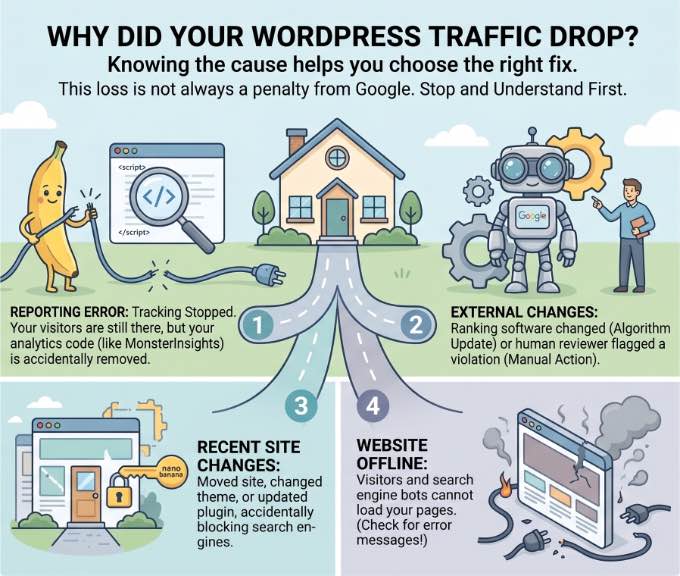
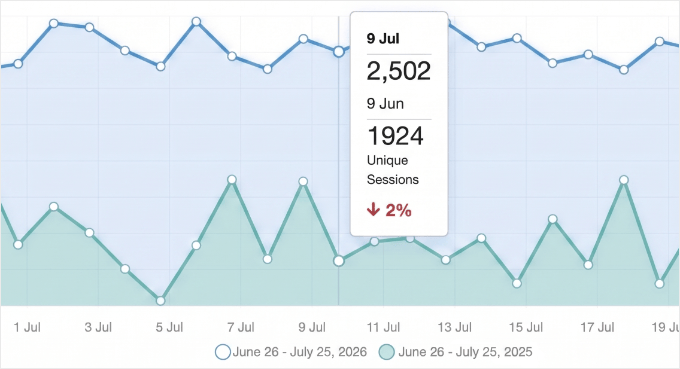
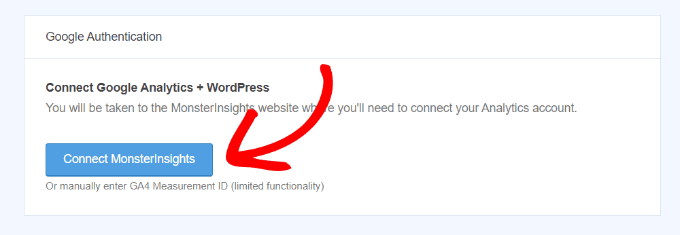
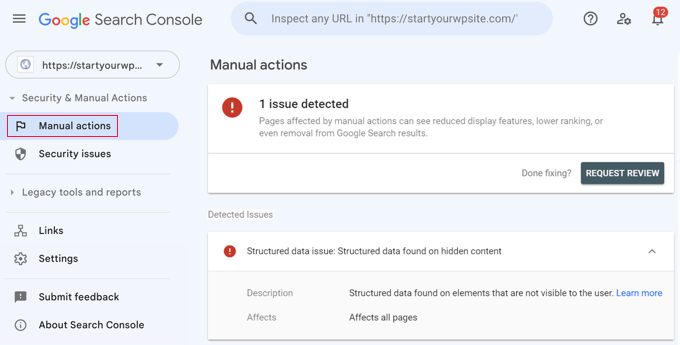
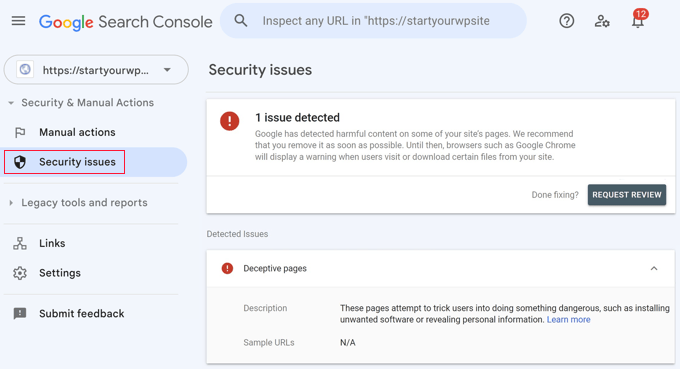
Logging into your analytics to find a sudden drop in website traffic is incredibly frustrating. Your first thought is usually, “Did I break something, or did Google penalize my site?” At WPBeginner, we have managed high-traffic websites since 2009. We have seen just about every reason for a traffic dip, from major search engine updates to minor technical settings that accidentally block search bots. The key to getting your traffic back on track is to calmly diagnose the issue. I’ve helped many site owners through this exact situation. In this guide, I will walk you through my proven step-by-step process to figure out why your traffic fell and show you how to fix it. TL;DR: If your WordPress site traffic drops unexpectedly, don’t panic. Start by confirming your analytics tracking is working, then check Google Search Console for manual penalties or algorithm updates. Next, audit recent site changes, verify indexing status, and scan for malware before monitoring your recovery with site notes.…