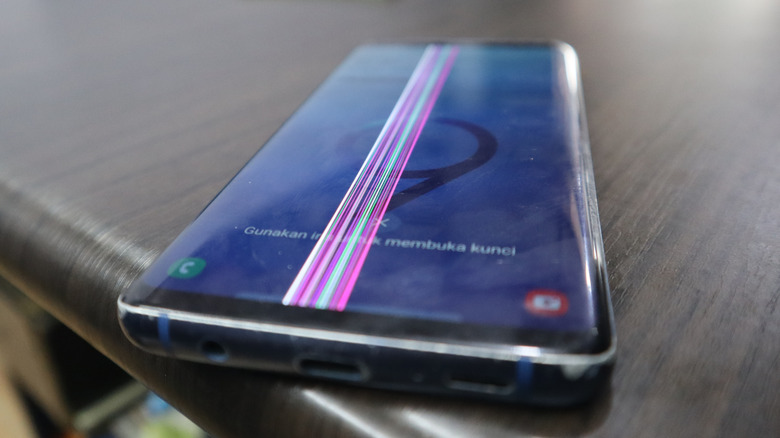
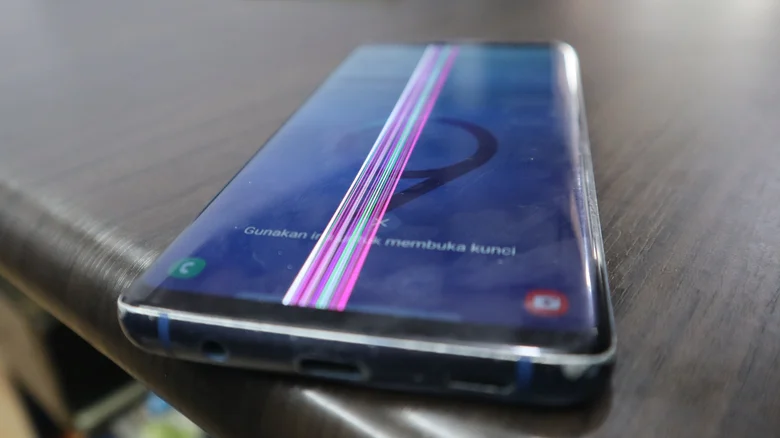
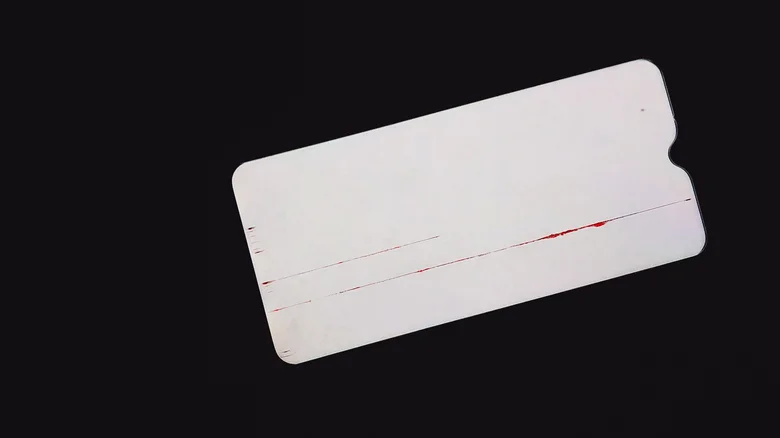
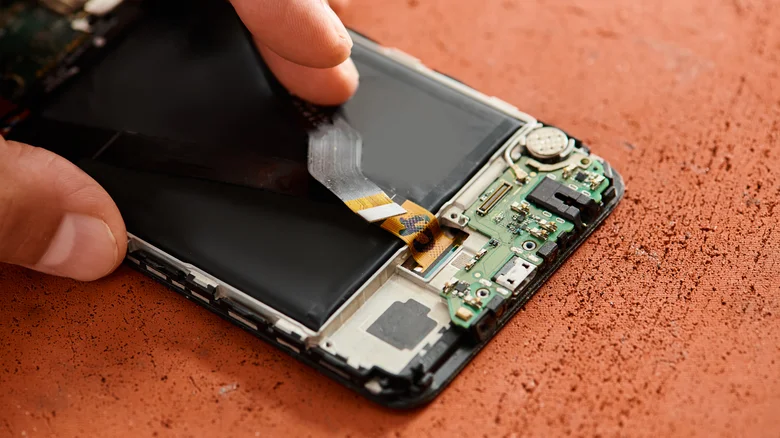
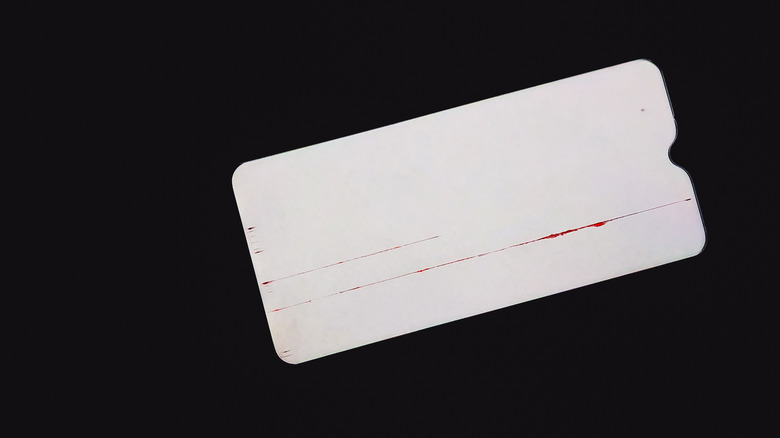
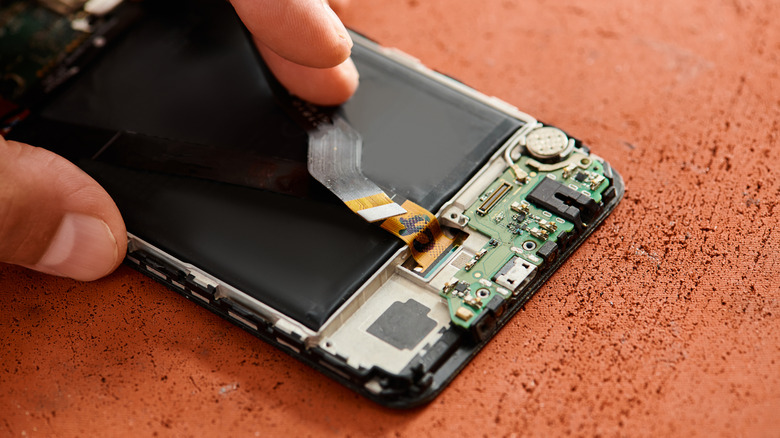
Ditnugraha16/Shutterstock Snuck a glance at your Android phone screen and were horrified by a mysterious red line that appeared all over? While this could happen due to a software glitch (maybe your phone is just in dire need of the latest updates ), there is also a chance that the display is on its deathbed. Unfortunately, in the latter scenario, you may have to replace the display itself. What causes the red line to appear on an Android phone screen is typically down to hardware. If you dropped your device, it may have loosened the ribbon connector to the display. In this case, the red line manifested because the LCD circuitry is losing contact with the flex cable. Since replacing the display isn't necessarily in the category of easy Android phone DIY fixes , it doesn't hurt to try a few other things before writing the entire thing off. You can test if it's truly a hardware issue by booting the phone in safe mode.…