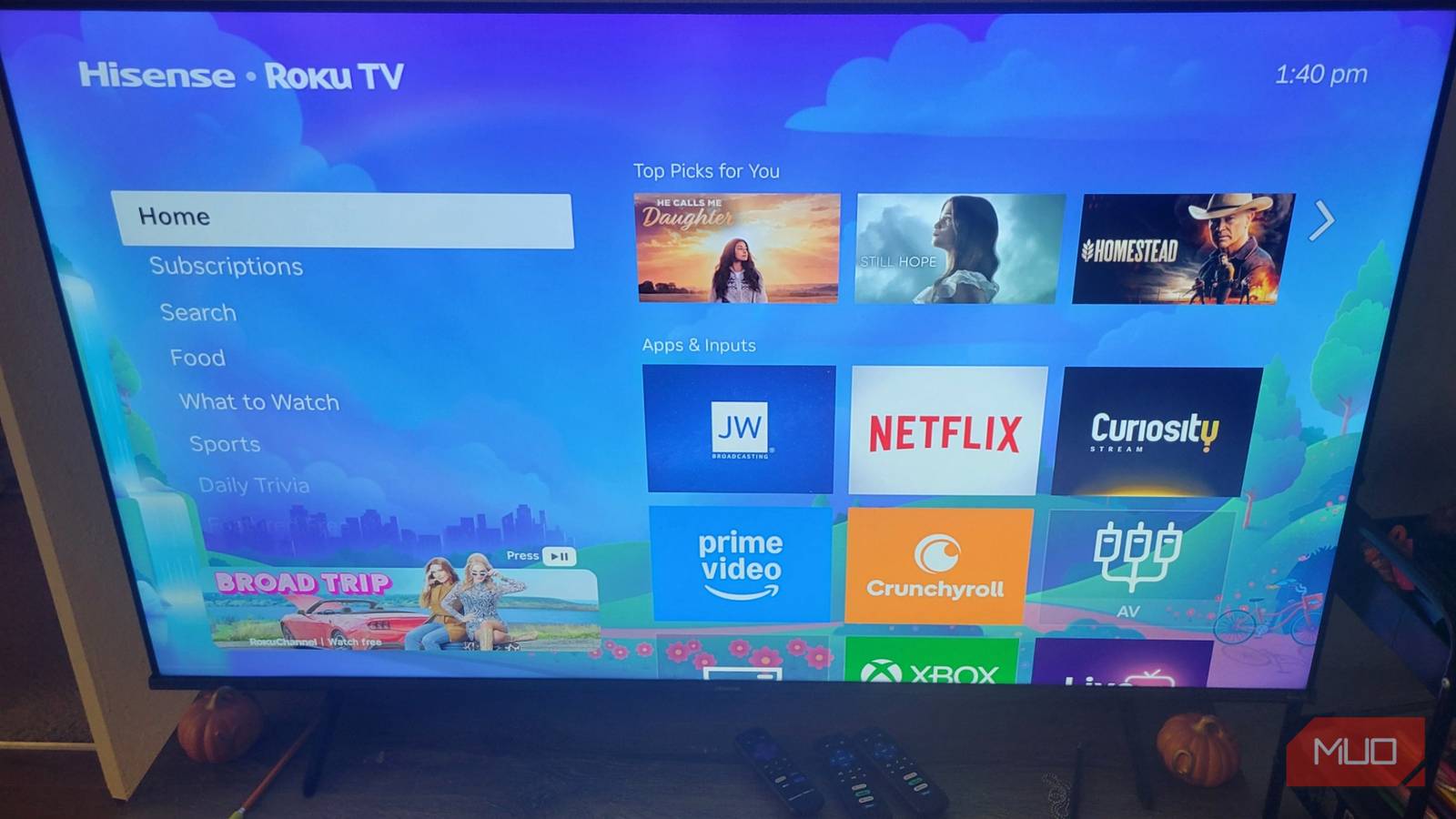
Published May 9, 2026, 6:00 PM EDT I have both a Fire TV Stick and a Roku, and one of the ways Fire is beaten by Roku is in its home screen customization . My Roku screen likely looks different from yours because I didn't stick to the default look; I made real changes. If you are stuck on the out-of-the-box screen we've seen for years, you need to learn how to adjust it and make it your own. Otherwise, you're just dealing with a slightly slower Fire TV Stick. You don't need everything the default settings give you When you set up a streaming device today, the default interface is usually packed with features you might not actually want. Roku is guilty of this, too, by filling its sidebar menu with options that can easily turn into a visual mess over time. The good news is that Roku lets you fix this problem by completely removing the sidebar clutter. If you go into Roku’s settings menu , you can manually hide sections like the Live TV row and the What to Watch row.…