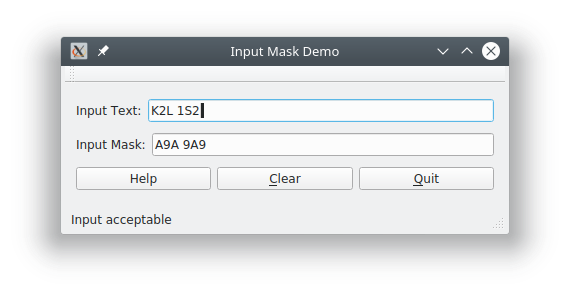
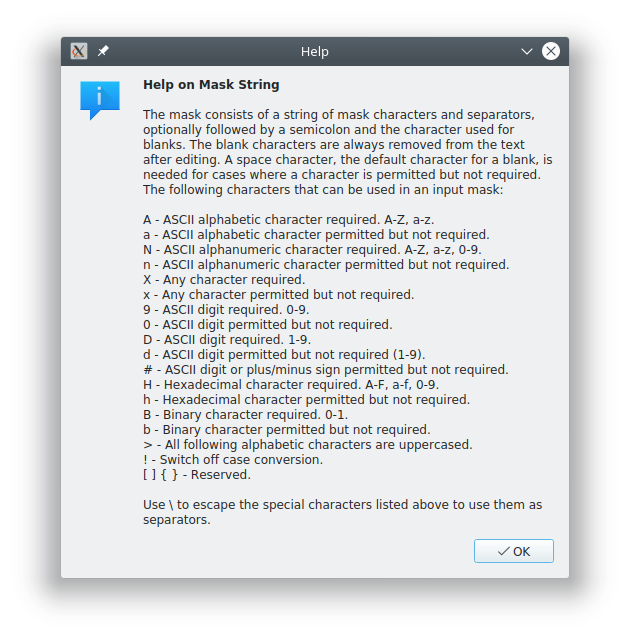
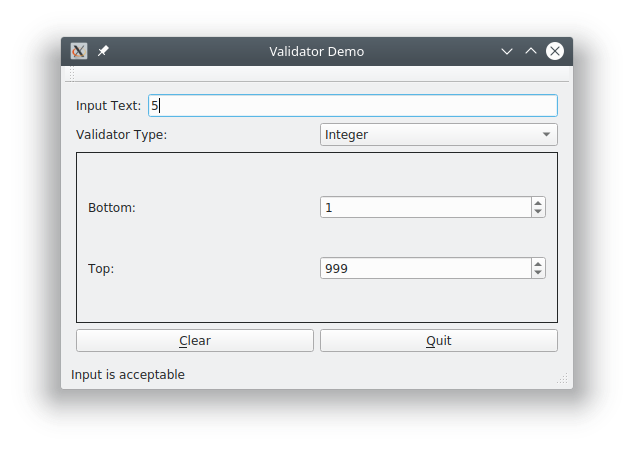
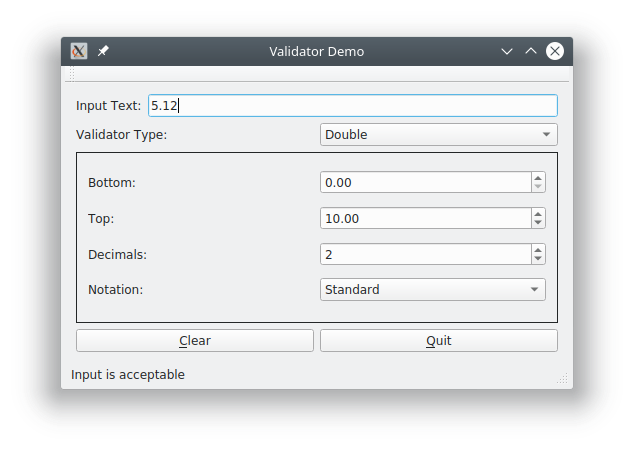
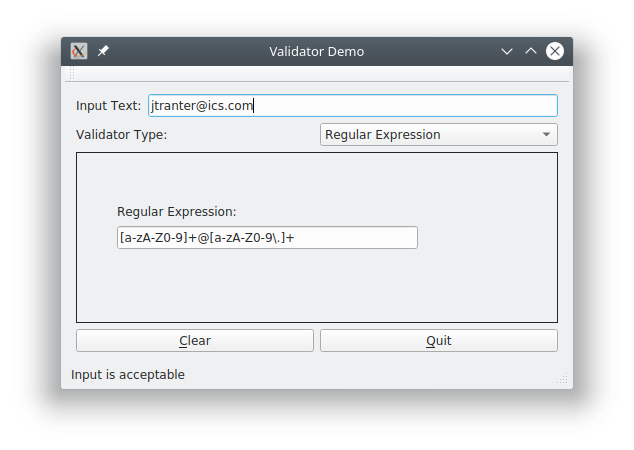
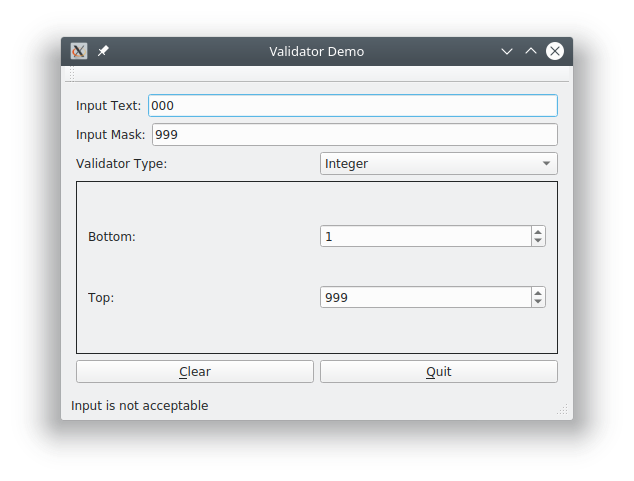
Originally published in 2018 with a focus on Qt 5, this post has been updated in 2025 to reflect the current state of input masks and validators in Qt 6. Handling user input gracefully is crucial for building polished, user-friendly applications. In this blog post, we’ll dive into how Qt helps manage text input using input masks and validators — two powerful features designed to prevent errors before they occur. We’ll focus on how these tools work with traditional widgets, specifically the QLineEdit class, and explore how they can help control and validate user input. A Closer Look at Qt's Tools for Input Validation A key principle of good user experience (UX) design is preventing input errors before they happen. Rather than alerting users after they’ve entered invalid data, it’s often better to design interfaces that guide or restrict input to valid formats from the outset. Common examples include using checkboxes, radio buttons, and combo boxes to limit available choices.…