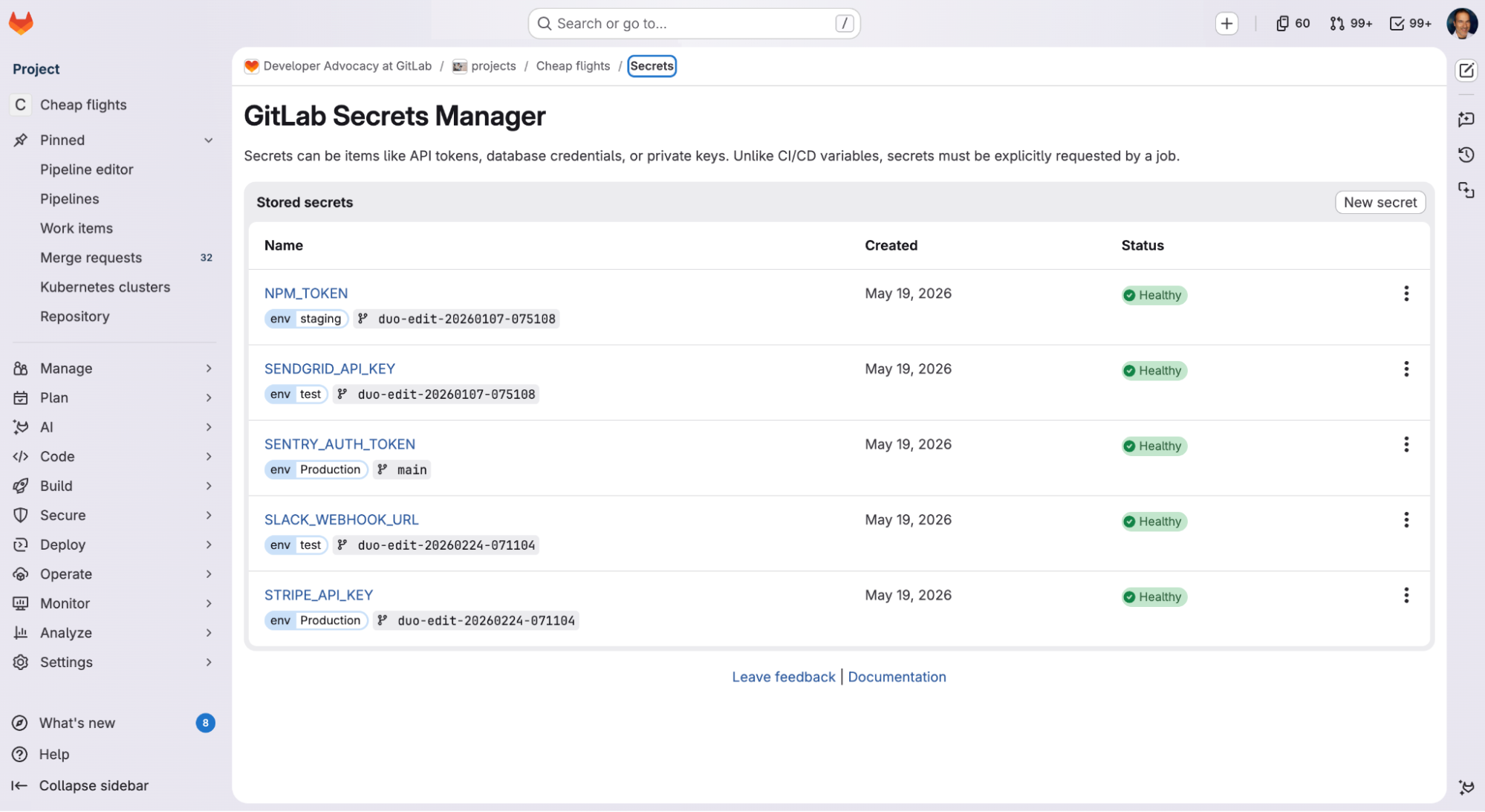
Many credential leaks start with a developer who needs a credential, doesn’t have a good place to put it, and improvises. It lands in an over-scoped CI/CD variable, a config file, or a .env committed “just for a moment.” GitLab Secrets Manager, now in public beta with GitLab 19.0, keeps credentials in the same platform that runs your code and pipelines. Each secret is scoped to the jobs that need it and governed by the access controls you already use. Fewer secrets end up in the wrong place, and if one leaks, security and engineering teams can experience less disruption. Where secrets usually land Developers often default to placing secrets in CI/CD variables. Set the variable at the project or group level, mask the value, and update the pipeline. From there, the value is injected into every job, and anyone with pipeline access can read it. This pattern inverts least privilege but keeps the build running. The usual fix is a standalone vault.…