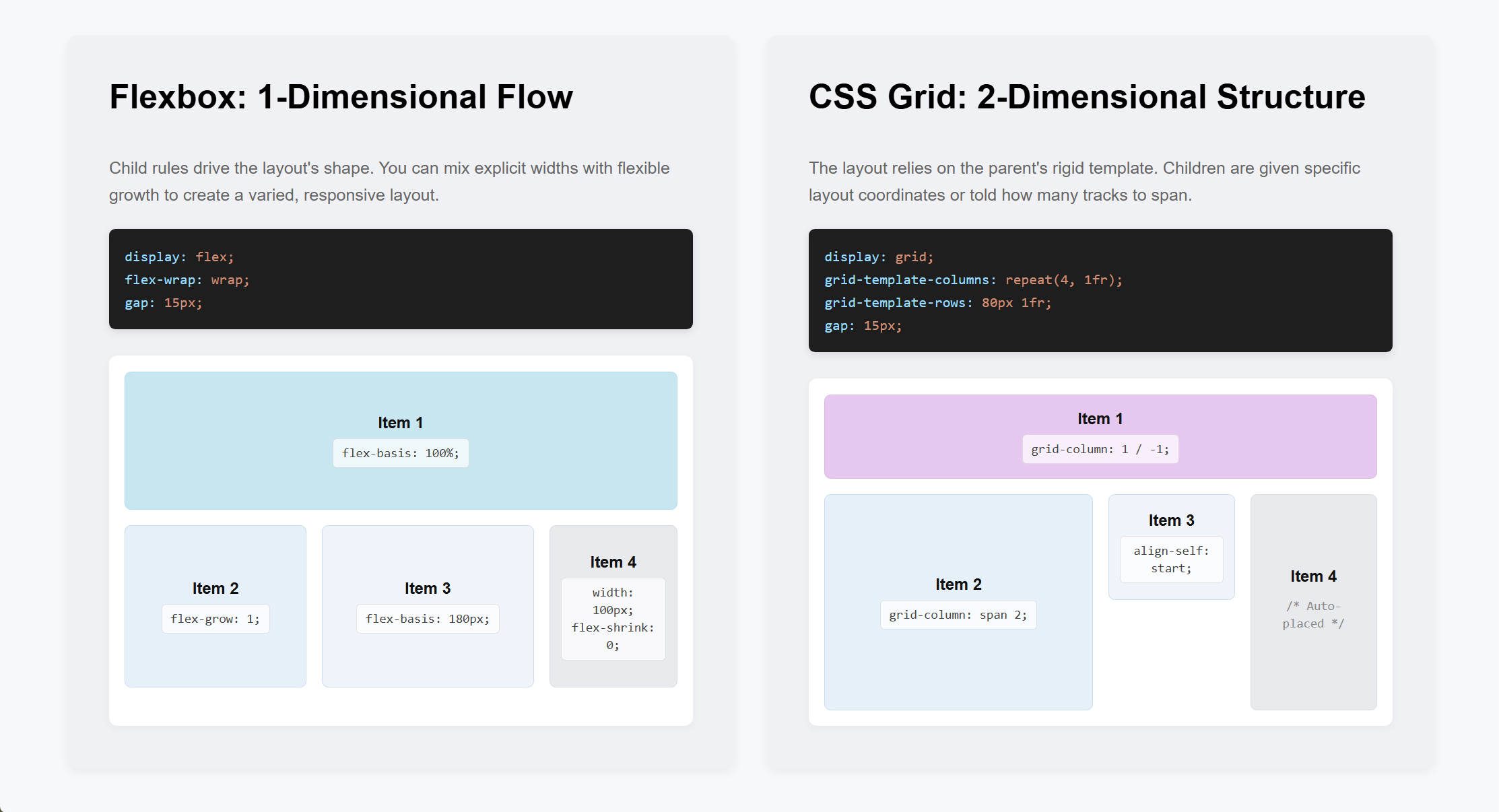
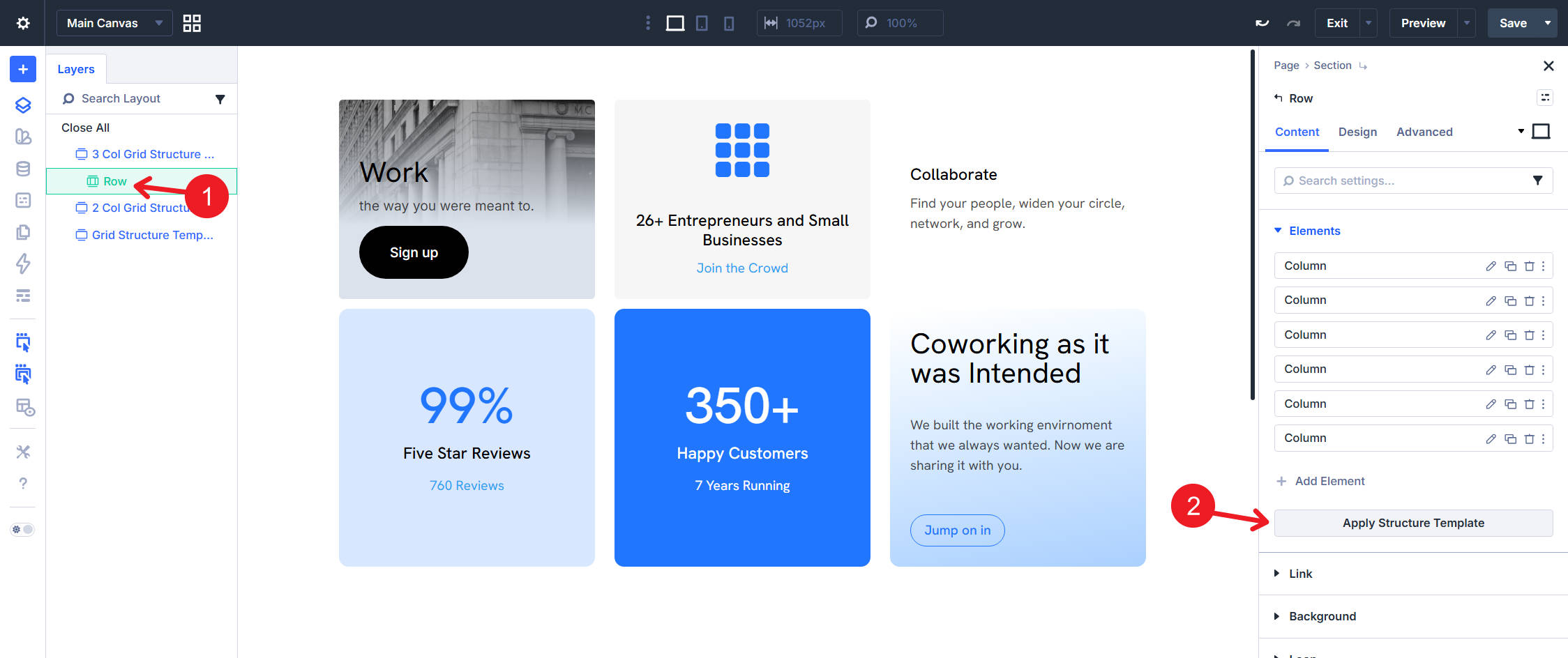
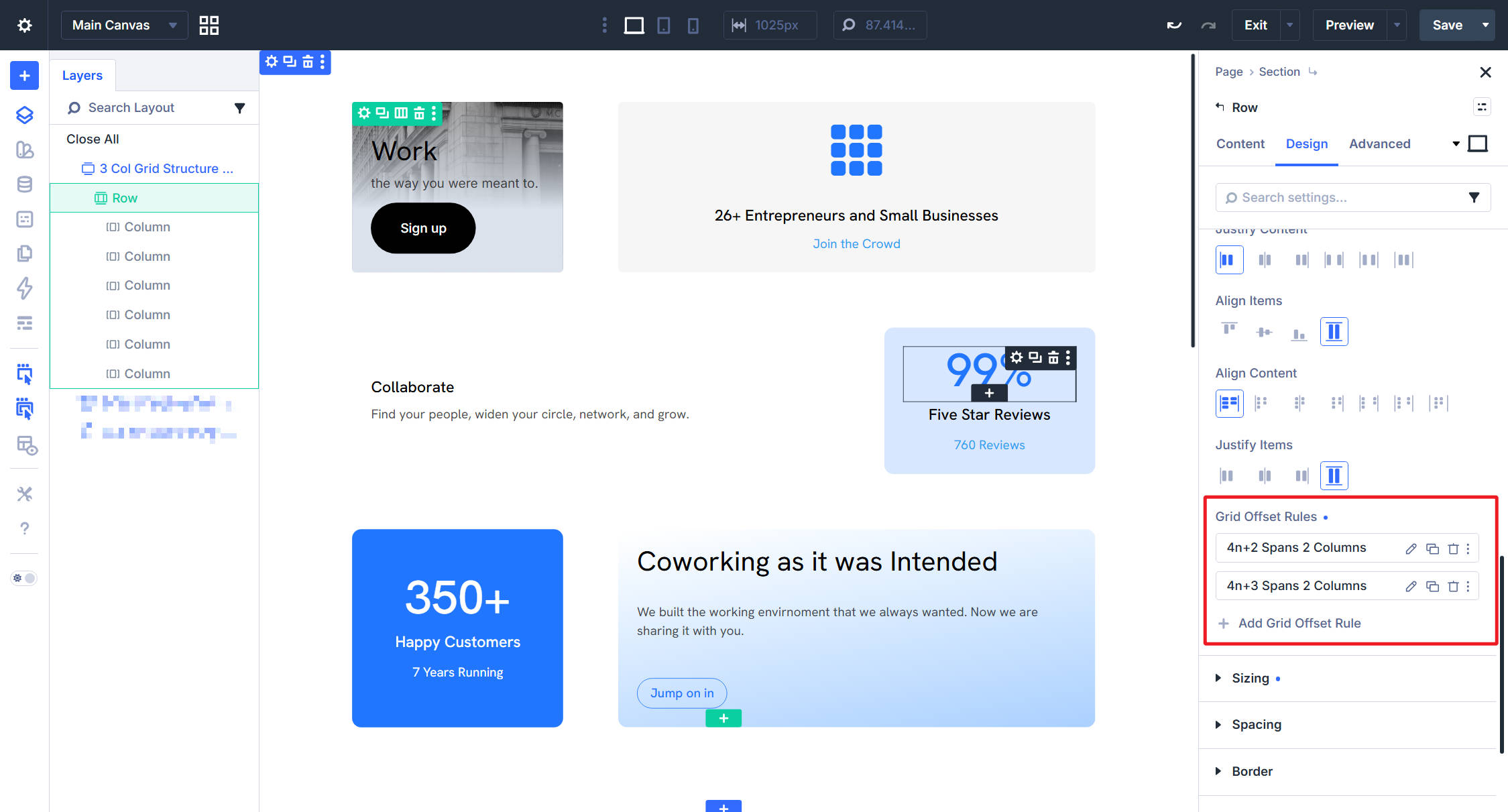
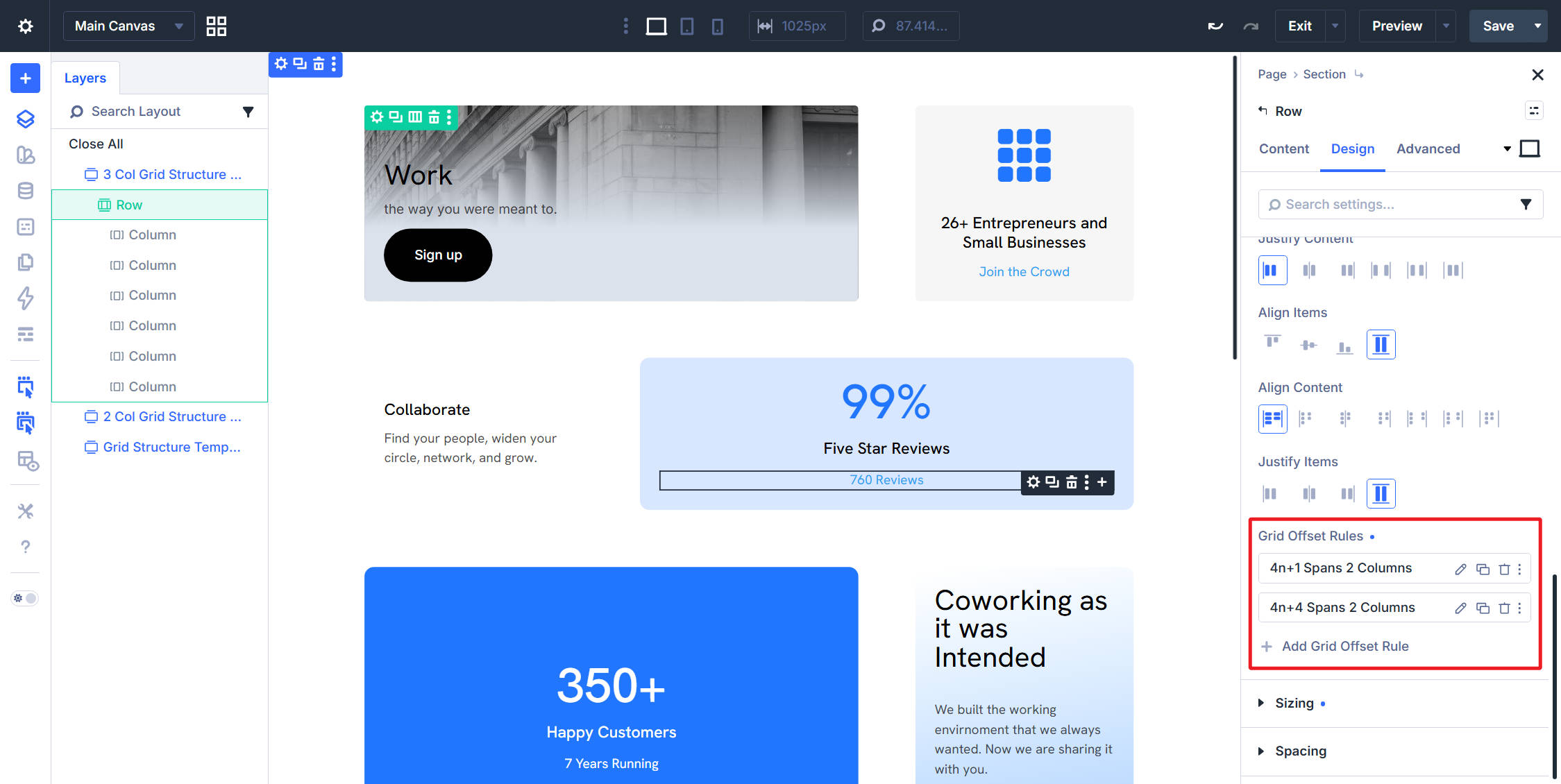
Before Divi 5 , building layouts that broke out of Divi’s standard column structures often meant nesting rows, writing custom CSS, or settling for a simpler design. Divi 5 changes that by bringing CSS Grid into the Visual Builder. CSS Grid gives you precise control over two-dimensional layouts. Instead of only arranging items in a row or column, you can define rows and columns at the same time. Then, you can place child elements across that structure. In Divi 5, layout-capable containers such as Sections, Rows, Columns, Groups, and supported nested Module containers can use Grid. Once a container is set to Grid, you can control key grid settings such as track counts, gaps, alignment, item placement, and rule-based offsets from the settings panel. This is Part 11 of the Divi 5 Mastery Course. In this part, we’ll take one Row containing six Columns with content and styling already applied. Then, we’ll reshape it three different ways using row-level grid controls.…