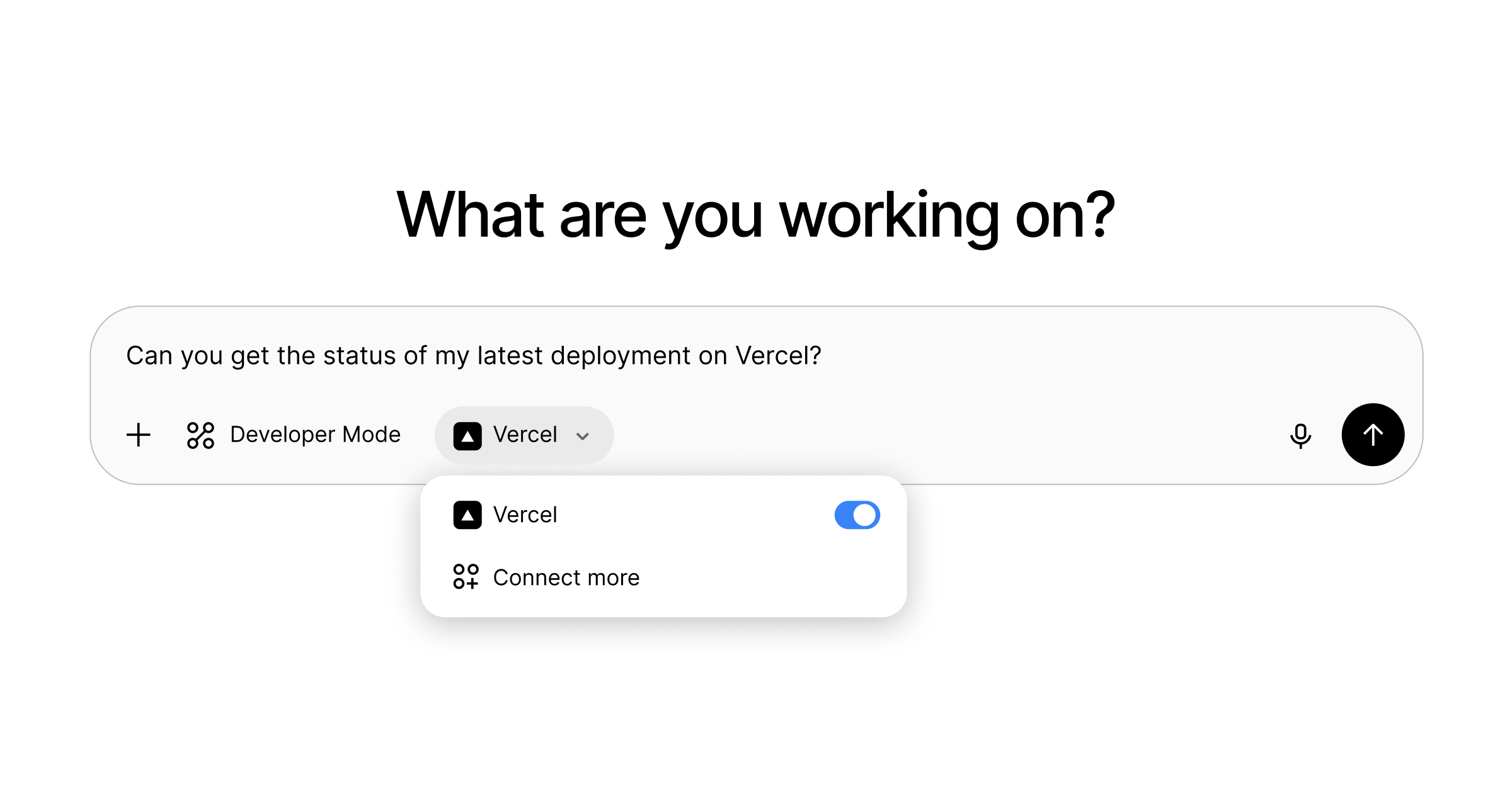
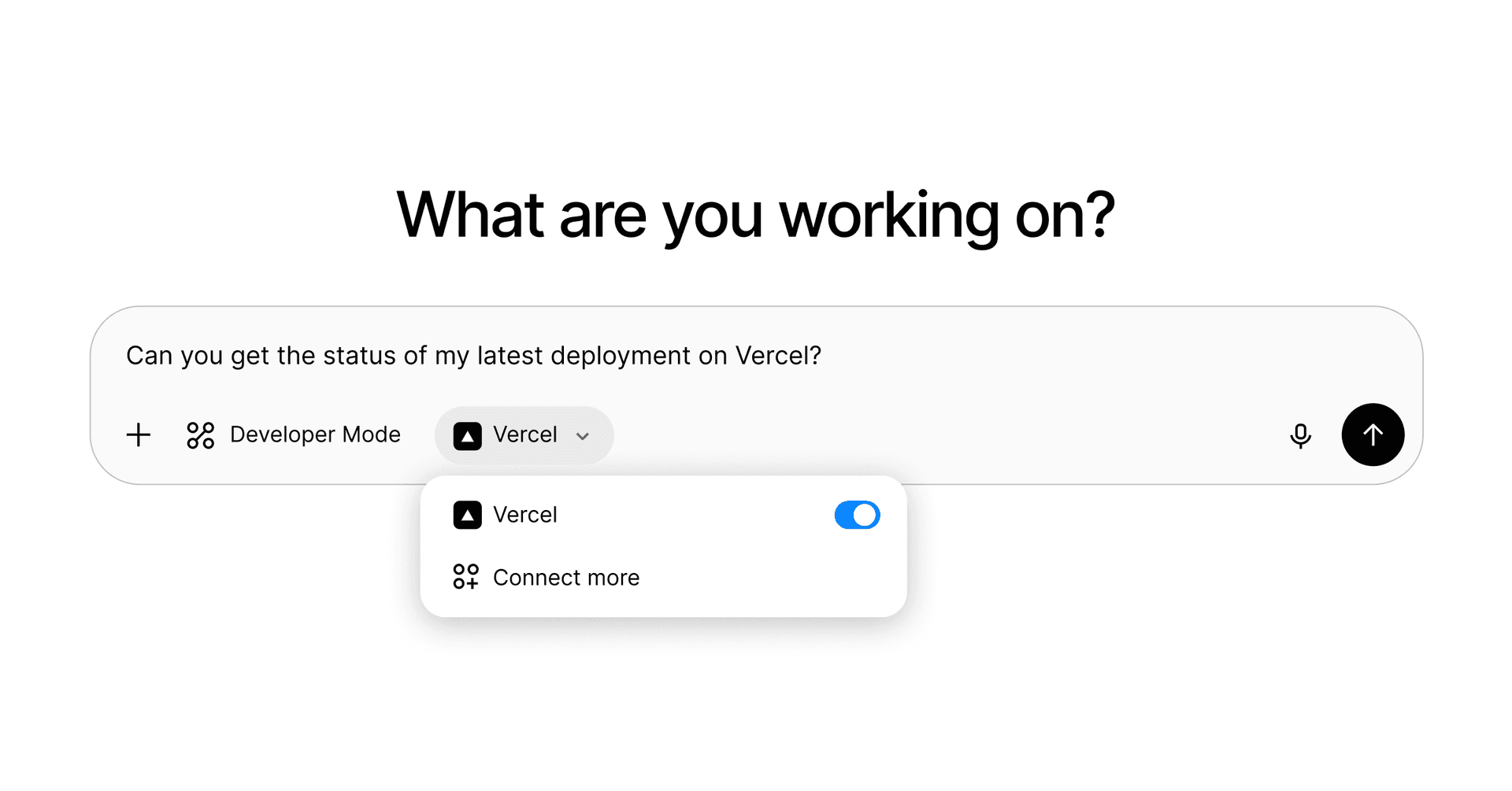
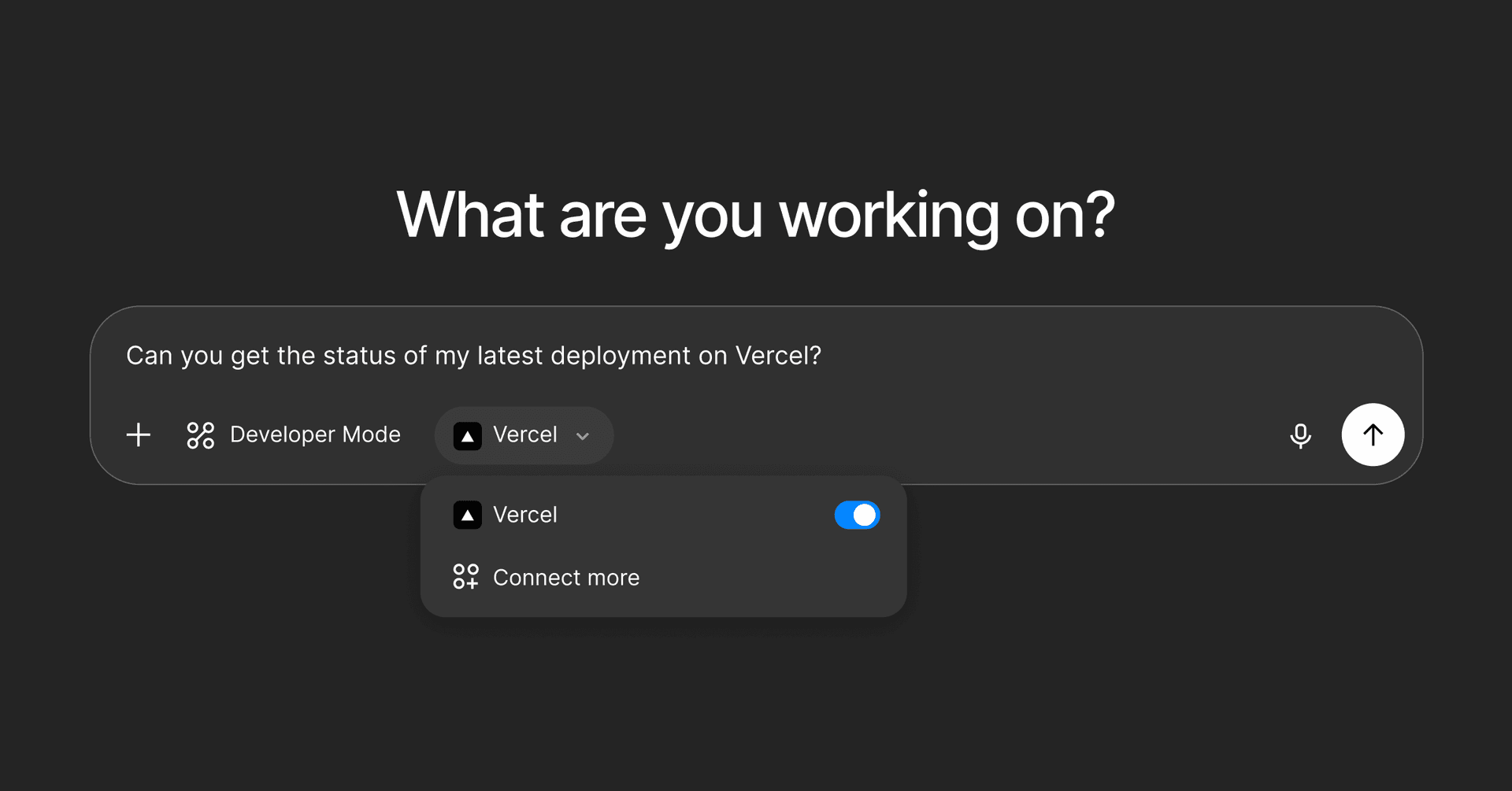
1 / 3000ChatGPT can now integrate with Vercel MCP - VercelVercel News·Anthony Shew·4 days ago#CGUXWsn9#vercel#chatgpt#connectors#developer#photo#article+1 more🧰Tag tools✨Add tagReading 0:0015s thresholdBookmark1 min readSep 10, 2025You can now use ChatGPT with Vercel MCP, our official Model Context Protocol (MCP) server. For security, Vercel MCP currently supports AI clients that have been reviewed and approved by Vercel.Connectors within ChatGPT are available in beta to Pro and Plus accounts on the web.Follow the steps below to set up Vercel as a connector within ChatGPT:Enable developer mode: Go to Settings → Connectors → Advanced → Developer mode.Add Vercel MCPOpen ChatGPT settingsIn the Connectors tab, click CreateName: VercelMCP server URL: https://mcp.vercel.com. Authentication: OAuthClick CreateYou should now be able to select Vercel as a connector in Developer Mode chats.With Vercel MCP you can give agents access to protected deployments, analyze build logs, and more.Read more about using AI tools with Vercel MCP. Connect to Vercel MCPRead the docs to learn more about the serverGet started0Read later0Read More
1 min readSep 10, 2025You can now use ChatGPT with Vercel MCP, our official Model Context Protocol (MCP) server. For security, Vercel MCP currently supports AI clients that have been reviewed and approved by Vercel.Connectors within ChatGPT are available in beta to Pro and Plus accounts on the web.Follow the steps below to set up Vercel as a connector within ChatGPT:Enable developer mode: Go to Settings → Connectors → Advanced → Developer mode.Add Vercel MCPOpen ChatGPT settingsIn the Connectors tab, click CreateName: VercelMCP server URL: https://mcp.vercel.com. Authentication: OAuthClick CreateYou should now be able to select Vercel as a connector in Developer Mode chats.With Vercel MCP you can give agents access to protected deployments, analyze build logs, and more.Read more about using AI tools with Vercel MCP. Connect to Vercel MCPRead the docs to learn more about the serverGet started