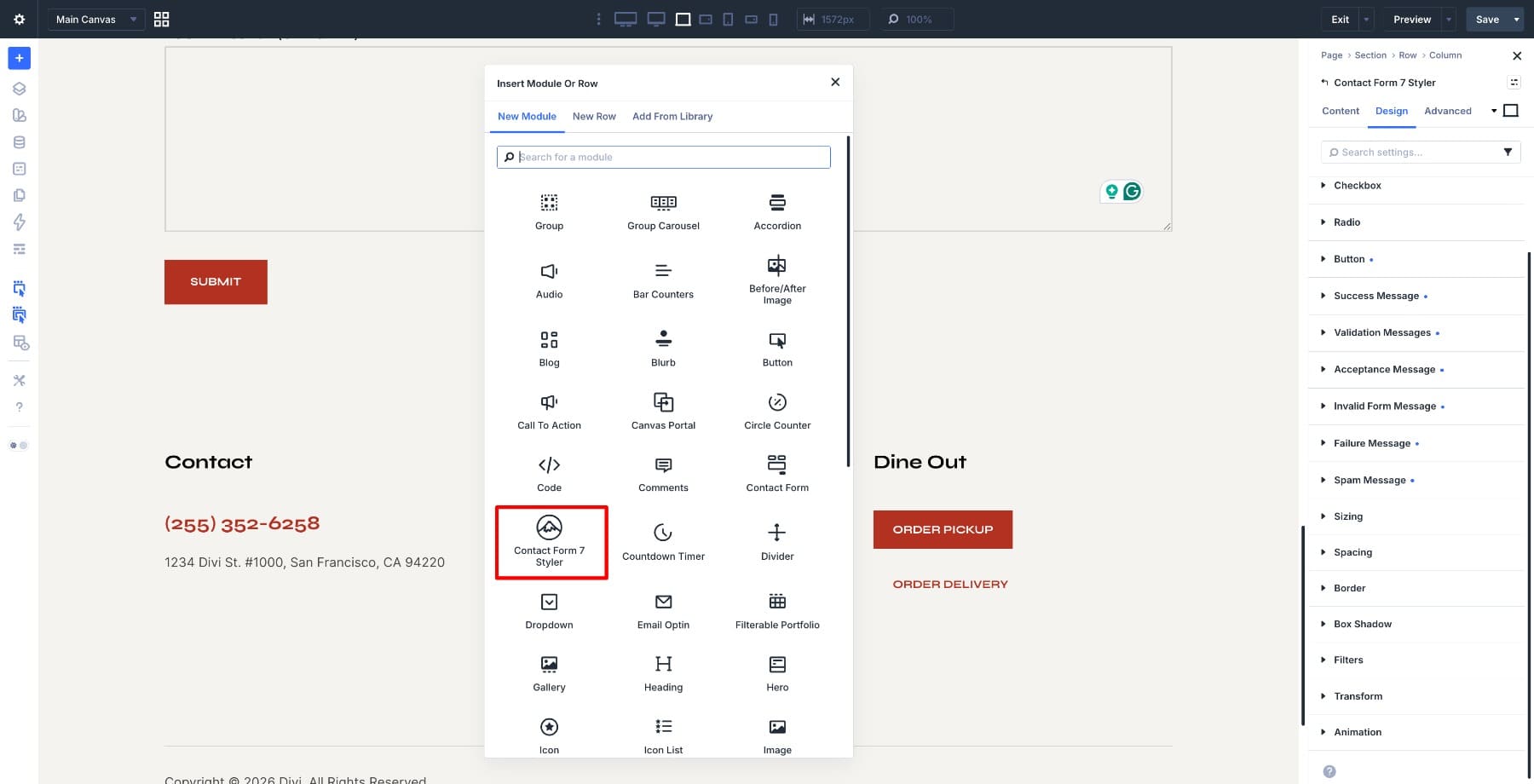
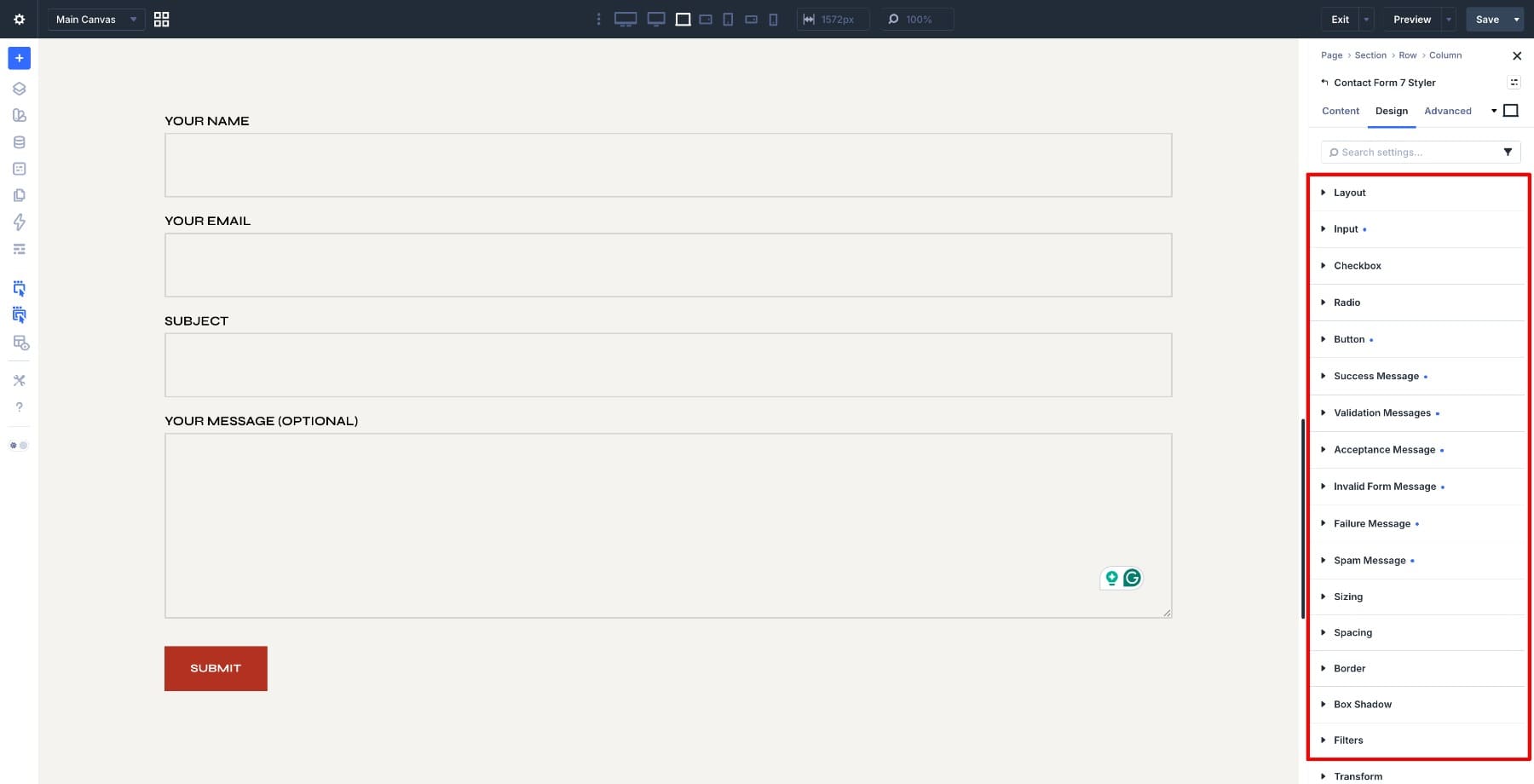
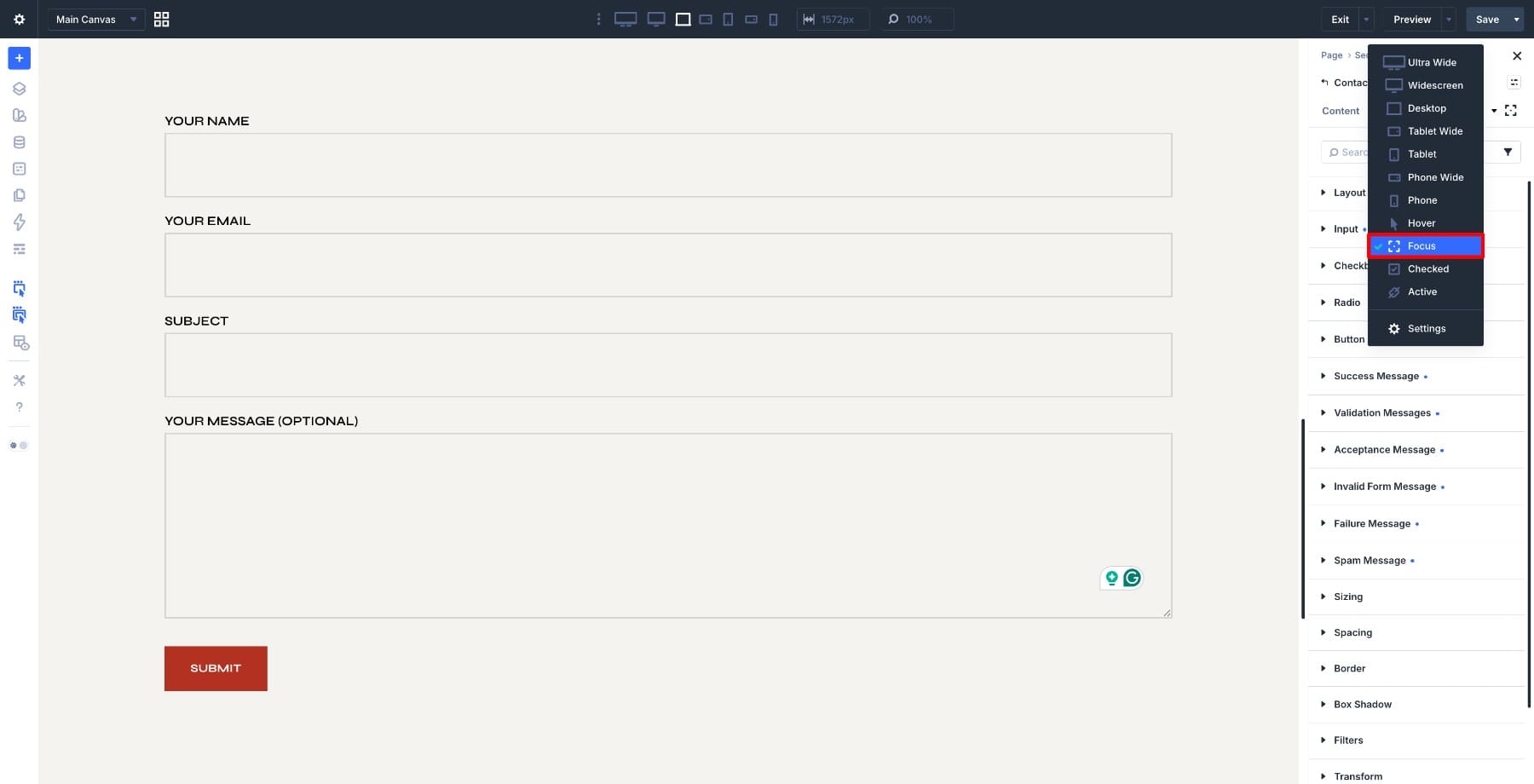
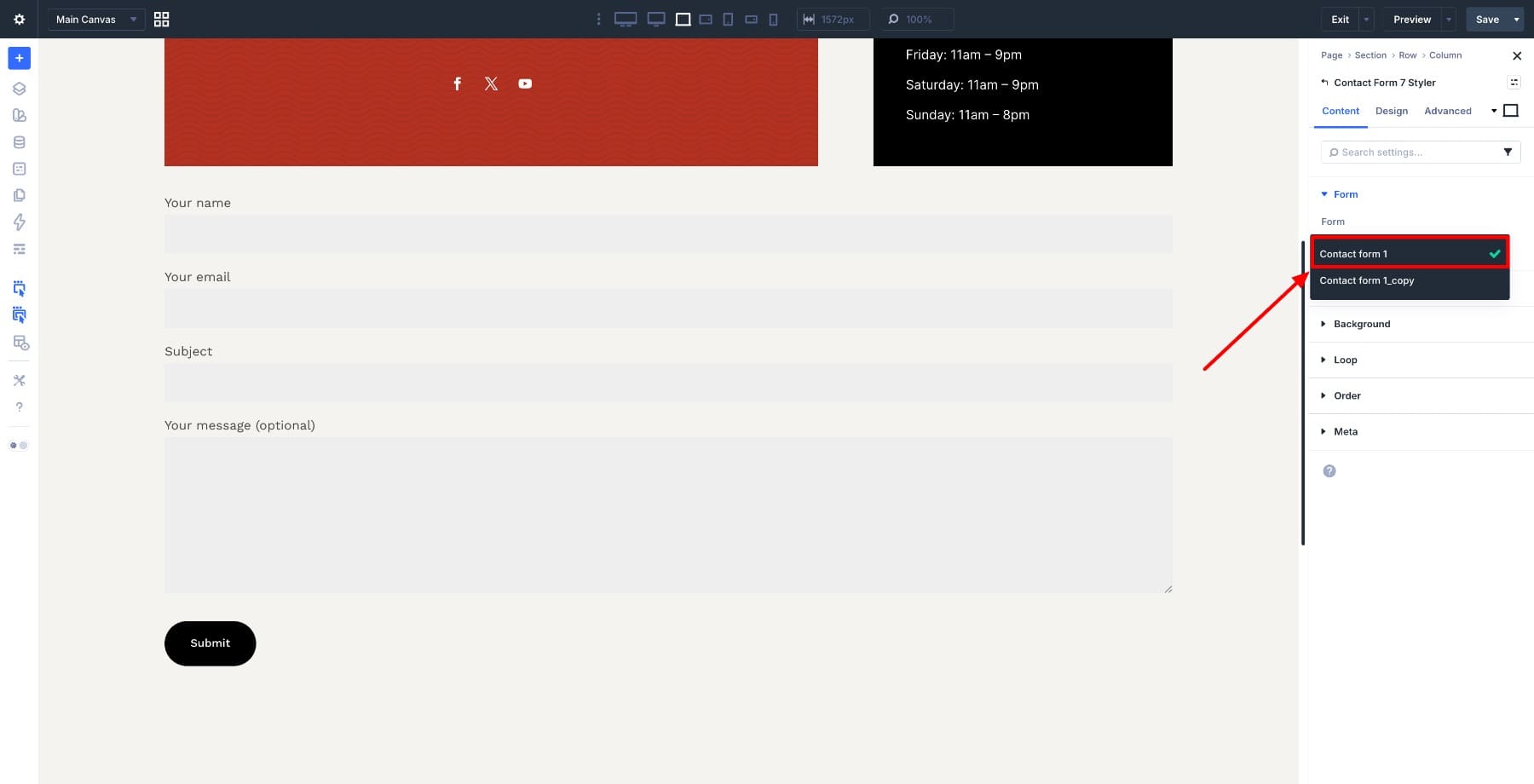
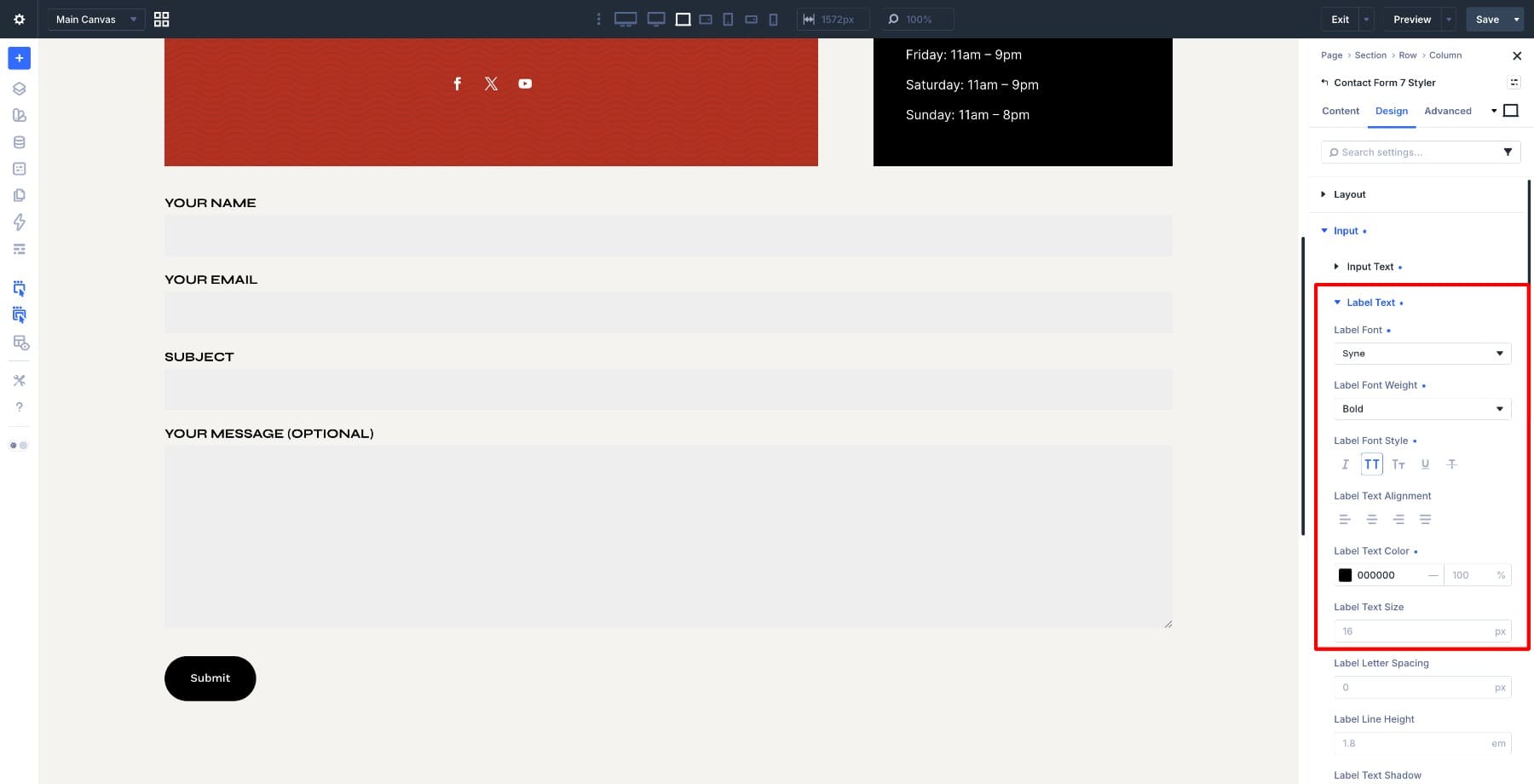
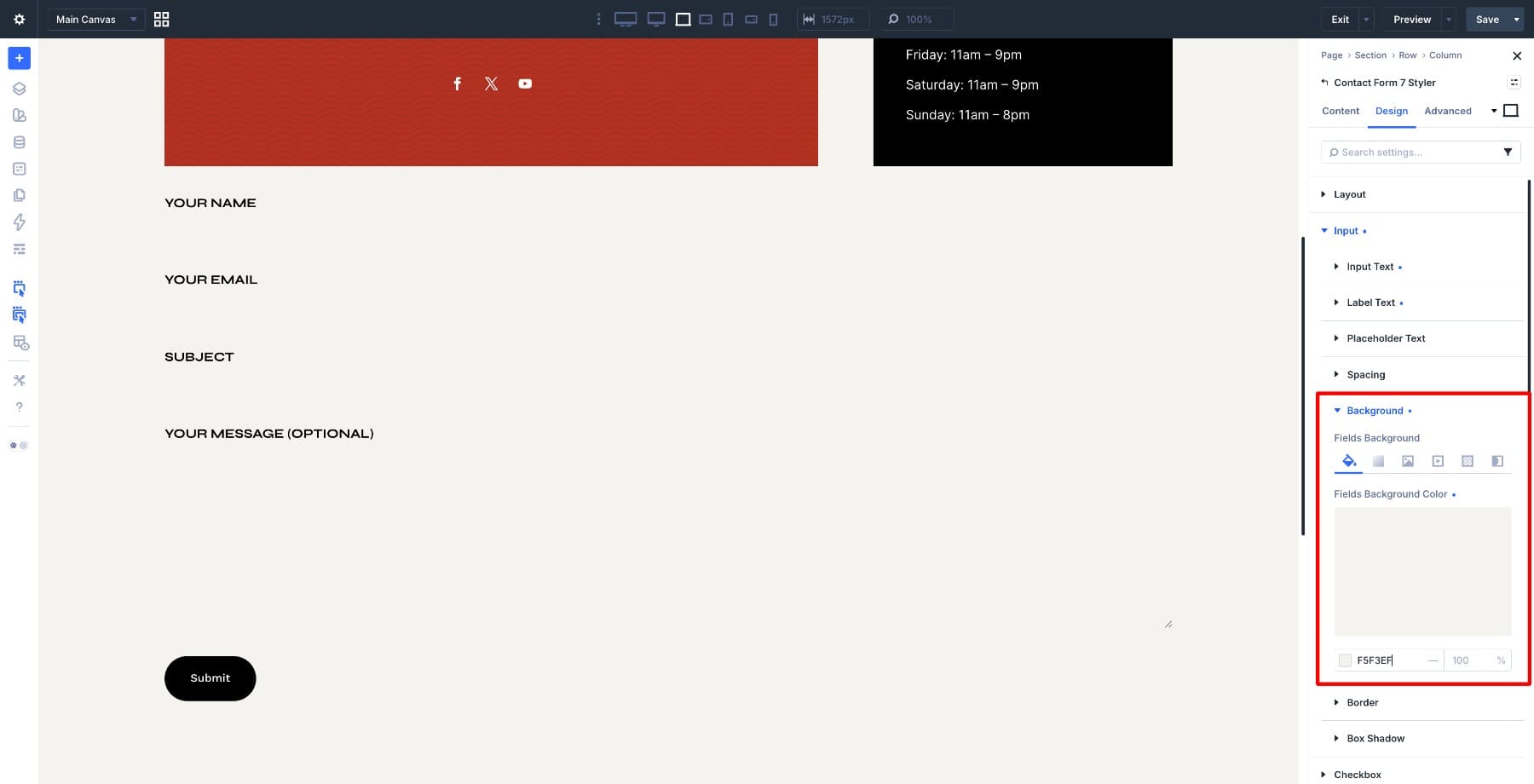
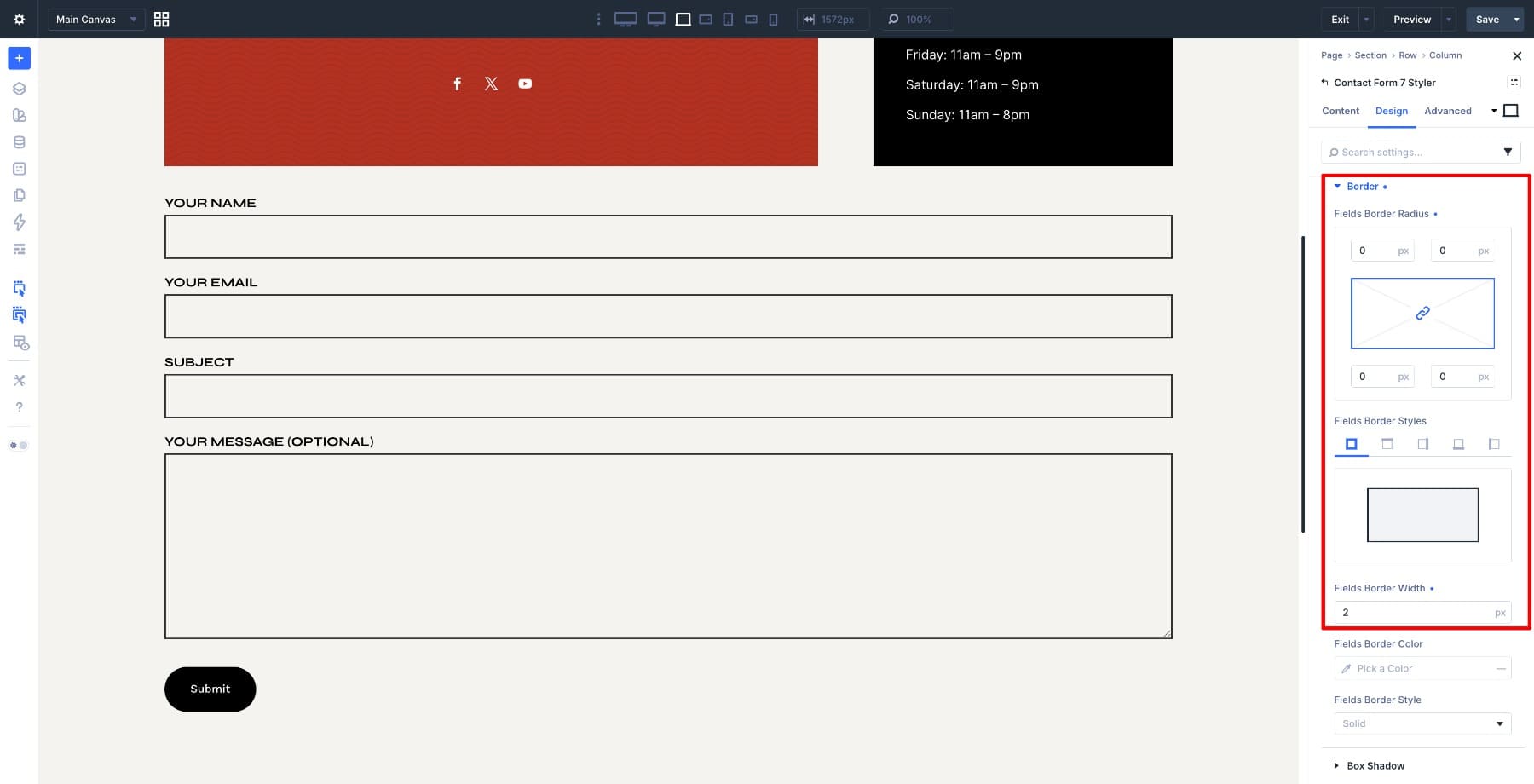
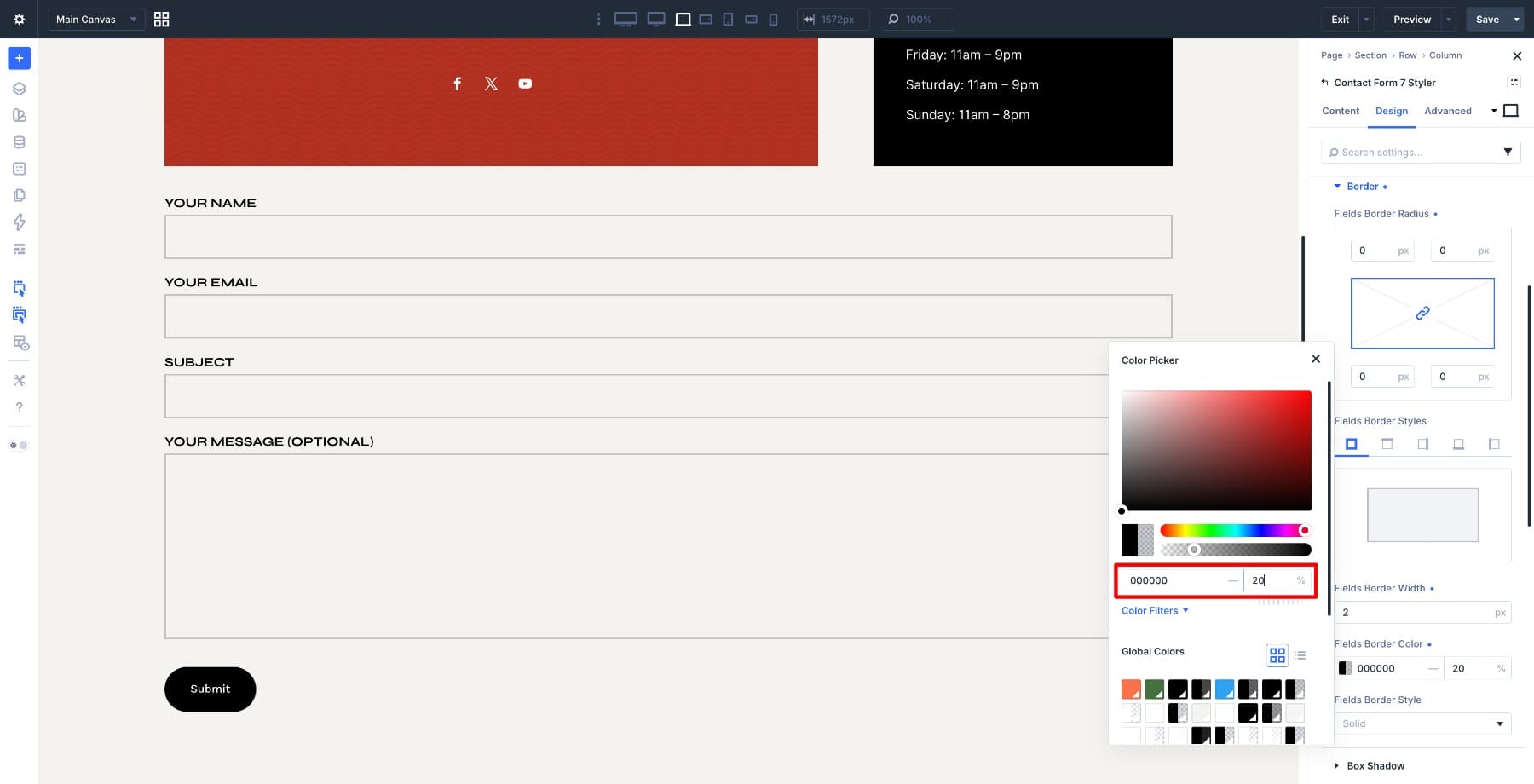
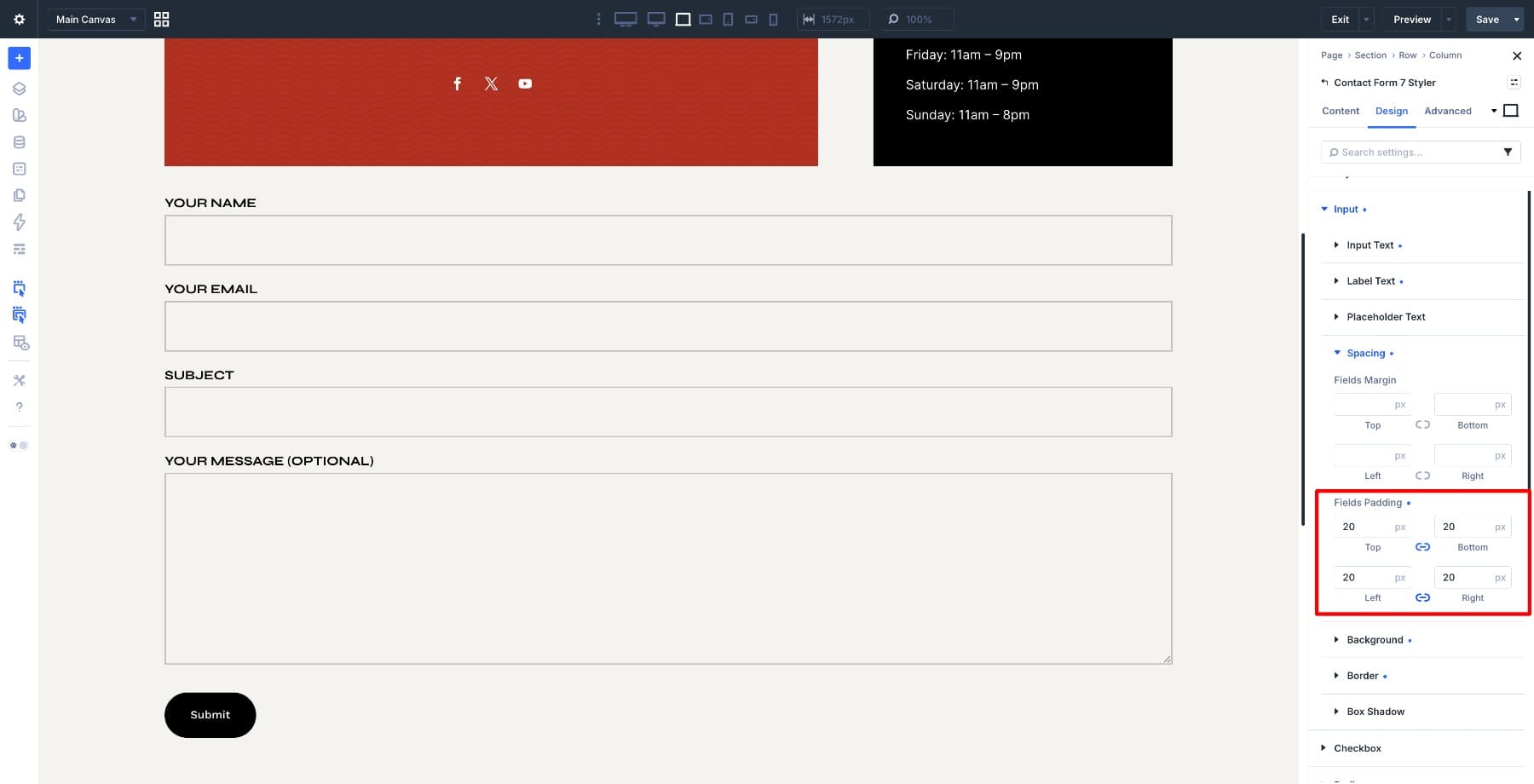
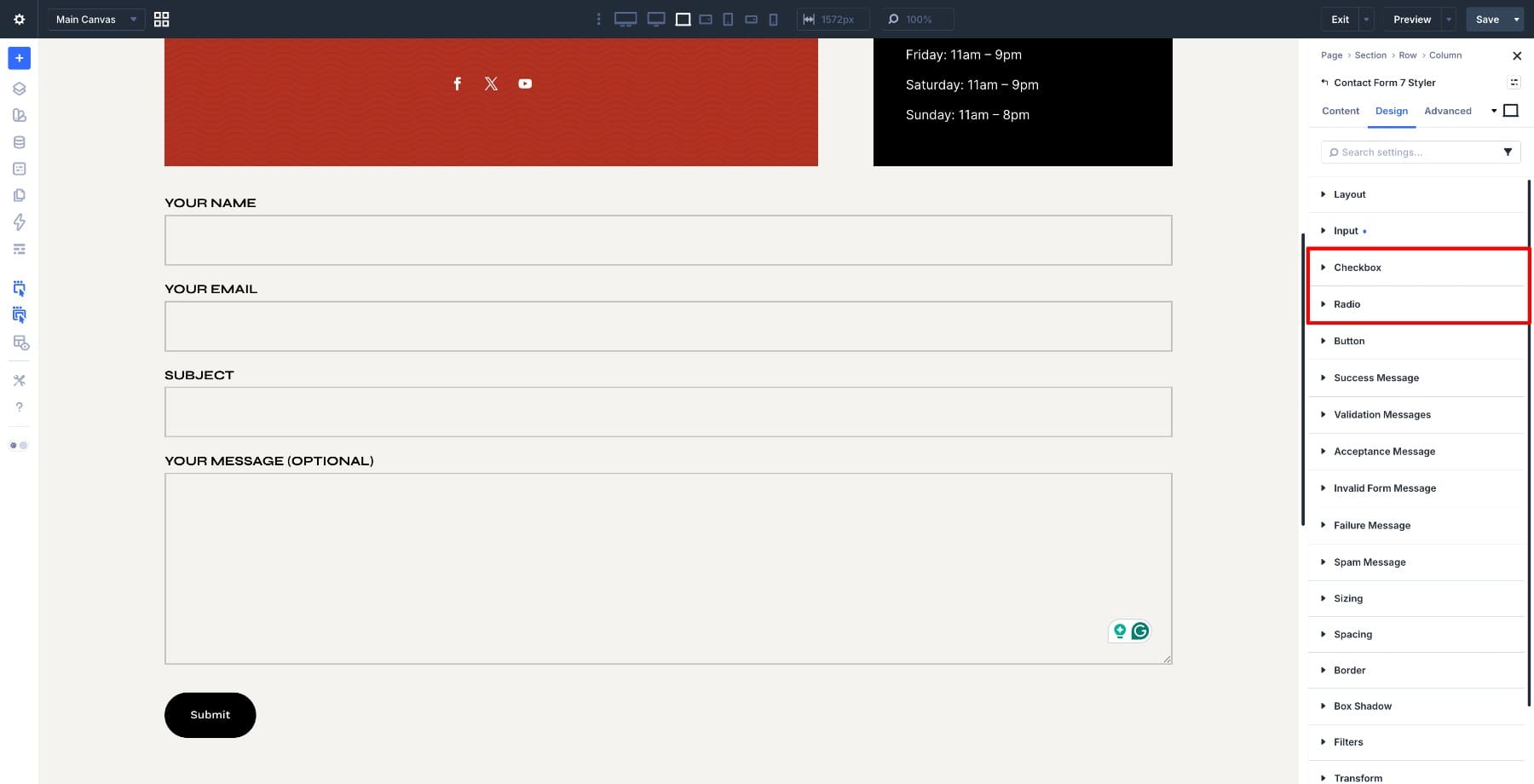
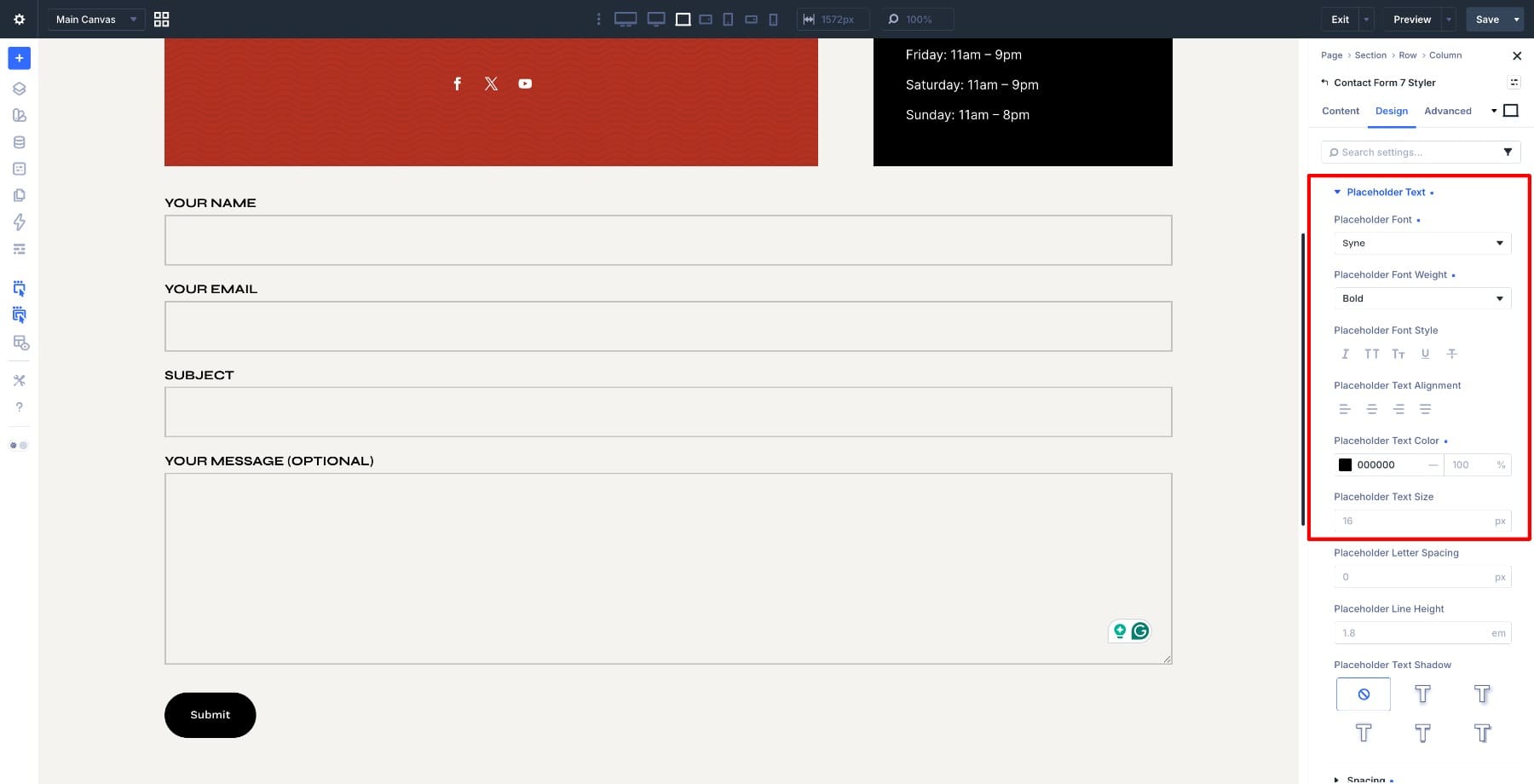
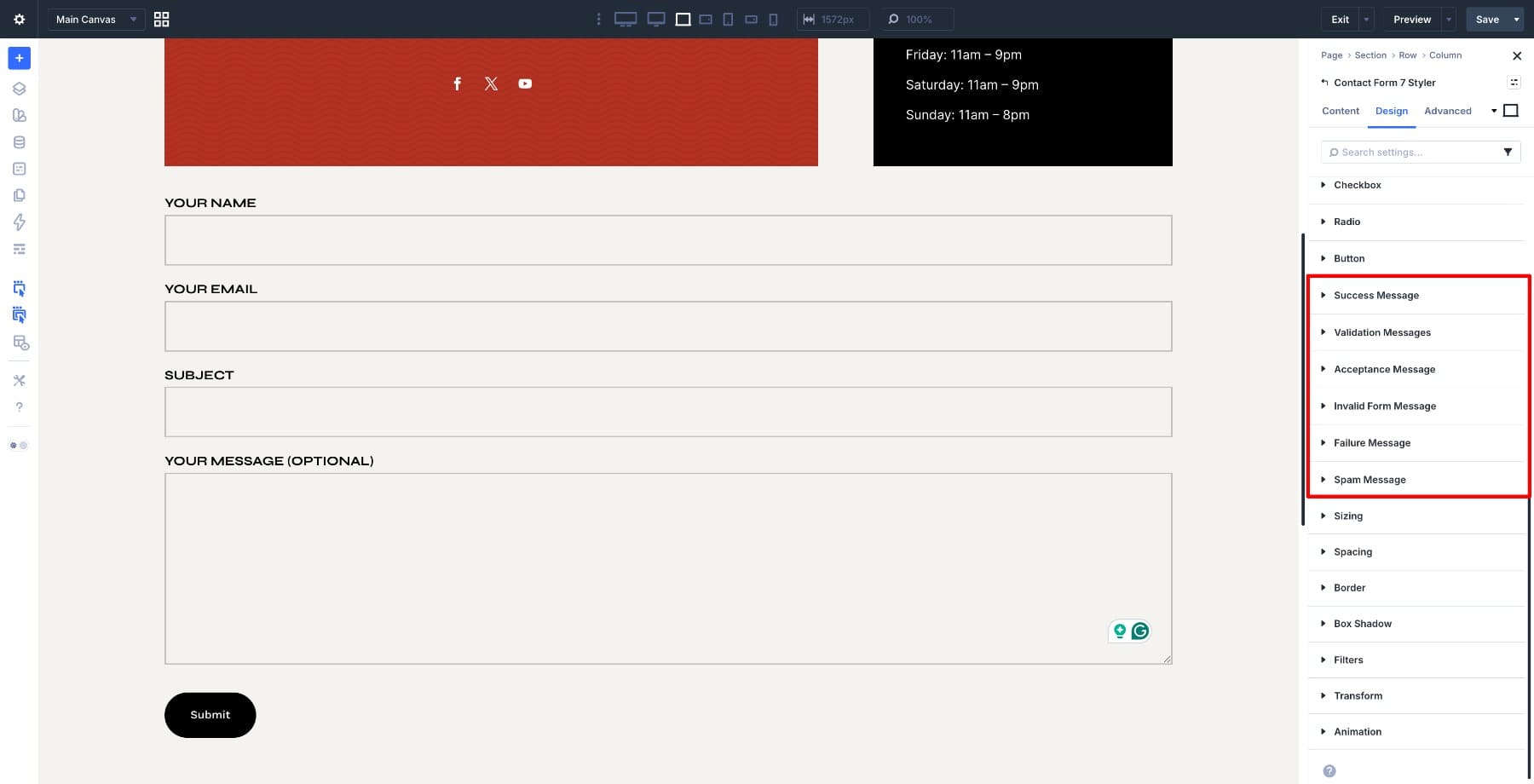
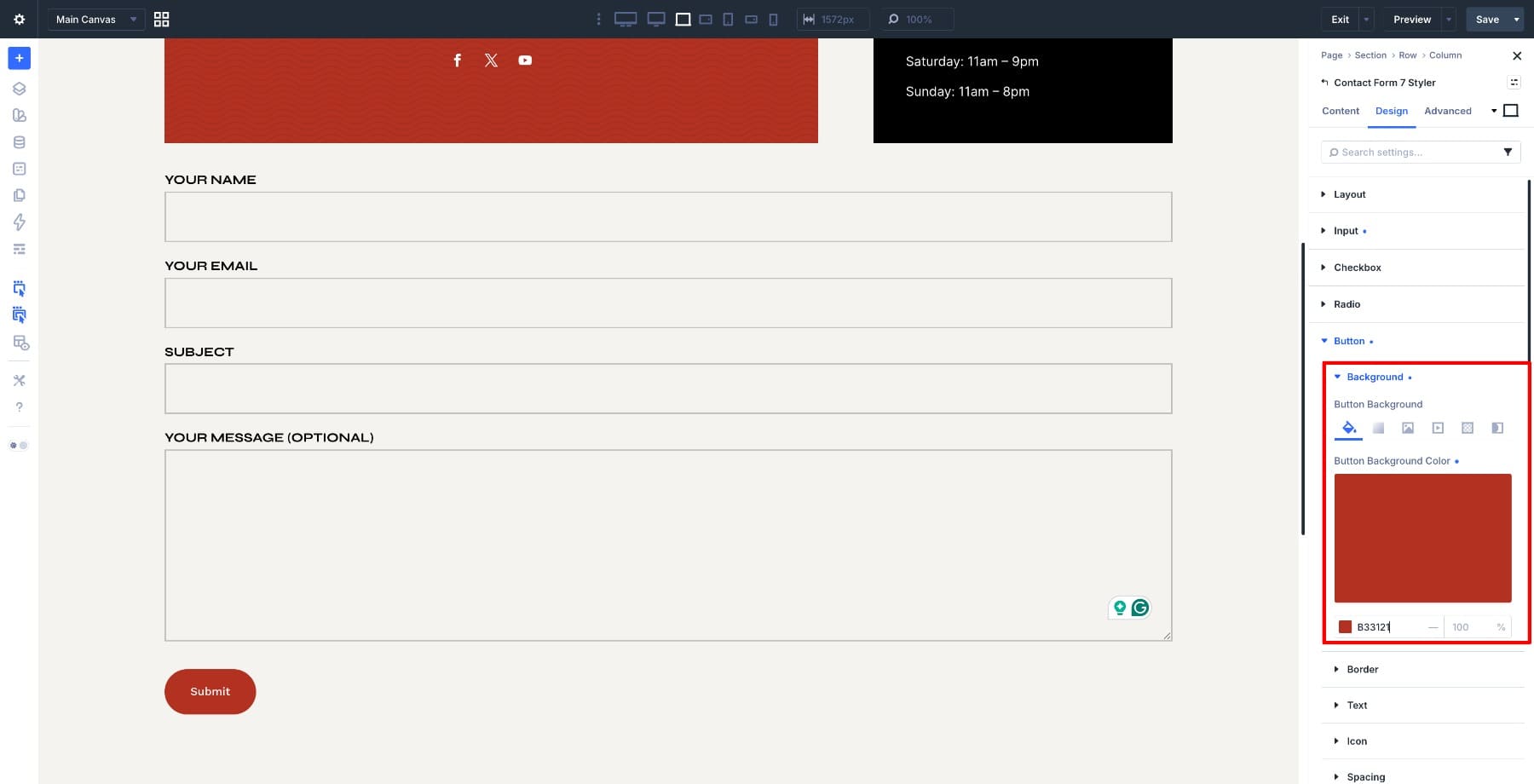
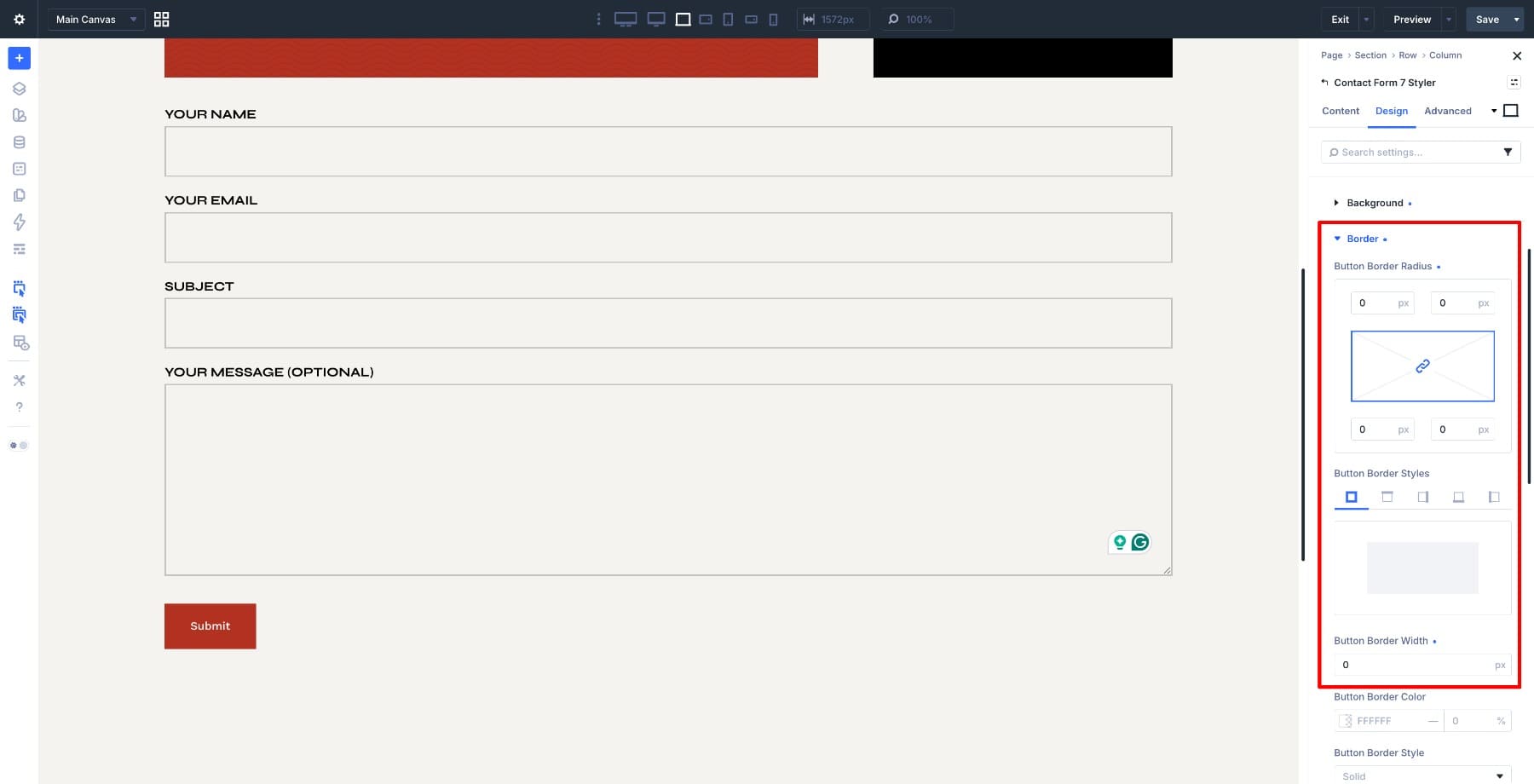
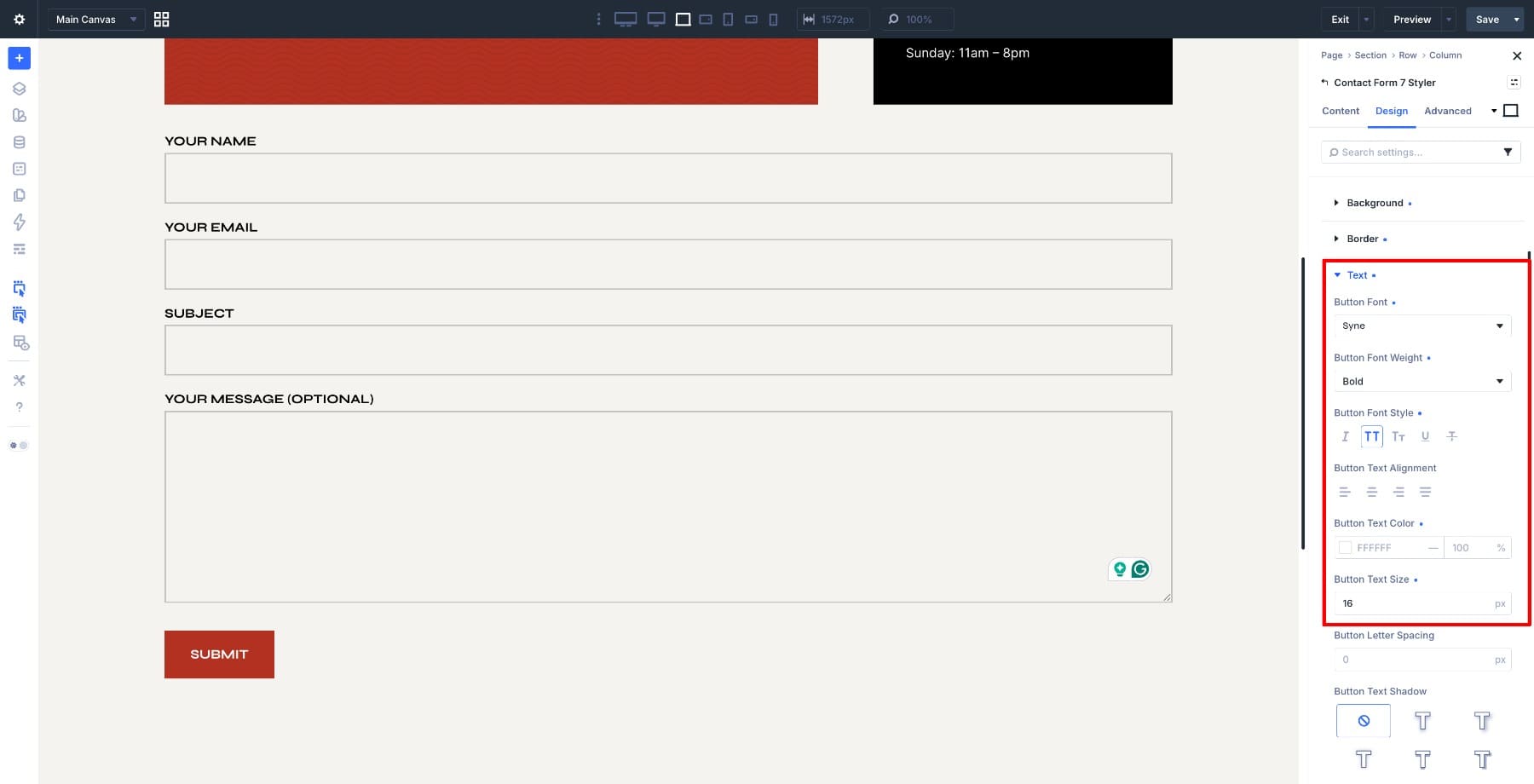
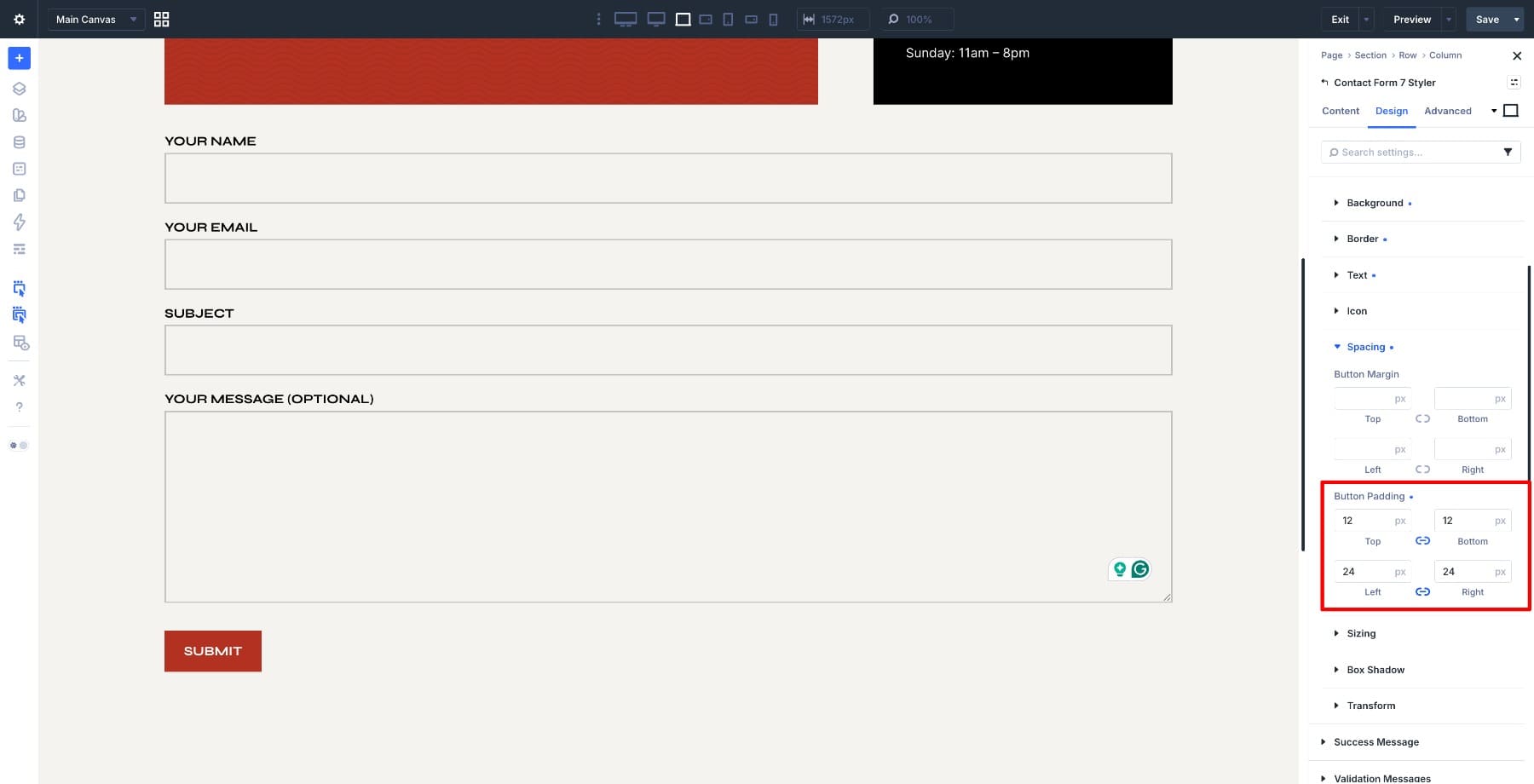
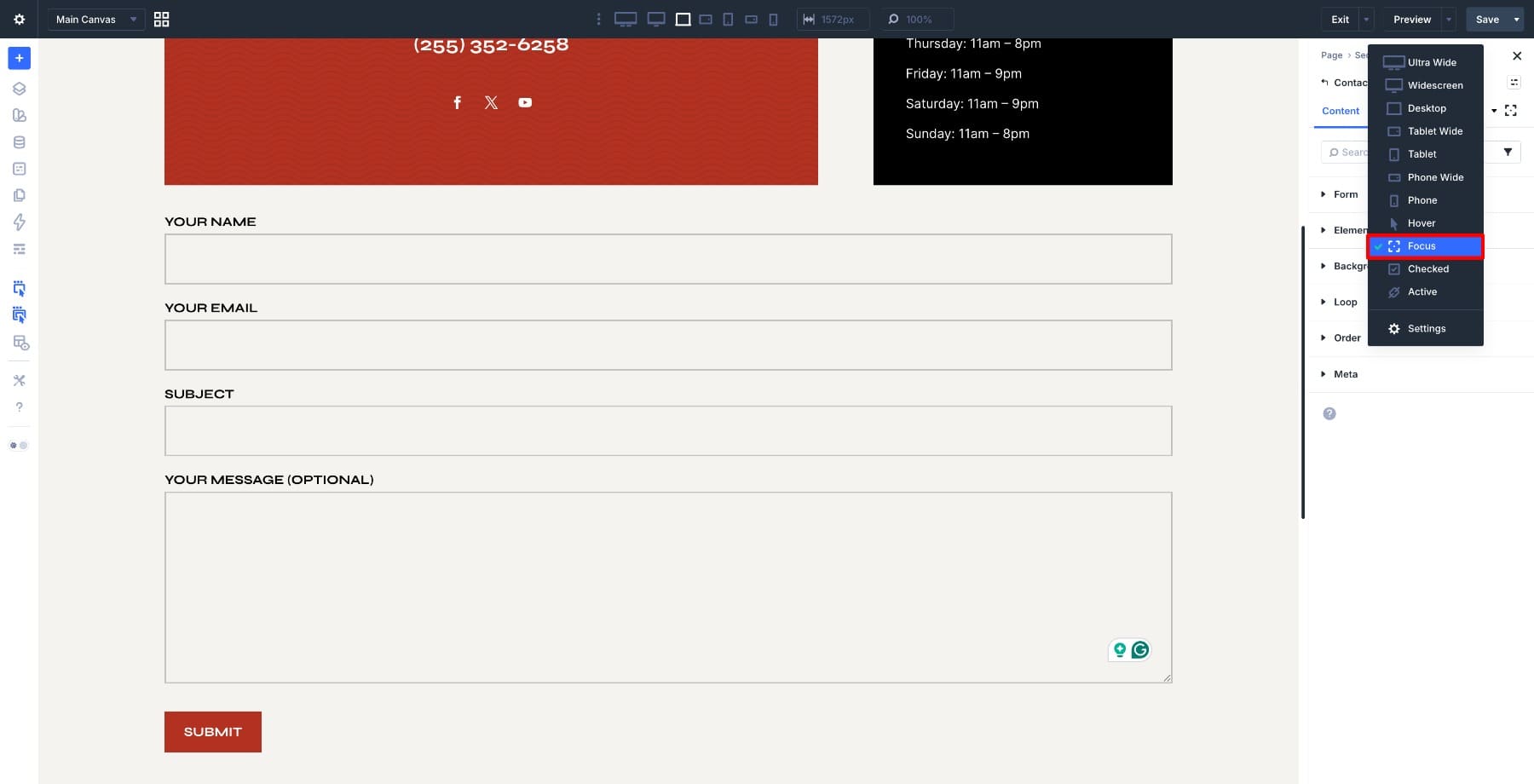
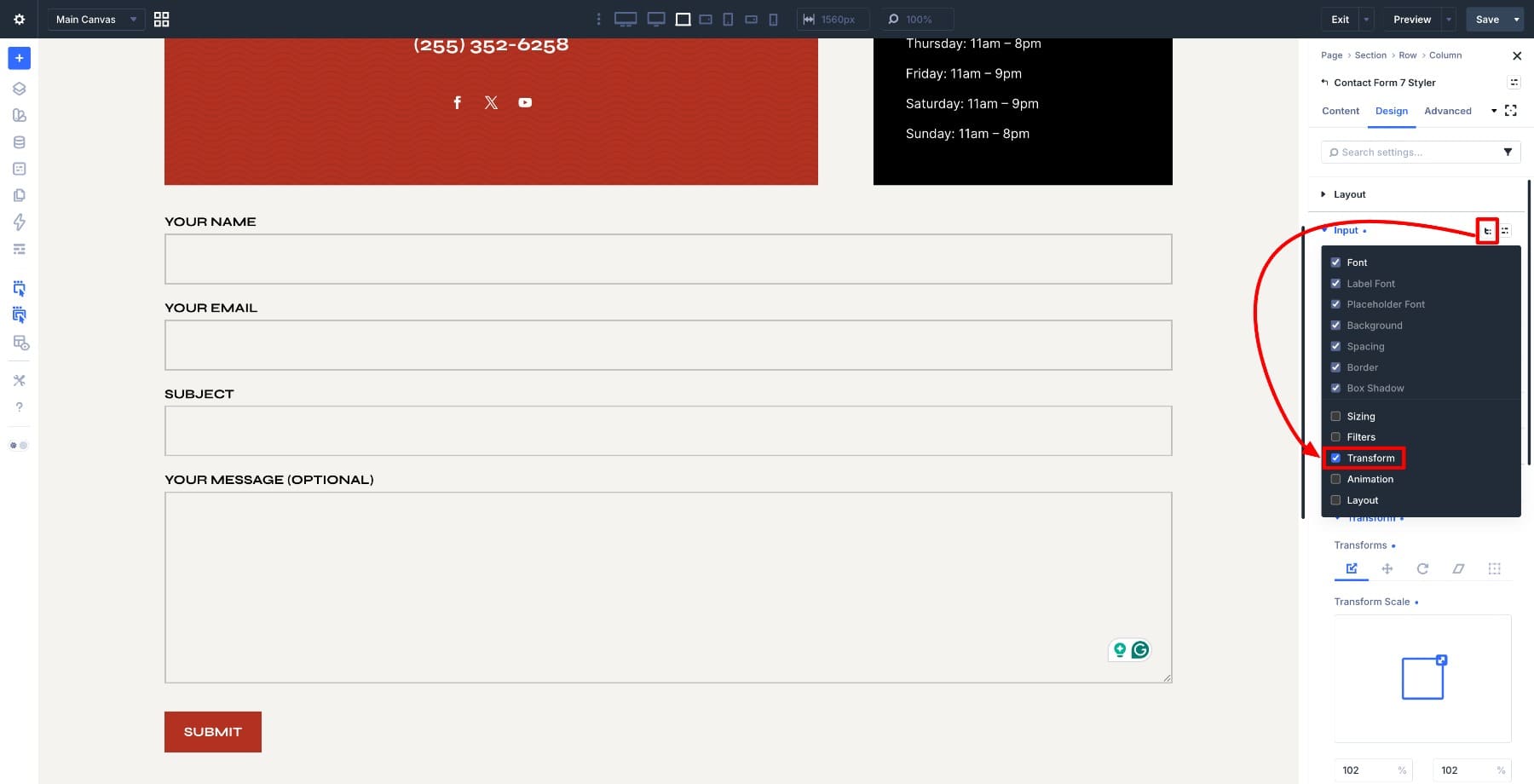
Styling a Contact Form 7 form to match your website used to mean writing custom CSS, chasing the right selectors, and checking every field again on mobile. Even when the CSS worked, the form often still felt separate from the rest of the page. That matters because forms are conversion points. When they look disconnected from your design system, they can make the whole experience feel less polished. Divi 5 brings Contact Form 7 forms back into that system. With the Contact Form 7 Styler module, you can display forms you already built with Contact Form 7 and style them directly inside the Divi 5 Visual Builder. This post walks through the full styling process, including inputs, labels, placeholder text, buttons, messages, focus states, checkboxes, radios, and reusable presets. 1 What Is The Contact Form 7 Styler Module In Divi 5? 2 Before You Start 3 Styling The Contact Form 7 Form Step By Step 3.1 Step 1. Set Up The Form Layout 3.2 Step 2. Style The Input Fields 3.3 Step 3.…