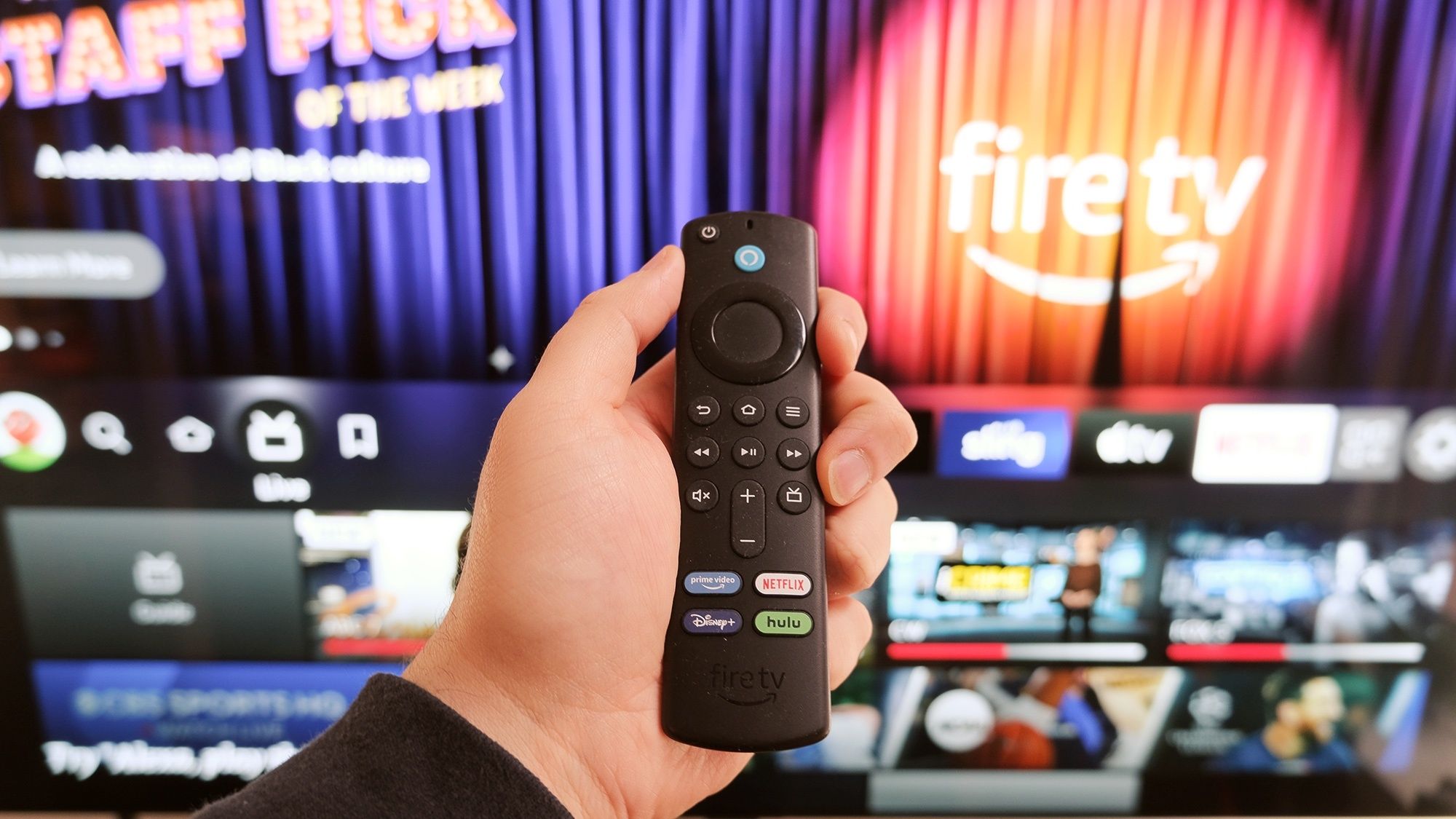
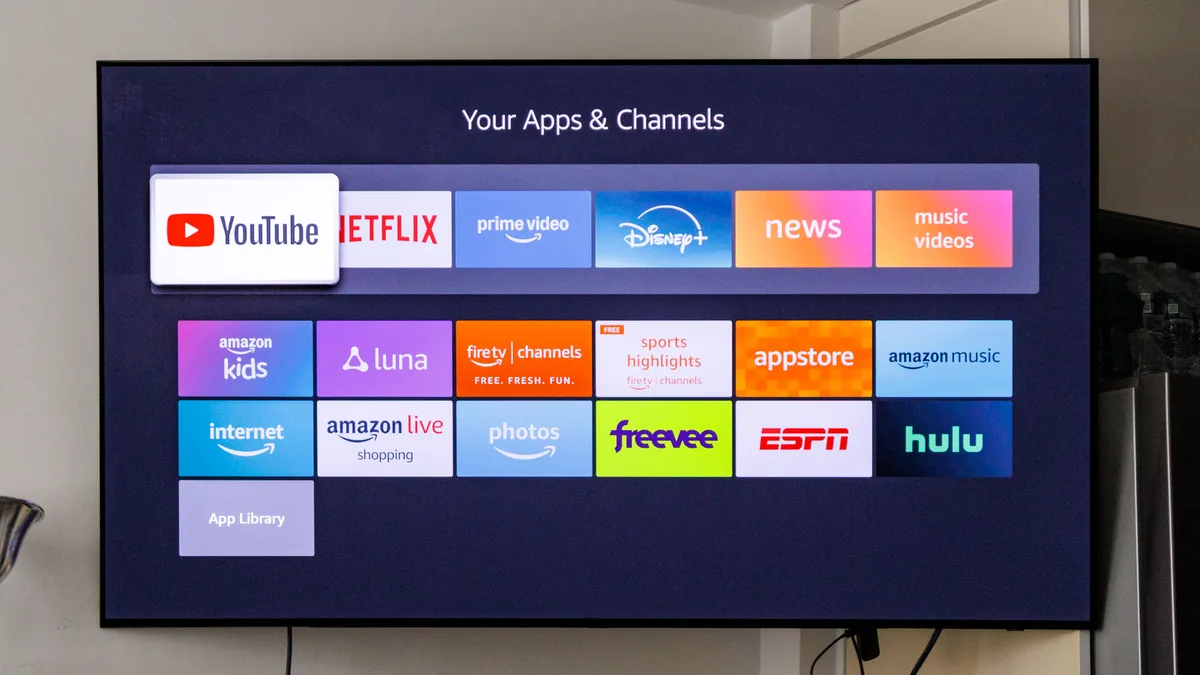
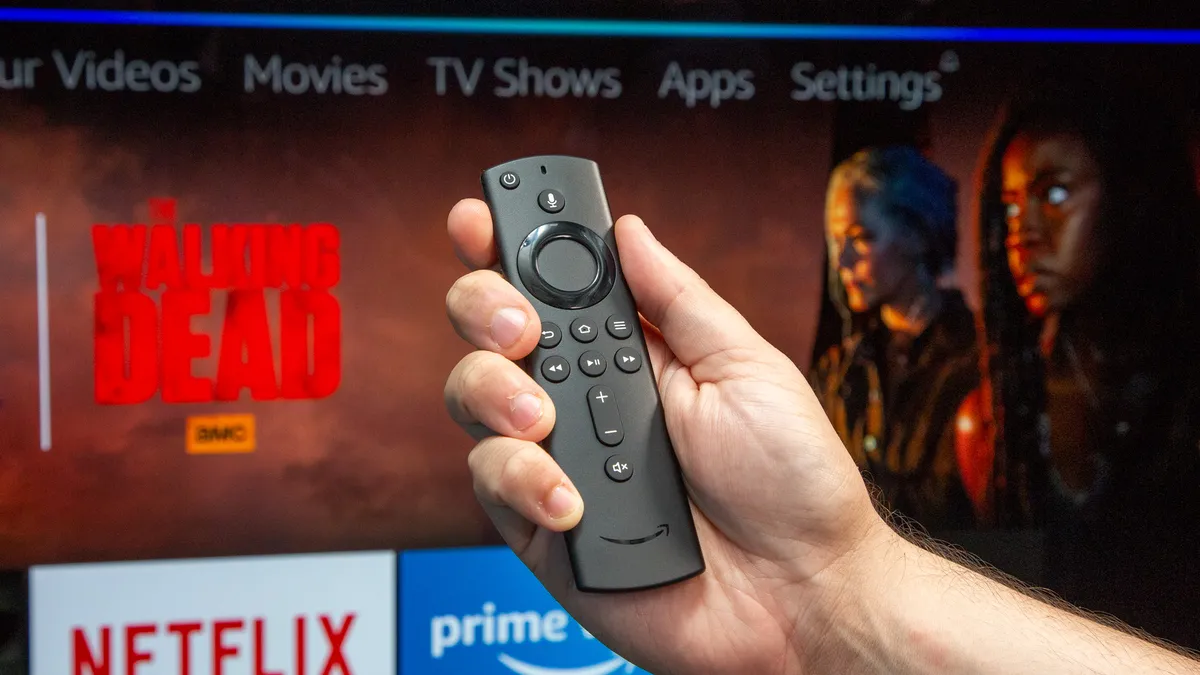
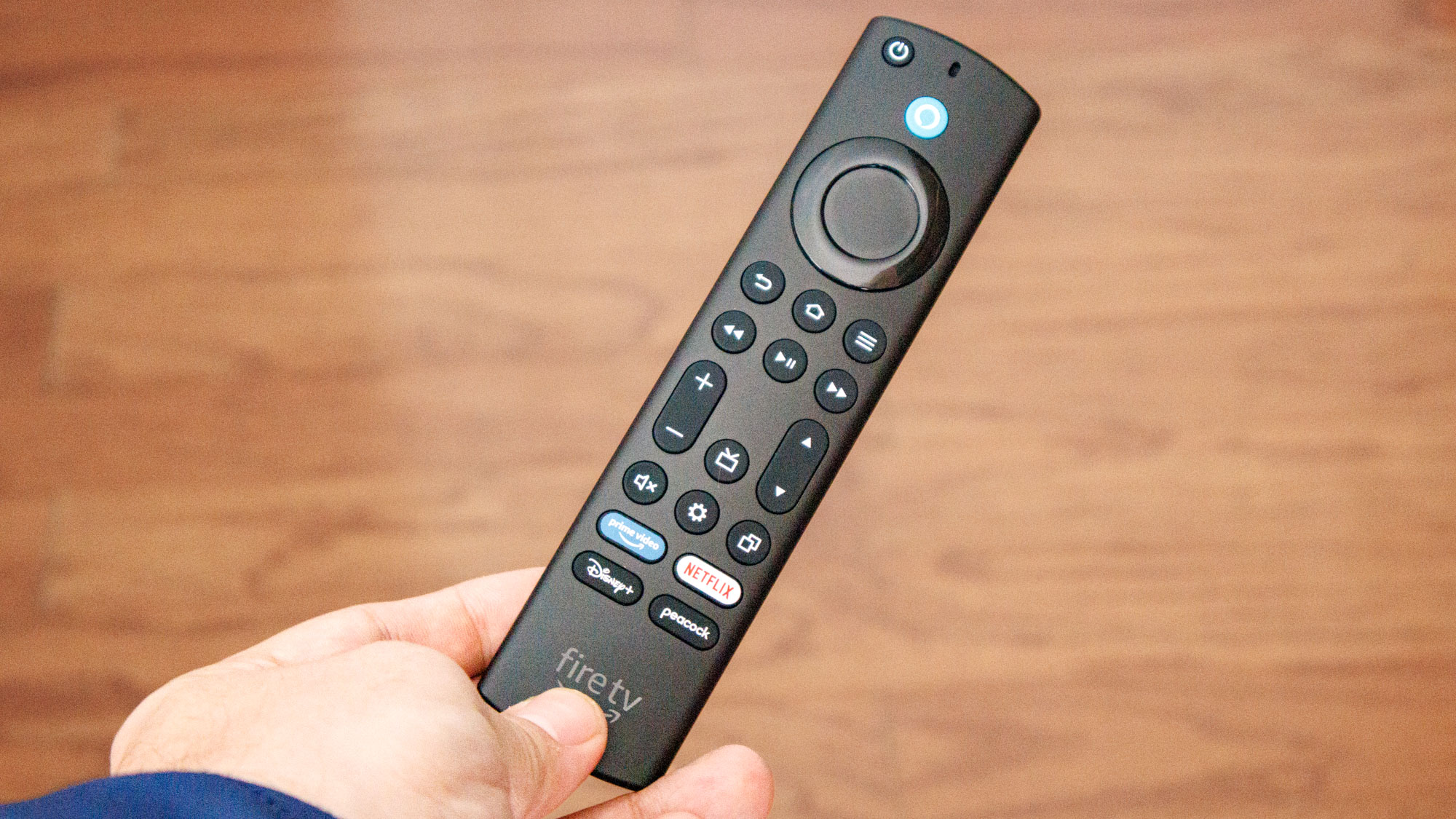
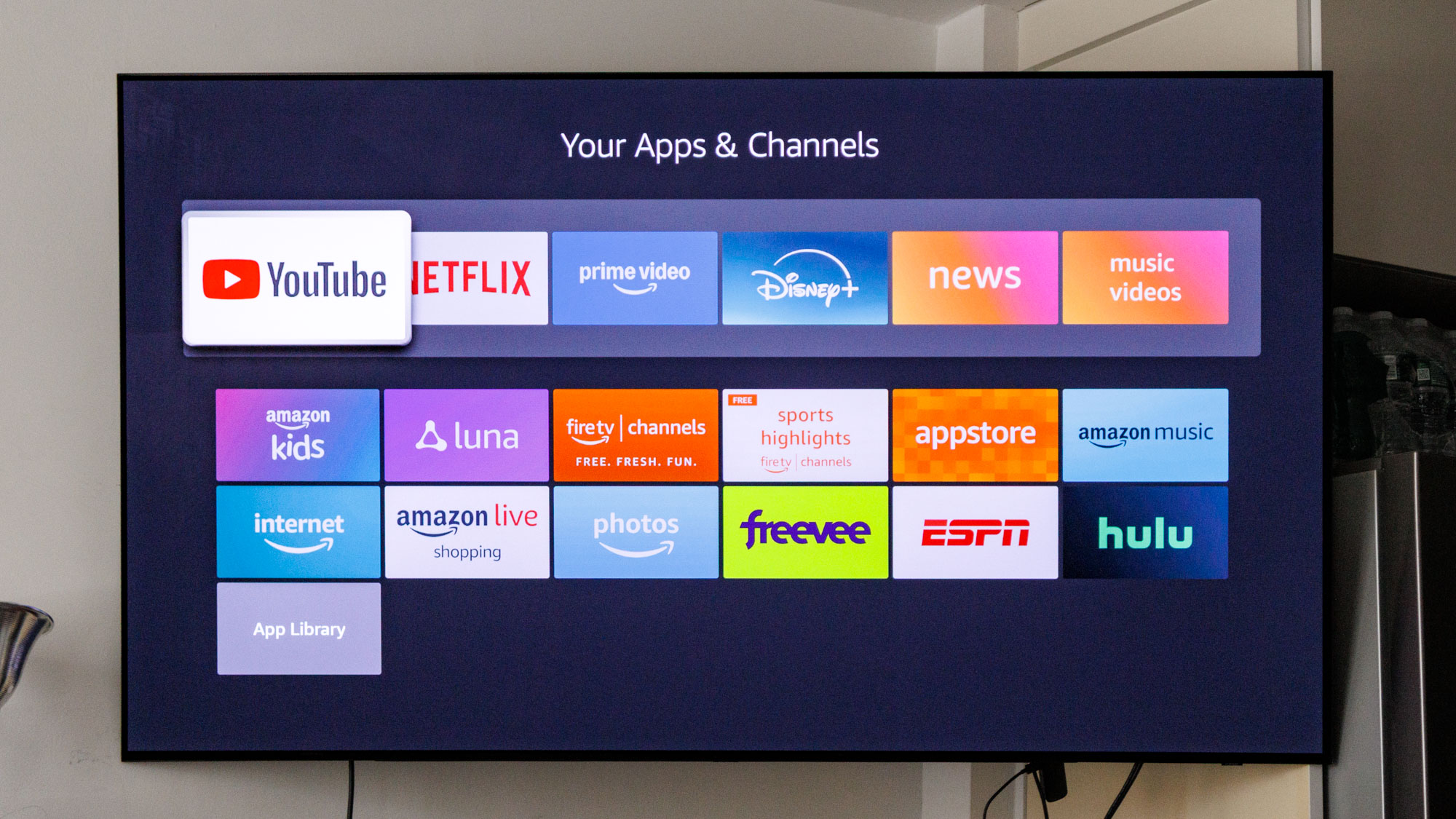
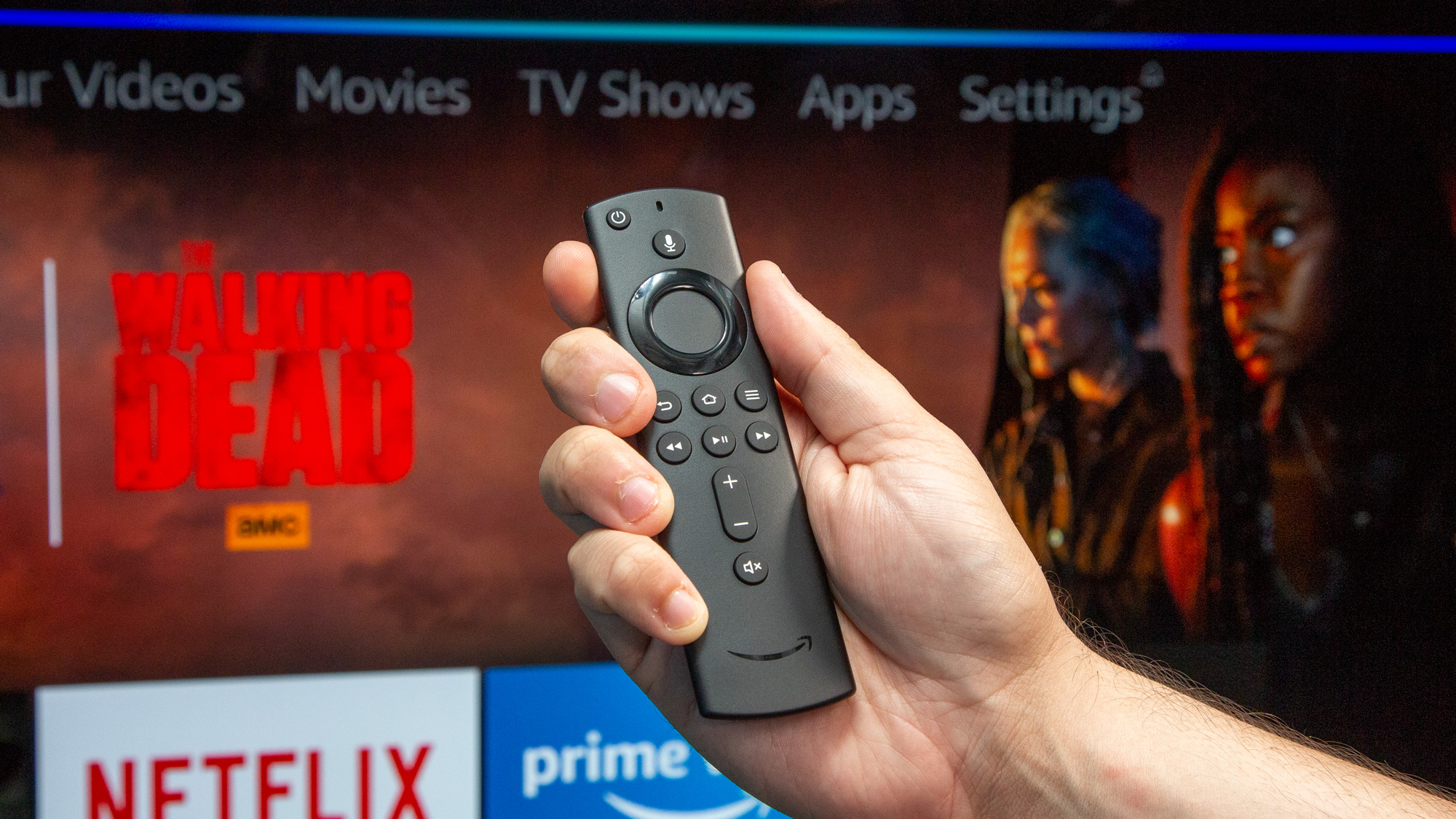
(Image credit: Tom's Guide) Something's wrong with your Fire TV Stick and you can't pinpoint exactly what. It still turns on, apps still open... eventually, video still plays, but everything feels wrong . Response times are off. Navigation stutters. The whole experience has degraded from smooth to frustrating. This vague unresponsiveness is harder to diagnose than a clear error message, but the cause is usually the same: too much software running on too little memory. Fire TV Sticks have limited RAM, and when that memory fills up with cache files and background processes, performance tanks. Article continues below 1. Clear the cache Apps like Netflix, YouTube, Prime Video, and Hulu accumulate temporary files called cache every time you use them. When cache builds up over weeks or months, it slows down both individual apps and your Fire TV's overall system performance. Clearing cache removes these temporary files that apps don't actually need to function. This frees up memory and makes apps load faster.…