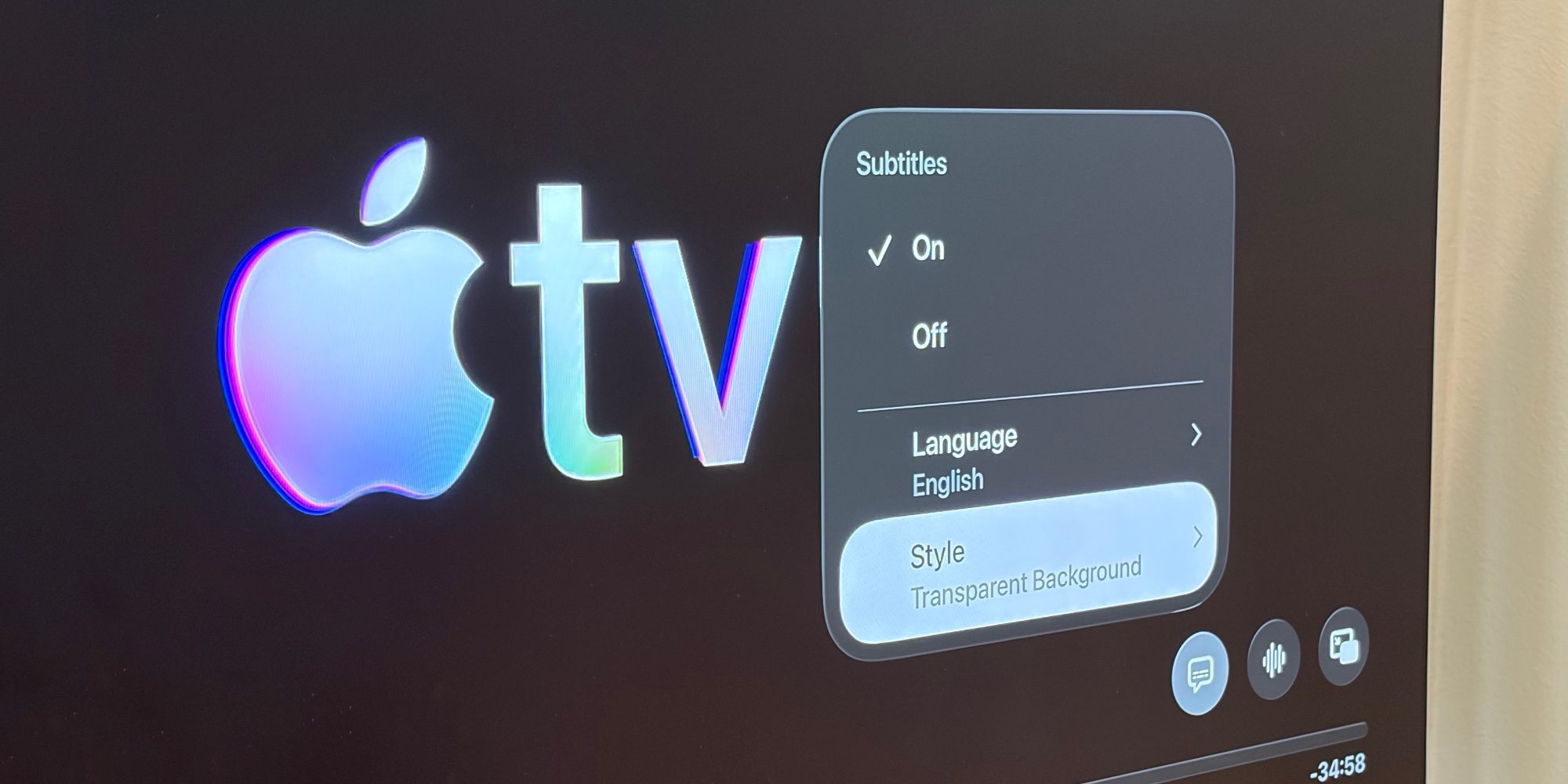
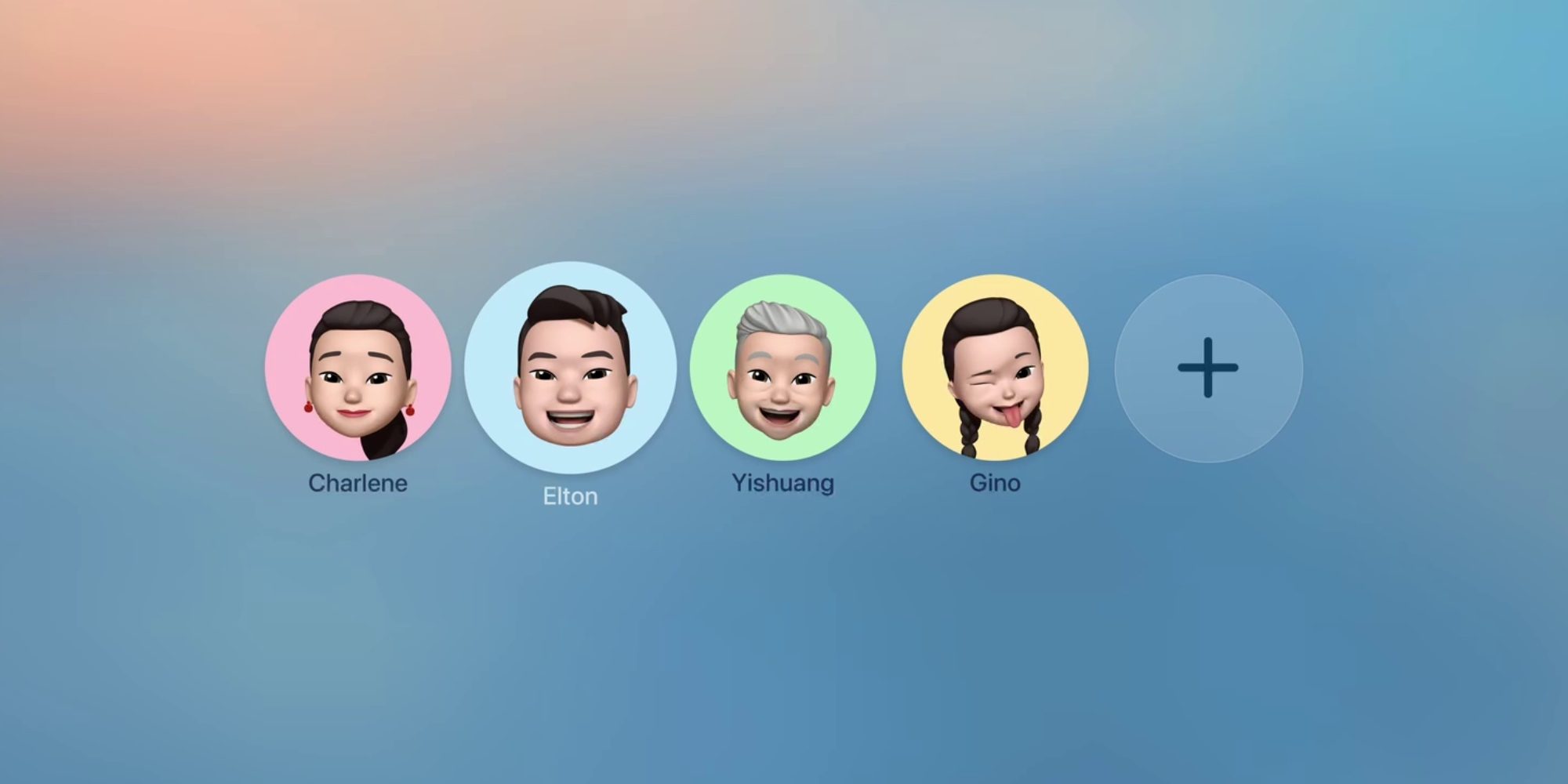
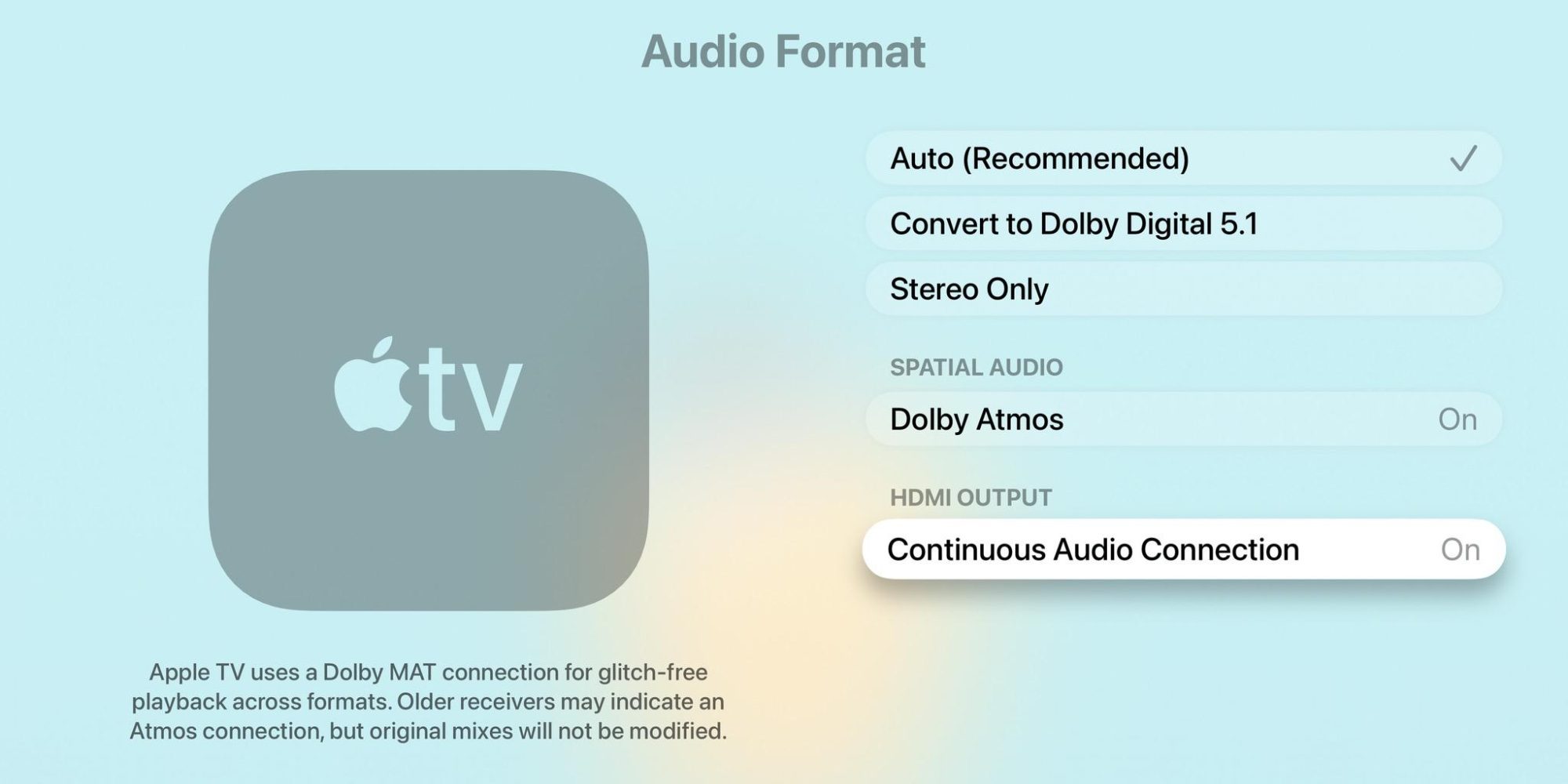
We’re still waiting for a new Apple TV 4K to launch , but tvOS at least keeps improving, including with five new settings in tvOS 26 for customizing your Apple TV. #1: Disable individual aerial screen savers Apple TV’s aerial screen savers are one of my all-time favorite features. And in tvOS 26, Apple lets you customize them more than ever. Inside the Settings app, navigate to the Screen Saver menu and open Aerials to find a new option: ‘Choose Aerials.’ Previously, you could opt out of certain categories of screen savers. But in tvOS 26, you can now individually enable or disable any aerial Apple offers. So if you like some of the Underwater screen savers, but have nightmares about others, you can keep only your favorites enabled. #2: Subtitle styles tvOS has long offered the ability to customize the look of subtitles, but it was buried in Accessibility settings where most people never found it. In tvOS 26.4, Apple added a new and much easier option.…