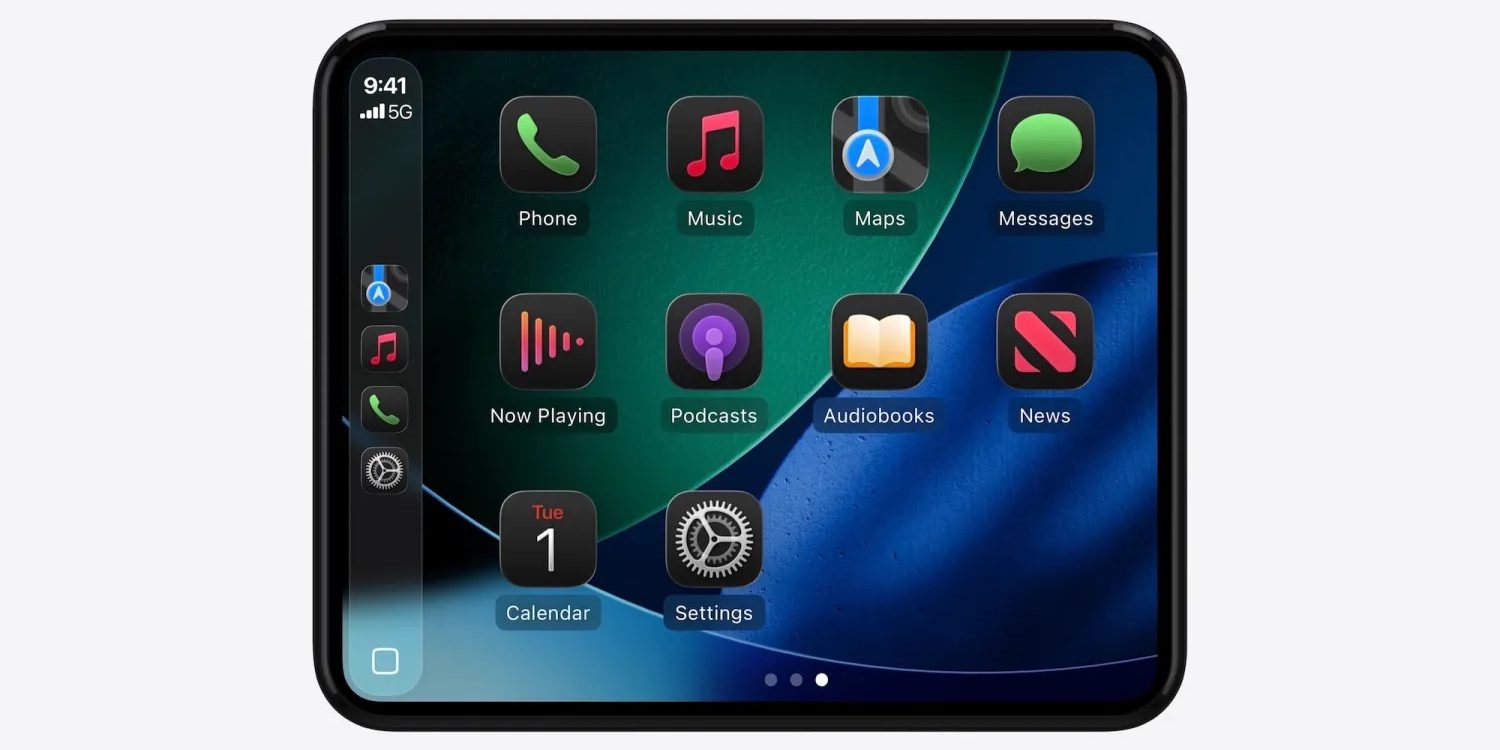
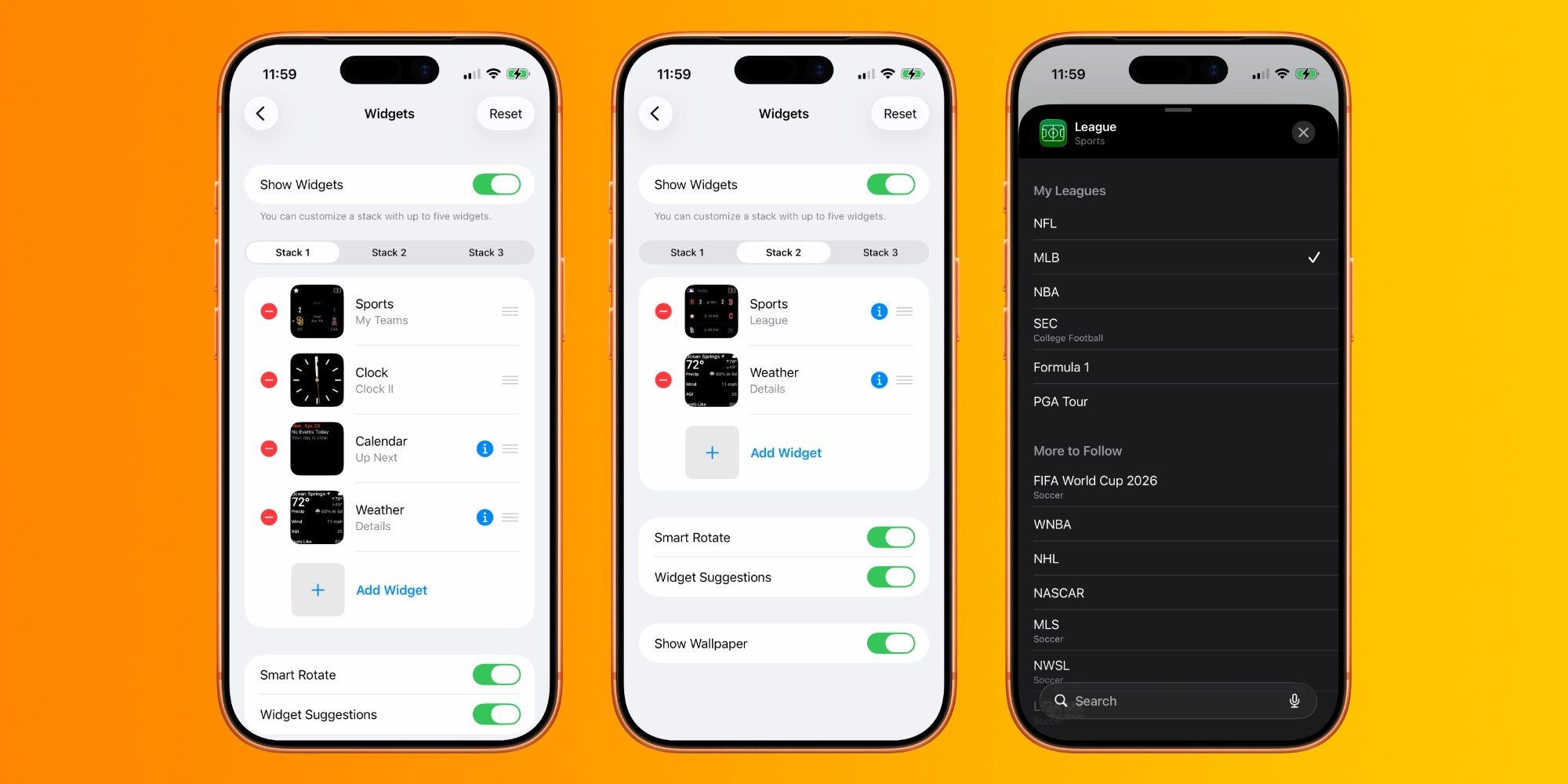
CarPlay has gotten a lot of new features in iOS 26 , but Apple also now lets you customize your in-car setup more than ever with new settings. Here are five ways iOS 26 lets you customize CarPlay. #1: Smart Display Zoom Smart Display Zoom is a unique new feature that’s meant to better optimize your CarPlay setup for the size and shape of your in-car display. Inside CarPlay’s Settings app ⇾ Display you’ll find the new Smart Display Zoom toggle, which is off by default. Note: Apple says the setting isn’t available on every single car. But it should be present on most. If you want to get an idea of how Smart Display Zoom might look, check out our full gallery here . Widgets have been around on iPhone for years, but iOS 26 finally brought them to CarPlay. Widgets live to the left of your CarPlay Home Screen, and depending on your screen size, you’ll see anywhere from 1 to 3 widget stacks at a time. To customize the widgets in each stack, go to Settings on your iPhone, then General ⇾ CarPlay ⇾ Your Car ⇾ Widgets.…