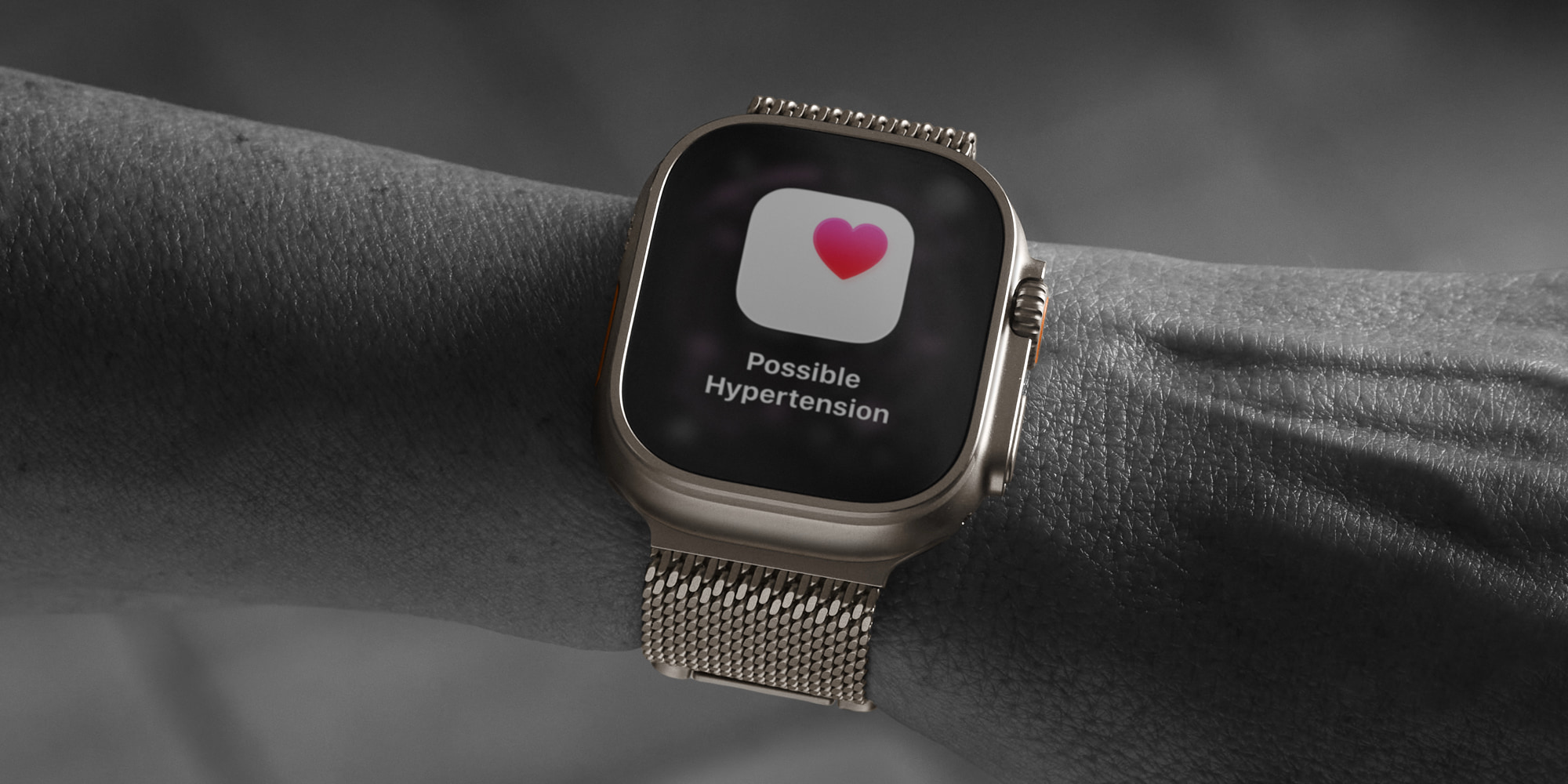
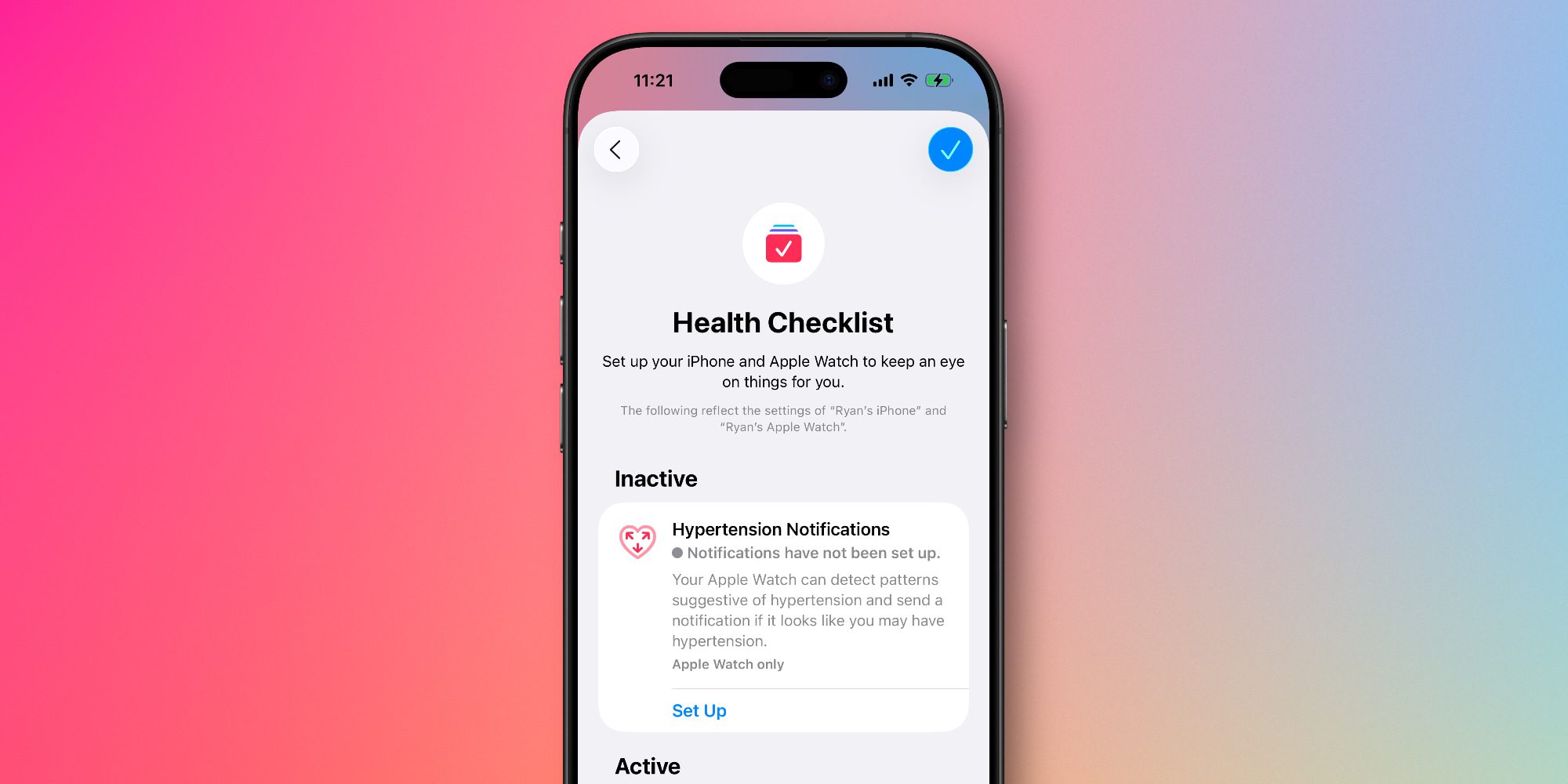
watchOS 26 introduced a new hypertension detection feature not only for Apple Watch Ultra 3 and Series 11, but for select older Apple Watch models too. Here’s how to set it up, and which models are compatible. Compatibility requirements for Apple Watch hypertension alerts Hypertension notifications are available in watchOS 26 for the following Apple Watch models: Apple Watch Series 11 Apple Watch Series 10 Apple Watch Series 9 Apple Watch Ultra 3 Apple Watch Ultra 2 To activate the feature, you will also need an iPhone 11 or later that’s running iOS 26. Apple has some additional listed requirements to use the feature: Wrist Detection must be enabled on your Apple Watch You must be 22 years or older, not pregnant, and have not been diagnosed with hypertension The activation process for hypertension notifications involves confirming most of these details when prompted.…