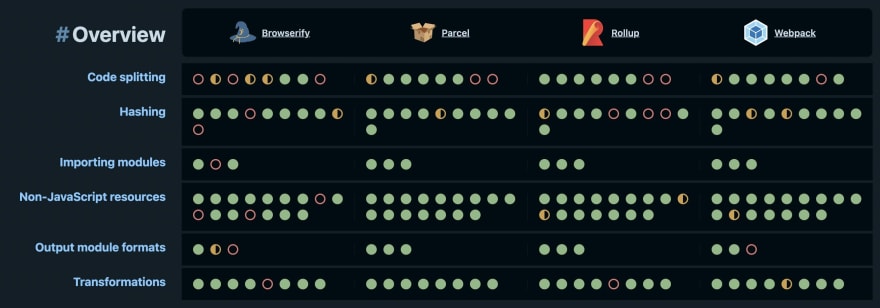
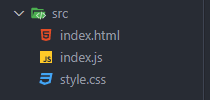
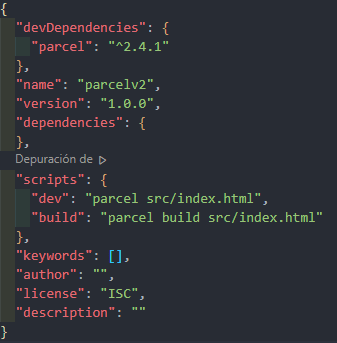
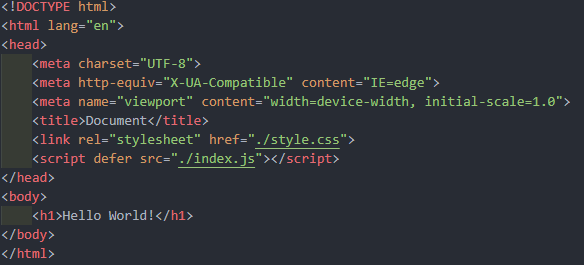
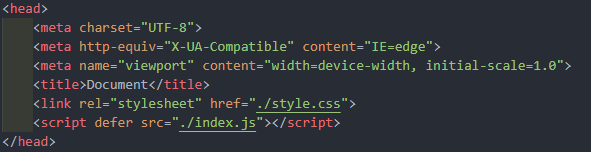
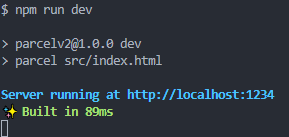
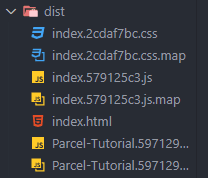
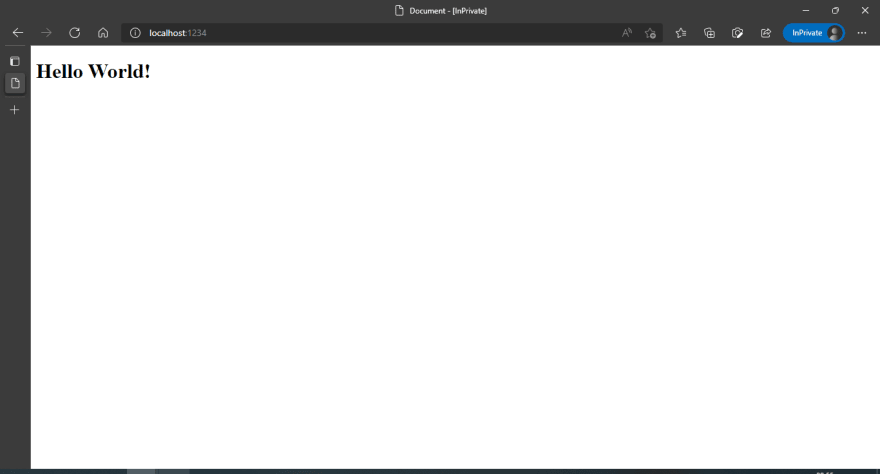
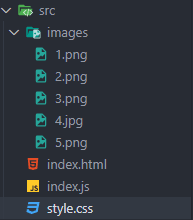
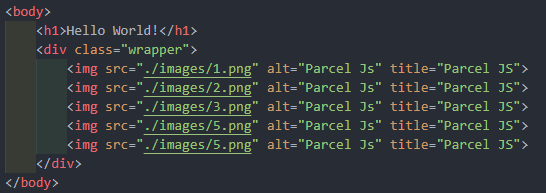
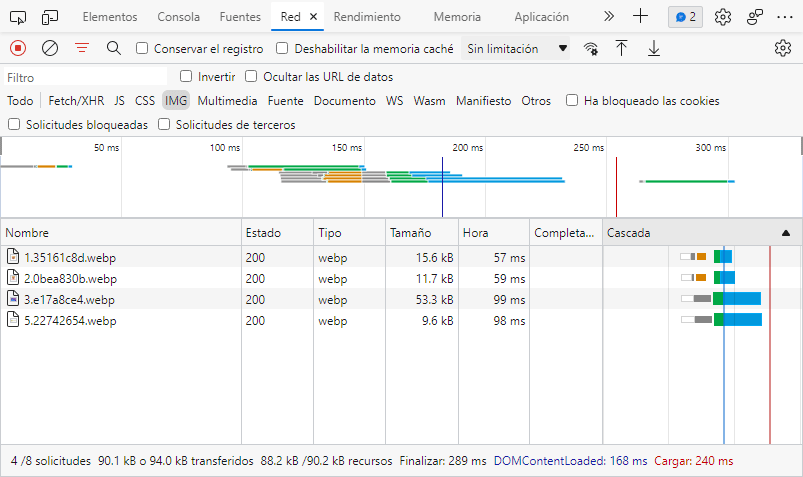
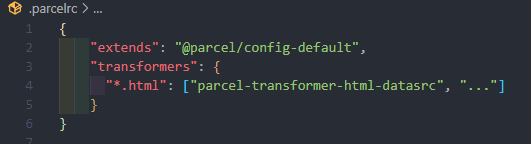
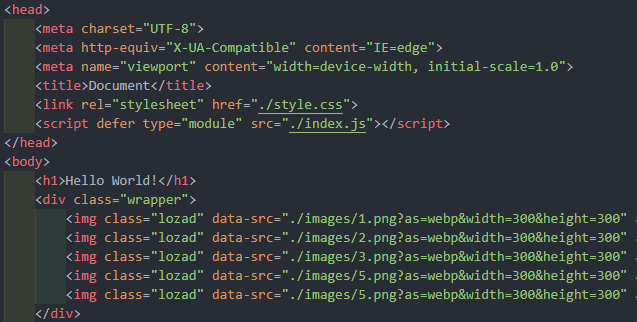
What is Parcel Js? Parcel Js is a code compiler for our website or application that gathers all our code and generates a new collection of files usually in a dist folder. With Parcel Js we can minimize our JavaScript, CSS and HTML, resize and optimize images, content hashing, automatic code splitting and much more. Parcel vs Webpack, Rollup, and Browserfly 1 Initial folder structure 2 Parcel Installation npm i parcel --save-dev We are using the --save-dev or --D flag to install it as a development dependency, since it is a developer tool. npm init -y Configuration of the command to start the compilation process. We add to package.json 3. Code Preparation Our entry point is going to be the index.html file, since it will be the first file to be read by the browser. In the same way, we edit the src/index.html file and place a base HTML by typing ! and pressing TAB, we also add an h1 inside the body: We link the .js and .css files, adding the corresponding HTML tags, just before the .…