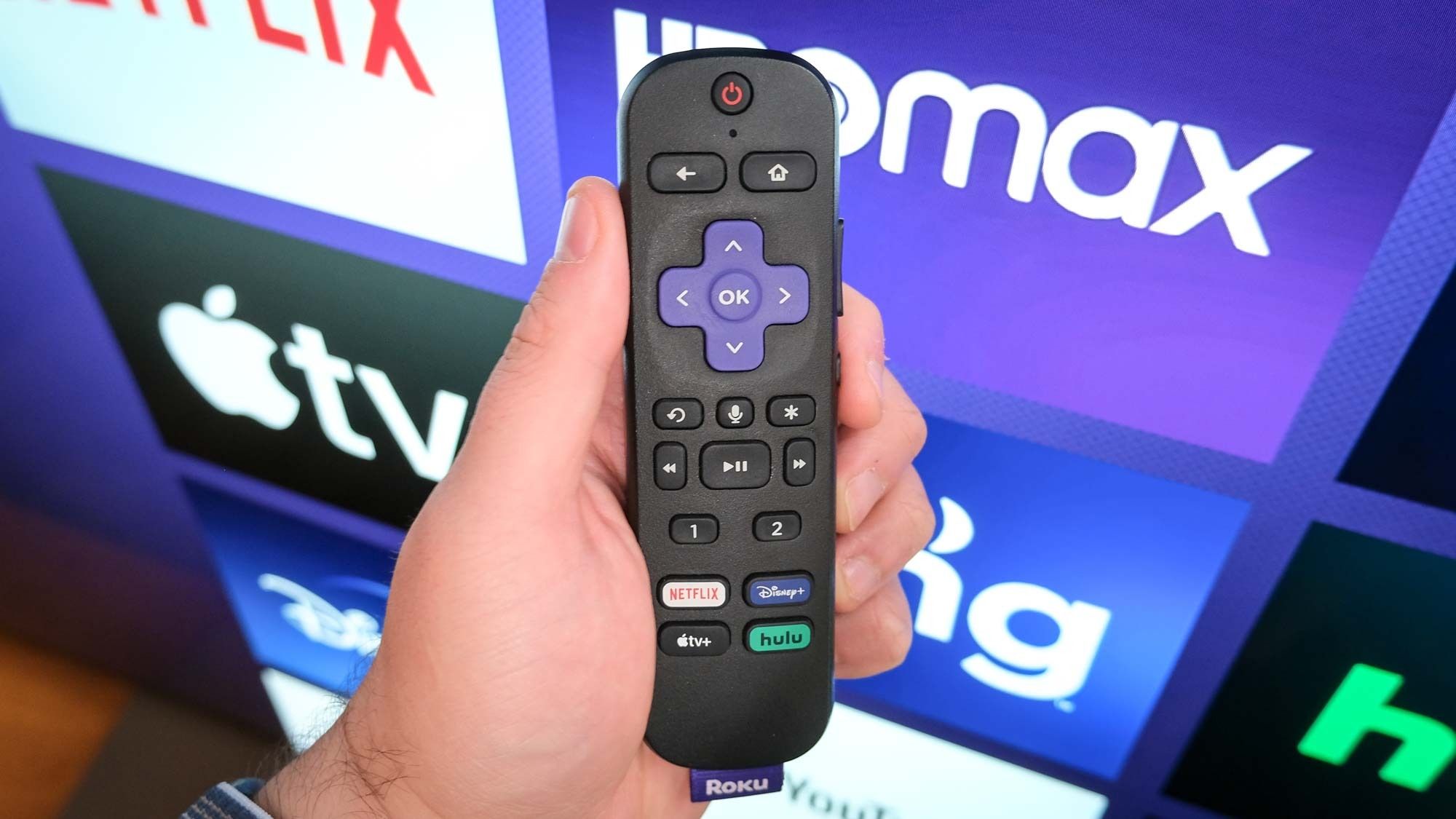
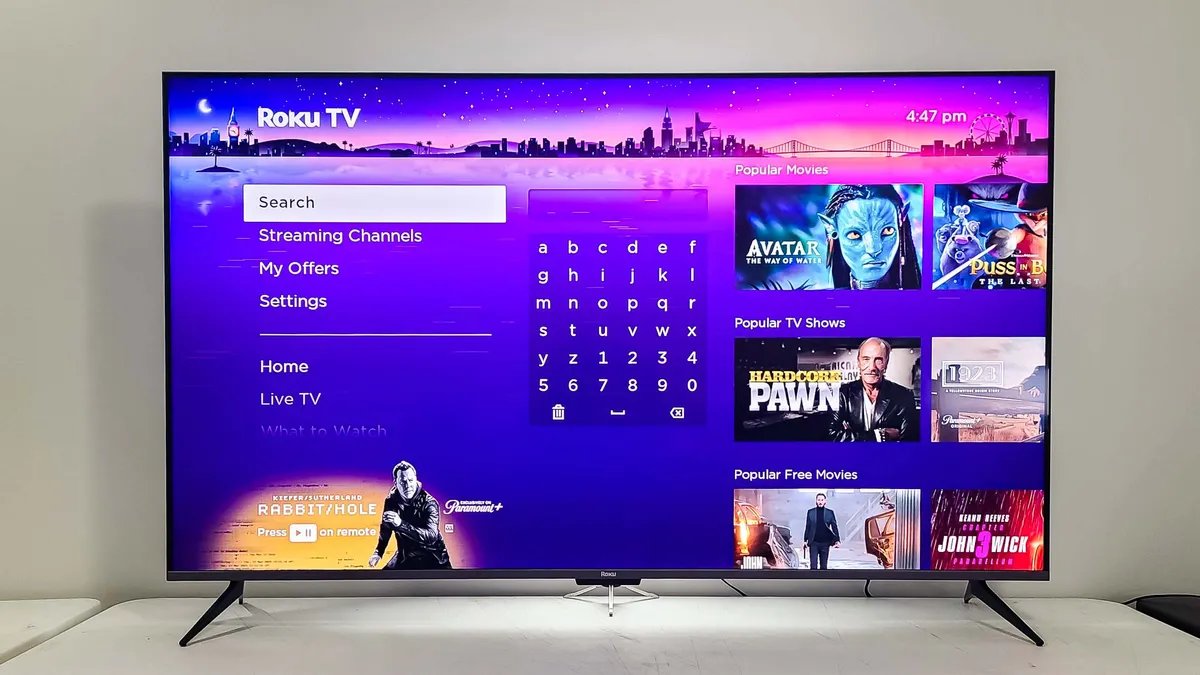
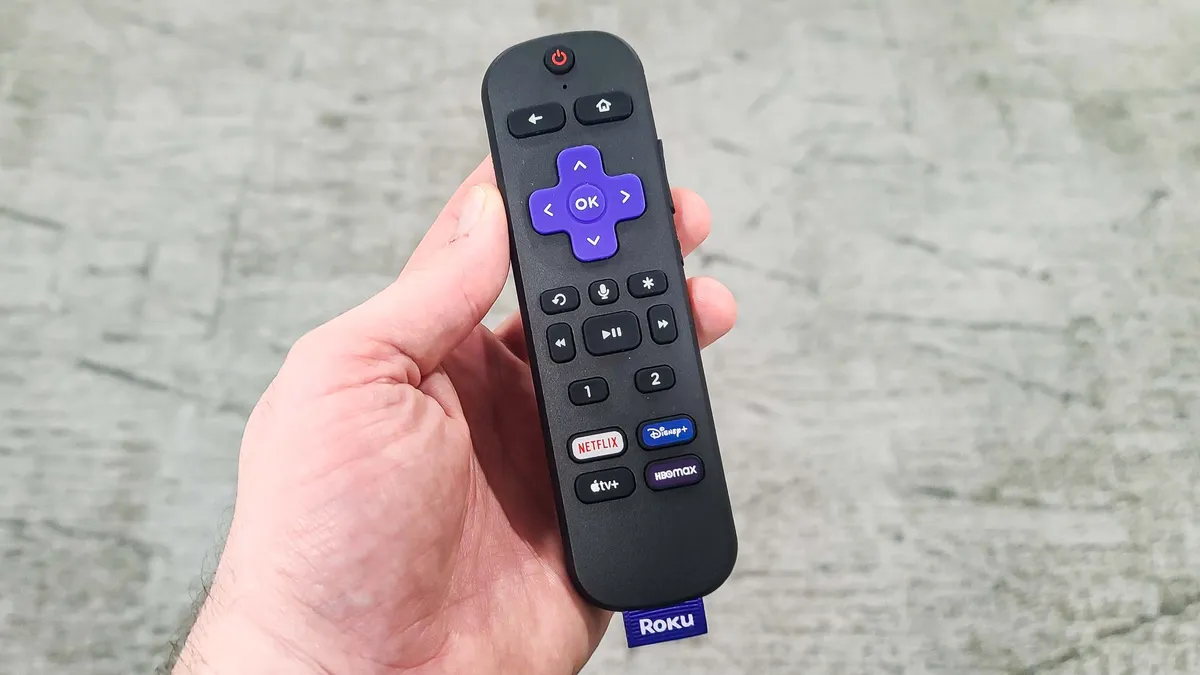
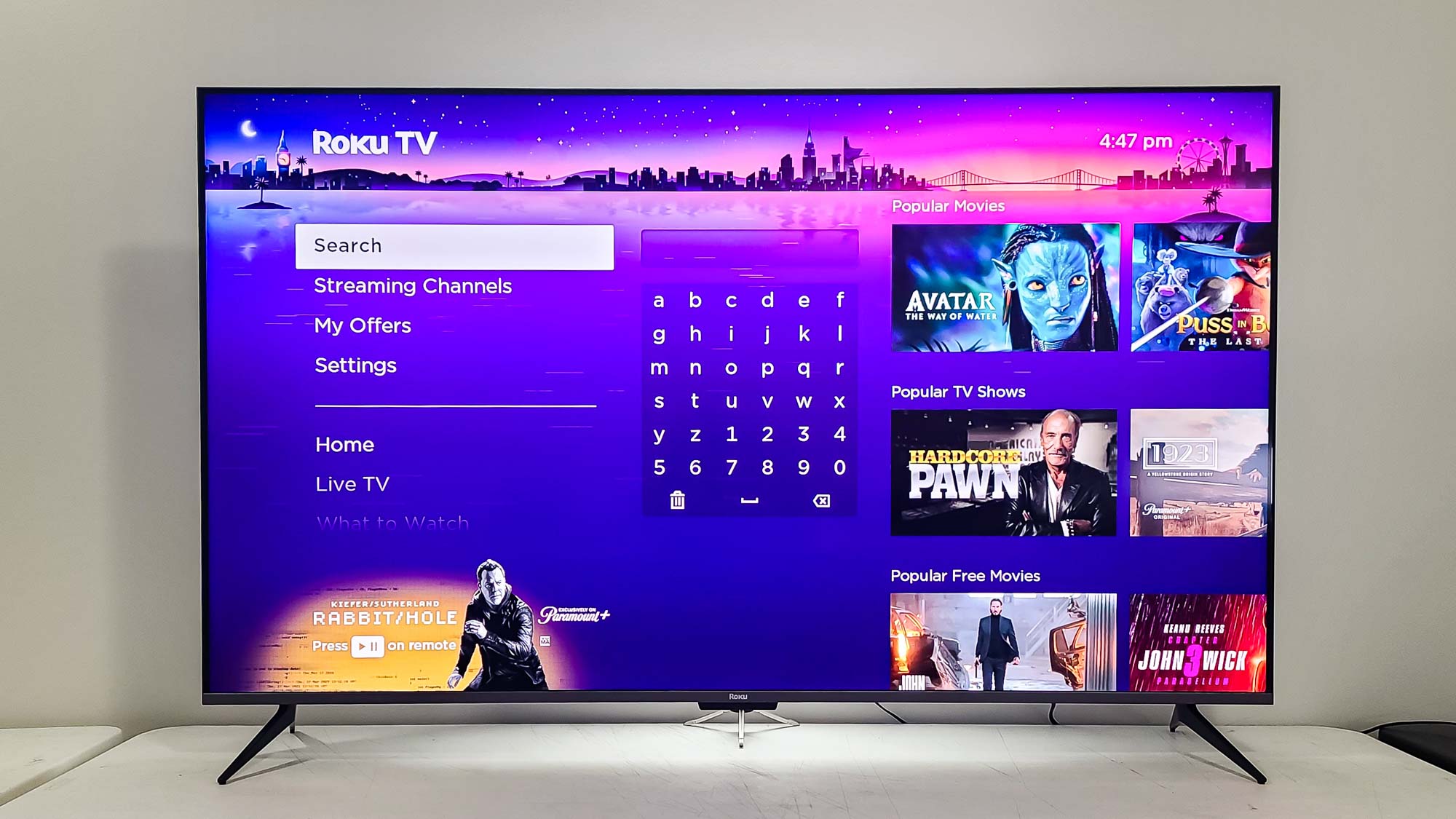
(Image credit: Tom's Guide) Roku knows your guilty pleasures. Every show, every search, every channel you've ever opened has been collected, stored, and used to build an ad profile of you. Every time you hit play, Roku is quietly logging what you watch, how long you watch it, and which ads you interact with, then sharing that data with third-party advertisers. That's the default setting on every Roku device, and most people have no idea it's happening. Article continues below 1. Disable ad tracking Roku uses your viewing data to serve targeted advertisements across its platform. Limiting ad tracking prevents Roku from building an advertising profile based on what you watch. You'll still see ads on ad-supported channels, but they won't be tailored based on your Roku viewing history. From the main Roku menu, navigate to Settings and select Privacy . Go to Advertising and check the box labeled "Limit Ad Tracking." This stops Roku from using your data for personalized ads within its platform.…