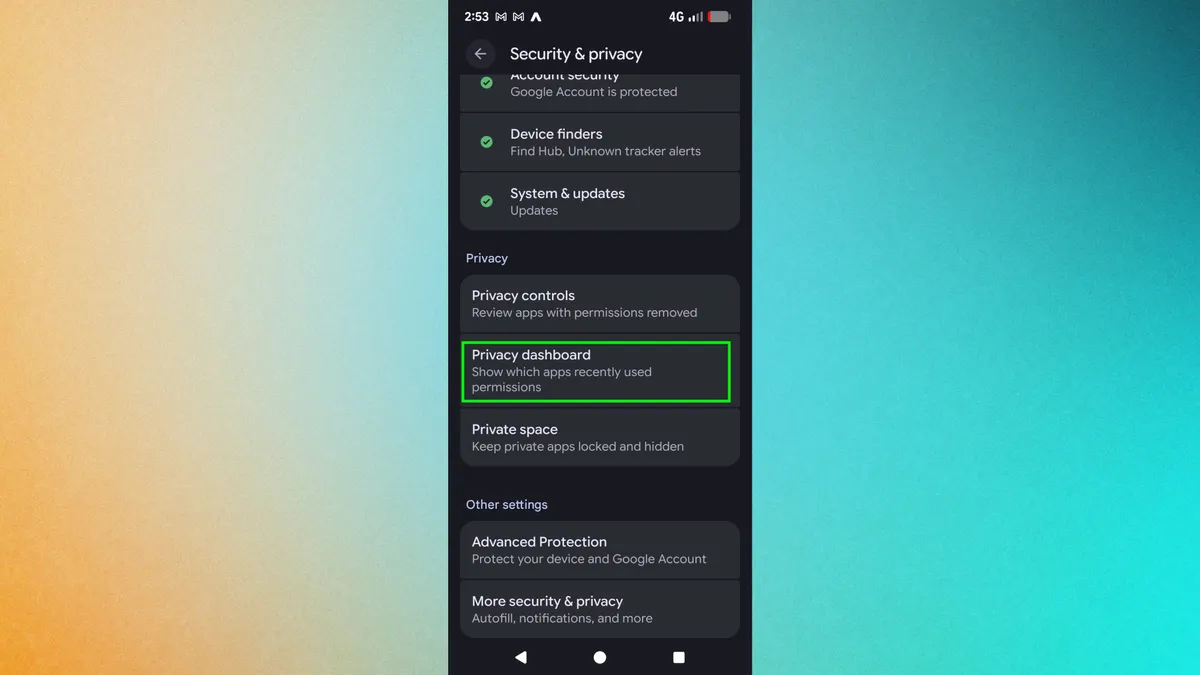
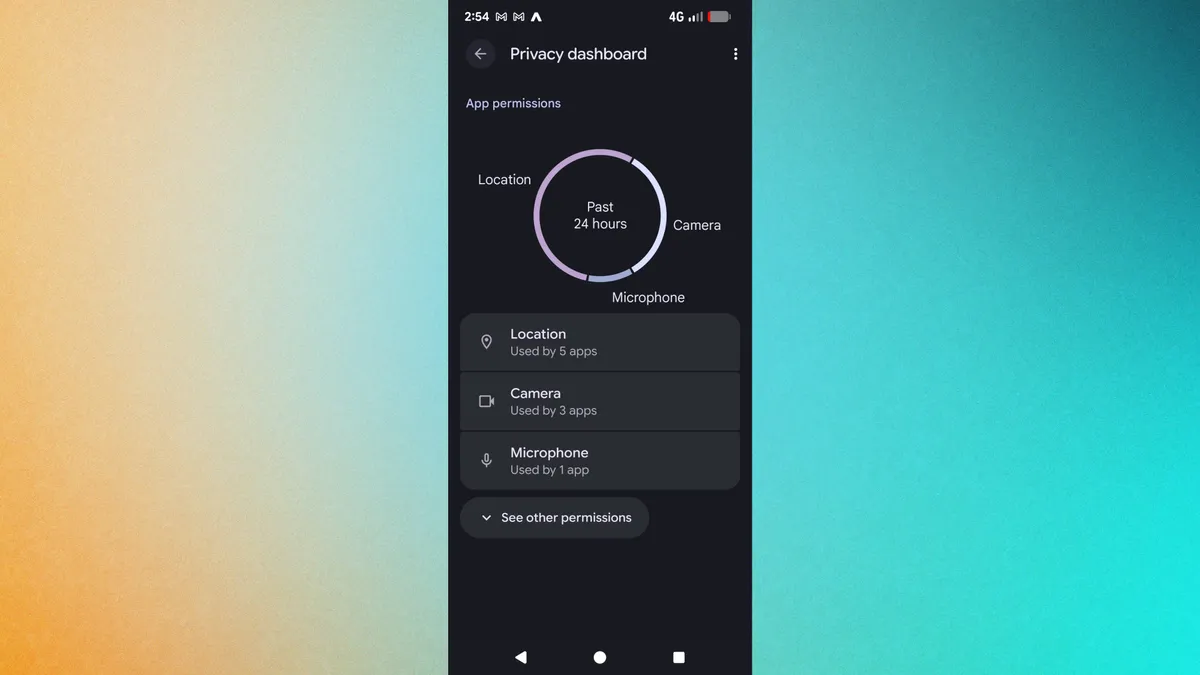
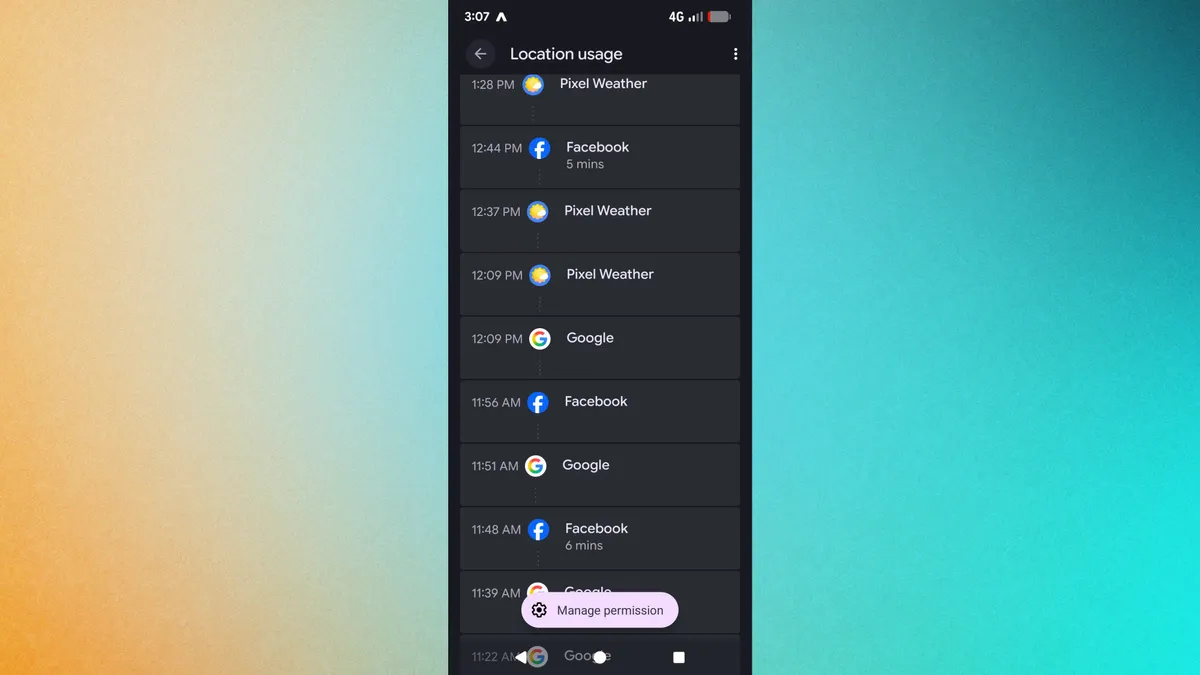
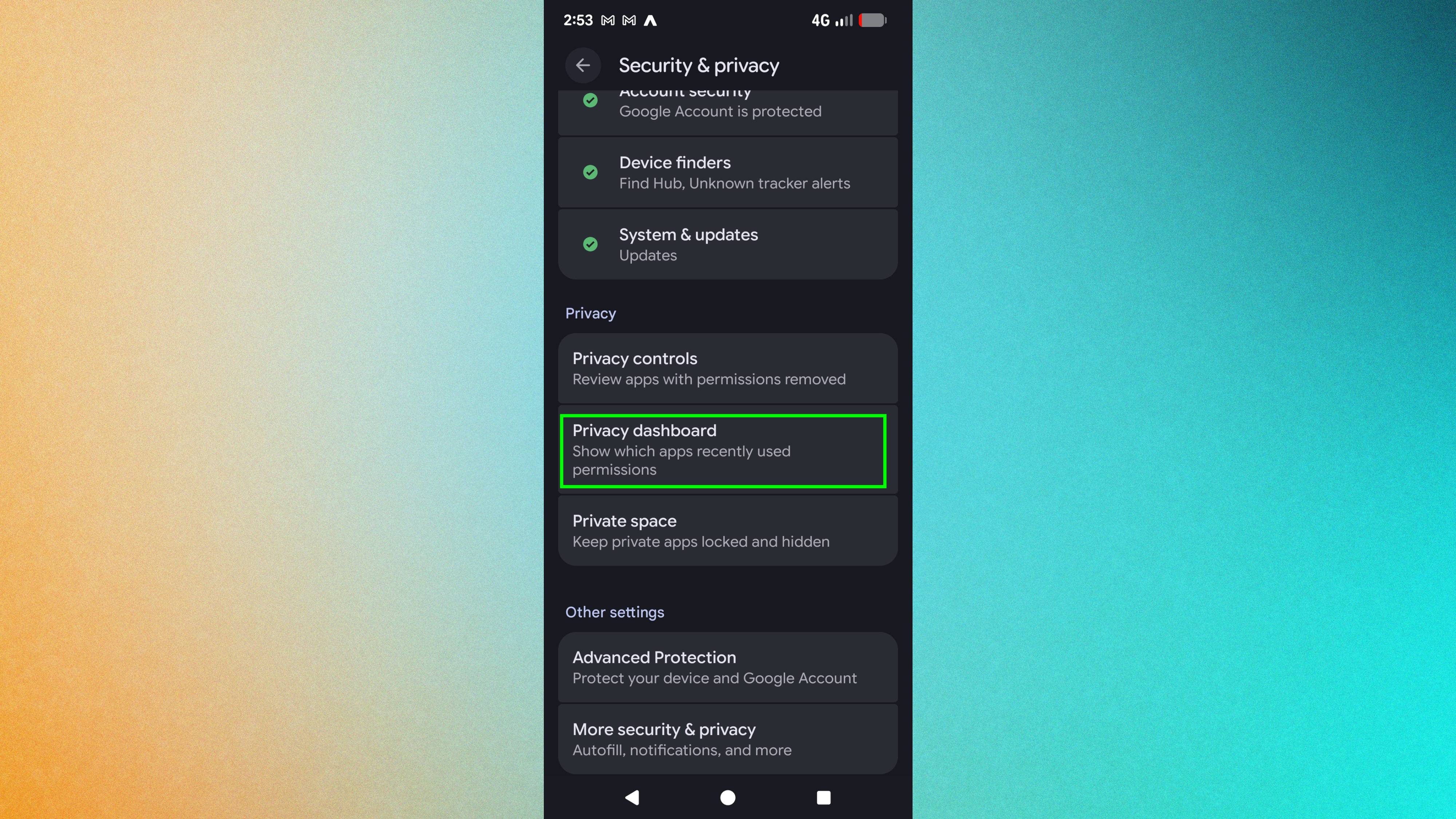
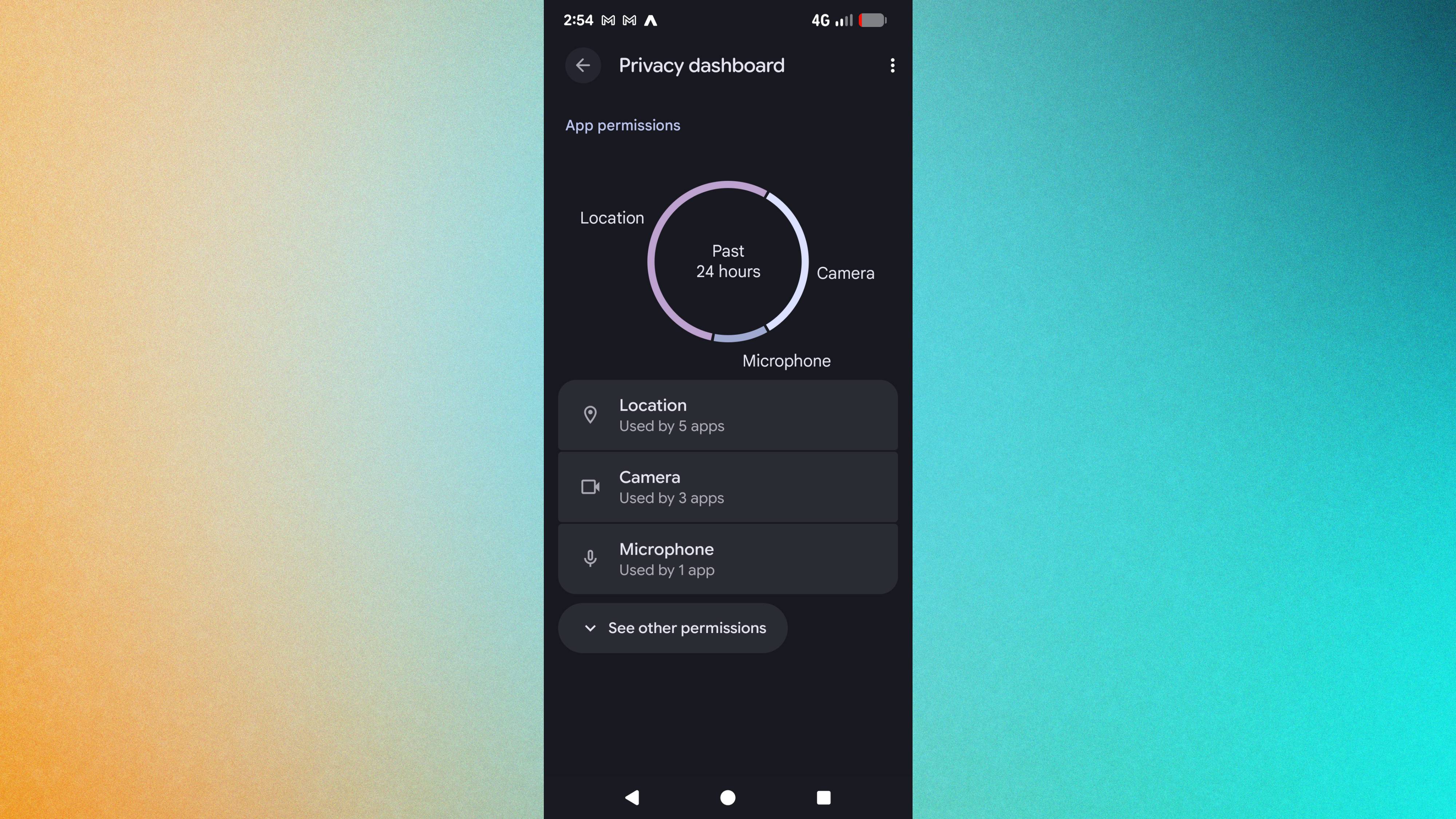
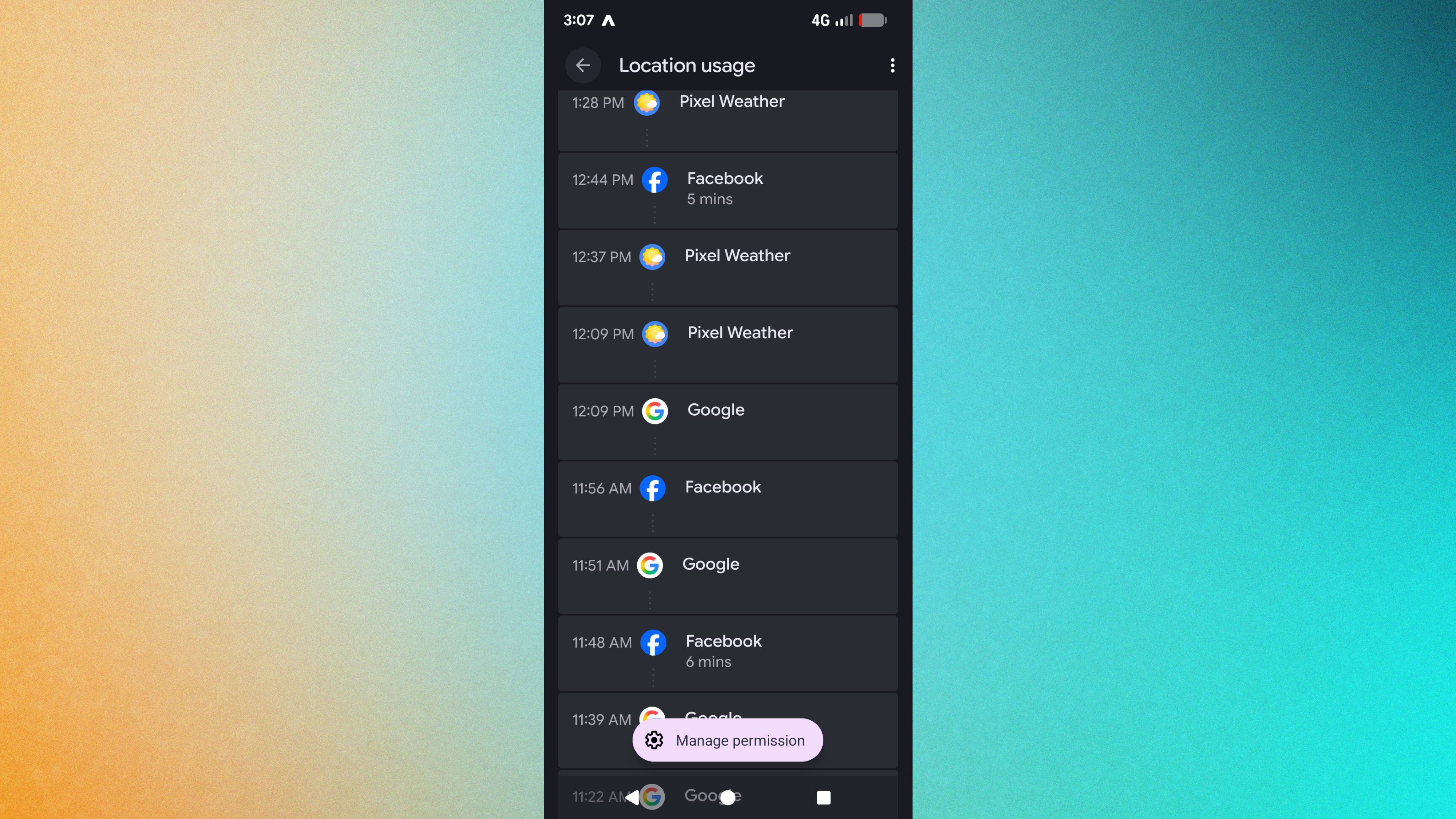
I discovered my Android phone was constantly sharing my location, microphone, camera, and contacts with apps running in the background. Most requests are legitimate — Maps needs location, your camera app needs camera access. But many apps hold permissions I'd completely forgotten granting months ago. Google 's Privacy Dashboard on Pixel phones shows exactly which apps accessed what data and when. If you're using a Samsung device, the feature is called "Permission Manager" and works similarly. When I launched the dashboard, it was eye-opening — and not a little bit scary. Here's how to access the Privacy Dashboard on Pixel/Google Android, and take back control of your data. 1. Open Settings and find Privacy Dashboard Open the Settings app on your Android phone. Scroll down and tap "Security and privacy." Under the Privacy section, tap "Privacy Dashboard." If you can't find this exact path, open Settings and search for "Privacy Dashboard" directly.…