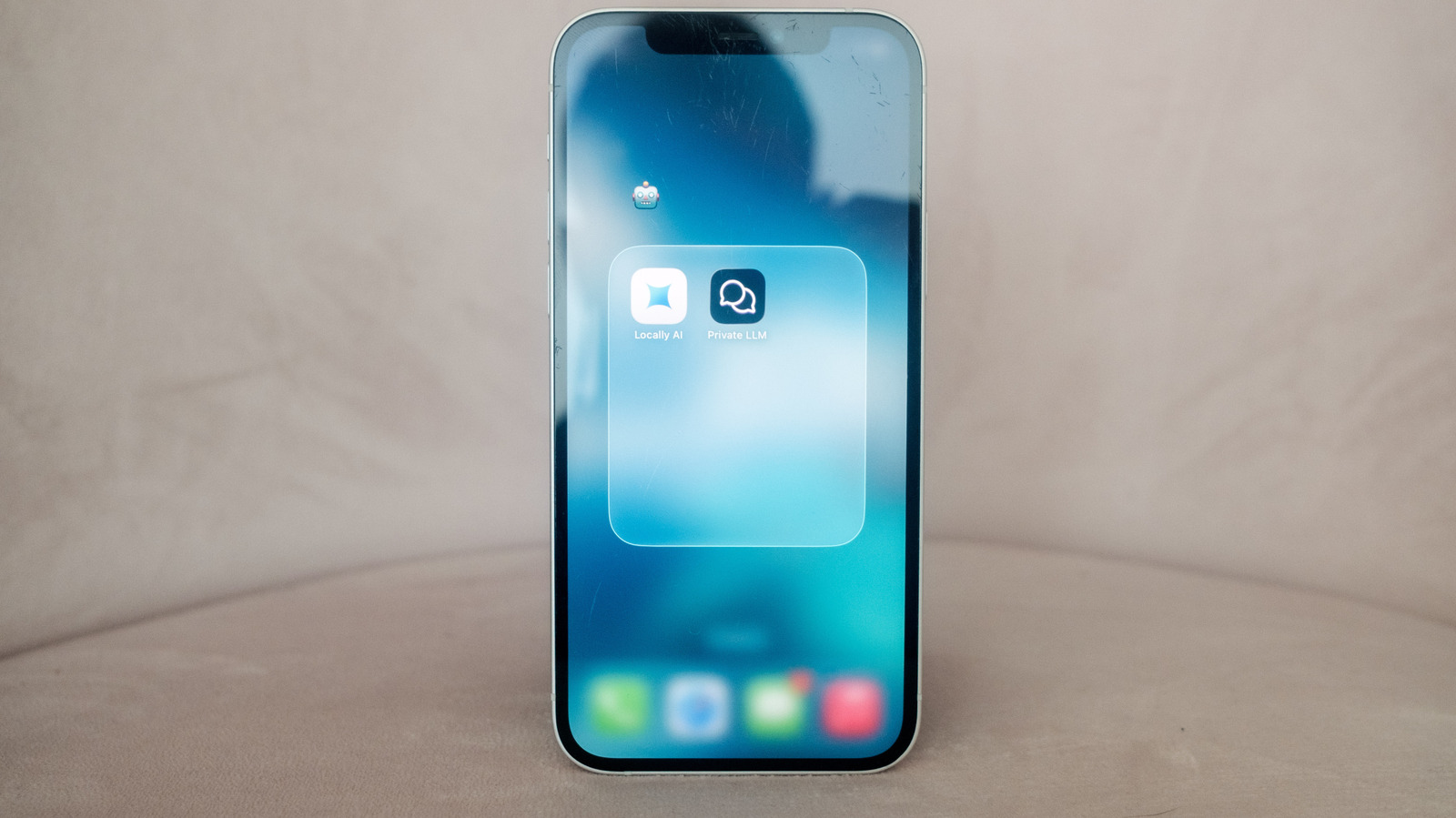
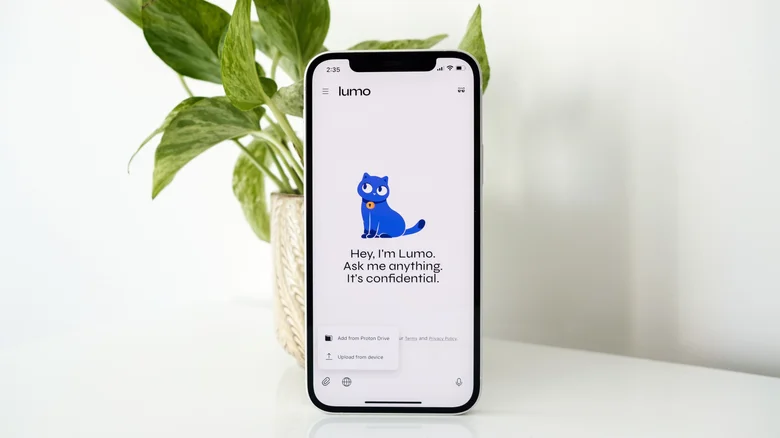
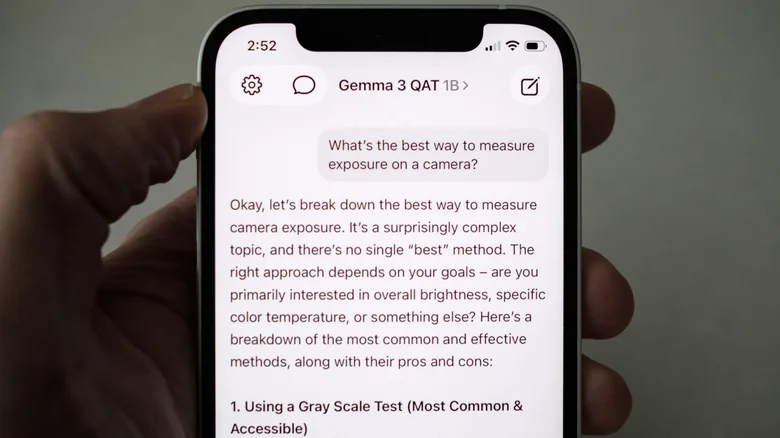
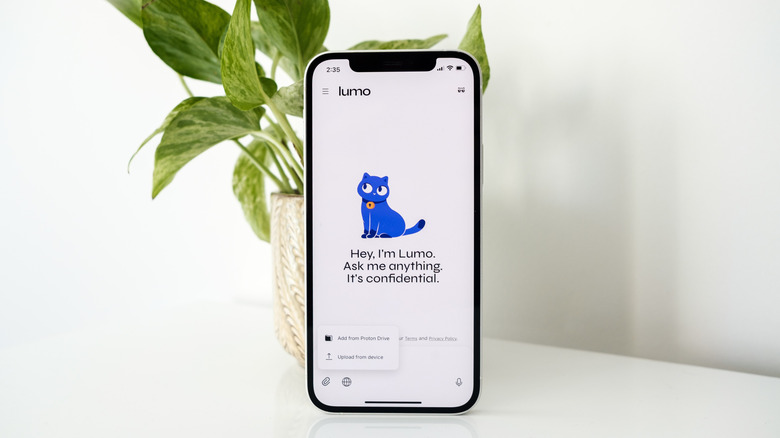
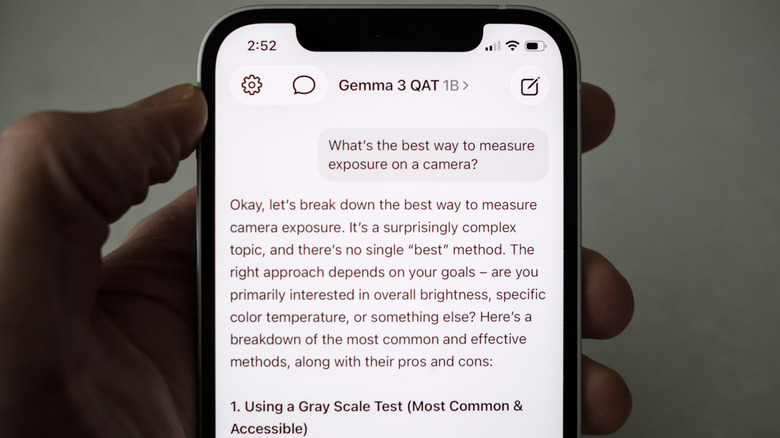
Unsurprisingly, there's an app for that. Igor Bonifacic for Engadget When most of us think of AI chatbots, we think of complex systems running on powerful hardware in massive data centers. Ask ChatGPT or Gemini a question, then watch it "think" as it pings some faraway server network to process, before it generates an answer. The reality is that's just one way to interact with the latest AI models, and you can run an open-weight chatbots on a recent iPhone. A local chatbot might not be as powerful as its cloud counterparts, but there are compelling reasons to ditch ChatGPT, Claude and Gemini, which I'll go over in this guide. I'll also explain how to install a local AI model on your phone. It might seem complicated, but I promise it's easier than you think. Why run an AI chatbot locally? Igor Bonifacic for Engadget For a lot of people, the most appealing reason to use a local chatbot will be the amount of money you can save.…