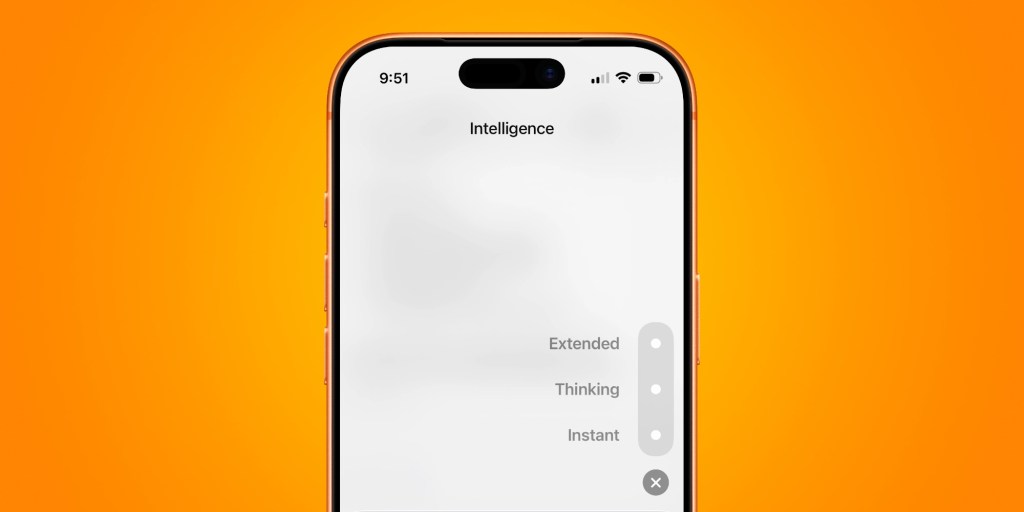
OpenAI recently added a new feature to the ChatGPT app: a hidden gesture that lets you instantly set the effort level of a prompt. ChatGPT also introduced a new way to easily navigate longer conversations. Meanwhile, the default model used by ChatGPT has changed since arriving last month. Long-press gesture to set intelligence level First up is a new gesture for assigning the intelligence level of a prompt before pressing send. Long-pressing the send arrow icon on a message in the ChatGPT app on mobile will invoke the intelligence level picker. This is basically a way to set how much effort ChatGPT should spend on a prompt before serving up the response. For example, you can choose between Instant, Thinking, and Extended before sending a message to ChatGPT. Thinking and Extended can be useful when the Instant response doesn’t give you the results you expected. Intelligence level options will depend on OpenAI subscription level.…