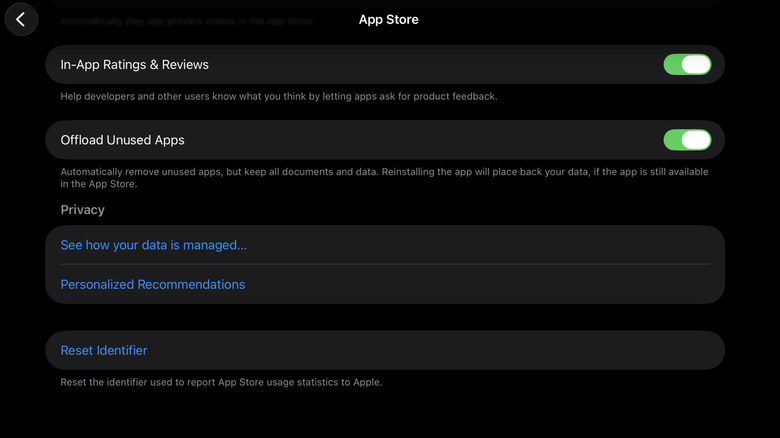
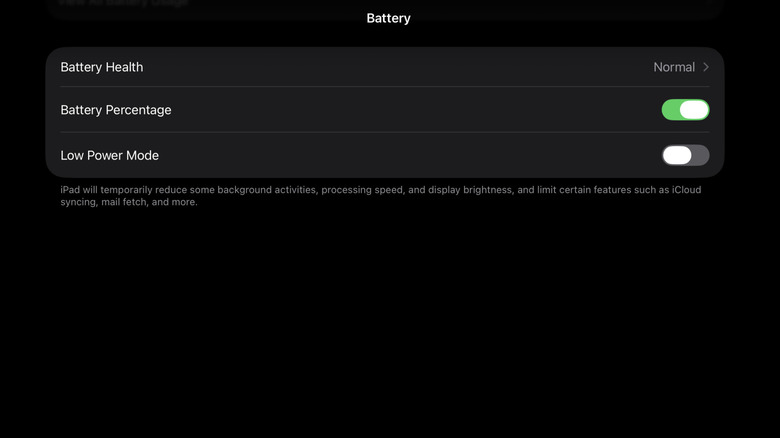
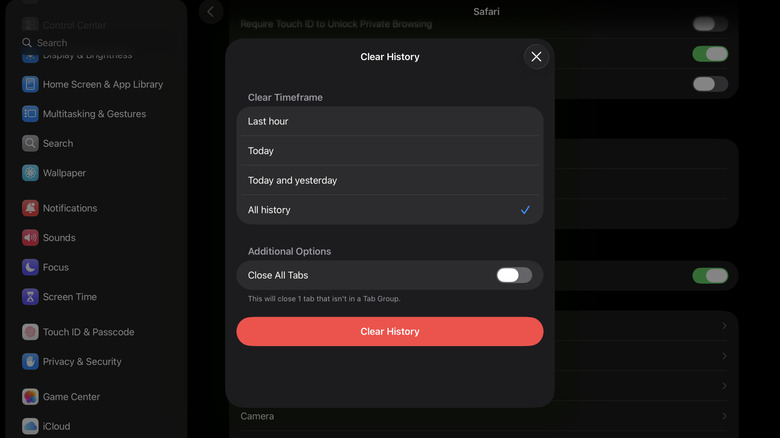
Nothing's more annoying than trying to launch Procreate on your iPad and waiting a whole minute for it to load, or writing some school notes with your Apple Pencil but getting delayed responses. A slow iPad can seriously get in the way of your workflow. Before you waste even more time dealing with a sluggish device, it's better to fix the problem. The first order of business is to restart your iPad . It usually solves most temporary glitches and lags as it clears temporary files. If the slowdown is due to a more serious software bug, though, updating your iPad to the latest iOS version is the way to go, as new versions are designed to resolve performance issues and bugs. If both quick fixes don't work, there are some settings you can change on your iPad instead. We'll walk you through the three main ones that should have an immediate effect. Enable Offload Unused Apps Marinel Sigue/BGR One of the culprits behind your iPad slowing down is a full storage.…