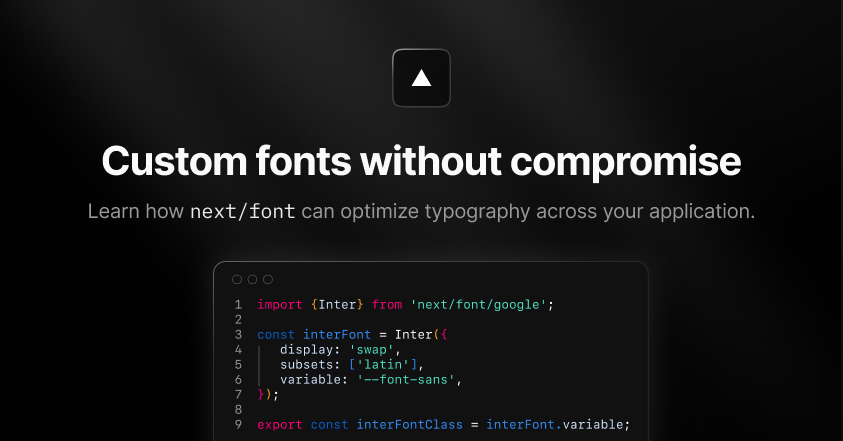
Highly optimized, self-hosted fonts with just a few lines of code. As web developers, we know the importance of typography in design. Custom fonts can set the tone for a website and enhance its overall aesthetic. However, using custom fonts can often create issues with website performance and user experience. One of the biggest issues with custom fonts is the Cumulative Layout Shift (CLS) that occurs when a font takes too long to load. These Flashes of Unstyled Content (FOUC) can alter the positioning of elements already on the page and make it difficult to navigate. CLS and FOUC can also impact an application's search engine ranking. On Vercel’s external websites, we used to solve these problems with the workarounds that we’ll talk about below. However, with the release of Next.js 13, we switched to next/font , which cut down on complex code, client-side JavaScript, and layout shift.…