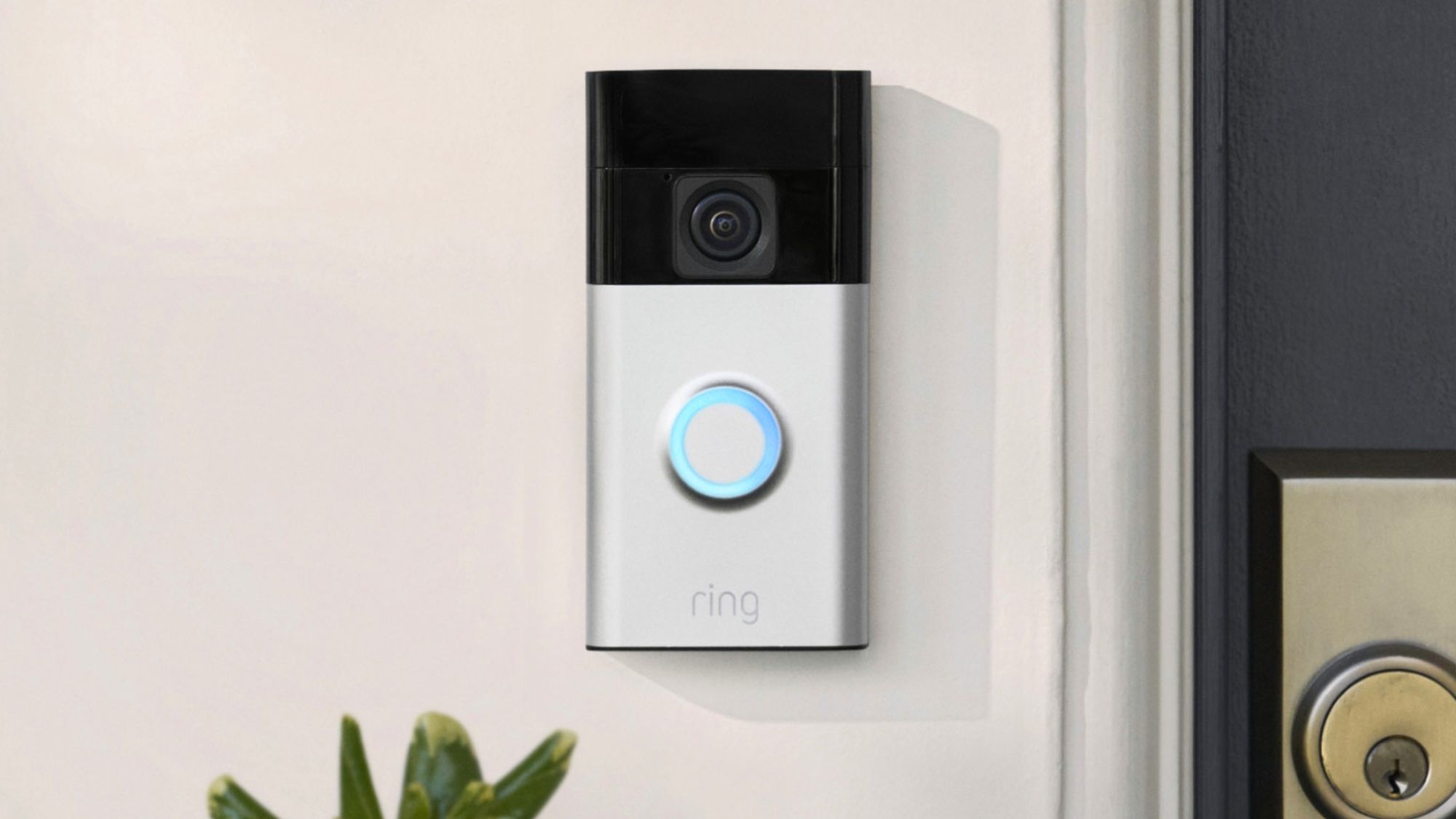
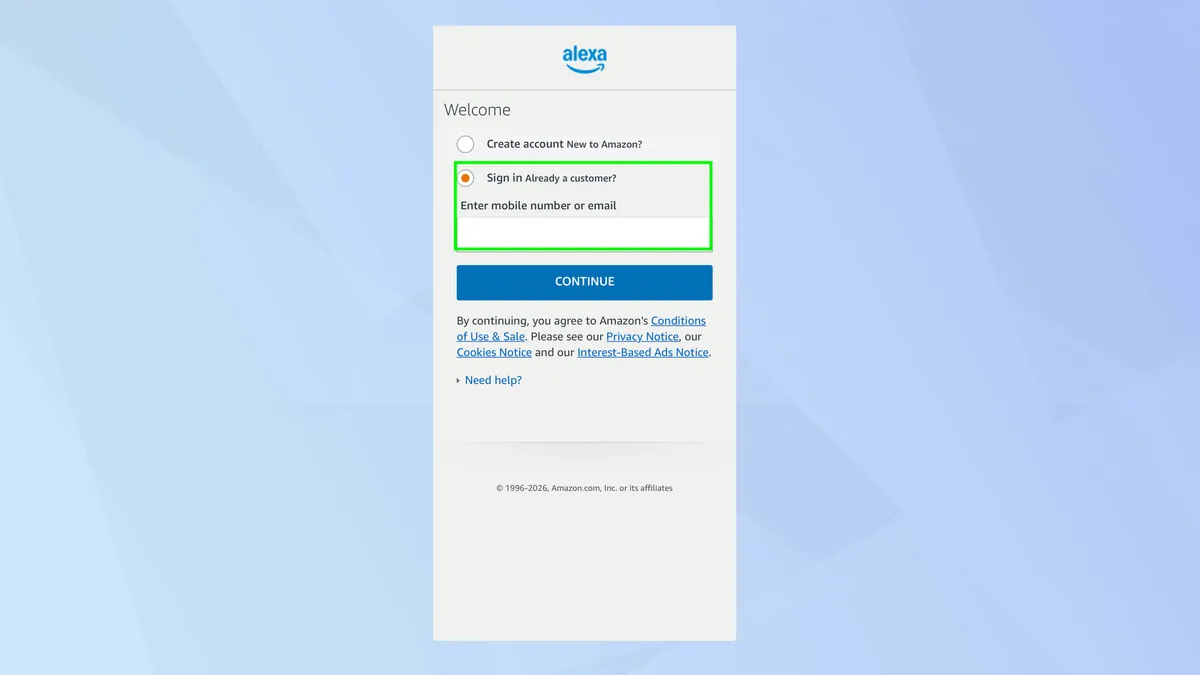
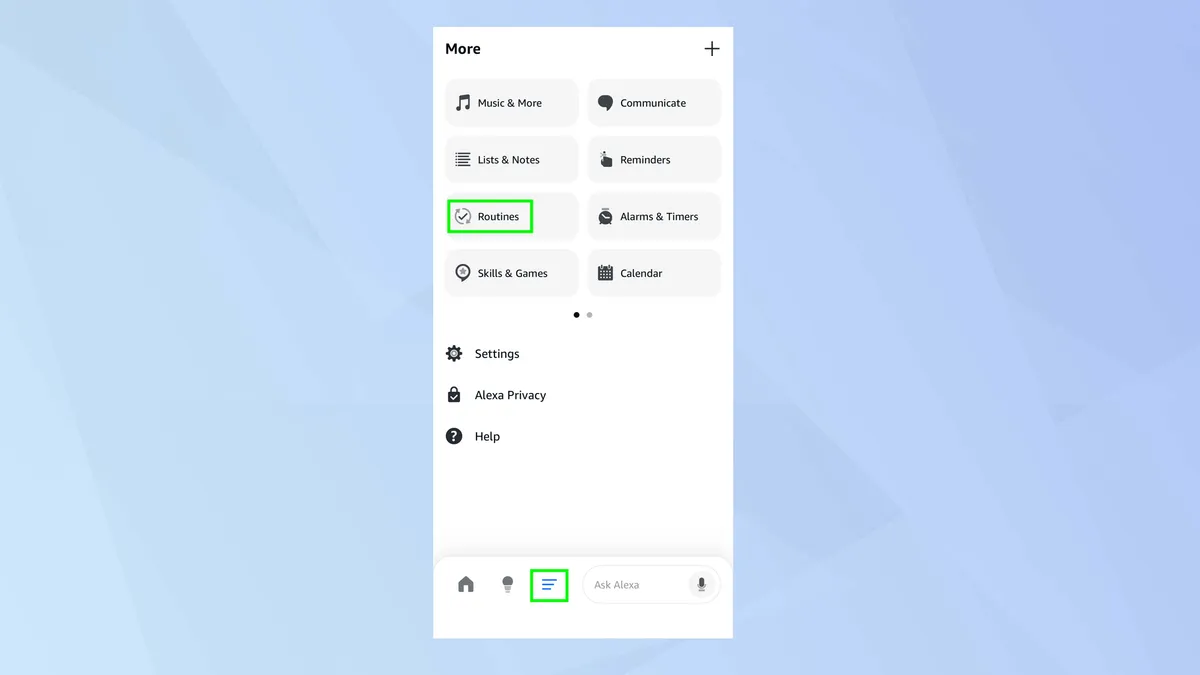
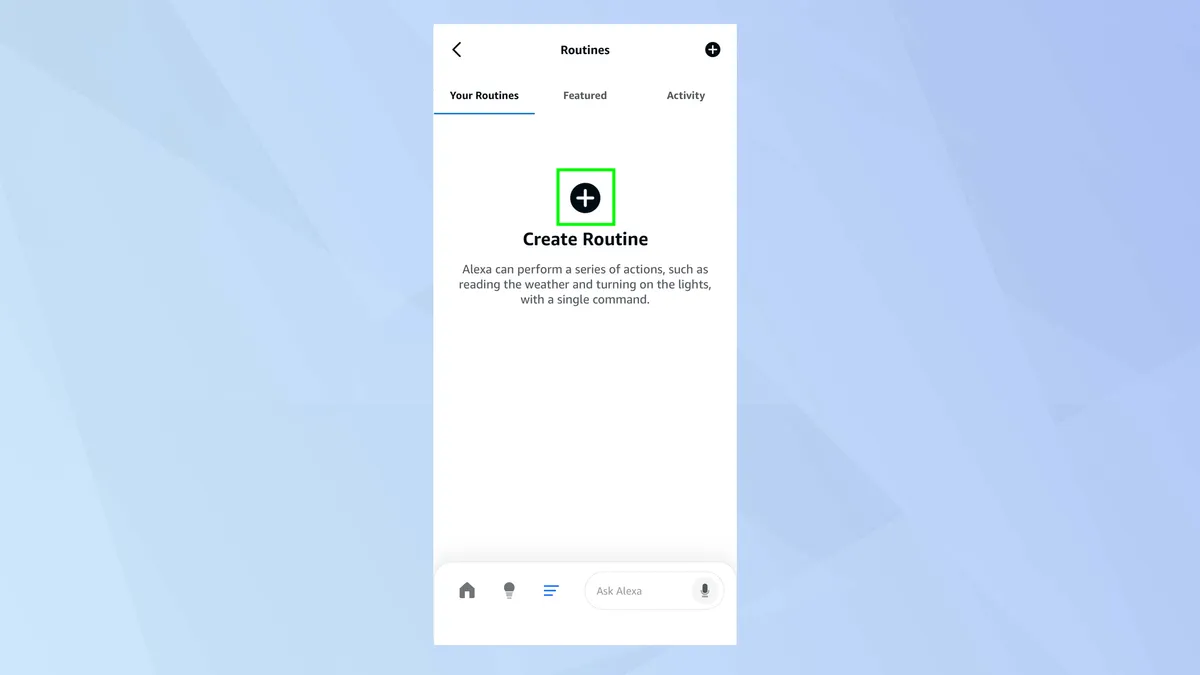
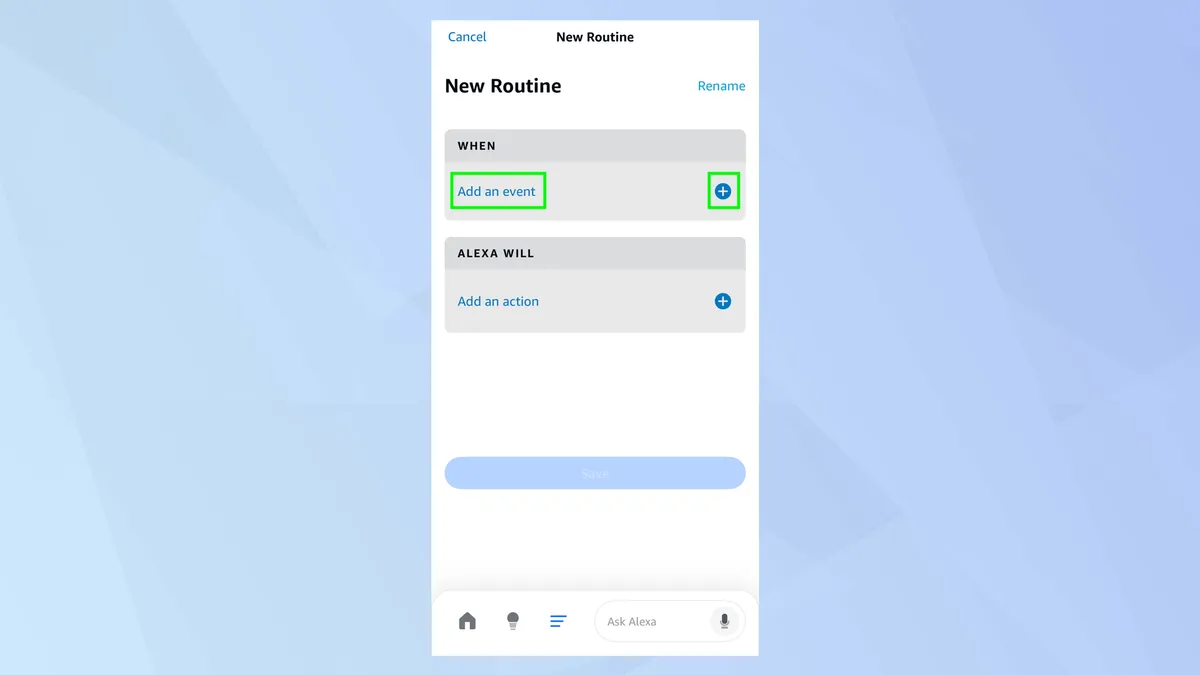
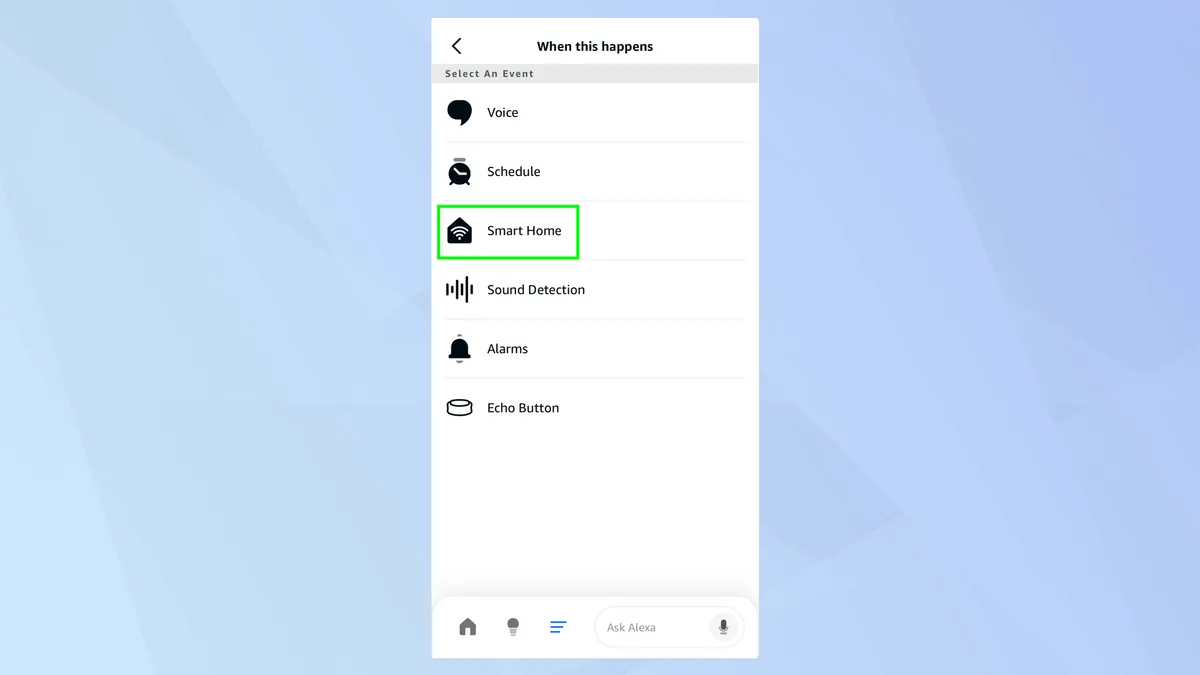
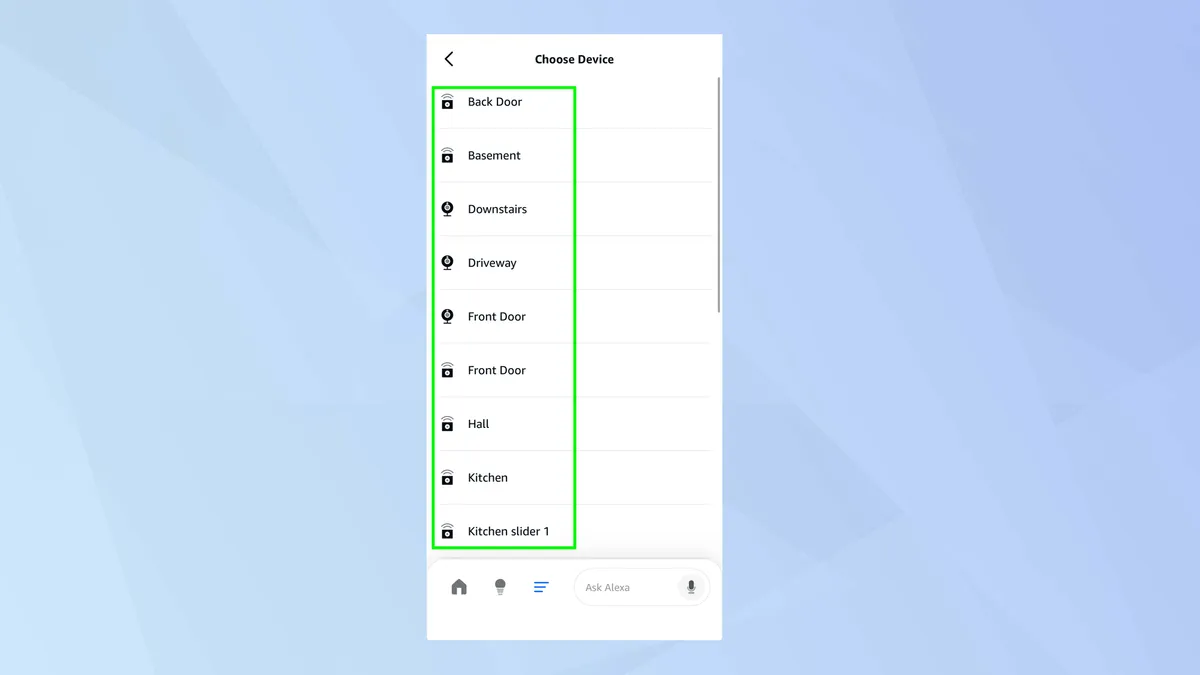
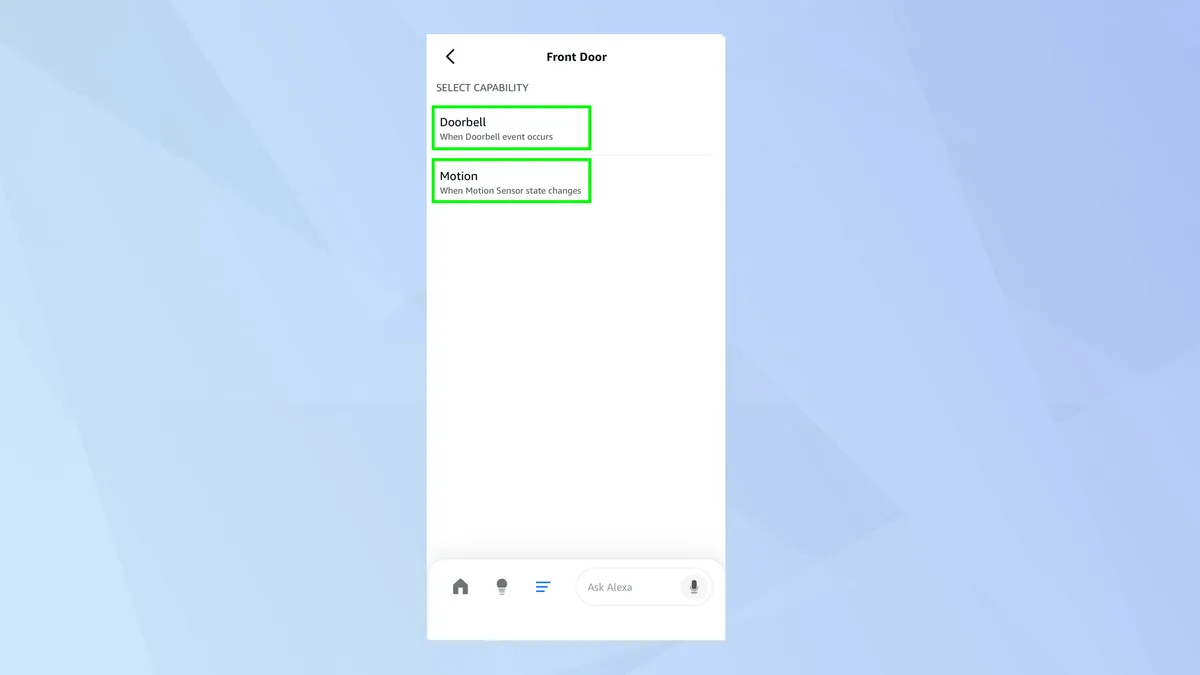
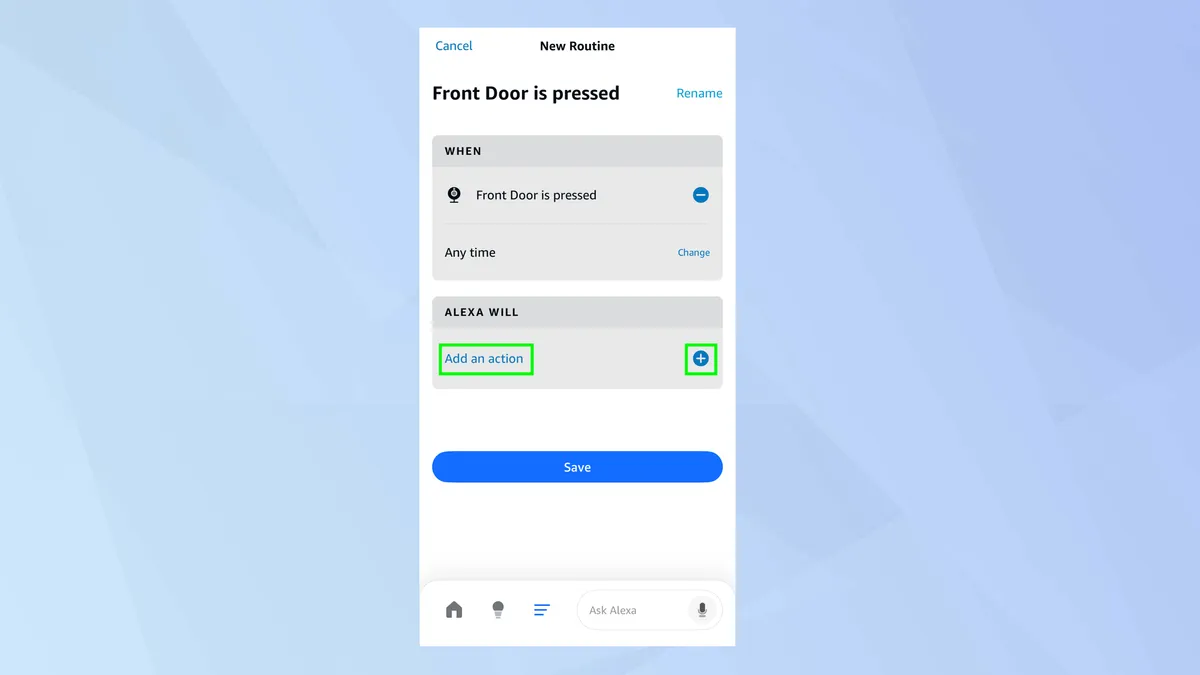
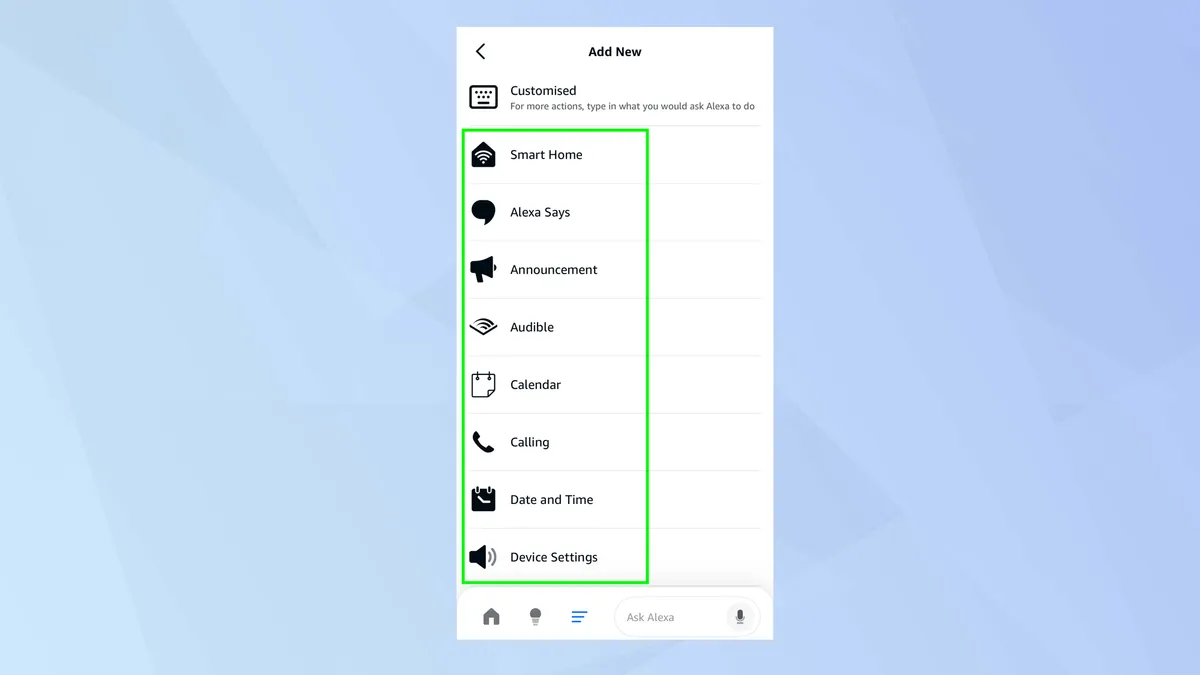
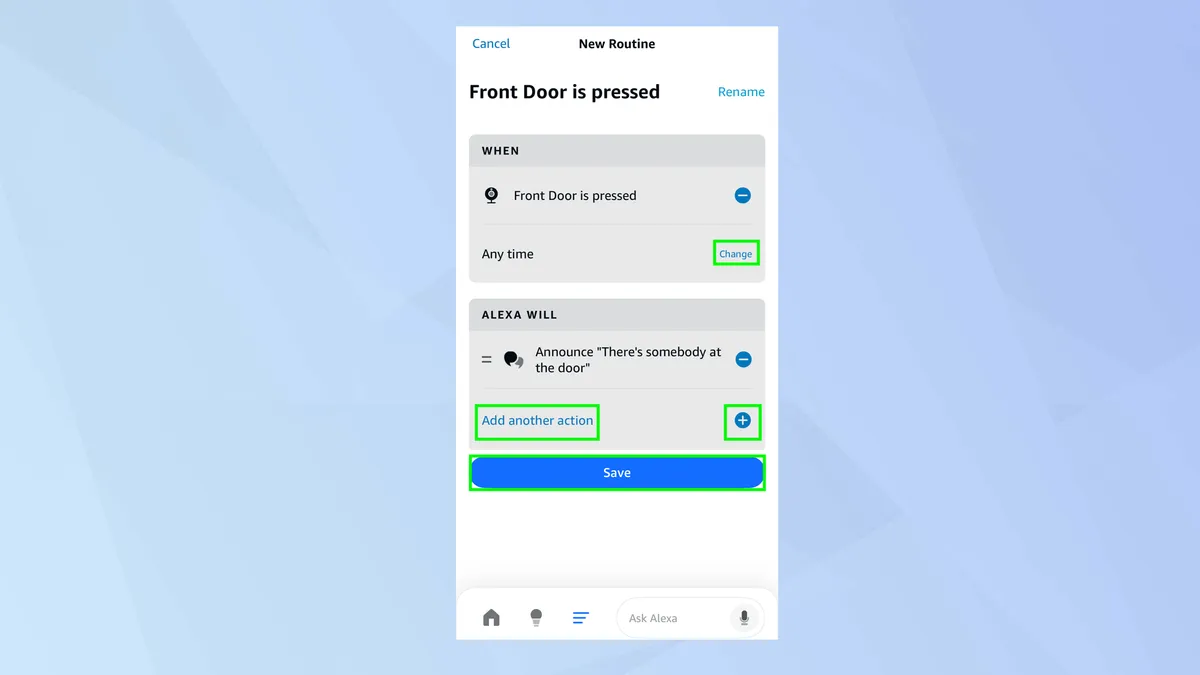
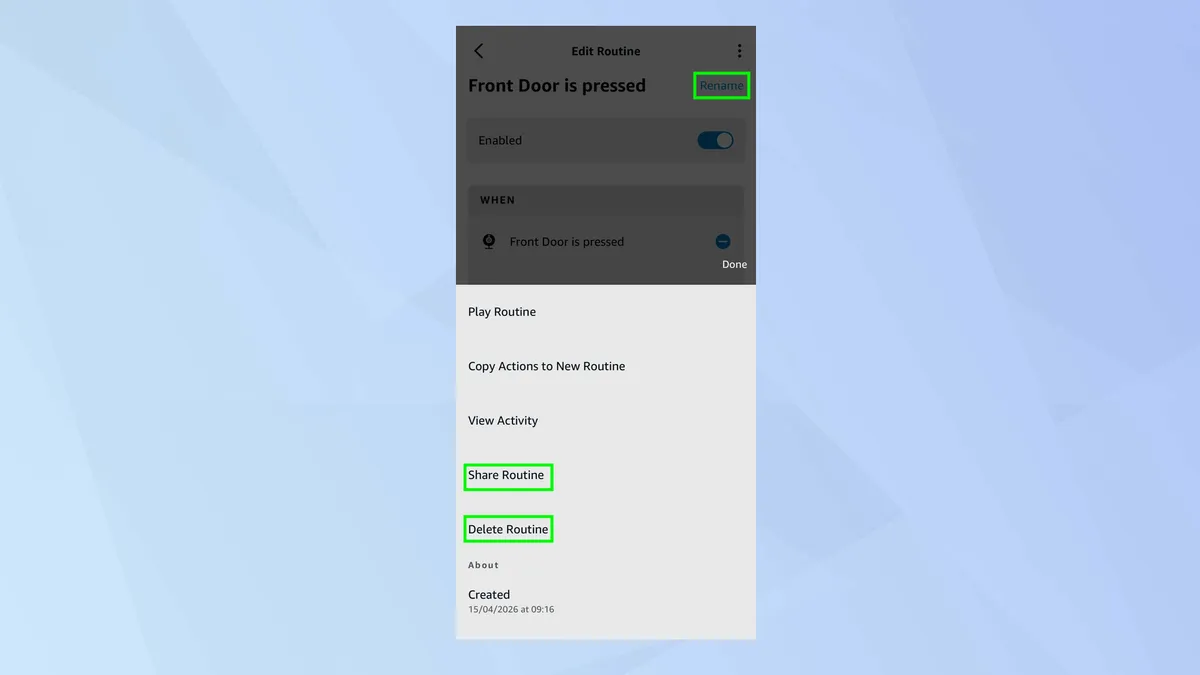
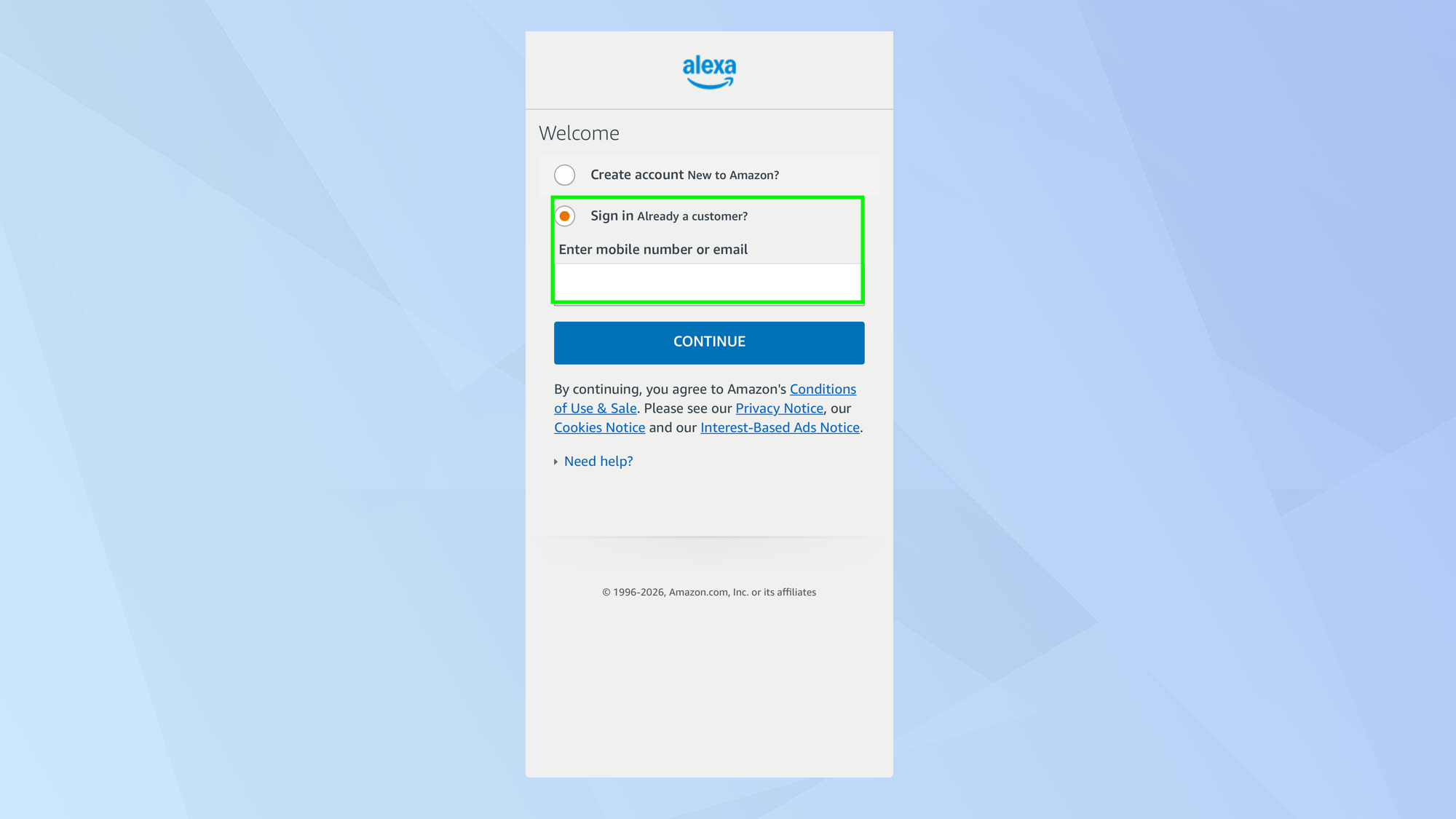
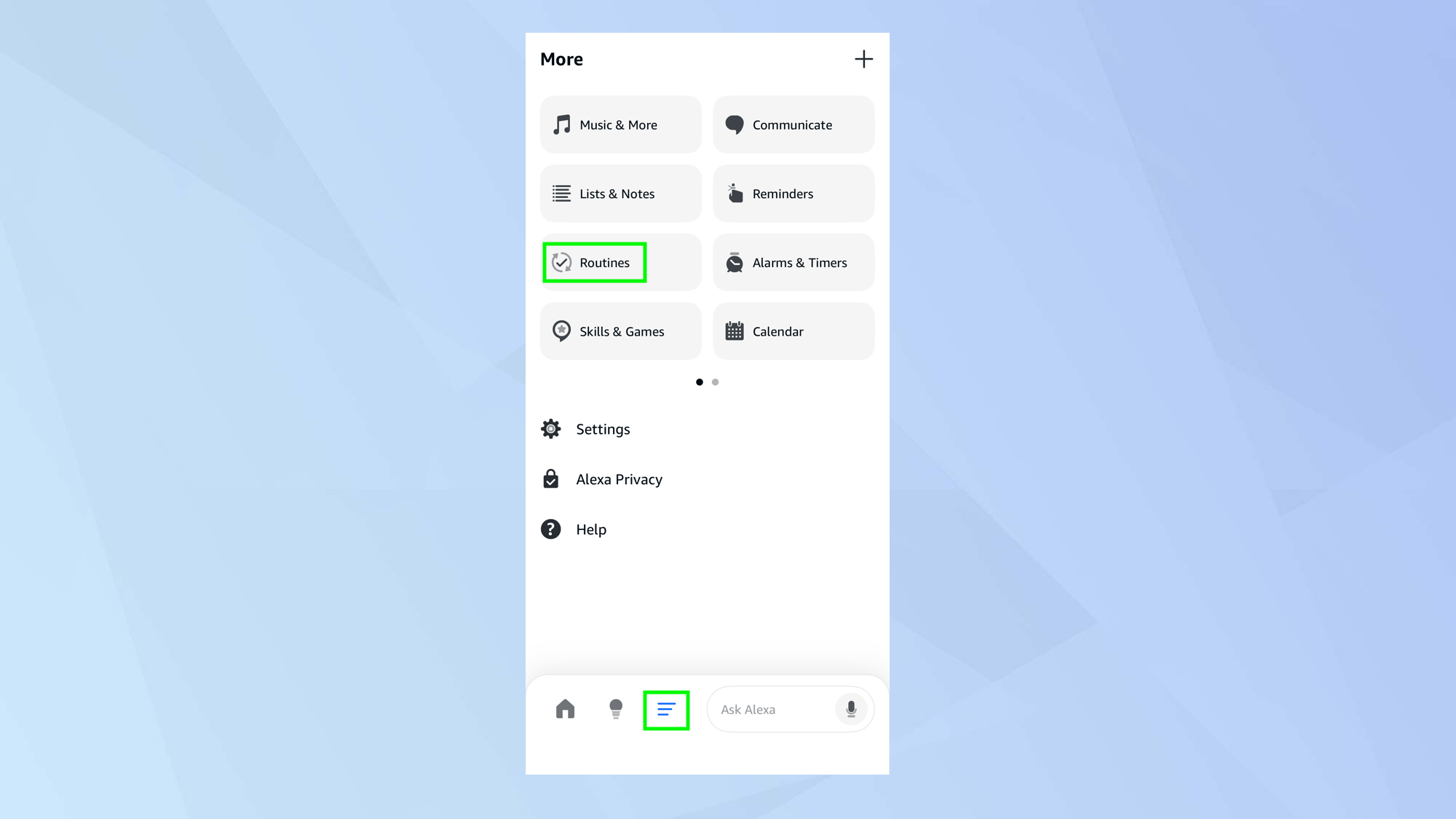
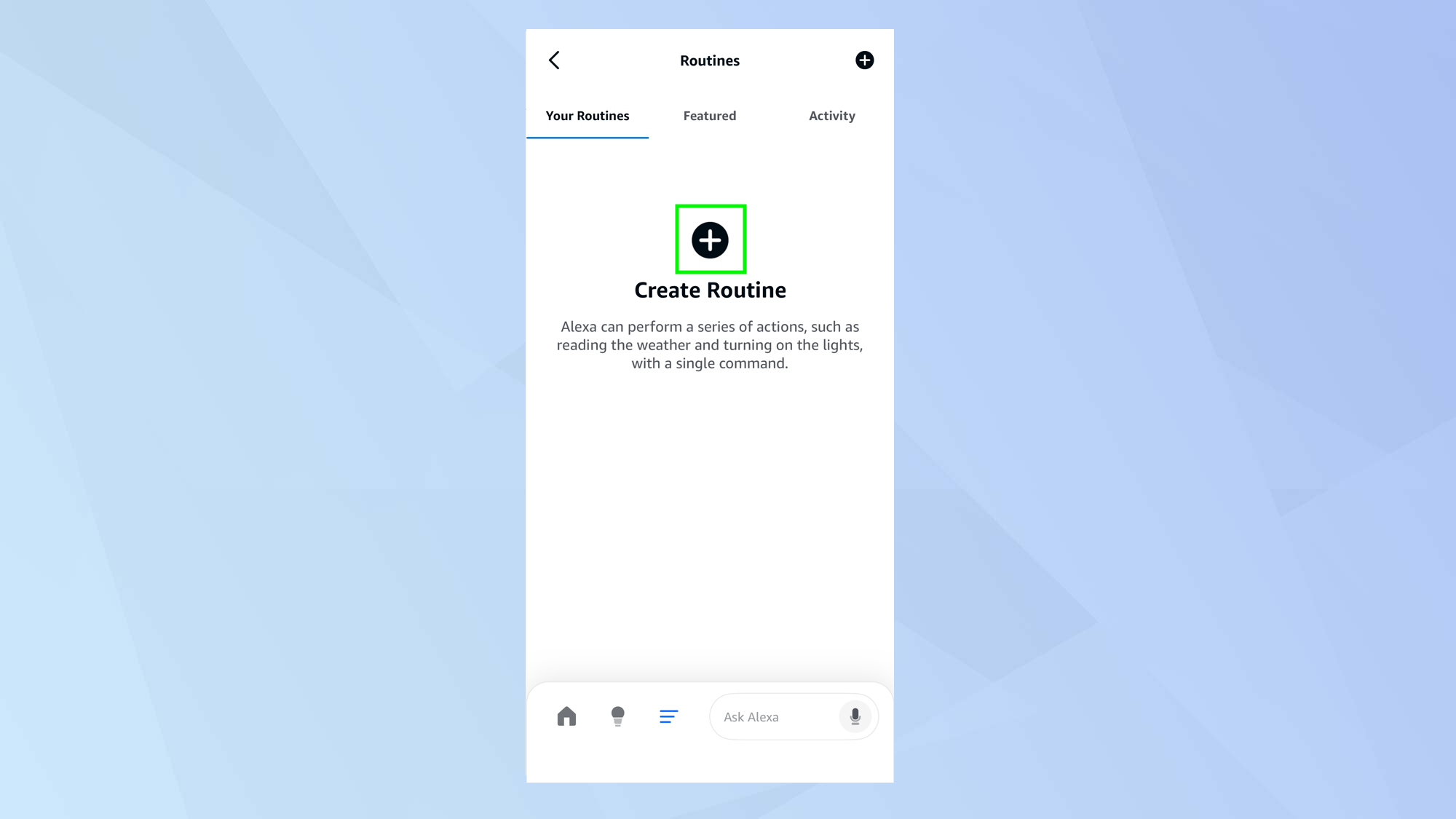
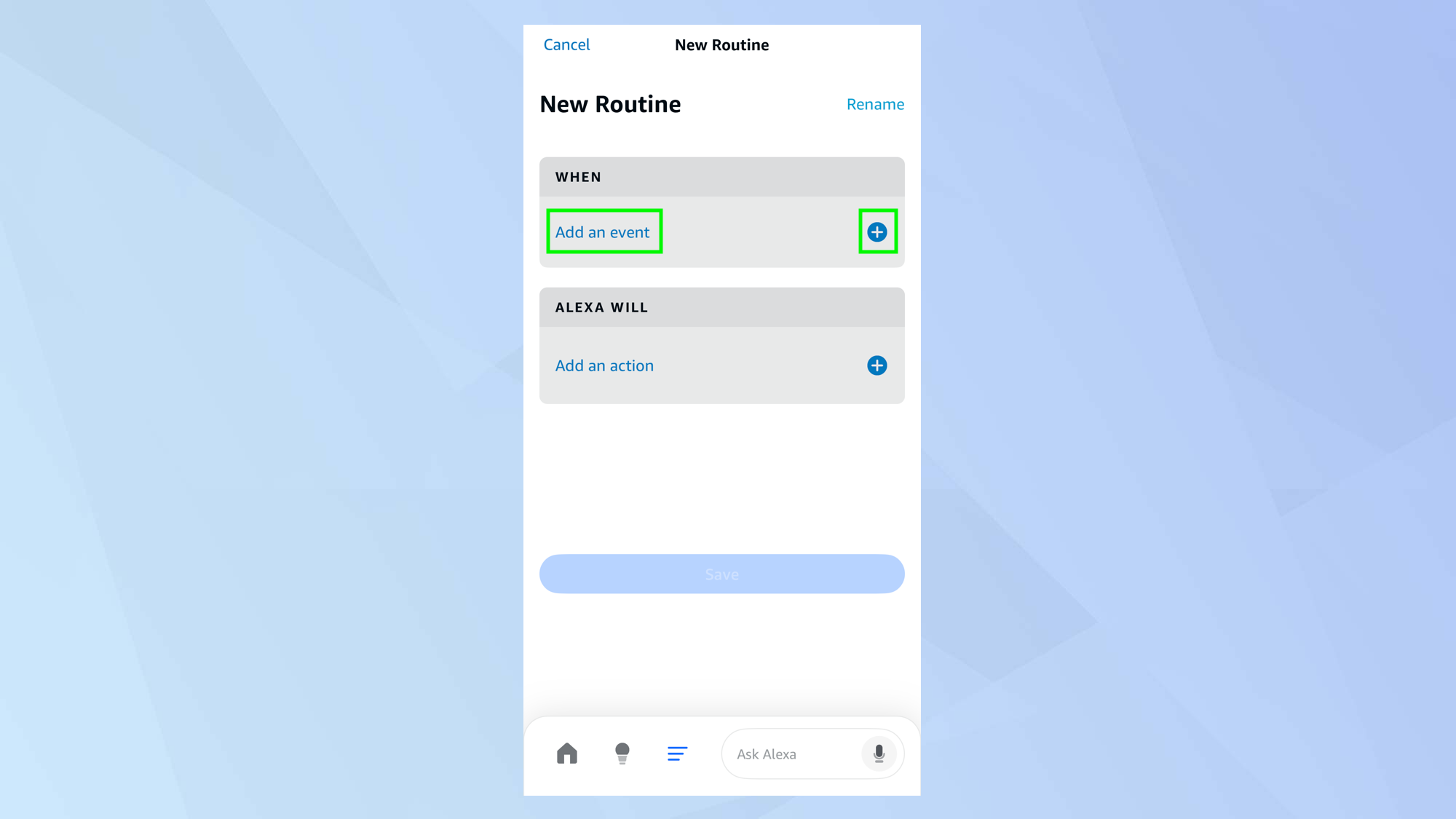
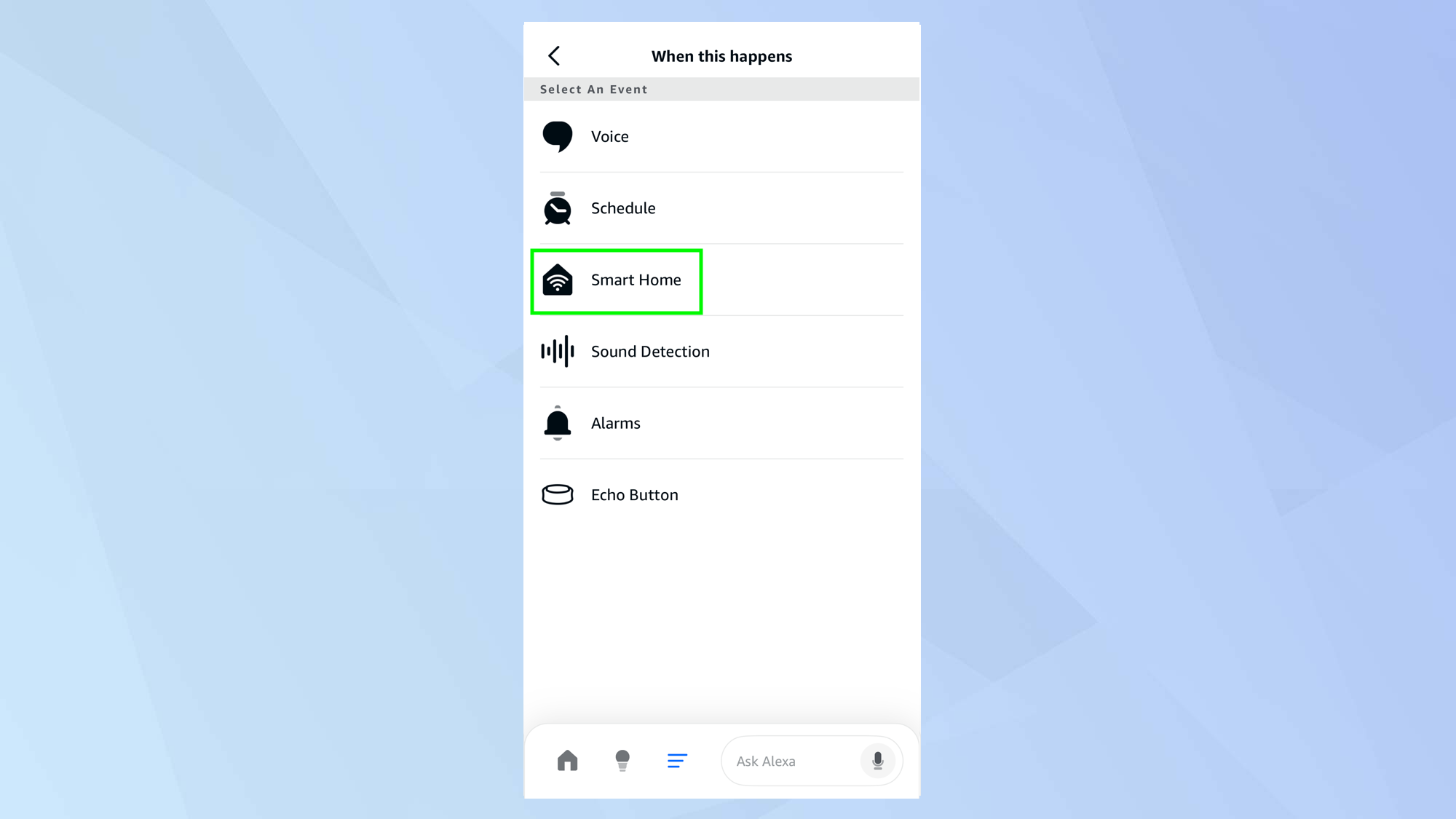
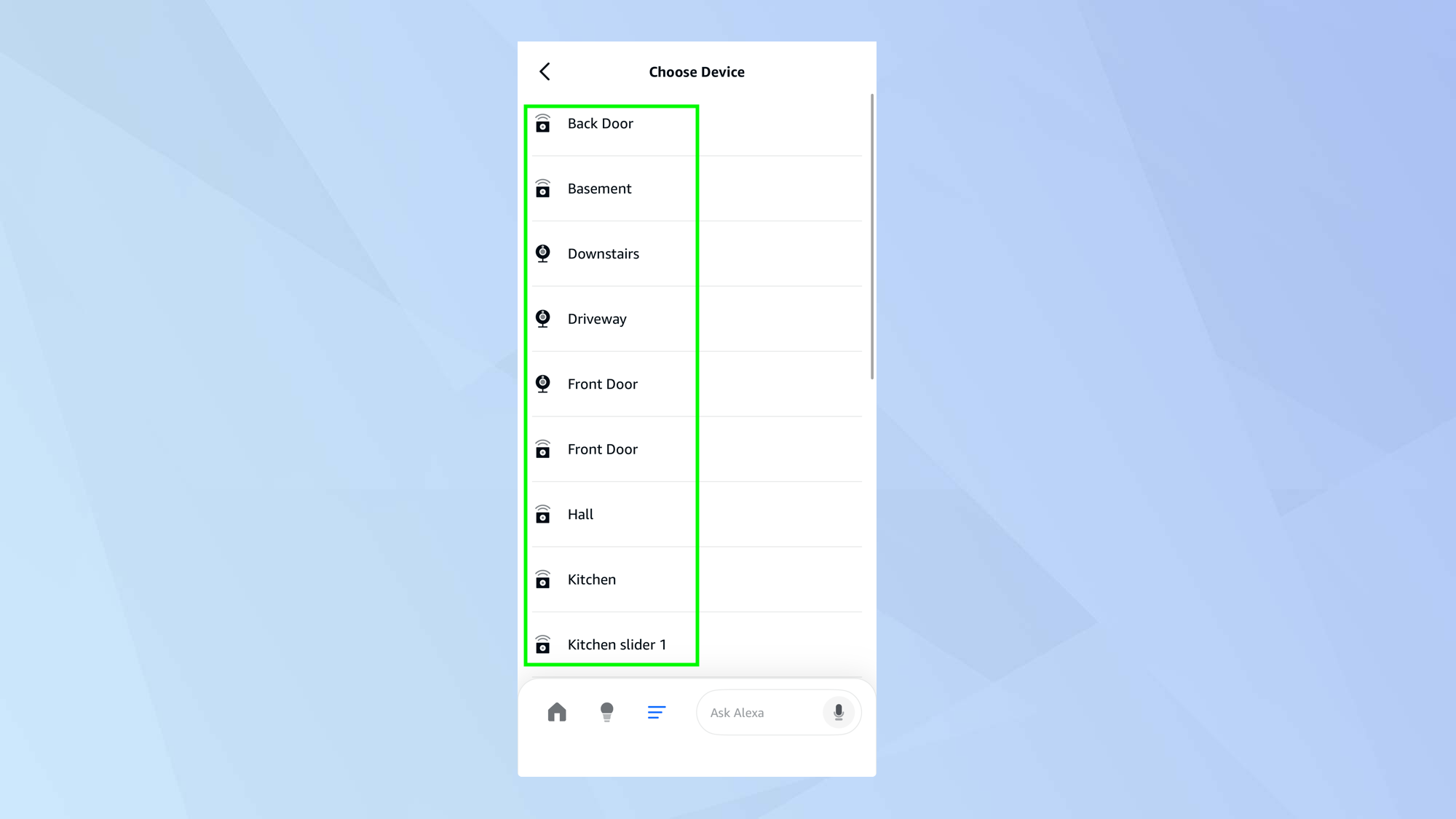
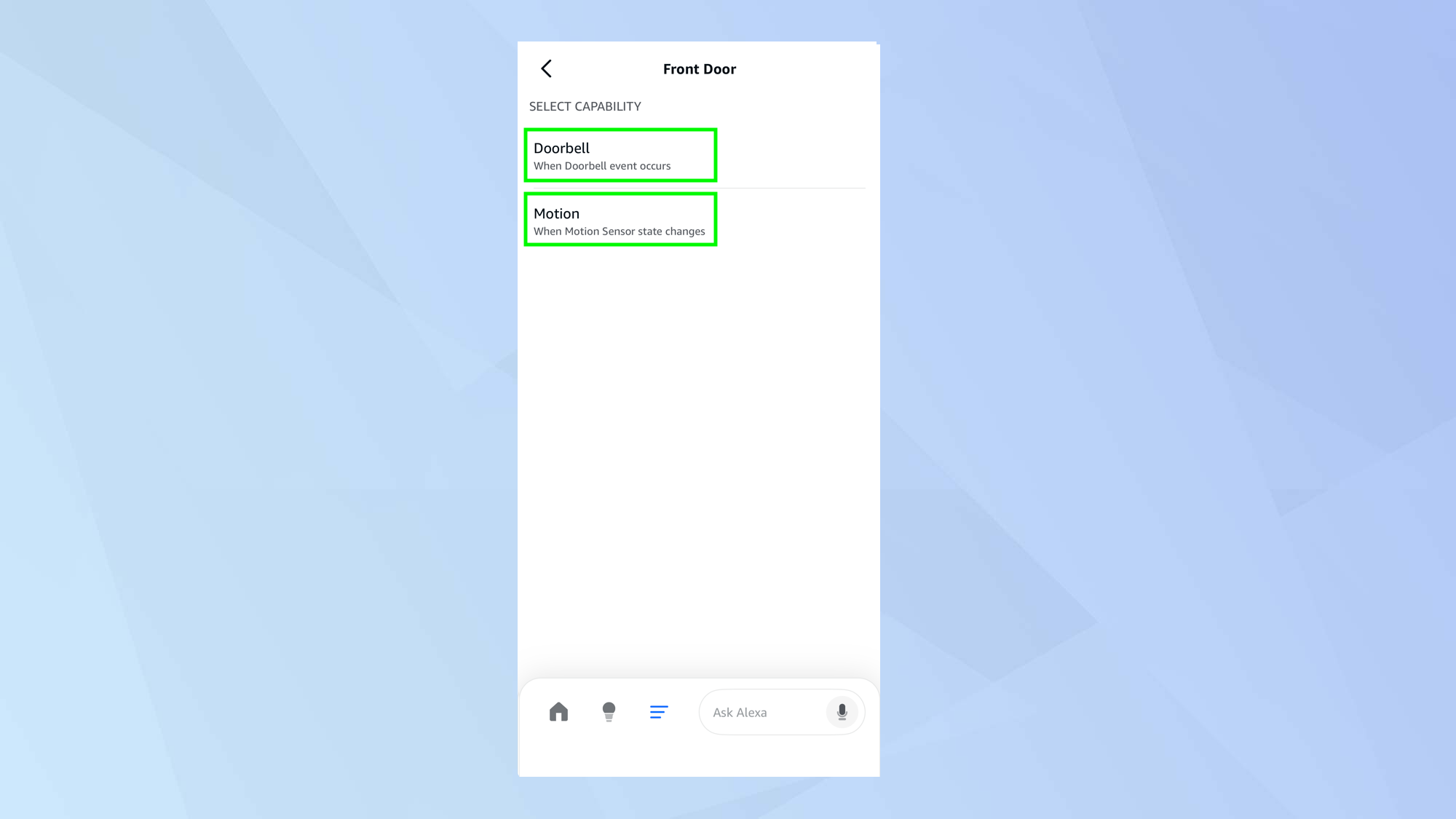
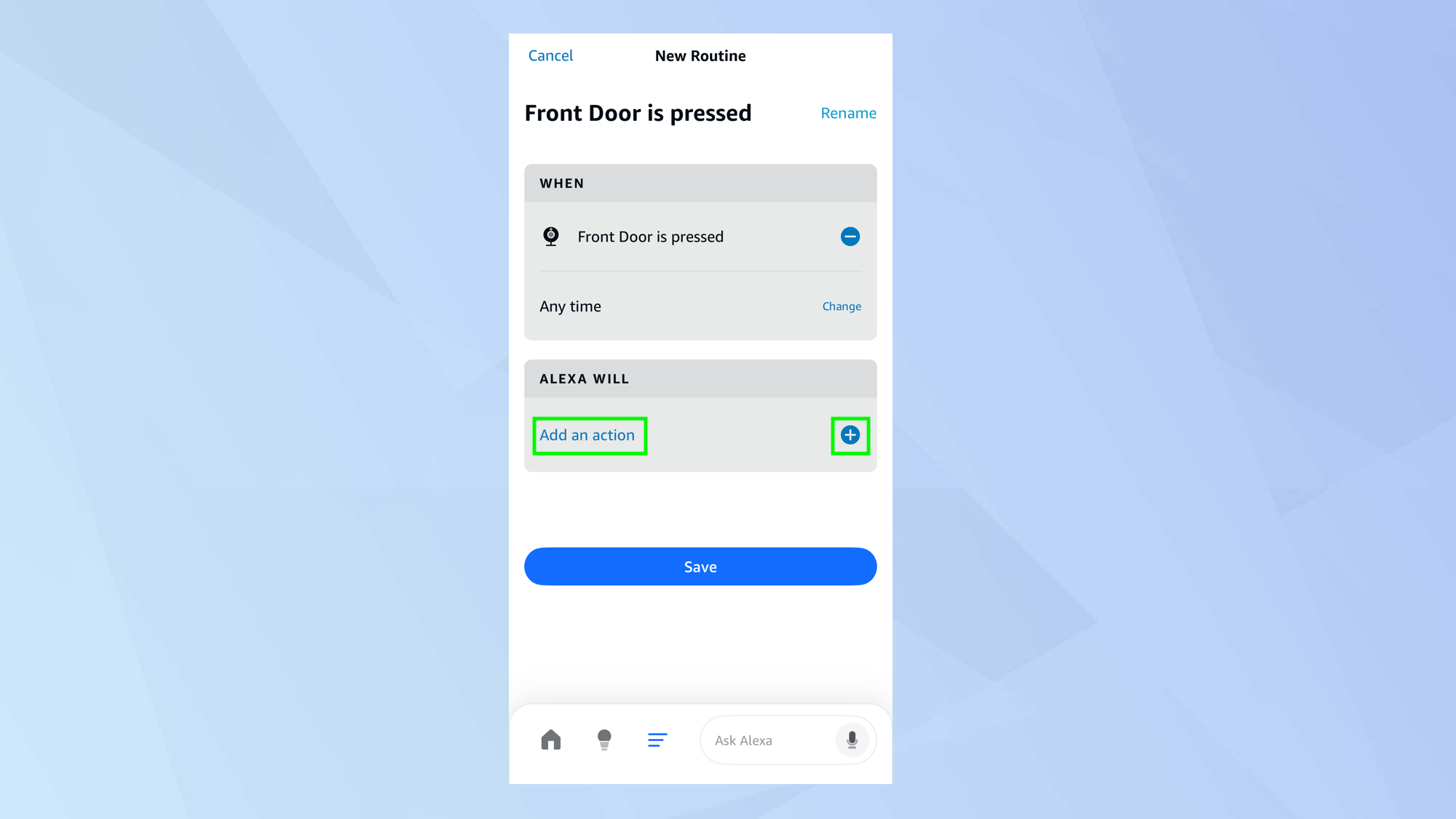
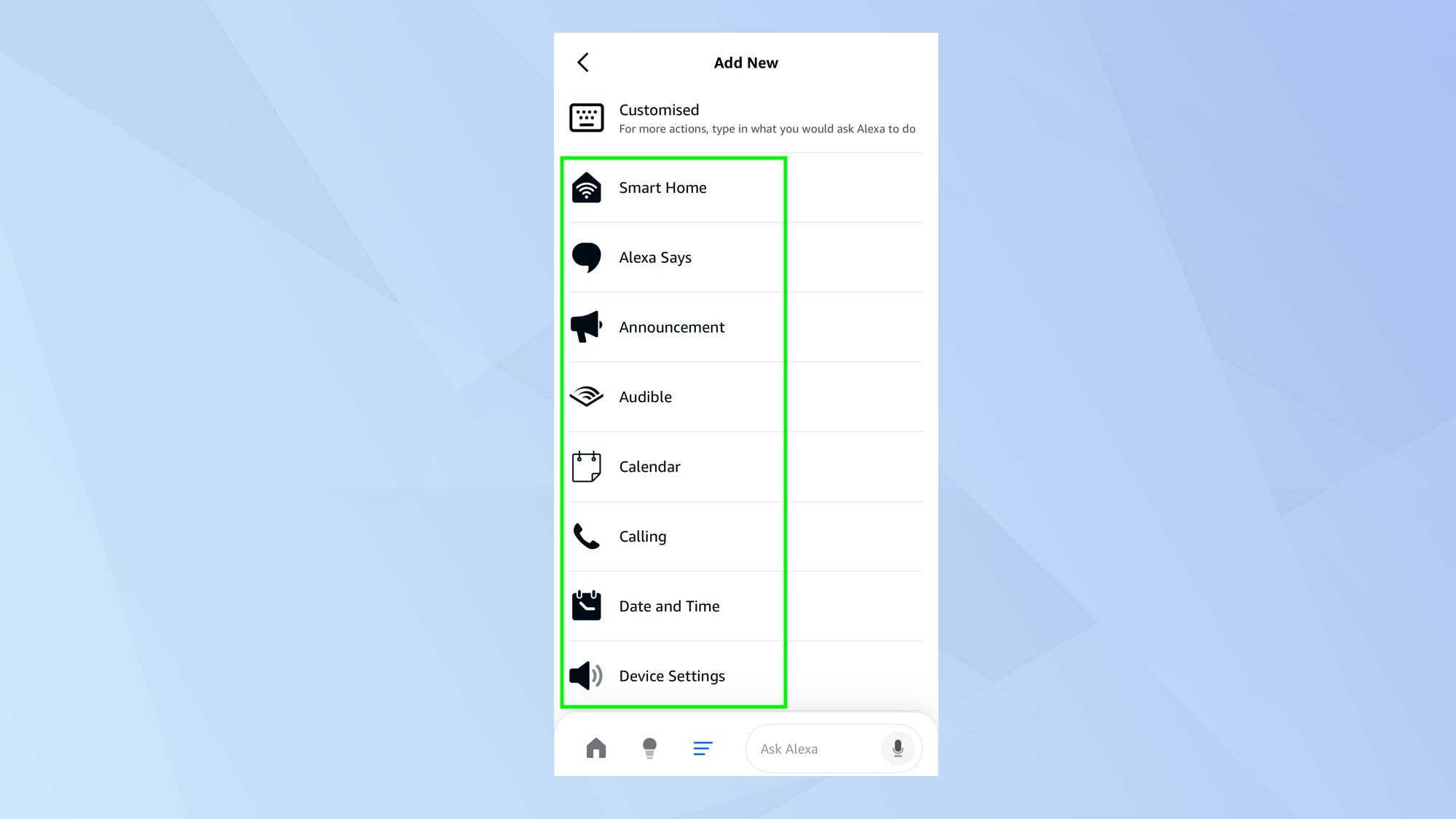
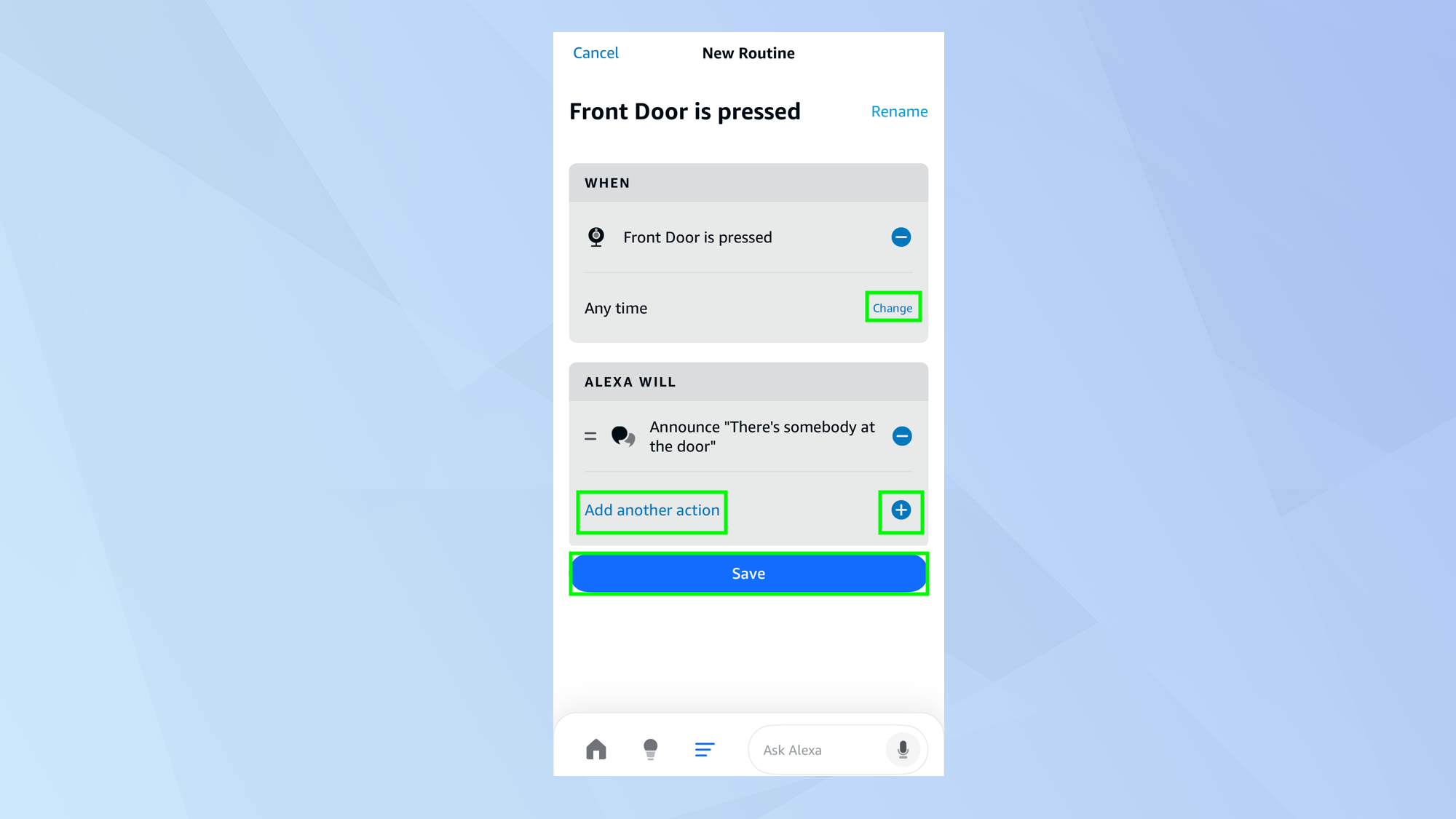
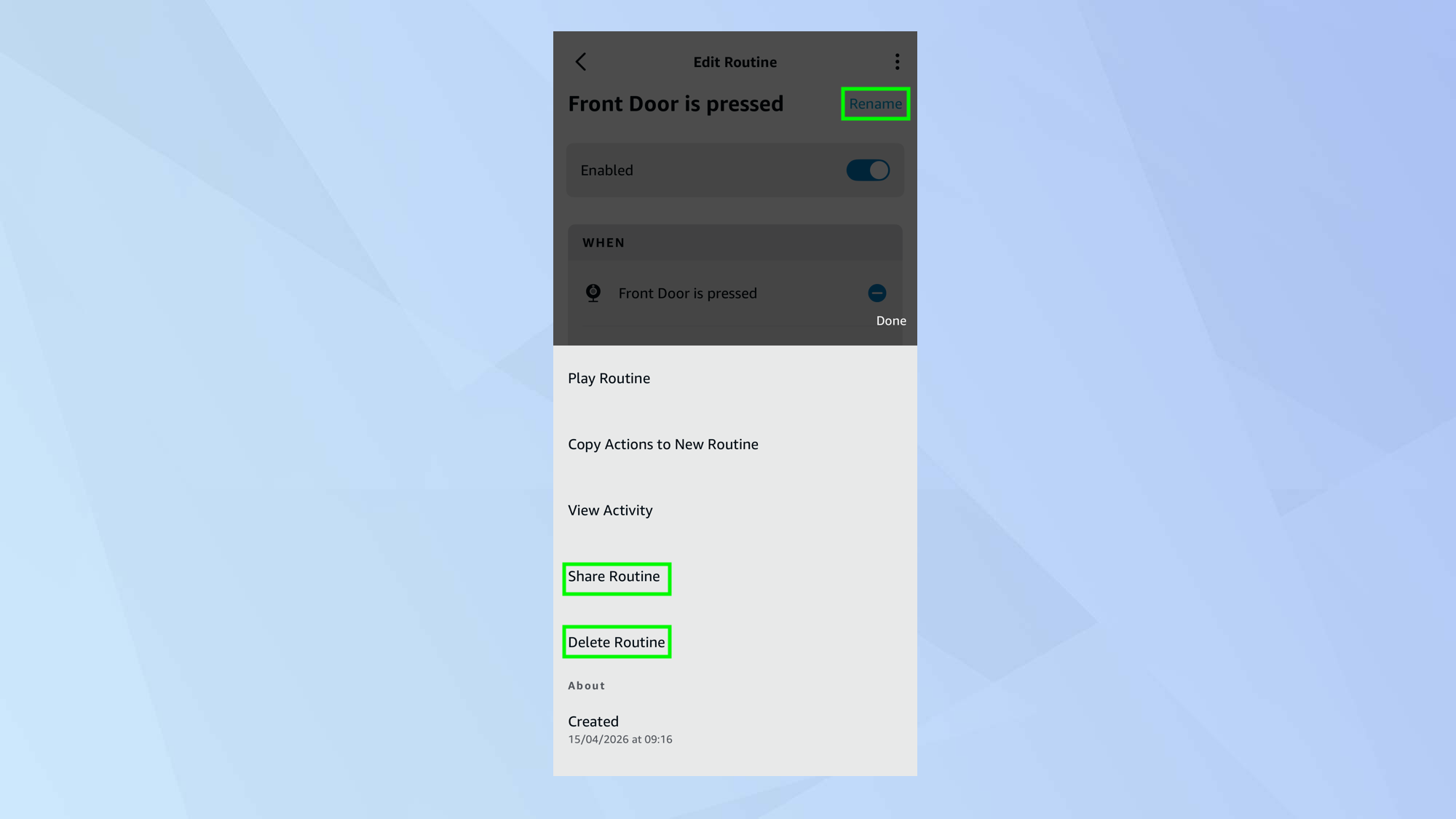
(Image credit: Ring) If you have an Amazon Echo smart speaker or an Echo Show smart display, you can get more out of your Ring devices by linking them with Alexa. Once connected, you can create routines triggered by specific actions. For example, when someone rings your doorbell, Alexa can make a custom announcement, trigger an indoor camera to start recording, or turn on a smart light. It’s a simple way to take your smart home to the next level. Article continues below Because you can assign multiple actions to a single trigger, you can build more advanced and tailored automations. Here’s how to set one up. 1. Sign into the Alexa app Install and open the Alexa app on your smartphone and sign in using the same Amazon account that is being used with your Ring account. This will ensure the Alexa app will recognize and work with your Ring devices. 2.…