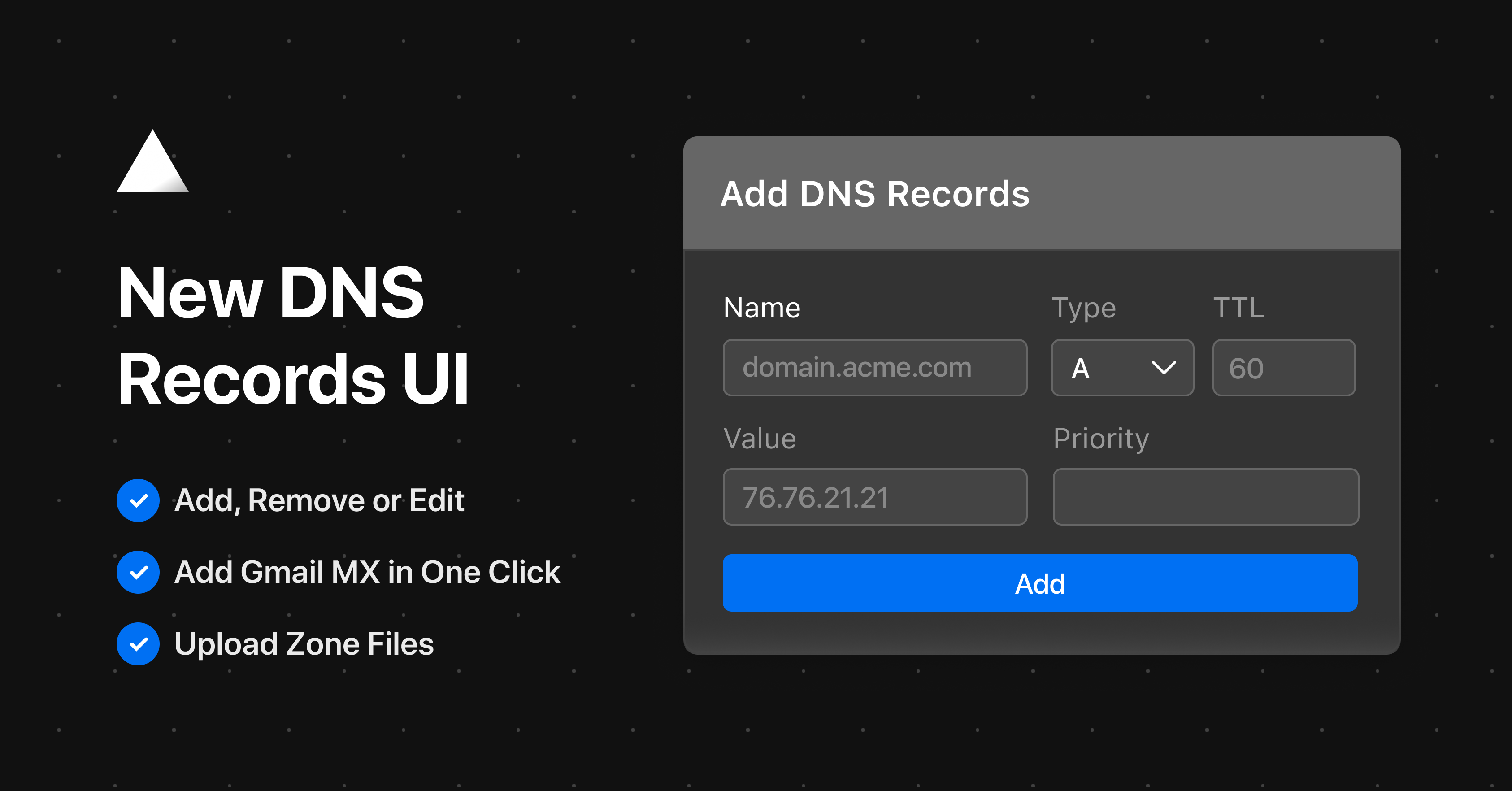
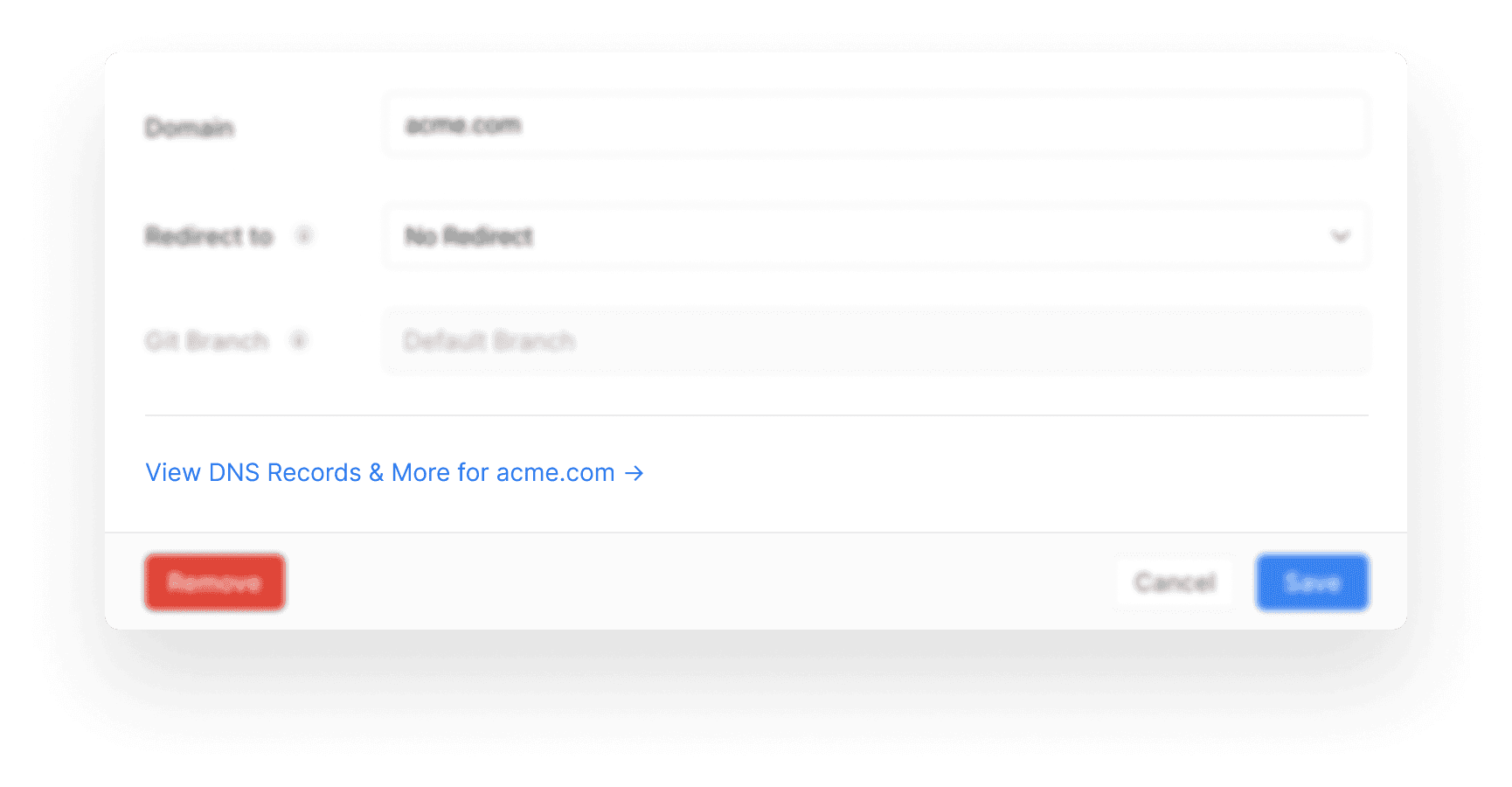
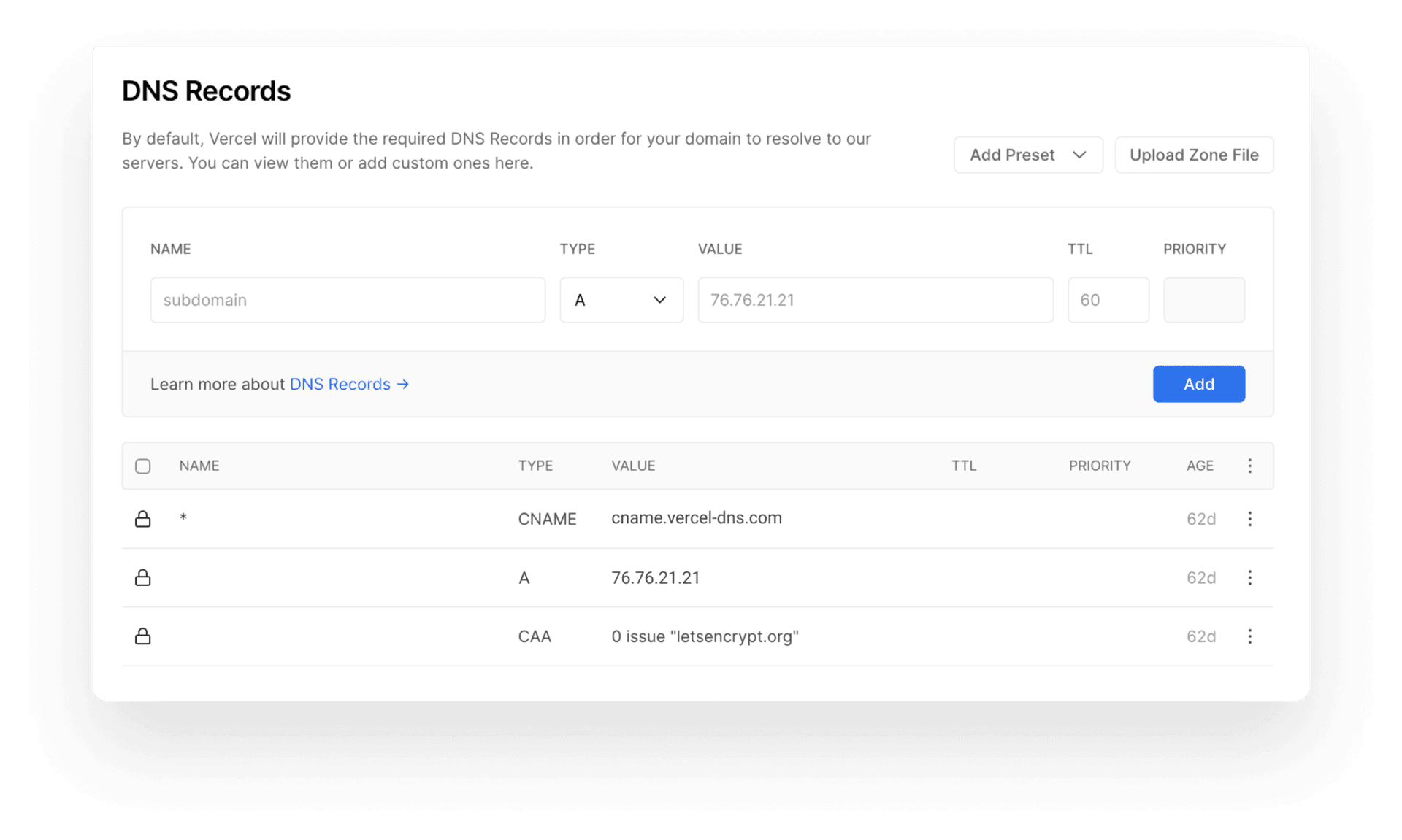
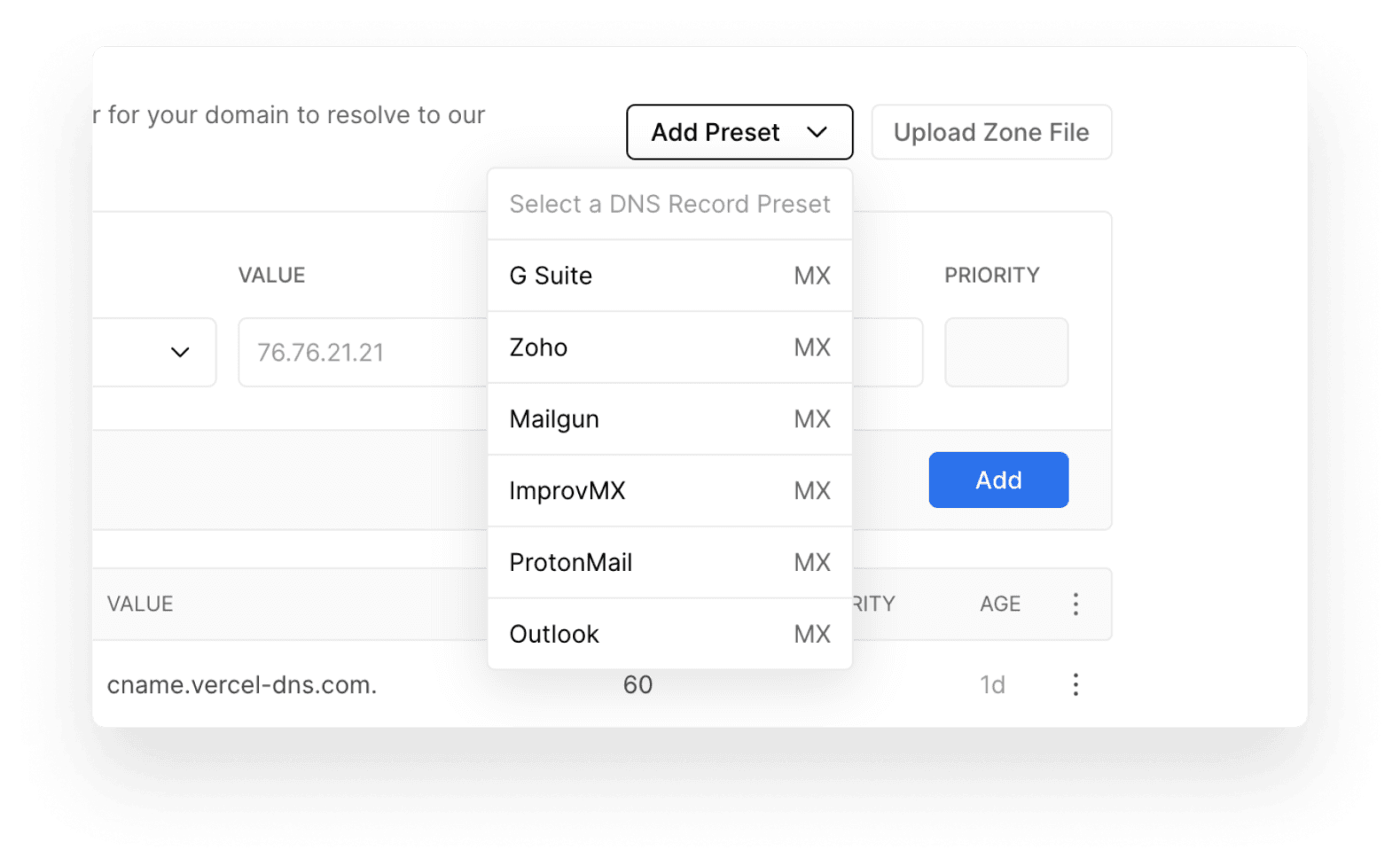
Set your DNS records including presets for commonly used records. Applying custom DNS Records to your Domains (for receiving emails, for example) has so far always required interacting with our advanced command-line interface . From today, you'll be able to manage them directly from the Web UI and even insert presets for commonly used DNS Records. Link to heading New Domain Setting To edit the existing DNS Records of your Domain or add new ones, navigate to the Domains page of your Project Settings. There, click Edit on the Domain of your choice and you'll find a link at the bottom of the view: Editing a Domain within the Project Settings. On the following screen, you'll then be presented with all the details about your Domain and you'll be – among other things – able to manage its DNS Records : Editing the DNS Records of a Domain. With this section, you can add new DNS Records and remove or edit existing ones, easier than ever, allowing you to get back to your Project without losing focus.…