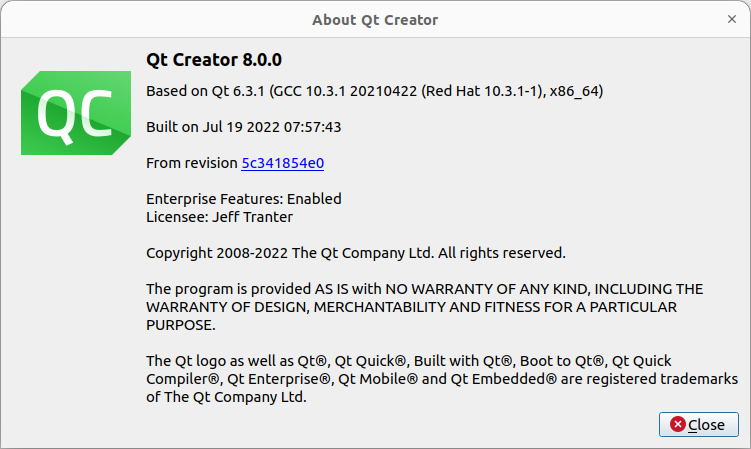
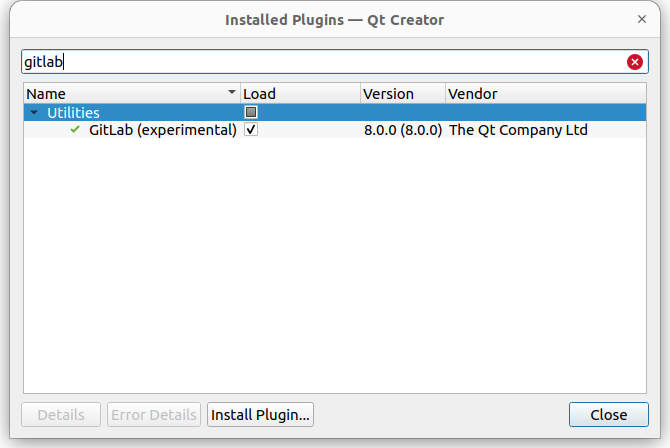
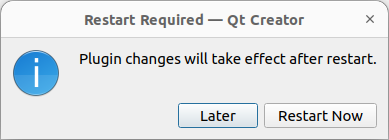
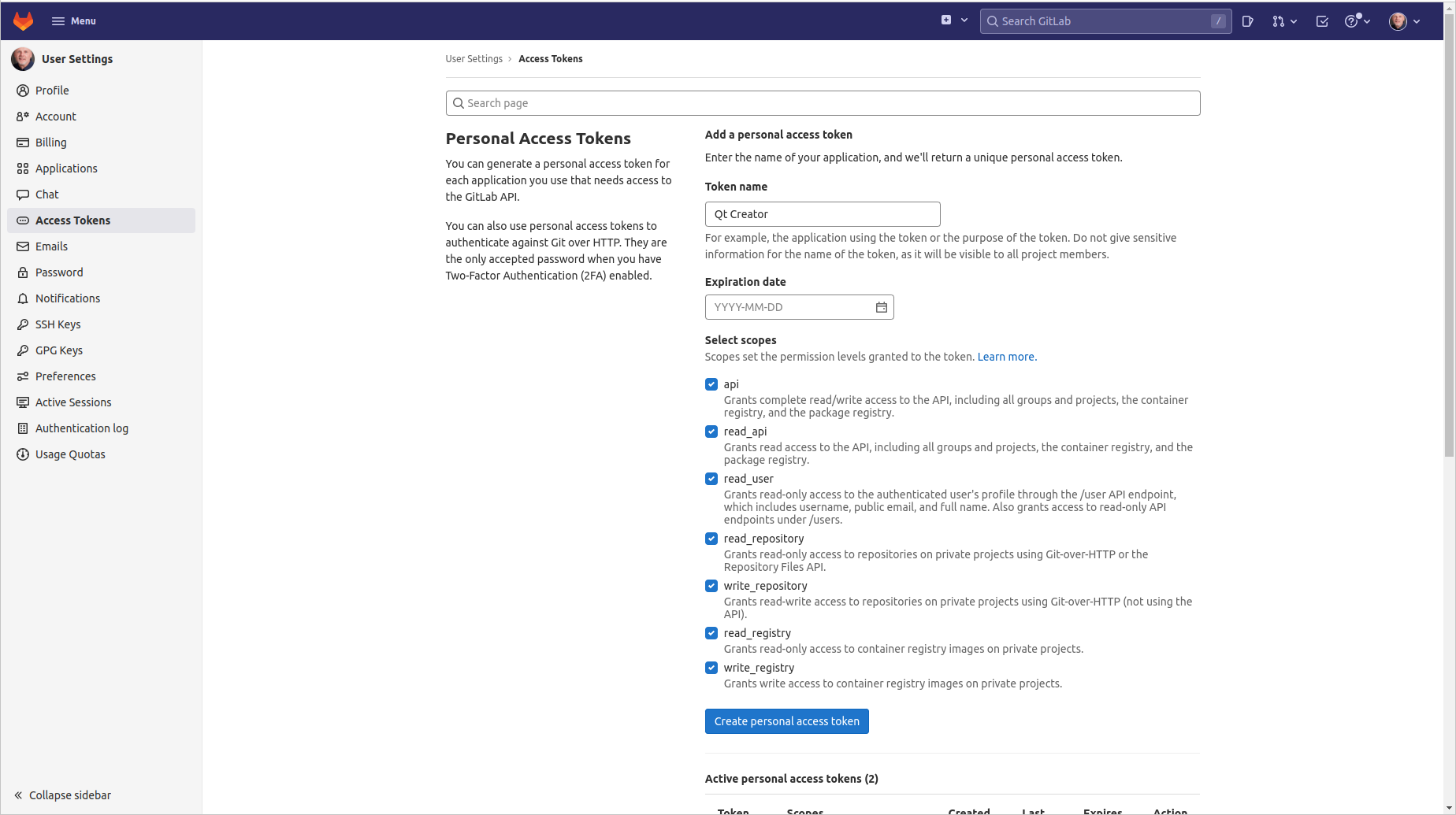
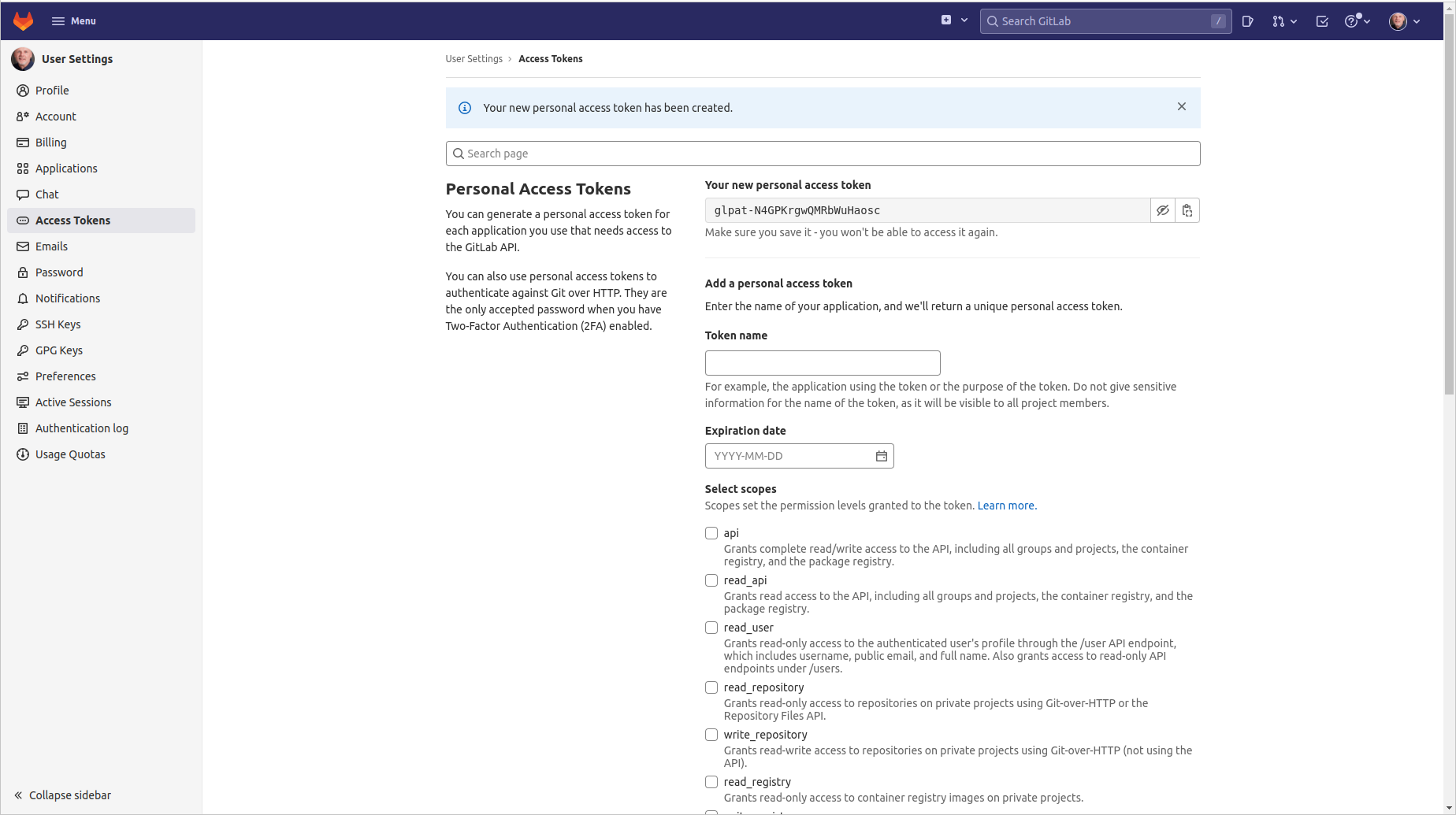
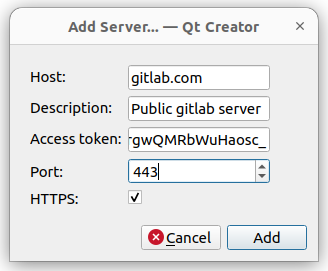
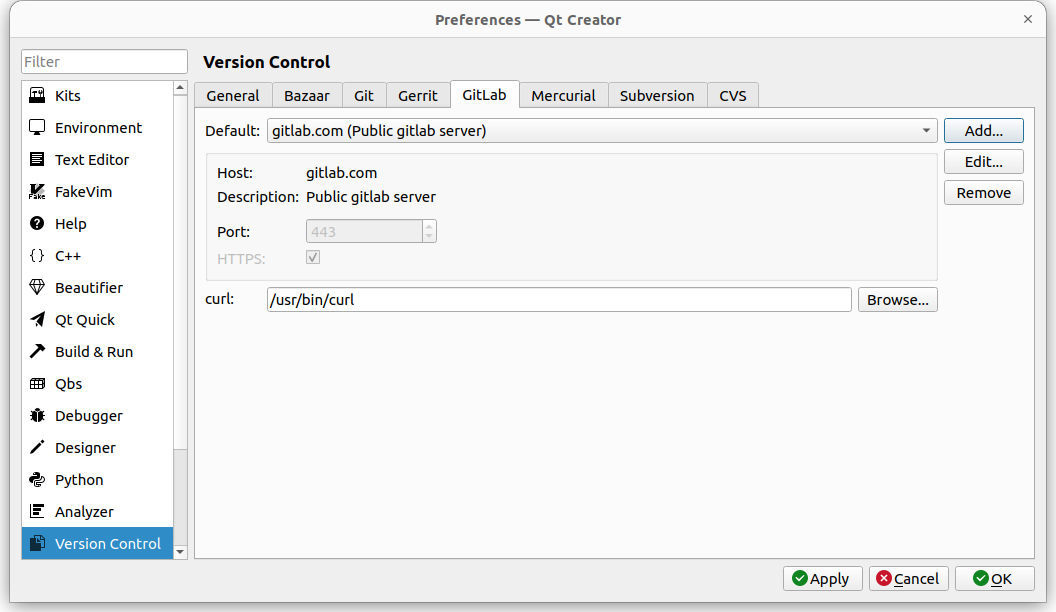
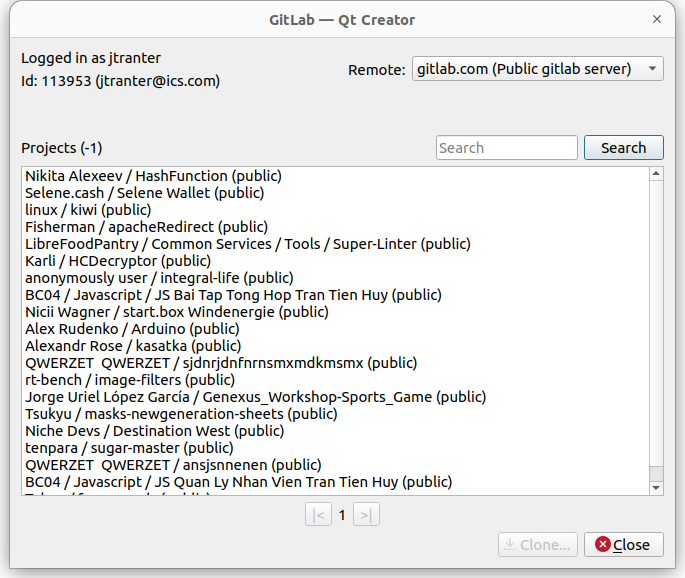
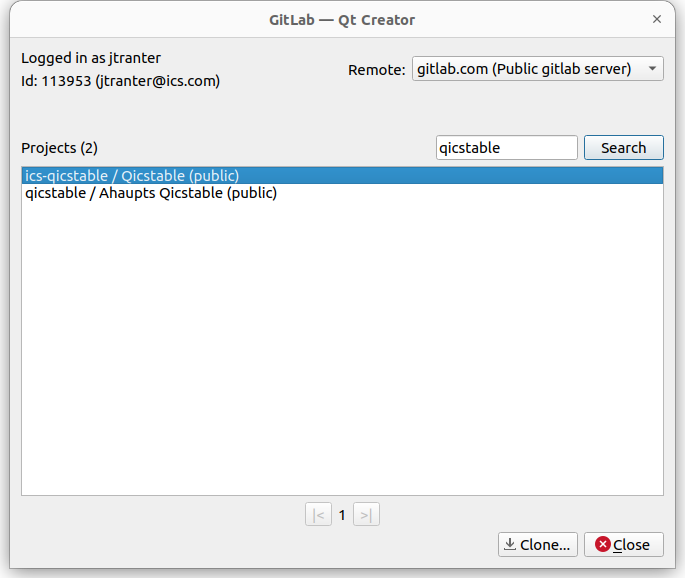
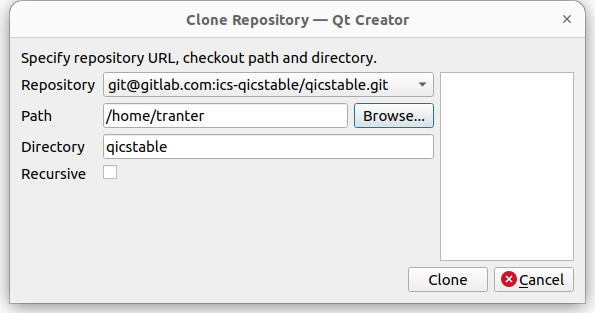
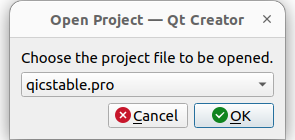
Starting with version 8.0.0 the Qt Creator IDE has a useful new plugin that allows you to browse and clone projects from a GitLab server. While easy to use, it is not well documented, so I thought I would write a blog post that describes how to configure and use it. Requirements You will need Qt Creator version 8.0.0 (or later). You can identify the version from the menu entry Help / About Qt Creator... You will also need the curl program, which is typically installed by default on most Linux, macOS, and Windows 10 and 11 systems. Enable the Plugin As of Qt Creator version 8.0.0 the plugin is considered experimental and not enabled by default. To enable it, select Help / About Plugins... and select the Load checkbox for the plugin Utilities / GitLab (experimental) . Close the dialog and it will then prompt you to restart Qt Creator: Getting an Access Token You will need something called an "access token" from your gitlab server in order to allow third-party code like Qt Creator to access your gitlab account.…