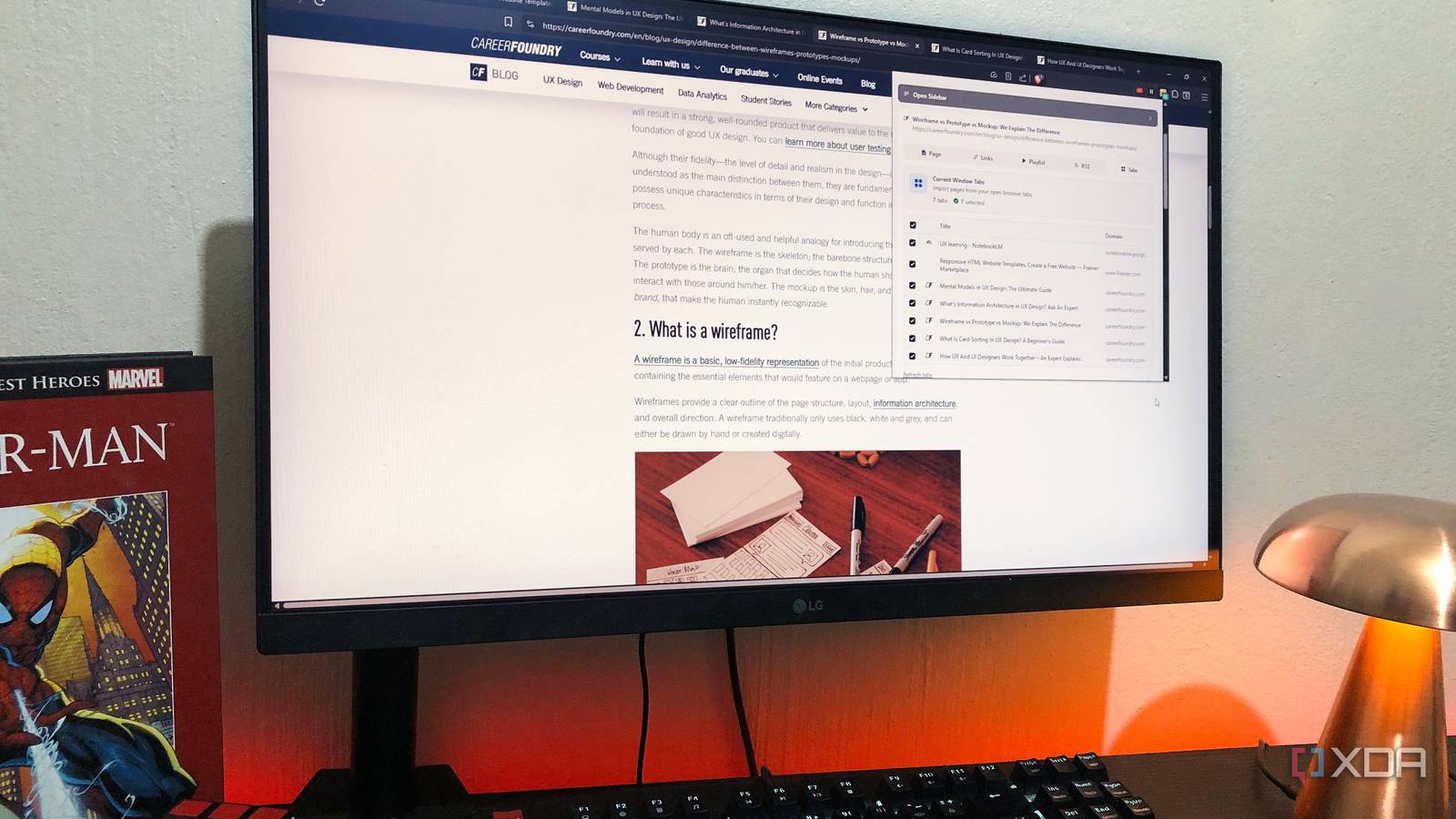
Published Apr 29, 2026, 1:00 PM EDT Judy is an author at XDA with over a decade of experience writing about digital media. She's written for some of the largest names such as MakeUseOf, Android Central, Android Police. She always has an Windows computer handy and is always looking into upgrading. When she's not writing about tech, she's watching Return of the Jedi or playing with her Yorkie. Before I found NotebookLM Tools , I was adding sources the hard way. I would either copy the URL and add it to a notebook or search for sources within it. But if I found a source for a different topic, I would then have to switch notebooks again. When I saw what NotebookLM Tools could do, I felt immediate relief. It just made sense, and I couldn’t believe I had been doing it that way for so long. I can drop a source into an existing notebook without leaving the page A couple of clicks and it’s already in the right notebook I came across a site that I wanted to add as a source for my Network Quiet Hours notebook.…