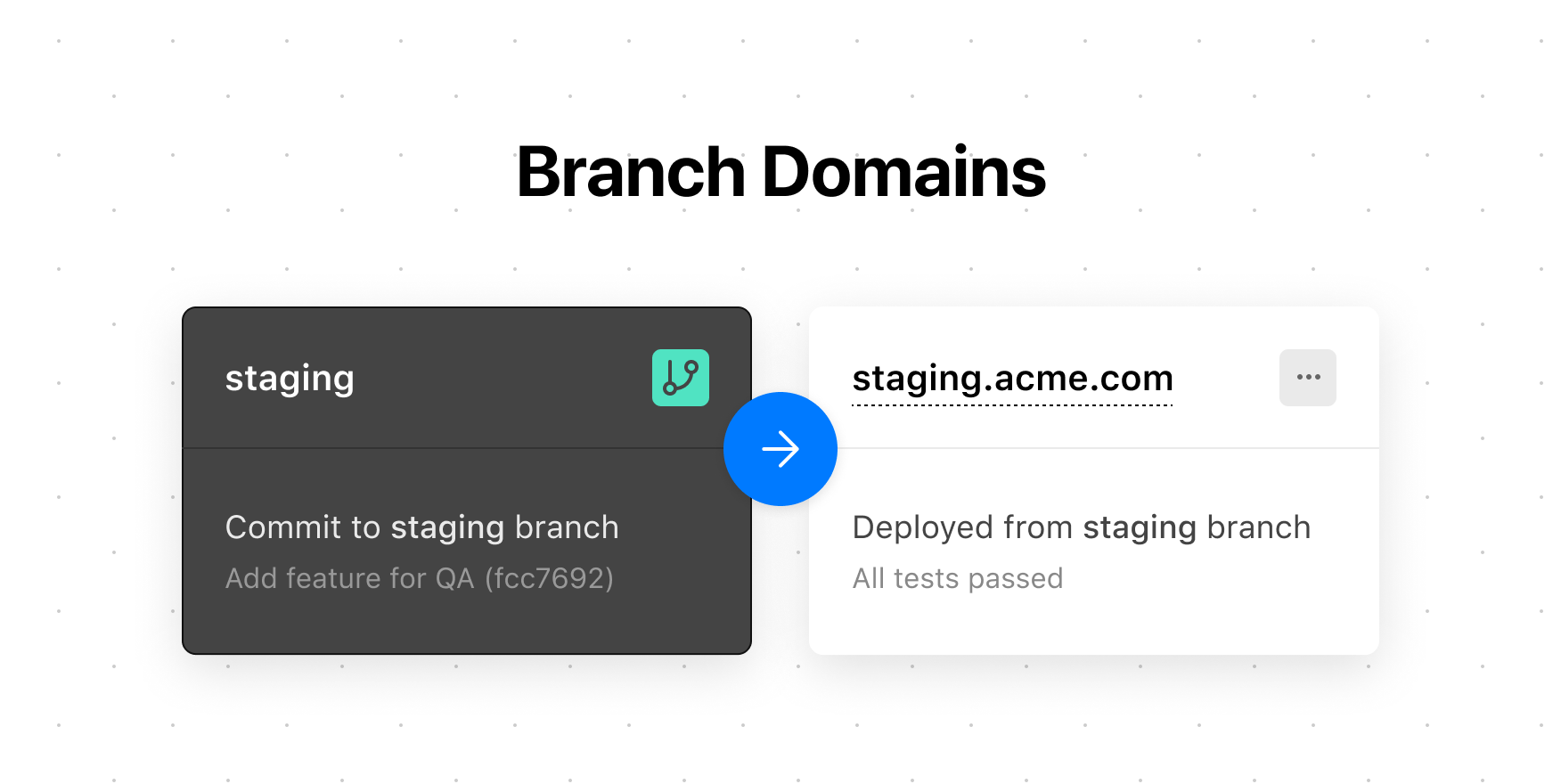
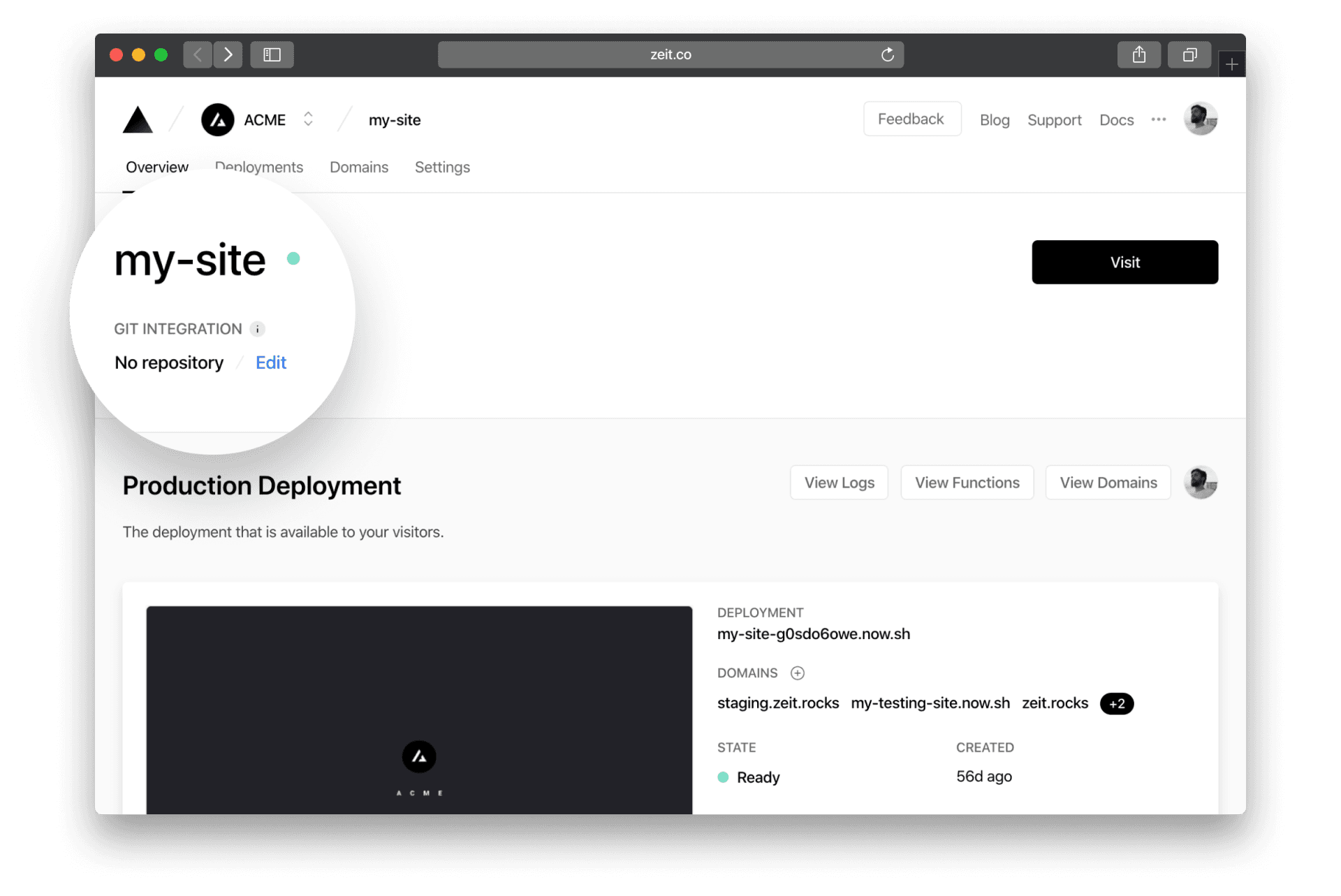
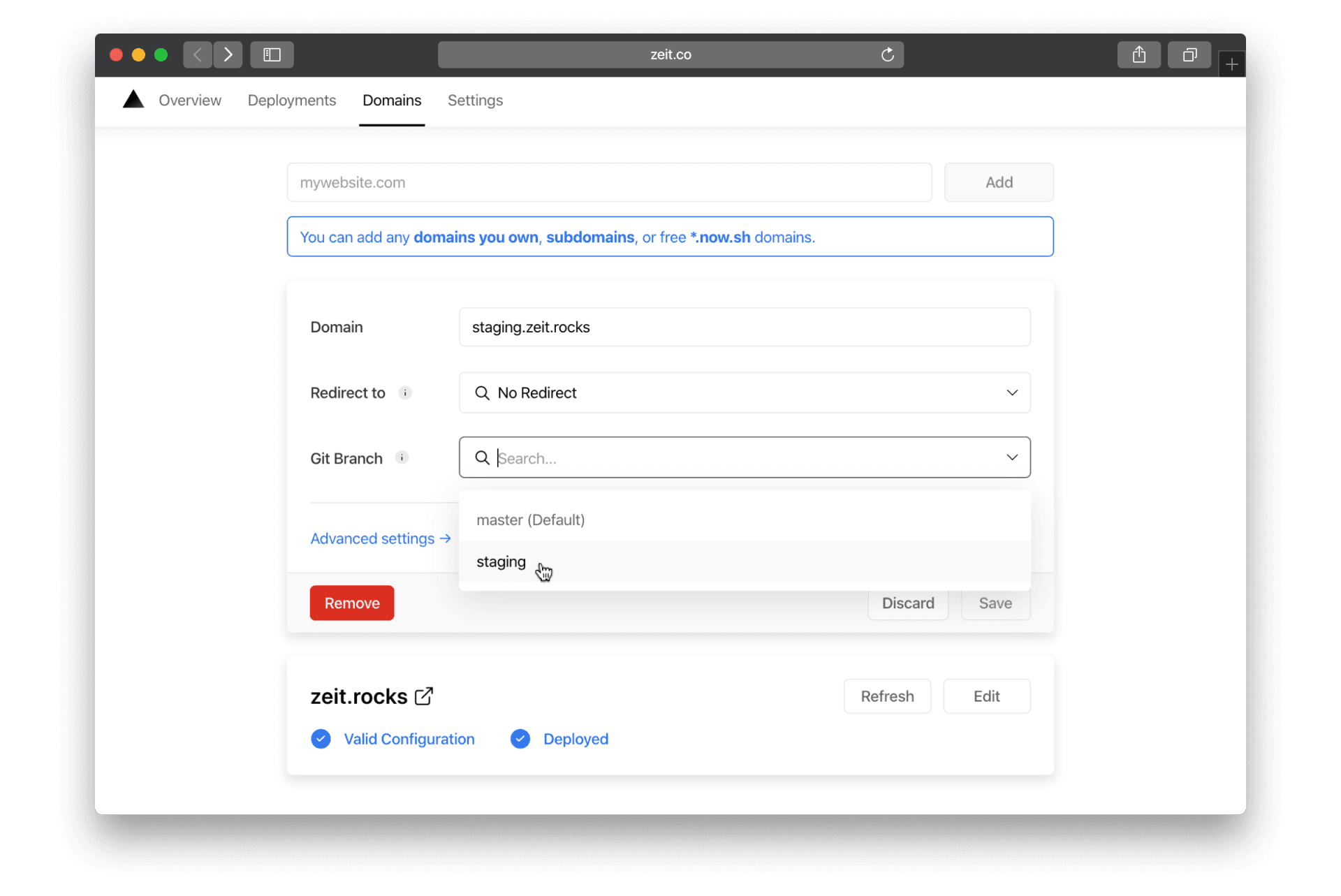
Assign a stable domain to your Vercel branch deployments. After editing your project, previewing your changes with Vercel is only a matter of pushing a Git commit using our Git Integration , or by running a single command using our command-line interface . Every Deployment created in either way receives a unique URL, yet you still might want to apply a Custom Domain for your Preview Deployments . Today, we are making this possible with Branch Domains. Link to heading A new domain setting To apply a domain to a Git Branch of your choice, you first need to ensure that your project is linked to a Git repository on the project's overview page: Connect your project to a Git repository. Next, add a new domain and select a Git Branch : Select a Git Branch that you want to assign your Domain to. To complete the setup, save and push a new commit to the selected Git Branch. Once you've done that, your domain will automatically point to the most recent Deployment created on that Git Branch. Congratulations!…