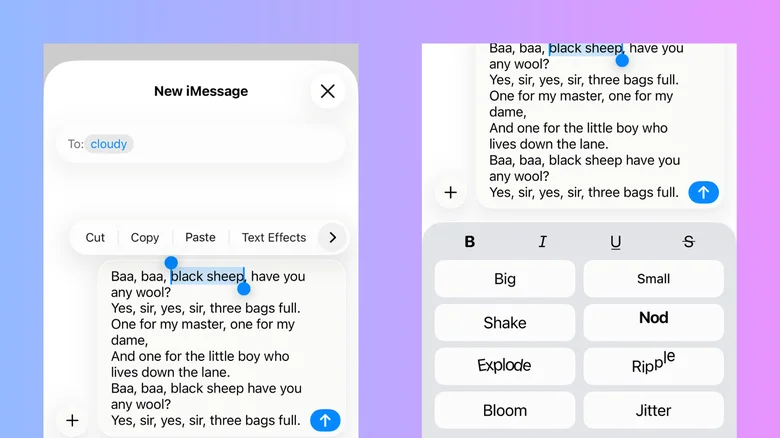
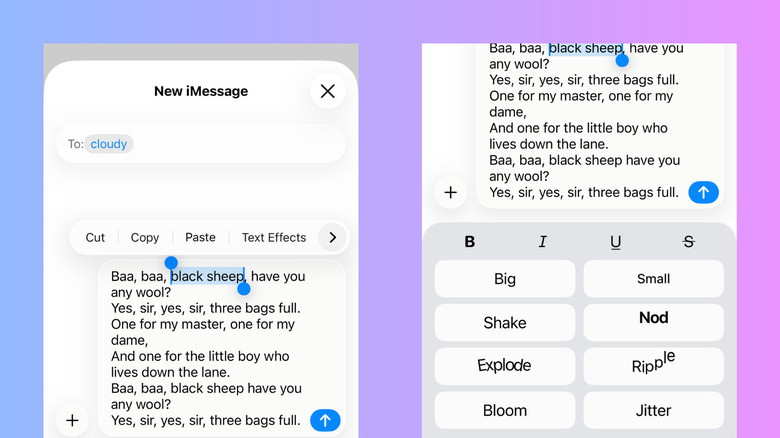
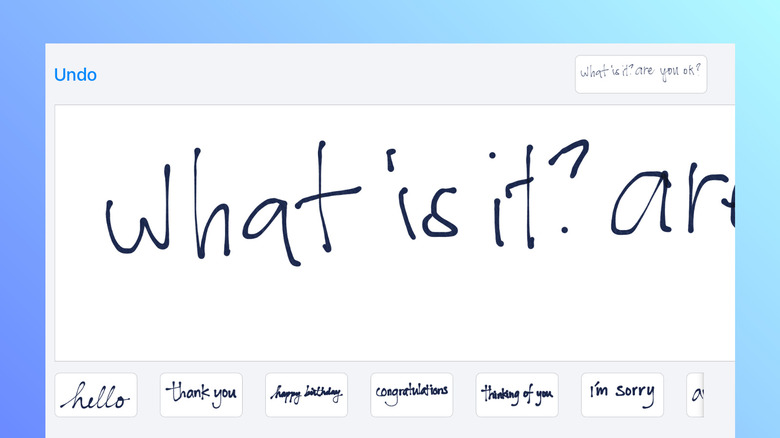
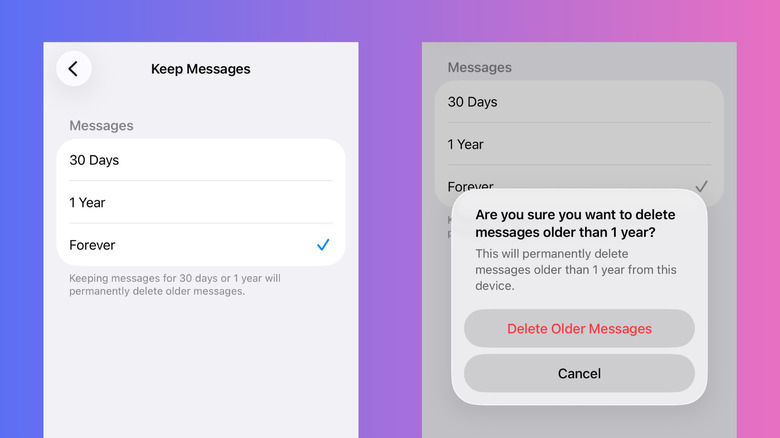
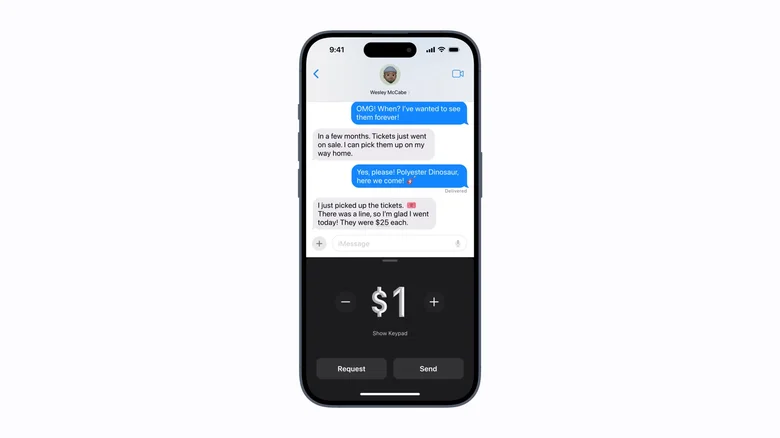
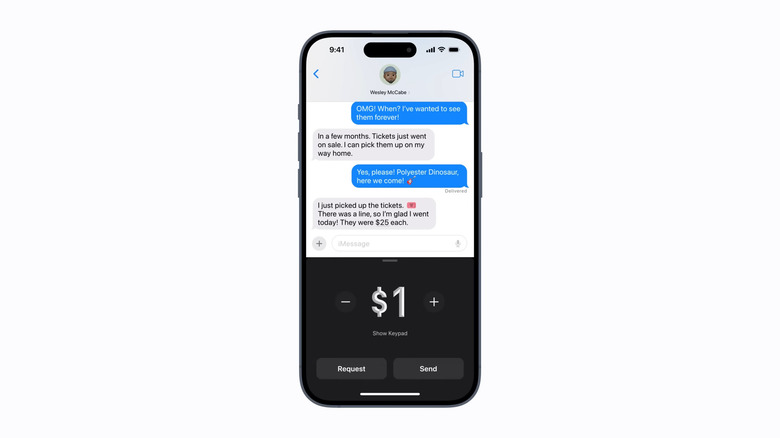
Hocus-focus/Getty Images While there are loads of third-party messaging apps out there, iPhone Messages remains many users' go-to. In fact, you probably open Messages at least once a day — maybe to check on a client's reply, or perhaps to make plans with the group chat. Conveniently, the app makes it easy to communicate in multiple ways. You can send a regular SMS text, a GIF, or a voice recording. There are also options to share documents and your current location. When it comes to replying, you don't even have to type a response — you can simply use tapbacks to like or laugh at a message. But these features are only scratching the surface of what you can do on iPhone Messages. It's actually integrated with more tools and settings hidden in plain sight. We'll walk you through five of the useful iOS features you might've missed but should be using in Messages.…