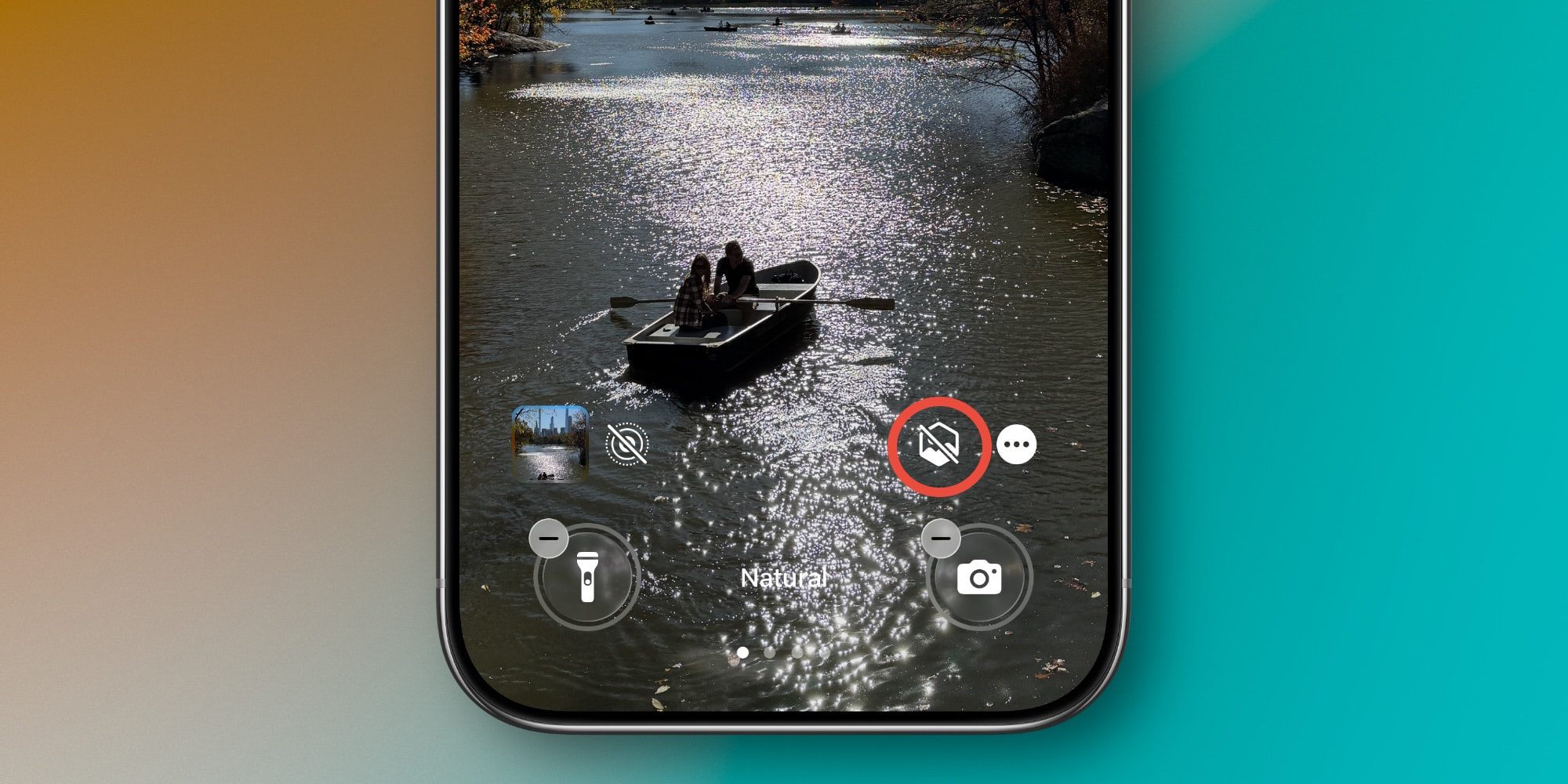
iOS 26 keeps adding a lot of new ways to customize your iPhone, but one of my favorites was there in the first 26.0 release: 3D spatial wallpapers. Here’s how to use the feature. How to apply 3D spatial effect to your iPhone’s wallpaper in iOS 26 Your iPhone’s wallpaper is one of the best ways to personalize the device for you. And in iOS 26, Apple introduced a fun new 3D effect for wallpapers. Per Apple’s official iOS 26 release notes : Spatial scenes let you add a new 3D effect to your photo wallpapers, bringing them to life when you move your iPhone Here’s an example of what this looks like in practice: The same effect is also baked into the Photos app in iOS 26, and in Photos’ popular Home Screen widget . In my experience though, this 3D spatial effect truly shines when applied to your iPhone’s wallpaper.…